Contacts
- 1.98M
- 4.3
- Installs
- 5.00B
- Price
- Free

Screenshots
Analysis by Reviewed APKs
Contacts is Google’s address book app for saving people’s details, keeping them synced to a Google Account, and finding them again when you change devices. I see it as a practical fit for anyone who wants a straightforward place for phone numbers, email addresses, and important dates. Its strength is less about flashy extras and more about making a frequently used list easier to maintain and recover.
A safety net for your address book
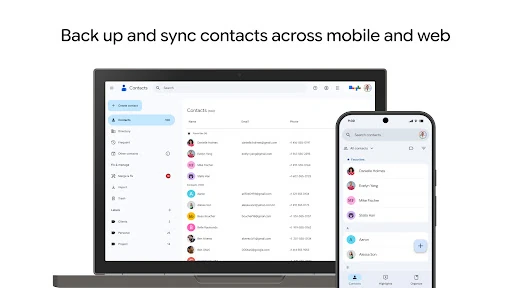
When I first opened Contacts, I thought about the small moments when a reliable address book matters: a friend changes their number, a work contact gets a new email, or an old phone is replaced. With contacts backed up to a Google Account, the app is meant to make that list available on devices where you’re signed in. That can take some of the stress out of switching phones, especially if your address book has grown over years.
A useful everyday routine is to update a person’s details as soon as I notice they have changed. I can edit phone numbers, email addresses, and photos, rather than leaving half-remembered corrections in a message thread. Contacts can also show people I recently added or viewed, which helps when I’m returning to a conversation and want to check a detail. It’s a modest convenience, but one that suits an app I might open briefly several times a week.
A focused alternative
Contacts is best understood as a dedicated address book, not a messaging or calling service. It keeps people’s details organized and synced, while the actual conversation happens elsewhere. Compared with keeping numbers in scattered notes or relying on memory, a central contact list is easier to update and carry between devices. Its account-based organization is particularly useful if I want to distinguish personal contacts from work ones without maintaining separate paper lists.
That focus also sets a reasonable boundary. The app is not presented as a social network or a tool for managing every part of a relationship. Its highlights include birthdays and anniversaries, but it does not replace a calendar or a chat app. I’d choose it for maintaining contact information and recovering recently deleted entries, not for planning a whole social schedule. People who want an all-in-one communication hub may prefer a broader tool alongside it.
Keep details current
A little upkeep makes an address book more useful. When I add someone, I can fill in the details I already have instead of saving only a name and planning to return later. Contacts supports phone numbers, email addresses, and photos, and it can help add useful details. That makes it easier to recognize a person or choose the right way to reach them when I’m in a hurry.
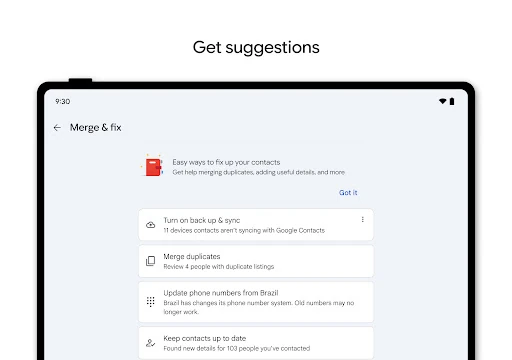
I’d also make a habit of reviewing duplicates rather than letting several entries for the same person pile up. Contacts can help merge duplicate contacts, so tidying the list does not have to mean starting over. For people whose special dates matter to me, I can check the birthday and anniversary highlights and add notifications. These are small, occasional tasks, but they make the list more dependable over time.
More From Our News Desk

Zoom Meetings, Google Meet, or Teams: Which Is Easiest to Join?

How I Build a Free Streaming Lineup With Tubi

Why Crunchyroll Is the Default Anime App for So Many Fans

YouTube TV: A Practical Guide to Cutting Cable

Rummikub and the Small Comfort of Phone Games

TeamViewer Remote Control or AnyDesk for Helping Family?
Who will find it useful
I’d recommend Contacts to people who keep an active address book and want it backed up to a Google Account. It makes particular sense for anyone who expects to move between devices, or who wants work and personal contacts shown by account. The option to recover contacts deleted within the last 30 days is another practical reason to keep the app in mind when cleaning up a list.
It may not suit someone looking for a full communication suite, a detailed relationship manager, or a replacement for a calendar. Contacts is deliberately centered on names and their details, with a few helpful touches such as special-date highlights and recently viewed contacts. If you rarely save contact information, its benefits may feel limited. But for people who reach for an address book regularly, its straightforward scope is a point in its favor.
Google LLC develops Contacts, a free Communication app on Google Play. It has over 5 billion installs and a 4.3-star rating from around 2 million ratings. The app is marked Everyone. It contains no ads and offers no in-app purchases, so the core app is free to use.
The listed version varies with device, and the minimum Android requirement is not specified in the available app facts. Contacts was released on December 7, 2015, and its listed last update is October 29, 2026. It is also available for Wear OS, with contact tiles and a favorite contacts tile among the supported watch options.
A Closer Look at Everyday Contacts
A familiar first impression
Contacts has a clear job from the outset: keep the people in my address book easy to manage and available through my Google Account. I appreciate that the main idea does not need much explanation. Adding or editing a contact’s basic details is the kind of task I can do quickly between other things, whether I’m saving a new number or correcting an old email address.
The account aspect is central to the experience. Contacts can show entries by account, such as work or personal, which helps when information is spread across more than one account. I find that more useful than treating every saved person as part of one undifferentiated list. The app’s aim is to keep those details accessible across devices where I’m signed in, including a replacement phone.
Useful in small visits
Most address-book use is brief: I need to check a number, update an email, or make sure I have the right person’s details. Contacts is built around that kind of short visit rather than asking me to spend a long time inside it. Recently added and recently viewed contacts are useful in those moments, particularly when I’m picking up a task I started earlier.
Keeping information accurate is more valuable than adding lots of entries and forgetting them. I can edit contact details as they change, and the app can help with duplicate merging. That gives the day-to-day experience a maintenance angle: save new information, fix old information, and occasionally tidy the list. The payoff is a contact book that is easier to rely on when I need it.
Recovery and special dates
The most reassuring feature is the ability to recover contacts deleted in the last 30 days from Trash. I like having a recovery window for the kind of mistake that happens during a rushed cleanup. It is not a reason to delete carelessly, but it can be a useful fallback if I remove an entry and later realize I still need it.
Contacts also surfaces highlights such as upcoming birthdays and anniversaries. I can add notifications for special days, which gives the address book a little more personal usefulness without turning it into a full calendar. I would use this selectively for people whose dates I genuinely want to remember, rather than adding reminders for every entry.
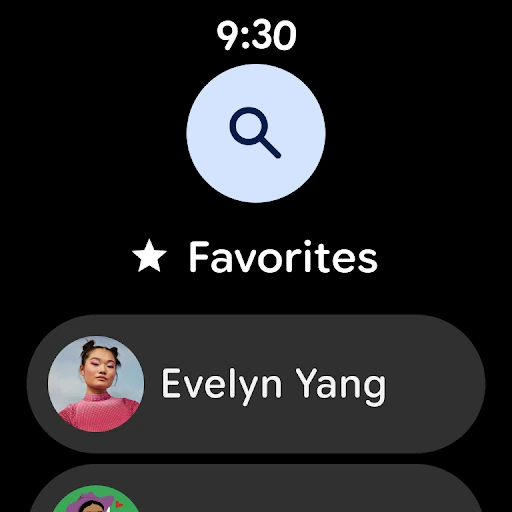
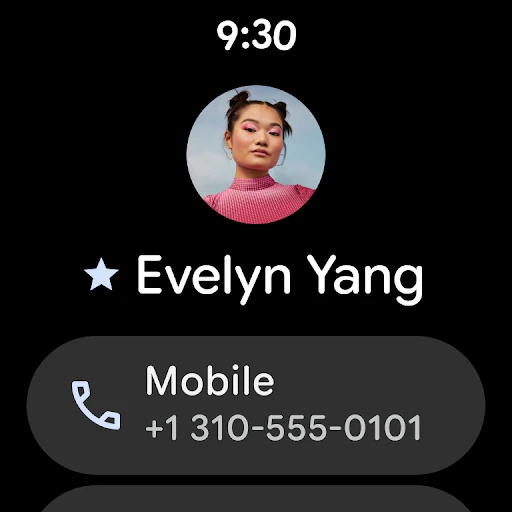
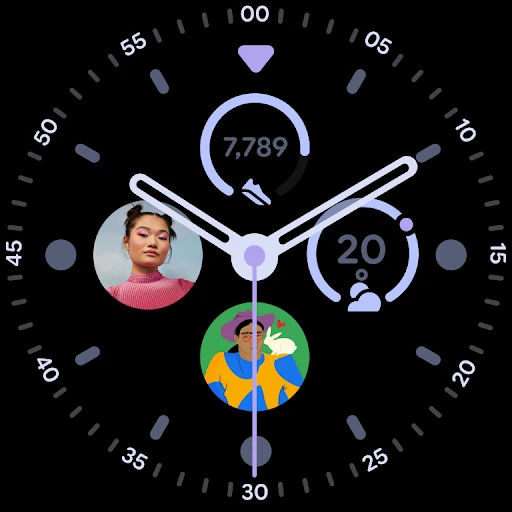
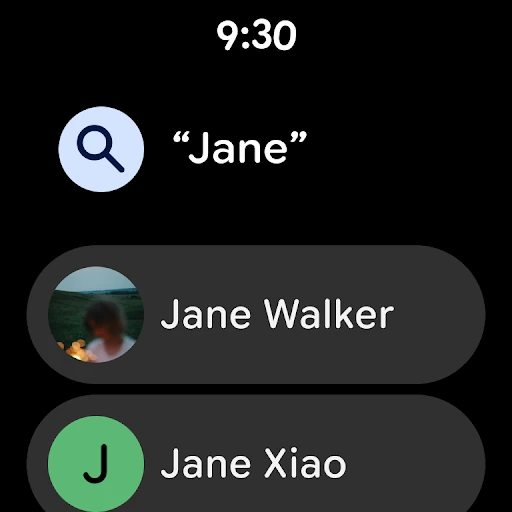
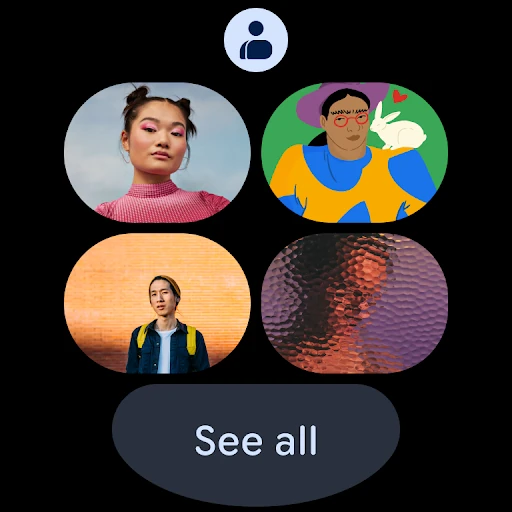
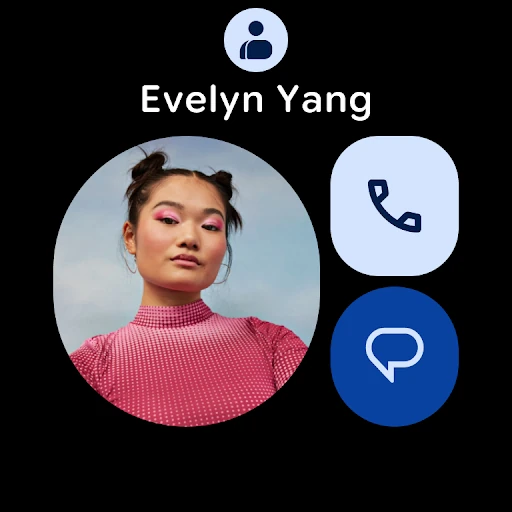
Wear OS support extends the contact idea to a watch, with a favorite contacts tile, an individual contact tile, and a contact complication. That is a specific convenience for people who use Wear OS. I would not treat it as a reason by itself to switch address-book habits, but it is a welcome way to keep selected contact information close.
A routine that sticks
One simple workflow is to save a person as soon as I have their details, then add any useful information while it is fresh. If I have their phone number, email, or photo, I can update the entry rather than leaving those details in a separate note. When I later need to revisit the contact, the recently added or viewed area can help me get back to it.
Every so often, I’d review the list for duplicates and outdated information. Contacts can assist with merging duplicates, and account-based views help me focus on work or personal entries as needed. I’d also glance at the birthday and anniversary highlights when planning the week. This is not an elaborate system; it is a few small checks that keep a basic tool useful.
The backup and sync purpose is most relevant when I’m signed in on more than one device or preparing to move to another phone. Keeping contact details tied to the account gives me a way to access them elsewhere. I would still take care when editing or deleting important information, but knowing that recently deleted contacts can be recovered adds a practical safety margin.
Keep expectations grounded
Contacts does not try to be a complete personal organizer. Its supported features cover contact details, account views, duplicate help, recently accessed contacts, special-date highlights, and recovery from Trash. If I want a richer calendar, a conversation history, or a broader way to manage plans, I need to use other tools. That narrow purpose is easy to understand, though it may feel basic to users seeking more.
The app’s value also depends on having contact information worth organizing and using a Google Account for its backup and access benefits. If I do not keep an address book, the sync and recovery features will matter less. And while Wear OS support is available, it is an added convenience for watch users rather than the main reason most people would choose the app.
Finally, the listed Android version varies by device, so I’d check Google Play for device-specific compatibility before installing. The version itself is also shown as varying with device. Those practical details do not change what Contacts is for, but they are worth checking if I’m setting up an older phone or comparing what is available on a particular device.
Contacts earns its place through everyday usefulness rather than novelty. I like the combination of account-based backup, simple editing, duplicate help, and a limited recovery window for deleted entries. Special-date highlights and Wear OS support add a little extra value without obscuring the main job: keeping contact details organized and accessible.
I’d recommend it to anyone who wants a dependable Google Account address book, especially when moving between devices or keeping work and personal entries apart. I would not choose it as a replacement for messaging or calendar software. If a focused contact manager is what you need, Contacts is a practical option to try.
Contacts Frequently Asked Questions
What is Google Contacts used for?
Contacts is used to save and edit people’s details, including phone numbers, email addresses, and photos. It can back up and sync contacts with a Google Account, show entries by account, help merge duplicates, and recover contacts deleted within the last 30 days. It also highlights upcoming birthdays and anniversaries.
Which devices can I use Google Contacts on?
Google Contacts is an Android app and is also available for Wear OS. On Wear OS, it supports a favorite contacts tile, an individual contact tile, and a contact complication. For the Android version and compatibility with a particular phone, check the Google Play store entry for that device.
What Android version does Google Contacts require?
The Android requirement can vary by device, so I’d check Google Play on the phone where you plan to install it. The app’s listed version also varies with device. Checking the store entry is the best way to see the compatibility details that apply to your specific Android device.
Is Google Contacts free, and does it have purchases?
Google Contacts is free on Google Play. It has no in-app purchases and contains no ads, according to its app facts. Store details can change over time, so it is sensible to check the current Google Play entry if you want to confirm the latest cost and app information.
Is Google Contacts a good fit for everyone?
It is a good fit if you want a focused address book that can keep contact details backed up and organized through a Google Account. It may be less appealing if you want a full messaging service, calendar, or broad personal organizer. Its value is greatest for people who actively maintain a contact list.
Pros
- Backs up and syncs contact details through a Google Account.
- Can recover contacts deleted within the last 30 days.
- Helps organize entries by account and merge duplicates.
- Highlights birthdays and anniversaries, with notification support.
Cons
- Focused on address-book tasks rather than broader communication features.
- Android compatibility details vary by device.
- Special-date tools may be unnecessary for people with basic contact needs.
- Category
- Communication