ChatGPT
- 66.42M
- 4.8
- Installs
- 1.00B
- Price
- Free

Screenshots
Analysis by Reviewed APKs
ChatGPT is a pocket-sized AI assistant for questions, writing, image creation, voice conversations, and more. I see it as most useful when I need a quick first draft, a fresh idea, or a plain-language explanation without opening several separate tools. It can be surprisingly versatile, though its answers still deserve a thoughtful read. For everyday brainstorming and learning, it is a capable companion rather than a substitute for judgment.
A quick kitchen question
When I first opened ChatGPT, I imagined using it during the small pauses in a normal day. Say I am staring into the fridge with a few ingredients and no plan for dinner. I can ask for recipe suggestions based on what I have, then follow up with a request to make the idea simpler or more interesting. That back-and-forth is the app’s central appeal: start with an ordinary question and refine it in conversation.
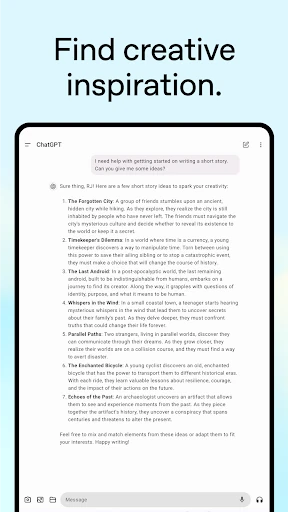
The same flow suits practical writing. I might ask for a warmer reply to a message or brainstorm a birthday greeting, then give more context when the first answer feels too generic. For a trip, I can ask for a detailed itinerary and adjust the request around what I want to do. ChatGPT is strongest as a responsive starting point: it helps me get from a blank page to options I can evaluate.
A flexible alternative
Compared with a conventional search, ChatGPT is geared toward a conversational exchange rather than a page of links. That makes it handy when I want an explanation, a draft, or ideas shaped around follow-up requests. It can also work with pictures and voice, so the interaction does not have to begin as a typed question. For broad, open-ended tasks, that flexibility can save me from figuring out exactly what to search for.
It is not a dedicated recipe collection, travel booking service, or definitive reference desk. The app can suggest and explain, but a suggestion is not the same as a checked fact or a completed booking. I use it to explore possibilities and organize my thoughts, then treat important details with care. If I already know the exact site, document, or specialist tool I need, going straight there may be more efficient.
Make prompts more useful
A small habit that helps is adding the context I would otherwise leave out. Instead of asking for a gift idea in isolation, I can mention the person and the occasion. For a work draft, I can say what tone I want or who will read it. ChatGPT supports follow-up conversation, so I can refine the answer rather than trying to write one perfect prompt on the first attempt.
I also find it useful to give the app a narrow next step when a response is too broad. Asking it to explain a topic simply, offer another version, or turn a rough idea into a greeting card keeps the exchange practical. When an image would help, I can describe what I want generated or upload a picture for context. These habits do not guarantee a perfect result, but they make the interaction more purposeful.
Reads About ChatGPT
More From Our News Desk

Zoom Meetings, Google Meet, or Teams: Which Is Easiest to Join?

How I Build a Free Streaming Lineup With Tubi

Why Crunchyroll Is the Default Anime App for So Many Fans

YouTube TV: A Practical Guide to Cutting Cable

Rummikub and the Small Comfort of Phone Games

TeamViewer Remote Control or AnyDesk for Helping Family?
Who will get the most from it
I would recommend ChatGPT to people who regularly need a first draft, an explanation, or a quick round of brainstorming. Students brushing up on a historical event, cooks looking for ideas from a few ingredients, and professionals sketching marketing copy can all put its conversational format to work. It is also appealing if you like switching between text, voice, and image-based questions instead of relying on one kind of input.
It may be a poor fit for someone who expects every answer to be authoritative, or who wants a specialized service rather than a general assistant. The app can help me think through a situation, but it cannot make my decisions for me. People who prefer browsing original sources for every question may also want a different starting point. I treat ChatGPT as a useful helper, not as a final sign-off.
ChatGPT is developed by OpenAI and is listed in the Productivity category on Google Play. The app has over one billion installs and a 4.8-star rating from around 66 million ratings. It was released on July 21, 2023, and the current version shown in the store facts is 1.2026.293. Its content rating is Teen.
The app is free to install, with in-app purchases listed from $8 to $500 per item. Google Play indicates that it contains ads. The Android version required can vary, so I would check the Google Play entry for the requirement that applies to a particular device.
A Closer Look at ChatGPT
Opening and getting started
My first impression is of a tool designed to put several kinds of help in one place. The description highlights writing, questions, image generation, photo uploads, and voice conversations. That variety means I can approach it with a half-formed idea rather than deciding in advance which narrow-purpose app to open. I can begin with a question and let the conversation suggest a useful direction.
The app also syncs conversation history across devices, which helps when I want to pick up a thread somewhere else. That continuity is useful for a draft or a longer line of questions that I do not want to restart. I like that the experience is framed around conversation, but I still need to give it enough detail to get a response that feels relevant.
Everyday conversation
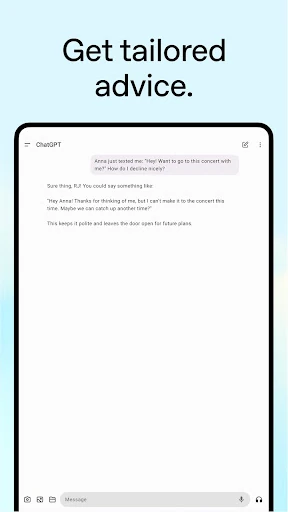
Day to day, the core experience is asking for help and then responding to what comes back. I can request an explanation, a tailored suggestion, or a draft, and use follow-up questions to steer the result. That conversational rhythm feels more natural than composing a complicated search query when I am still working out what I need. It is particularly useful for turning a vague task into a few concrete possibilities.
The breadth is both the draw and the trade-off. ChatGPT can move from a language-practice conversation to a business-plan brainstorm, but it is still a general assistant handling very different requests. I try to be clear about the outcome I want and read the answer before using it. The app gives me material to work with; the final choice about what is useful remains mine.
Voice, photos, and images
Voice is a standout option for moments when typing is awkward. Advanced Voice Mode is described as supporting real-time conversations, with examples such as settling a dinner-table debate or practicing a new language. I can see the appeal when I want a more immediate exchange. It turns the app from a place to compose prompts into something closer to a spoken conversation.
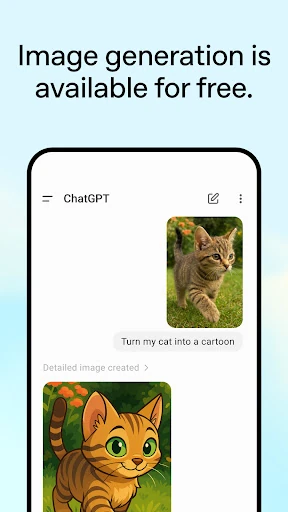
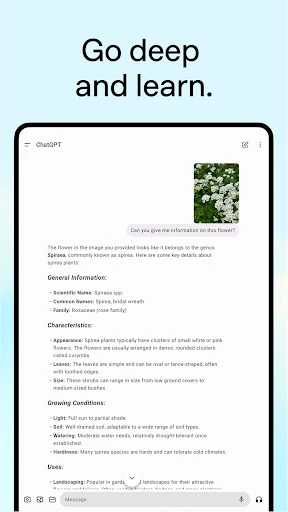
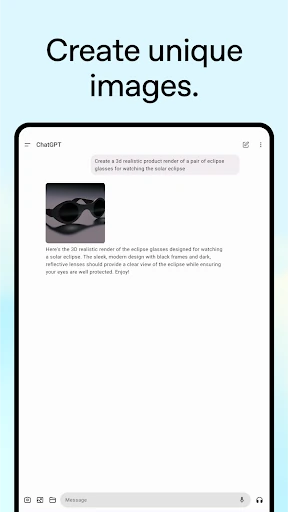
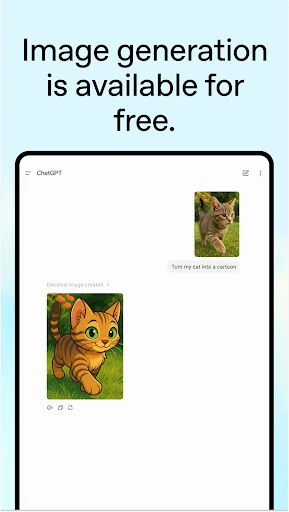
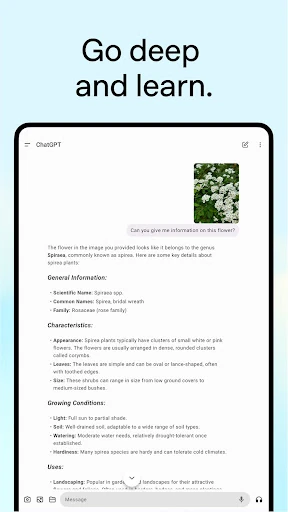
Photo uploads open another practical route. The description gives examples such as transcribing a handwritten recipe or asking about a landmark from a picture. Image generation adds a creative outlet: I can describe an image to create or ask for changes to an existing one. These features make ChatGPT more than a text box, though the best results still depend on providing a clear request and useful context.
A routine for real tasks
One routine I would use is a quick planning session before a busy day. I could ask for a travel itinerary, add the kind of activities I prefer, and use follow-ups to shape the plan. For a work task, I might start by brainstorming marketing copy and then ask for a different tone. This keeps the app focused on generating and adjusting ideas instead of expecting it to finish the entire job unaided.
For learning, I can ask for a topic to be explained at a suitable level, then continue with questions about the parts that remain unclear. The description specifically suggests adapting an explanation for a child interested in dinosaurs or helping an adult revisit history. I like that sense of tailoring: the same subject can be approached differently depending on who is asking and what they already understand.
Limits to keep in mind
The biggest practical limitation is that a confident-sounding answer still needs a careful read. ChatGPT can help me brainstorm or explain, but the app’s broad role does not make every response the right answer for a specific situation. I would not treat a generated itinerary, business idea, or personal suggestion as a finished decision without considering the details myself.
It is also worth remembering that the experience includes paid in-app purchases and ads according to Google Play. The Android requirement is something to check against the store entry for the device in hand. Those details do not change what the app is designed to do, but they matter when deciding whether it fits a particular budget or phone.
ChatGPT earns its place as a flexible everyday assistant because it can handle questions, drafting, learning, voice, and image-based tasks in one app. I especially like it for getting unstuck: a rough question can become a useful explanation or a set of ideas through a few follow-ups.
I recommend it to curious users who are comfortable reviewing and refining what they receive. If you need a specialist service or expect answers to be final and unquestionable, it is less suitable. Used as a starting point rather than an authority, ChatGPT is a practical tool to keep close.
ChatGPT Frequently Asked Questions
What is ChatGPT used for?
ChatGPT is a general AI assistant for questions, writing, brainstorming, learning, image generation, voice conversations, and photo-based requests. Examples include getting recipe ideas, working on a travel itinerary, practicing a language, or asking for help understanding a picture. It is designed for a range of tasks rather than one specialized purpose.
Which devices can run ChatGPT?
The app is available on Android through Google Play, and its description says conversation history syncs across devices. For specific device compatibility and the Android version needed, check the current Google Play entry, since requirements can vary. The supplied store information does not specify a minimum Android version.
Does ChatGPT cost anything?
ChatGPT is free to install, and Google Play lists in-app purchases priced from $8 to $500 per item. The app is also marked as containing ads. Prices and purchase details may vary, so check the Google Play entry for the current information before buying.
Does ChatGPT need a particular Android version?
The minimum Android version can vary by device and current app requirements. Check ChatGPT’s Google Play entry to see whether your phone meets the requirement before installing or updating. The app is listed for Android, but the store facts provided here do not give a specific minimum version.
Is ChatGPT suitable for everyday use?
It can suit people who want a conversational helper for drafting, explanations, ideas, voice conversations, or image-related tasks. It may be less suitable if you need a dedicated specialist tool or expect every response to be definitive. I recommend reviewing answers and using your own judgment, especially when a task matters.
Pros
- Handles writing, questions, learning, voice conversations, and image tasks in one app.
- Follow-up conversation makes it easy to refine a draft or explanation.
- Photo uploads and image generation add useful options beyond text prompts.
- Conversation history syncs across devices.
Cons
- A broad assistant is not a replacement for specialized services or careful source-checking.
- Google Play marks the app as containing ads and offering paid in-app purchases.
- The minimum Android version can vary and should be checked in Google Play.
- Category
- Productivity
- Version
- 1.2026.293