Truecaller: Spam Call Blocker
- 29.85M
- 4.4
- Installs
- 1.00B
- Price
- Free

Screenshots
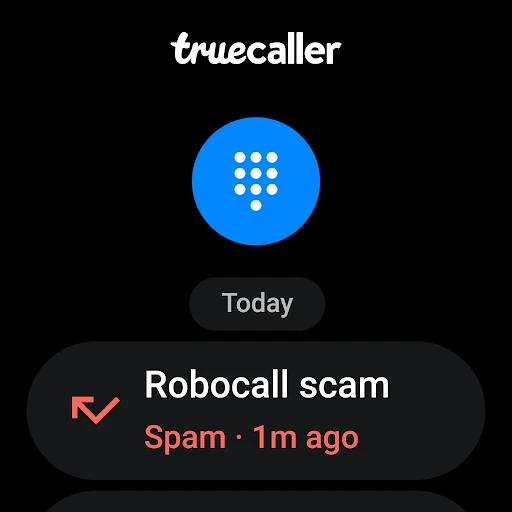
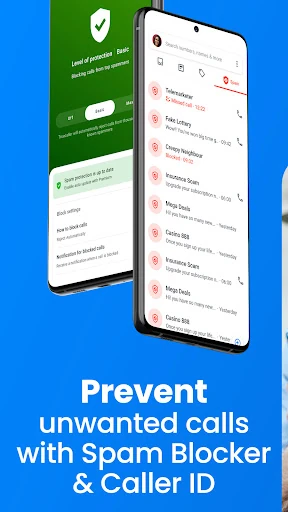

Analysis by Reviewed APKs
Truecaller: Spam Call Blocker is a communication app for identifying unknown callers, filtering unwanted calls and messages, and looking up phone numbers. I can see it helping anyone who regularly fields sales calls or wants more context before answering an unfamiliar number. It combines a caller ID and spam filter with extra call and messaging tools; the breadth is useful, though some features sit behind a paid plan.
A Quieter Phone Day
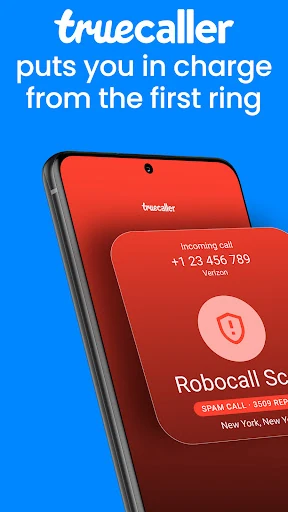
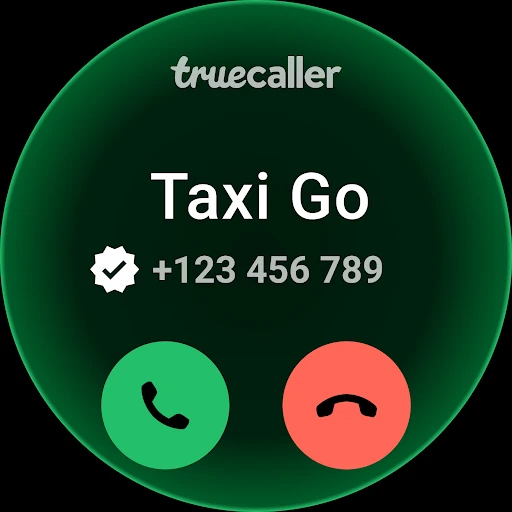
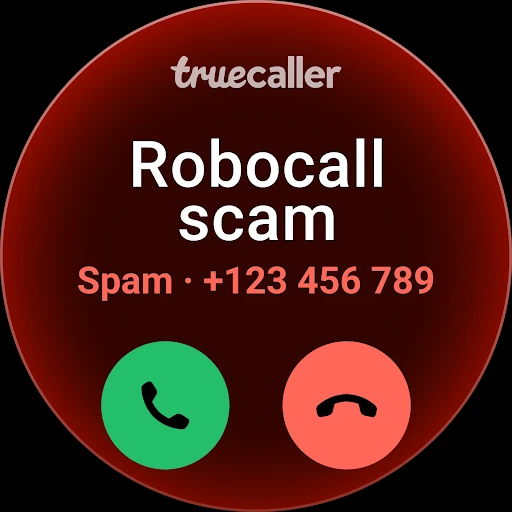
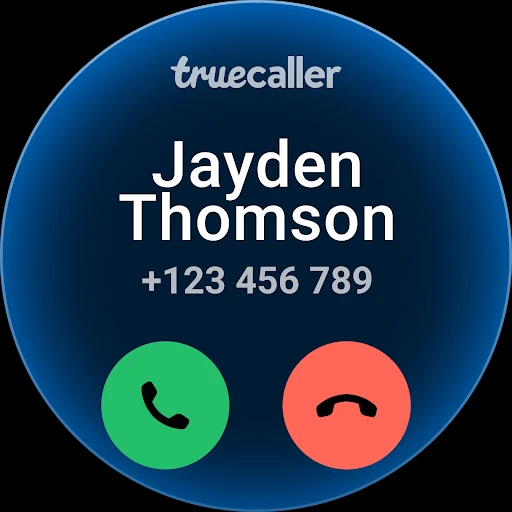
When I first opened Truecaller, I thought about the usual mid-afternoon interruption: an unfamiliar number ringing while I’m trying to finish something. The app’s central job is to identify callers and block spam, scam, and robocalls. Caller ID can label a number that is not saved in my contacts, while spam detection can help separate likely nuisance calls from the ones worth answering.
That makes the app most relevant in small, recurring moments rather than as something I need to browse for entertainment. I might check an unknown number before calling back, or let the spam filter handle repeat telemarketing calls. Truecaller also includes reverse number lookup, so there is a way to search for information about a number when the phone is quiet and I have time to investigate.
Beyond Caller ID
Compared with relying only on a phone’s built-in caller display or manually ignoring unknown numbers, Truecaller puts identification and spam blocking together. Its description also includes call recording, a call-answering assistant, messaging tools, and optional family protection features. That makes it a broader communication utility than a simple reverse lookup site or a one-purpose call blocker.
The trade-off is that this is not just a lightweight number search tool. Its many functions may be more than someone needs if unknown calls are rare or the phone’s existing controls already do the job. It is also not a replacement for careful judgment: an ID or spam label is context to consider, not a reason to treat every call as fully understood.
Make It a Small Habit
I’d get the most out of Truecaller by making it part of a simple call routine: glance at caller ID, decide whether to answer, and use reverse lookup when a number remains unfamiliar. If certain kinds of calls are a recurring nuisance, the app describes filters for unknown numbers, country, and number sequence. Those options give the blocking setup a little more shape than a single all-or-nothing switch.
The messaging side can also suit someone who wants calls and texts handled in one place. Truecaller can be set as the main texting app, with inbox categories for personal, important, other, and spam messages. For a more organized setup, the description mentions backing up and restoring call history, contacts, and the block list to Google Drive. I’d start with only the tools I actually expect to use.
More From Our News Desk

Zoom Meetings, Google Meet, or Teams: Which Is Easiest to Join?

How I Build a Free Streaming Lineup With Tubi

Why Crunchyroll Is the Default Anime App for So Many Fans

YouTube TV: A Practical Guide to Cutting Cable

Rummikub and the Small Comfort of Phone Games

TeamViewer Remote Control or AnyDesk for Helping Family?
Who Might Appreciate It
I’d recommend Truecaller to people who get frequent calls from numbers they do not recognize, especially if sales calls and robocalls interrupt work or family time. Caller ID, reverse lookup, and spam blocking are a practical core, while message filtering can be helpful for anyone who also gets unwanted texts. People who want call recording or an assistant to screen calls may find the additional tools worth exploring.
It may be a poor fit for someone who wants only a basic phone dialer or prefers not to add a separate app for call and text management. Truecaller’s feature set is broad, and ads are part of the free app. Some extras require Premium or Family options, so a person who wants every listed tool at no cost may be disappointed. I’d compare the available features with my own routine before changing how I handle calls.
Truecaller: Spam Call Blocker is developed by Truecaller and is listed in the Communication category on Google Play. The app has over a billion installs and a 4.4-star rating from around 29.9 million ratings. It is rated Everyone. It first appeared on May 31, 2012, and its current version varies with the device.
The app is free to download and contains ads. It offers in-app purchases, with listed items ranging from $0.99 to $449.00 each. The supplied store facts give no single Android minimum version, so check the Google Play page for device compatibility. The most recent update date in the supplied facts is October 23, 2026.
A Closer Look at Everyday Calls
First Open and Setup
My first impression is that Truecaller is trying to do more than put a name beside a number. It brings caller identification and spam blocking together, then adds separate tools for messages, call recording, and screening. That range is appealing if I want a more deliberate way to manage interruptions, but it also means I would take a minute to decide which parts matter before treating the app as an everyday essential.
The description says its spam database is updated in real time with contributions from millions of users. It also says the app does not make a user’s phonebook public or searchable. For me, those details help explain how the service presents its approach, but they do not remove the value of checking the app’s permissions and settings when setting it up.
Calls in Daily Use
The most straightforward daily use is to see who may be calling and make a more informed choice about answering. Truecaller says it identifies businesses as well as spam numbers, which gives an unknown call more context than a bare number. If a call is unwanted, the app’s blocking tools are intended to stop telemarketers, robocallers, scammers, and sales calls from repeatedly interrupting.
A reverse lookup is useful in a different moment: after a missed call, when I am deciding whether to return it. I can search the number rather than immediately calling back or letting curiosity take over. I would still treat identification as a helpful clue rather than a complete account of who is behind a call, especially when the caller is unfamiliar.
Tools Beyond Blocking
Truecaller describes an AI Call Scanner that analyzes a voice sample in real time and indicates whether it detects a human or an AI-synthesized voice. It also offers Truecaller Assistant, which can answer calls and ask callers who they are and why they are calling. These tools give the app a screening role, not just a way to label numbers on the screen.
Call recording is another substantial feature: the app describes recording incoming and outgoing calls, along with an AI-generated subject, summary, and written transcript. On the communication side, users can make Truecaller their main texting app, schedule messages, and sort the inbox into categories. The description also includes free calls through Truecaller Voice and video caller ID selfies for friends and family.
A Practical Call Routine
A useful routine could be to let caller ID provide context during the day, then use a lookup for a missed number that still seems relevant. I’d reserve blocking filters for the kinds of unwanted calls I actually receive, rather than changing every setting at once. This keeps the app’s central purpose clear and makes it easier to tell whether the filtering is helping my own phone habits.
For someone who also uses the messaging features, the categorized inbox offers a way to separate personal and important texts from other messages and spam. A user who values a record of communication can explore the described call-history backup and restore option through Google Drive. The point is not to turn every feature on; it is to choose a modest workflow that reduces interruptions without adding unnecessary steps.
Limits to Keep in Mind
Truecaller’s free version contains ads, and the app includes in-app purchases. The description places features such as call recording and screening with Truecaller Assistant among Premium benefits, while Family is presented as a separate way to help manage scam-call protection for loved ones. So the full feature list should not be read as one free package.
There is also a learning curve in deciding how much of the app to use. Someone interested only in identifying an occasional caller may not need the messaging, recording, or family tools. And although spam detection is designed to reduce nuisance calls, I would not assume that every unwanted call will be caught or that every identified call will be relevant. It is a useful layer, not a substitute for personal discretion.
Truecaller’s strongest appeal is the practical combination of caller ID, reverse lookup, and spam blocking. The extra messaging, recording, and call-screening tools make it more capable than a narrow caller lookup app, but also make it worth approaching selectively. I’d begin with identification and filtering, then explore the other features only if they match how I use my phone.
I’d recommend it to people who regularly deal with unknown callers and want more control over interruptions. Those who want a simple, ad-free utility or only need occasional number searches may find the wider package less compelling. Check the current Google Play details for device compatibility and the exact paid options before settling on a setup.
Truecaller Frequently Asked Questions
What is Truecaller: Spam Call Blocker used for?
Truecaller is used to identify callers, block spam and unwanted calls, and look up unfamiliar phone numbers. Its description also includes message filtering, call recording, call screening, and tools for managing family spam protection. The exact mix someone uses can be kept simple: caller ID and blocking are the main reasons to try it.
Which devices can run Truecaller: Spam Call Blocker?
Truecaller: Spam Call Blocker is an Android app available through Google Play. The Android version requirement can vary with the device and current app release, so check the Google Play page for compatibility with a particular phone or tablet before installing.
Does Truecaller: Spam Call Blocker cost money?
The app is free to download, contains ads, and offers in-app purchases. The supplied Google Play facts give a range of $0.99 to $449.00 per item. Features and purchase options can vary, so check the store page for current details before choosing a paid option.
Can Truecaller: Spam Call Blocker record calls?
Yes. The app description includes recording incoming and outgoing calls, with an AI-generated subject, summary, and written transcript. Call recording is also named among Truecaller Premium features, so access may depend on the plan and current availability. Check the Google Play page and in-app details for the options offered to you.
Who should use Truecaller: Spam Call Blocker?
It may suit people who receive frequent unknown, sales, or robocalls and want caller identification alongside spam filtering. It also has messaging and call-screening tools for people who want more than a basic lookup. Someone who prefers a minimal phone setup or gets few unwanted calls may not need the broader feature set.
Pros
- Combines caller ID, reverse phone lookup, and spam call blocking.
- Includes options for screening calls and organizing text messages.
- Spam filters can be adjusted by number type, country, or sequence.
- Offers call-history and block-list backup and restore through Google Drive.
Cons
- The free app contains ads, and some features are tied to paid options.
- Its broad collection of tools may feel unnecessary for occasional unknown calls.
- Spam identification can provide context, but still calls for personal judgment.
- Category
- Communication