Camera endoscope / OTG USB
- 11.16K
- 3.1
- Installs
- 1.00M
- Price
- Free
Screenshots
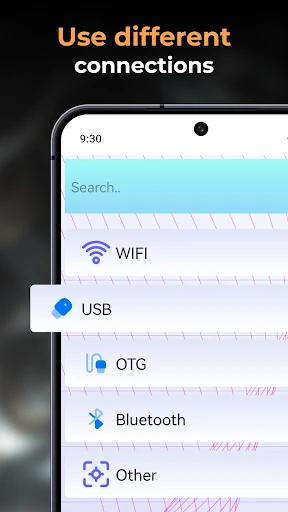
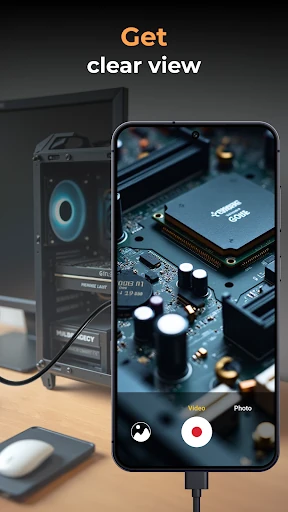
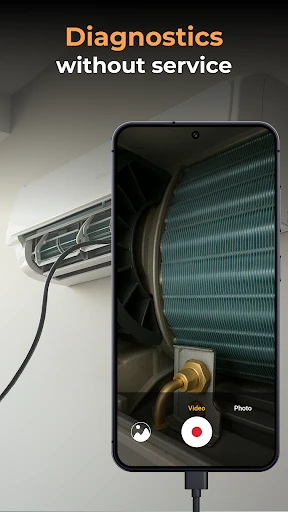
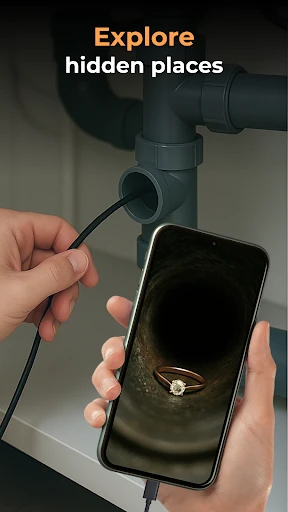
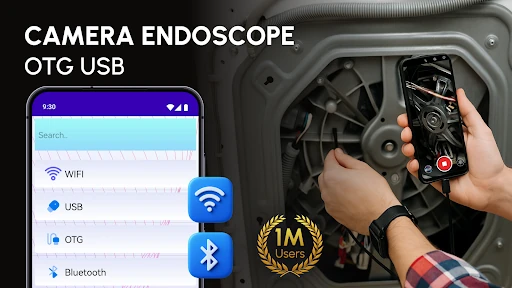
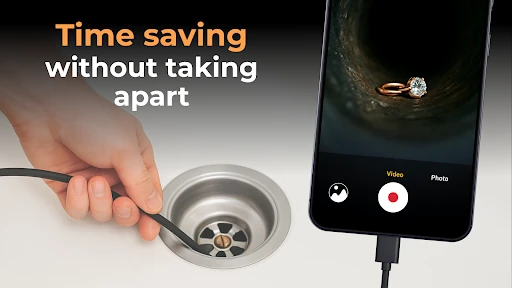
Analysis by Reviewed APKs
Camera endoscope / OTG USB is a companion app for viewing and recording video from a compatible USB inspection camera on an Android phone. It suits people who want to look into a cramped space, such as a pipe, machine part, or electronics enclosure, without relying on a separate display. I like the practical idea: connect the tool, open a live view, and save useful images or clips for later.
Looking Into Tight Spaces
Imagine a slow afternoon spent trying to work out where a small object has slipped behind a cabinet, or what is blocking an awkward pipe. With a compatible endoscope and OTG connection, this app is meant to bring the camera feed onto your phone so you can inspect the space without taking everything apart first. I appreciate that straightforward job: a live view can make a hidden area easier to assess before deciding what to do next.
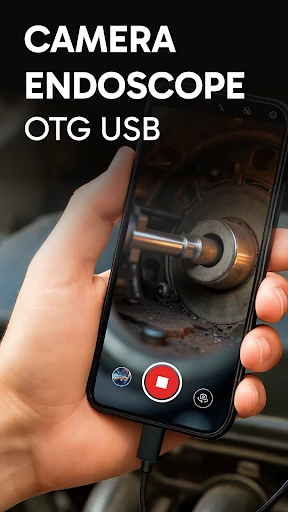
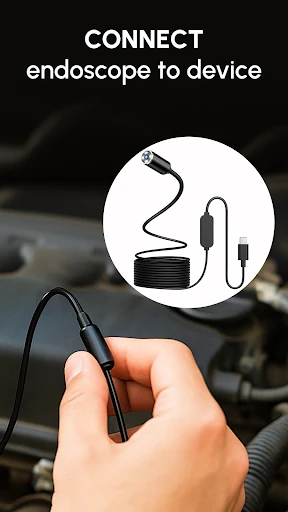
The basic flow is simple in concept. Connect a compatible external camera using an OTG cable, open the app, and tap the camera icon for a real-time view. When I think about using it at home, I picture guiding the camera slowly and keeping the phone close enough to see what it catches. The app also supports taking photos and recording video, so a quick look can become something I can review or share afterward.
A Companion, Not a Camera
This app makes most sense as a display and capture companion for an external inspection camera. It is not a replacement for a regular phone camera, and it does not turn the phone itself into a flexible probe. The physical camera and OTG connection do the reaching; the app supplies the live image and basic media handling. That distinction matters if you are comparing it with a standalone inspection system that includes its own screen.
For DIY checks, basic plumbing looks, car components, or close-up work with a microscope attachment, the phone-based approach may be more convenient than carrying a dedicated monitor. But the experience depends on having a compatible external device in the first place. I would not treat the app as a general repair guide or diagnostic tool: it can show and save images, while interpreting what they mean remains up to the user.
Make Each Inspection Useful
A little preparation can make an inspection less fiddly. I would connect the camera and cable before reaching into a cramped spot, then open the live view while the setup is still easy to adjust. Once the image appears, moving the camera gradually is likely to be more useful than waving it around quickly. That gives me a better chance of finding the area I need and capturing a still image that is worth looking at later.
The built-in gallery gives photos and videos a place to stay within the app, with options to view, delete, and share media. A practical habit is to capture only the views that answer a particular question, then remove the ones that are no longer useful. For a repair or inspection, sharing a relevant image can also help explain what I saw to someone else without asking them to peer into the same narrow opening.
More From Our News Desk

Zoom Meetings, Google Meet, or Teams: Which Is Easiest to Join?

How I Build a Free Streaming Lineup With Tubi

Why Crunchyroll Is the Default Anime App for So Many Fans

YouTube TV: A Practical Guide to Cutting Cable

Rummikub and the Small Comfort of Phone Games

TeamViewer Remote Control or AnyDesk for Helping Family?
Who may find it useful
I would recommend Camera endoscope / OTG USB to Android users who already have a compatible USB endoscope, borescope, microscope, or other inspection camera and want to use a phone as the viewing screen. It could fit occasional DIY checks, close-up hobby work, or a technician’s quick look at an awkward component. The appeal is the compact workflow: use a device you carry, see the feed, and save a photo or video when it helps.
It may be a poor fit if you expect the app to work without an external camera, or if you need advanced measuring, repair instructions, or a complete professional inspection system. Compatibility is an important practical consideration, since the camera and OTG setup have to work with the phone. The Google Play rating is 3.1 from about 11,000 ratings, so I would approach it as a simple utility to try rather than assume it will suit every setup.
Camera endoscope / OTG USB is an Android app from One Music Player in the Libraries & Demo category. Google Play shows over one million installs and a 3.1-star rating from 11,158 ratings. The app is free to install, contains ads, and offers in-app purchases. The listed in-app purchase range is $0.99 to $99.99 per item.
The content rating is Everyone. The listed version is 47.1.0, with a release date of August 31, 2020, and a last update date of October 15, 2026. The minimum Android version is not included among the supplied app details, so check the Google Play page for the requirement that applies to your phone.
A Phone Screen for Inspection Cameras
Getting the Connection Ready
My first impression is that this app has one clear purpose: show an external camera feed on an Android phone. That narrow focus can be welcome when all I want is to see into a tight space, rather than navigate a full camera-editing suite. The setup described is to connect a compatible camera with a USB OTG cable, open the app, and select the camera icon to reach the live view.
The part I would check before planning a job is the hardware match. The app is described as supporting endoscopes, borescopes, microscopes, and other inspection tools, but the phone still needs to connect successfully to the specific camera. If the feed does not appear, the connection itself is an obvious place to double-check. That is a more realistic expectation than assuming the app alone can provide an inspection view.
The Everyday Viewing Loop
Day to day, the main loop is straightforward: connect the external camera, view its feed, adjust where it is pointed, and capture a photo or video if the moment is useful. I like that this matches the way small inspections actually happen. Most of the time I want a quick look, not a long session spent learning a complicated interface, and the app’s core job is easy to explain.
There is a practical difference between seeing something live and having a record of it. A saved image can be reviewed after the camera is out of the way, while a clip can preserve a moving view. The app’s built-in gallery supports viewing, deleting, and sharing captured media. That keeps the basic follow-up steps close to the inspection instead of making the app only a temporary screen.
Capture and Gallery Tools
The most useful features are the ones tied directly to inspection: real-time video viewing, photo capture, video recording, and a built-in media gallery. I can see why both stills and clips matter. A photo is a quick reference for a particular spot, while video is more useful when moving the camera reveals a sequence of details that would be hard to summarize in one frame.
The gallery is described as offering simple management rather than elaborate organization. Users can view, delete, and share files, with a long press bringing up media options. That sounds suited to short practical sessions: keep a useful image, pass it along, and clear out accidental captures. I would not expect a full editing or cataloging workflow from a tool whose main role is camera viewing.
A Sensible Inspection Routine
For a household check, I would start by deciding what I need to inspect, then connect the compatible camera and open the live view before maneuvering it into a difficult position. Once there, slow movements and a steady look are more likely to produce a useful image than rushing through the space. If I spot something worth documenting, I can take a still or record a short clip for later review.
Afterward, I would use the gallery to check whether the capture actually shows the detail I wanted. If it does, sharing that image could make it easier to describe the issue to another person. If it does not, I can try again while the camera is still connected. This small loop keeps the app focused on its useful strengths: viewing, recording, and handling the resulting media.
Keep Expectations Grounded
The biggest limit is that the app depends on an external camera and a working OTG connection. Without compatible hardware, there is no inspection feed for the app to display. The phone, cable, and camera all form part of the setup, so the experience is not entirely controlled by the software. I would confirm that the equipment can connect before relying on the app for a time-sensitive check.
The feature set described is practical but modest: live viewing, image and video capture, and basic gallery actions. There is no basis to expect built-in measurements, repair advice, or advanced image analysis. The app also contains ads and offers in-app purchases, which may matter to people who prefer a completely uninterrupted utility. For occasional inspections, that trade-off may be acceptable; for demanding work, compare the whole camera setup with your needs.
Camera endoscope / OTG USB has a clear, useful role when paired with compatible inspection hardware. Its live view, capture tools, and simple gallery cover the basic steps of looking into a confined area and keeping a record. I would consider it a handy companion for occasional home or workshop checks, while keeping the hardware compatibility question front and center.
My recommendation is for Android users who already own, or are choosing, an OTG-compatible inspection camera and want a phone-based viewing option. If you need a standalone inspection system or advanced analysis, this is not the tool I would choose. The modest Play rating also makes it sensible to check the store details and compatibility before building a job around it.
Camera endoscope OTG Frequently Asked Questions
What is Camera endoscope / OTG USB used for?
Camera endoscope / OTG USB is used with a compatible external inspection camera to show a live view on an Android phone. It supports capturing photos and videos, then viewing, deleting, or sharing those files in its built-in gallery. It is intended for looking into tight spaces or close-up subjects, not for replacing the physical inspection camera.
Which phones and devices work with Camera endoscope / OTG USB?
The app is for Android and is described as working with compatible USB OTG endoscopes, borescopes, microscopes, and other external cameras. You also need an OTG connection for the camera. Compatibility can depend on the phone and the specific camera, so check the Google Play details and your device information before buying or relying on equipment.
What Android version does Camera endoscope / OTG USB require?
The minimum Android version is not included in the app details used for this review. Requirements can vary as app versions change, so check the current Google Play page for the version that applies to your phone. The description identifies the app as an Android tool and emphasizes connection to an external camera using USB OTG.
Is Camera endoscope / OTG USB free, and does it have purchases?
The app is free to install and contains ads. It also offers in-app purchases, with the listed items ranging from $0.99 to $99.99 each. Prices and purchase options may change, so check the Google Play page for current details before installing or buying anything.
Is Camera endoscope / OTG USB suitable for DIY inspections?
It may suit Android users who have a compatible inspection camera and want to view or record a quick look at plumbing, machinery, electronics, or another confined area. It is less suitable if you expect the app to provide the camera hardware, repair instructions, or advanced analysis. The external device and OTG connection are essential parts of the setup.
Pros
- Shows a compatible external camera feed in real time on an Android phone.
- Supports capturing both photos and videos during an inspection.
- Built-in gallery includes options to view, delete, and share media.
- Designed for several inspection camera types, including endoscopes and microscopes.
Cons
- Requires a compatible external camera and an OTG connection to be useful.
- Contains ads and offers in-app purchases.
- The feature set focuses on viewing and basic media handling, not advanced analysis.
- Category
- Libraries & Demo
- Version
- 47.1.0