TLC GO - Stream Live TV
- 37.63K
- 4.7
- Installs
- 1.00M
- Price
- Free

Screenshots
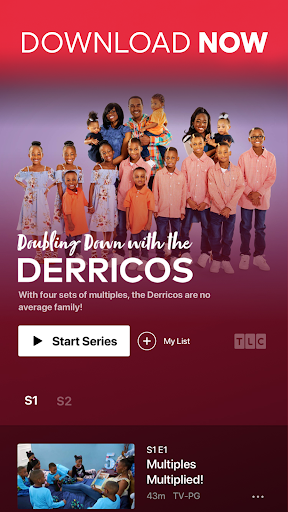
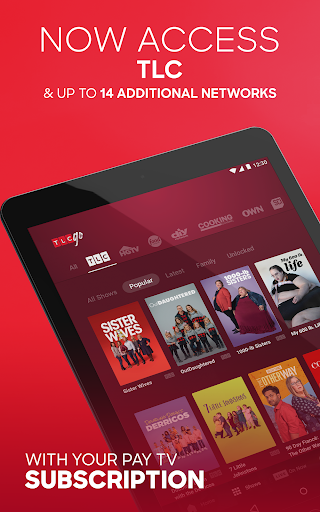
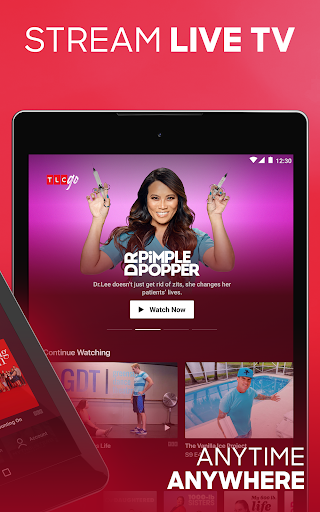
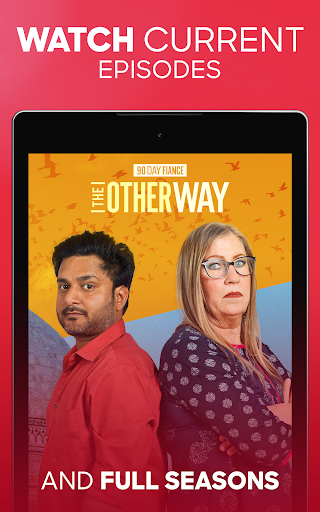
Analysis by Reviewed APKs
TLC GO is a TV streaming app for watching TLC shows and programming from related networks, live or on demand. It suits people who already have a participating pay TV subscription and want to catch up on a phone or tablet between errands, or settle in with a familiar series at home. After looking at what it offers, my take is that it’s a useful companion to a TV package, not a standalone replacement for one.
A Catch-Up Window
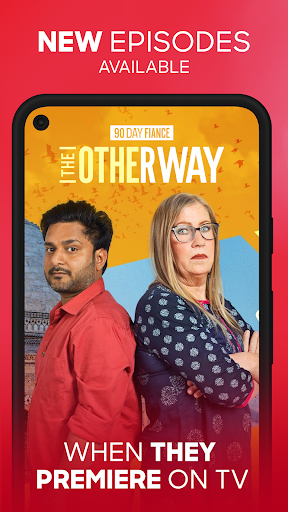
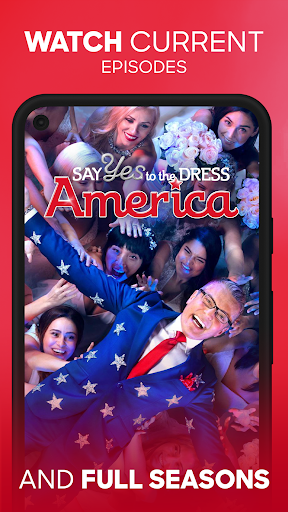
When I picture using TLC GO, it’s during a quiet stretch after dinner: I want to pick up an episode I missed, but I’m not near the television. The app’s on-demand catalog is built for that kind of gap, with episodes and seasons from TLC and other available networks. New episodes can appear on the app on the same day and time they premiere on TV, which makes it easier to keep up with a weekly show.
I’d start by linking a pay TV provider, then browse for a series or use the live schedule guide to see what’s airing. If I have only a few minutes, I can save something to My List and return later; if I’m already watching, Continue Watching can carry my place across devices. Those small conveniences make the app feel less like a TV grid squeezed onto a screen and more like a practical way to manage a watch-later queue.
An Extension, Not a Replacement
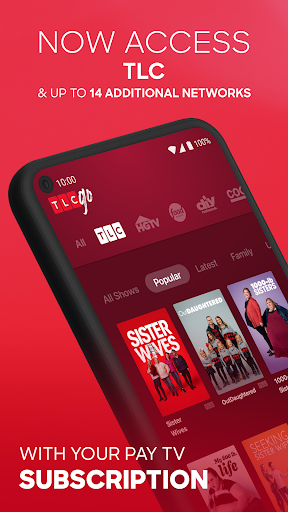
TLC GO sits between a cable or live-TV service and a general-purpose streaming subscription. Its central advantage is access to TLC, with programming from up to 14 additional networks available in the same app. That can be handy if my household already gets those channels through a provider and I want their live streams and on-demand shows in one place, rather than switching between separate network apps.
The catch is also the point: this is not a way to watch everything without a TV subscription. Live streaming requires a login with a pay TV provider, and the app is available in the U.S. It also isn’t a broad entertainment service for someone seeking a library unrelated to Discovery’s networks. I’d think of it as a companion to an existing package, not a substitute for choosing and paying for one.
Make a Small Watch List
I’d get more from TLC GO by treating My List as a simple holding spot. When I notice a show I might want to watch later, saving it prevents the usual round of searching when I finally have time. The app also lets me continue episodes where I left off across devices, so moving from a phone to another supported device doesn’t have to mean remembering the exact point in an episode.
Browsing by genre is another useful habit when I don’t have a specific title in mind. Categories such as food, home, science and technology, and natural history can turn idle scrolling into a more focused search. I’d check the live schedule when I’m interested in what’s airing now, then use the on-demand selection for catch-up. A Wi-Fi connection is recommended, so I’d plan longer viewing sessions around a reliable connection.
More From Our News Desk

Zoom Meetings, Google Meet, or Teams: Which Is Easiest to Join?

How I Build a Free Streaming Lineup With Tubi

Why Crunchyroll Is the Default Anime App for So Many Fans

YouTube TV: A Practical Guide to Cutting Cable

Rummikub and the Small Comfort of Phone Games

TeamViewer Remote Control or AnyDesk for Helping Family?
Who Will Get the Most From It
I’d recommend TLC GO to viewers who already have a participating pay TV provider and regularly watch TLC or the other networks available in the app. It makes sense for someone who wants to catch up away from the living-room television, see a live stream on a supported device, or keep a short list of series to revisit. The same-day episode availability is particularly useful if keeping up with a current show matters to you.
It may not suit someone looking for free, provider-independent access to a full streaming catalog, or someone who rarely watches these networks. The service is U.S.-only, and live TV access depends on logging in through a pay TV provider. The store gives the app an Adults only 18+ content rating, so I wouldn’t assume it is a children’s viewing app. For viewers outside its intended setup, there may be little reason to install it.
TLC GO - Stream Live TV is an Entertainment app from Discovery Communications LLC. Google Play shows more than 1 million installs and a 4.7-star rating from around 37,600 ratings. The app is free to download, contains ads, and has no in-app purchases listed in the supplied store facts. Its content rating is Adults only 18+.
The supplied facts identify version 3.63.0, released August 9, 2016, with a last update dated September 9, 2026. An Android minimum version is not provided in those facts, so check Google Play on your device for compatibility. The app description says it is available in the U.S. and recommends a Wi-Fi connection; live streaming requires logging in with a pay TV provider.
How TLC GO Fits Into a Viewing Routine
Getting Oriented
When I first opened the idea of TLC GO, what stood out was its specific purpose: bring TLC and other Discovery-family network programming together, rather than present an all-purpose streaming catalog. That focus makes the app easier to understand before I even browse. I’d know to come here for these channels and shows, not expect it to serve as the central home for every kind of movie or series.
The important setup step is linking a pay TV provider for live TV access. Once that’s in place, the app’s main routes are easy to describe: browse available shows, check the schedule, watch on demand, or save something for later. I’d make sure I have a steady Wi-Fi connection before settling in for a longer session, since the app recommends Wi-Fi.
The Everyday Experience
The useful part of a streaming app is often what happens when I return to it, not just what I see on the first visit. TLC GO supports continuing an episode from where I left off across devices, which can make a show easier to follow when I switch how I’m watching. My List adds another low-effort step: save a program when I find it, then avoid searching for it again later.
For a spontaneous watch, the live schedule guide gives me a way to see what is airing rather than guessing. For a planned catch-up session, on-demand episodes let me choose from current hits and older favorites. I like that those are different routes into the content: one suits the moment, while the other suits a specific show I’ve been meaning to finish.
More Than TLC
The app’s broader network selection is its most notable extra. Alongside TLC, the description names networks including Food Network, HGTV, ID, Travel Channel, and Discovery, with programming that ranges from home and food shows to paranormal and documentary series. That gives the app a wider menu than a single-channel player, while keeping the overall catalog within a recognizable family of networks.
I also appreciate the option to browse by genre, including areas such as food, home, science and technology, and natural history. It offers a starting point when I know the kind of program I want but not the title. Closed-captioning support is included as well. These are practical viewing features, not a promise that every show or episode is available in every situation.
A Simple Weekly Routine
For a low-fuss routine, I’d check the schedule when I have a free evening, then use on-demand viewing to catch an episode I missed or continue a series. If a title catches my eye while browsing, I’d add it to My List instead of relying on memory. Same-day availability for new episodes can make this approach work well for keeping up with a current program.
On a weekend, I might browse genres and pick a longer run of episodes, then continue on another device if I need to move rooms. This kind of routine works best for someone who already has provider access and a dependable connection. It also keeps the app’s role clear: I’m using it to watch the networks it covers, rather than expecting it to replace every other entertainment service.
Keep the Boundaries Clear
The biggest limitation is the provider requirement. TLC GO is free with a pay TV subscription according to its description, but access to live TV requires a provider login. That means the free download should not be confused with provider-free viewing. If I don’t already have an eligible subscription, I’d check the current Google Play details and provider options before making the app part of my viewing plan.
There are other boundaries worth remembering. The app is described as U.S.-only, Wi-Fi is recommended, and its content rating is Adults only 18+. The catalog also centers on TLC and related networks, so it is not aimed at every taste. These constraints don’t undermine its purpose, but they do make it a more natural fit for an existing subscriber than for a casual streamer.
TLC GO makes the most sense as a handy second screen for people who already watch TLC and related networks through a pay TV provider. Live viewing, on-demand episodes, a schedule guide, My List, and cross-device continuation give it useful ways to fit viewing around the day. I’d use it for catch-up and browsing, while keeping expectations tied to its network-focused catalog.
If those channels are already part of your routine, TLC GO is worth trying as a companion app. If you want a standalone service without a provider login, or a much broader mix of entertainment, it is unlikely to be the right fit. My recommendation is straightforward: install it if you have provider access and shows you want to follow; otherwise, check the store details before counting on it.
TLC GO Frequently Asked Questions
What is TLC GO - Stream Live TV used for?
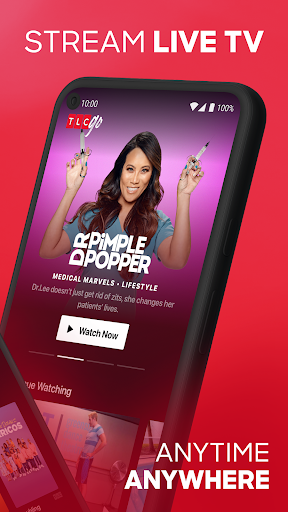
TLC GO is used to stream TLC and programming from other available networks live or on demand. It includes a live schedule guide, browsing by genre, My List for saving shows and episodes, and the ability to continue watching across devices. New episodes can appear on the app the same day and time they premiere on TV.
Which devices and platforms support TLC GO?
TLC GO is an Android app on Google Play. Its description also says it is compatible with tvOS and Chromecast. Device compatibility can depend on your equipment and software, so check the Google Play details for your Android device and the relevant store or device information for other platforms.
What Android version does TLC GO require?
The Android minimum version can vary by app release and device. Check the TLC GO page on Google Play to see whether the version currently offered supports your phone or tablet. The app description recommends Wi-Fi for viewing, and live streaming requires logging in with a pay TV provider.
Does TLC GO cost money or include purchases?
TLC GO is free to download, and the supplied store facts show no in-app purchases. The app description says access is free with a pay TV subscription, and live streaming requires a provider login. It contains ads. Check Google Play for current details that may vary by region or release.
Who is TLC GO best suited for?
It is best suited to U.S. viewers who already have a pay TV provider and want to watch TLC or related networks on supported devices. It may be less useful if you want provider-independent access or a broad, unrelated streaming catalog. Google Play gives it an Adults only 18+ content rating.
Pros
- Combines TLC programming with shows from several related networks in one app.
- Offers live TV, on-demand episodes, and a schedule guide for different viewing moments.
- My List and cross-device Continue Watching help make casual catch-up easier.
- Genre browsing and closed-captioning support add practical ways to find and follow programs.
Cons
- Live TV access requires logging in with a pay TV provider.
- The app is described as available in the U.S. only and recommends Wi-Fi.
- Its network-focused catalog may not suit viewers seeking a general streaming library.
- Category
- Entertainment
- Version
- 3.63.0