Disney+
- 5.17M
- 4.3
- Installs
- 500.00M
- Price
- Free

Screenshots
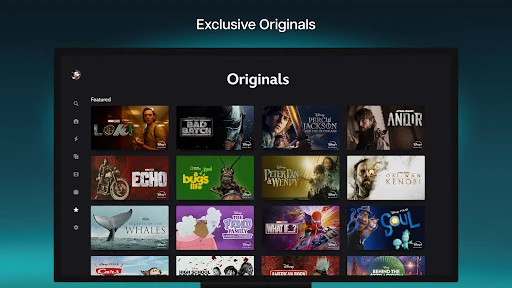
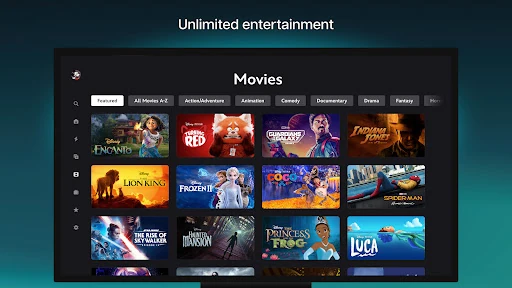
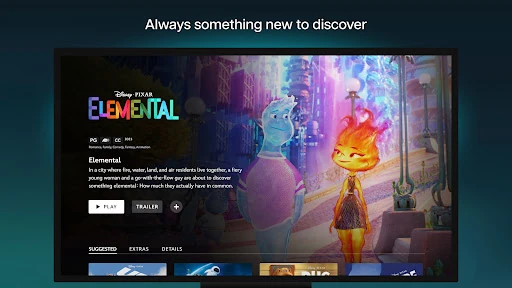
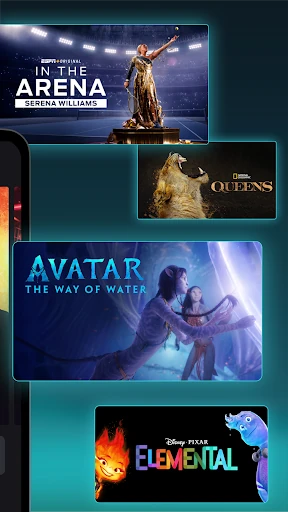
Analysis by Reviewed APKs
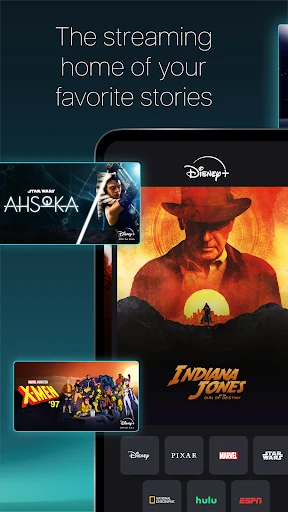
Disney+ is a streaming app for watching movies, series and Originals from Disney, Pixar, Marvel, Star Wars and National Geographic. It suits households and fans who like having a broad mix of familiar franchises in one place. I found its biggest strength to be the range: it can take me from a comfort-watch movie to a new series without changing apps. The main catch is that streaming requires a subscription.
A familiar night in
When I first opened Disney+, I thought about the small decision that often slows down a movie night: finding something everyone recognizes. The library brings together animated favorites, past seasons of shows and newer Originals, so I can start with a known title or browse a different corner of the service. One evening, that meant moving from a Pixar movie idea to a Marvel series without leaving the app.
The app also supports downloading movies and shows, which gives me another way to plan around a busy day or a trip. I can save something I want to watch instead of relying on a moment when streaming is convenient. What works here is the simple job of keeping a broad collection of stories within reach, rather than making me hunt across several separate services.
A streaming specialist
Compared with a general video platform built around short clips and creator uploads, Disney+ is focused on movies, TV series and Originals from its named entertainment brands. That focus is useful when I already have a franchise or family favorite in mind. It also gives the service a distinct identity: browsing it is more like choosing from a curated entertainment library than checking a broad mix of unrelated video.
That specialization is also a limit. Disney+ is not a replacement for every streaming service, and its selection can vary by region. Some subscribers may also see curated Hulu or ESPN content in the app, but the description makes clear that these are limited selections; fuller experiences require bundles. I would choose Disney+ for its own library, not assume it covers every show, sport or channel I want.
Make browsing easier
I get more from the app when I start with a mood or a familiar brand instead of endlessly browsing. If I want a quick, comfortable choice, I look for a favorite movie. If I have a longer stretch free, I can turn to a series or explore the Originals. That small bit of intention helps a big library feel manageable, especially when I am choosing with other people.
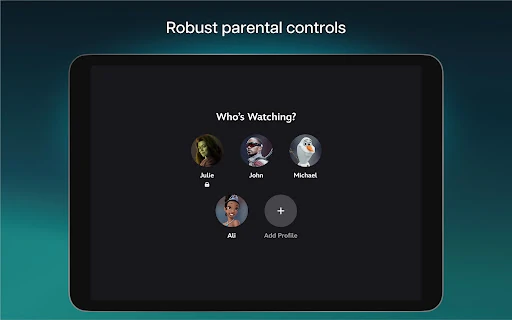
Downloads are worth thinking about before I leave home, rather than after I have already lost a reliable connection. In a household, profile controls can also be part of a simple routine: Disney+ offers Profile PINs, Kid-Proof Exit and adjustable content ratings. I would check the settings for each profile and choose ratings that fit the people using it, rather than treating one household setting as suitable for everyone.
More From Our News Desk

Zoom Meetings, Google Meet, or Teams: Which Is Easiest to Join?

How I Build a Free Streaming Lineup With Tubi

Why Crunchyroll Is the Default Anime App for So Many Fans

YouTube TV: A Practical Guide to Cutting Cable

Rummikub and the Small Comfort of Phone Games

TeamViewer Remote Control or AnyDesk for Helping Family?
Who will enjoy Disney+
I would recommend Disney+ to people who regularly watch Disney, Pixar, Marvel, Star Wars or National Geographic titles, and to households that want a range of familiar entertainment in one app. Multiple screens can be used at once at no extra cost, according to the app description, which is a practical plus when people in the same household want to watch different things.
It may be less appealing if you want a service centered on a completely different catalog, or if you expect every title to be available in your region. The app itself is free to download, but the streaming experience is tied to a subscription plan. I would also compare the available plan and content before signing up if you are mainly interested in Hulu or ESPN, since their fuller experiences require bundles.
Disney+ is published by Disney and is an entertainment app for Android. On Google Play it has over 500 million installs and a 4.3-star rating from around 5.2 million ratings. The app is free to download, and the store facts say it contains no ads and offers no in-app purchases. However, the service description says streaming is available with a Disney+ subscription plan.
The app has a Teen content rating. The supplied version is 26.19.0+rc3-2026.10.20, and the latest update date is October 20, 2026. Disney+ was released on November 8, 2019. The minimum Android version is worth checking on Google Play, since it is not included in the app facts provided here.
A closer look at everyday streaming
First impressions
My first impression of Disney+ is that it has a clear entertainment purpose: a place to stream movies, shows and Originals tied to a set of well-known brands. That makes it easy to understand what sort of library I am opening, even before I have settled on a title. The mix of newer releases, older favorites and past seasons gives browsing more than one obvious starting point.
Getting started also means thinking about the subscription, not just installing the app. Disney+ is free to download, but the description connects viewing to a subscription plan. For households, I would also take a moment to look at profile controls and content ratings before handing the app to younger viewers. These options make the service more adaptable to different viewers, though they still need a little attention.
The daily experience
Day to day, Disney+ is most useful when I know the sort of thing I want: a movie, a series, or a title from one of its featured brands. The library spans Disney, Pixar, Marvel, Star Wars and National Geographic, so there is a meaningful range within that focus. I can keep a low-effort evening simple with a familiar favorite or make time for an Original series.
The app also supports watching on multiple screens at once at no extra cost, which matters when people at home have different plans for the evening. That feature does not change the catalog, but it makes the service easier to share. Content availability can differ by region, so a title someone mentions may not be in every viewer's version of the library.
Standout library options
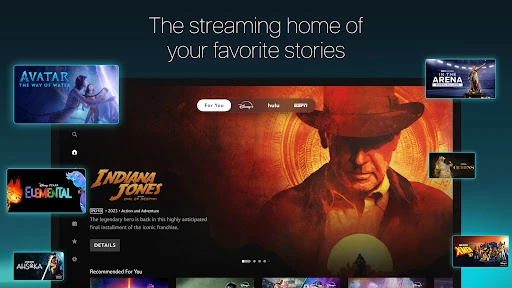
The strongest feature is the combination of exclusive Originals, recent releases, classics and earlier seasons of TV shows. Rather than being only a home for new premieres, Disney+ can also serve as a place to revisit familiar stories. The described library includes titles from Disney, Pixar, Marvel, Star Wars and National Geographic, making the service particularly appealing to viewers who move between those brands.
There are also higher-spec viewing options: the description says more than 100 titles are available in 4K UHD and HDR. Certain Marvel and Pixar titles support IMAX Enhanced with an expanded aspect ratio. These options add something for viewers who care about presentation, but they apply to particular titles rather than the entire catalog.
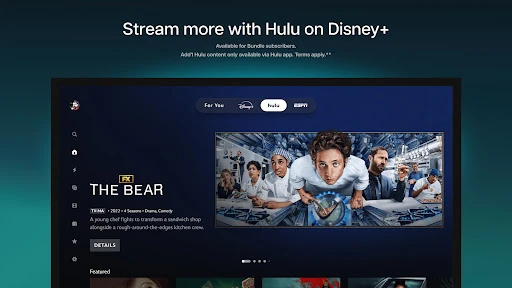
Some subscribers can find curated Hulu content, live sports selections, ESPN Originals and studio programming through hubs in the app. These are not the same as full Hulu or ESPN access; fuller experiences require bundles. I see them as useful additions for eligible viewers, not a reason to assume Disney+ includes every program from those services.
A practical watch routine
A routine I can imagine using is choosing a series or movie before a commute or a stretch away from a reliable connection, then downloading it for later. That makes the app more useful than a purely spontaneous streaming choice. I would decide what I want in advance, since the easiest time to prepare is before I am already trying to watch.
At home, I would set up profiles and review the content ratings that suit each person. Disney+ provides Profile PIN and Kid-Proof Exit controls, along with adjustable profile content ratings. Those tools are practical for a shared device, where adults and children may use the same service. They are worth configuring deliberately rather than assuming every profile should have identical access.
Limits to keep in mind
The biggest limitation is that the catalog is not universal. Disney+ says content varies by region, so a movie, series or hub described for the service may not be available where I live. That is worth remembering when comparing recommendations or deciding whether the subscription will satisfy a particular watch list.
The service is also more focused than an all-purpose entertainment catalog. Its strongest appeal is its named brands and associated content, not an unlimited range of unrelated shows. Hulu and ESPN material in the app is described as curated and limited, while full access requires bundles. I would check what is included in the plan available to me before treating those hubs as substitutes for their separate services.
Finally, the no-cost download should not be confused with free streaming. The app has no listed in-app purchases in the supplied store facts, but the service description requires a Disney+ subscription plan for the viewing experience. Plan details can change, so I would check Google Play and the service's current plan information before making a decision.
Disney+ works best as a focused streaming home for people who already enjoy its mix of Disney, Pixar, Marvel, Star Wars and National Geographic stories. I like that it pairs familiar movies and past seasons with Originals, and that downloads and household controls support different viewing routines.
I recommend it if that catalog is a regular part of what you watch and you are comfortable with a subscription. If you mainly want unrelated programming, or are considering it for Hulu or ESPN content alone, check the regional selection and bundle terms first. It is a strong specialist, not a universal answer to every streaming need.
Disney+ Frequently Asked Questions
What is Disney+ used for?
Disney+ is used to stream movies, TV shows and Originals from Disney, Pixar, Marvel, Star Wars and National Geographic. It also supports downloading titles. Some subscribers may find curated Hulu and ESPN content in hubs within the app, but the available selection and access depend on the service and plan.
Which devices can I use Disney+ on?
The app described here is the Android version of Disney+. The description says Disney+ is supported on multiple screens and that certain viewing features work on supported devices, but device compatibility can vary. Check the Google Play store entry for the current requirements for your particular Android device.
What Android version does Disney+ require?
The Android version requirement can vary as the app is updated. Check the current Google Play store entry on the device you plan to use for the latest compatibility information before installing Disney+.
Does Disney+ cost money to use?
Disney+ is free to download, and the supplied Google Play facts show no in-app purchases or ads. However, the service description says streaming is available with a Disney+ subscription plan. Subscription pricing and plan details can vary, so check the current store and service information before subscribing.
Is Disney+ suitable for families?
It can suit households with different viewers because Disney+ offers profile PINs, Kid-Proof Exit and adjustable content ratings. Its content rating is Teen, and individual titles may have their own ratings. I would review the profile settings and available content for your household rather than assuming every title is suitable for every age.
Pros
- Combines movies, series and Originals from several well-known entertainment brands.
- Supports downloads for watching titles when streaming is inconvenient.
- Profile PINs and adjustable content ratings help households tailor access.
- Multiple screens can be used at once at no extra cost.
Cons
- The catalog varies by region, so some titles may not be available everywhere.
- Streaming requires a subscription, despite the app being free to download.
- Full Hulu and ESPN experiences require bundles rather than the app alone.
- Category
- Entertainment
- Version
- 26.19.0+rc3-2026.10.20