Surfshark: Secure VPN service
- 324.01K
- 4.6
- Installs
- 10.00M
- Price
- Free

Screenshots
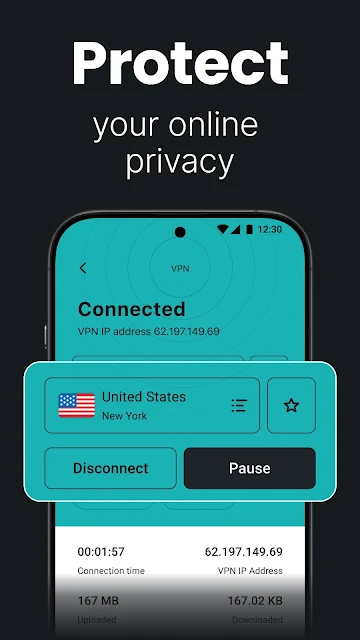
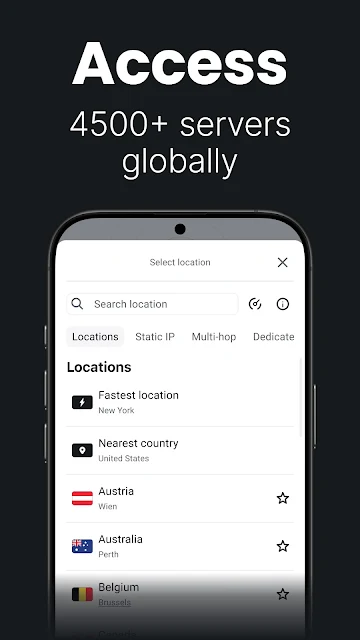
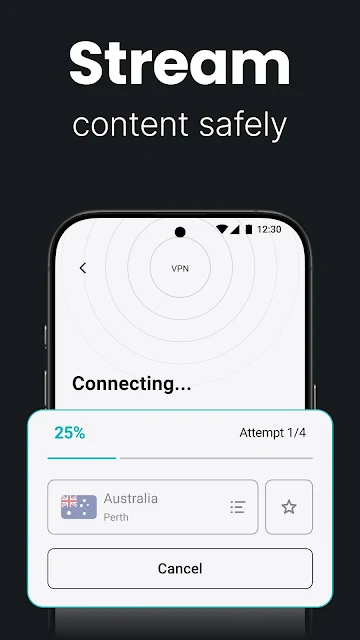
Analysis by Reviewed APKs
Surfshark: Secure VPN service is an Android app for encrypting your internet connection, blocking ads and trackers, and connecting through servers in other countries. I can see it suiting people who want everyday protection without fiddling with technical settings, especially frequent travelers and households with several devices. Its one-tap approach is appealing, though the range of extra privacy tools makes it more than a simple VPN switch.
A café connection, made simpler
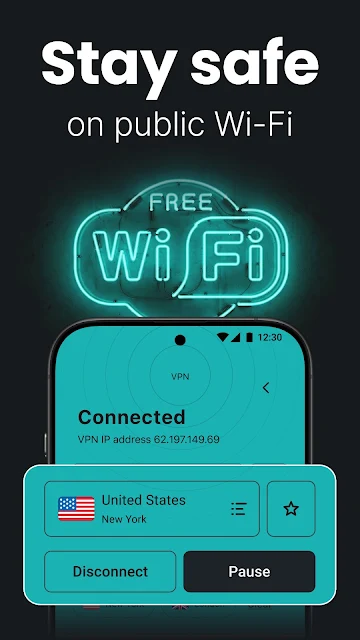
When I imagine using Surfshark during a café work session, the appeal is straightforward: open the app, sign in, and tap Connect before checking email or browsing. The VPN encrypts the connection, which can help keep traffic private from the owners of the network and other people using it. That is a useful extra step on public Wi-Fi, where I would rather not rely on the café connection alone.
The same routine makes sense in an airport lounge or hotel room, where I might connect to a network I do not use regularly. Surfshark can also be set to connect automatically when joining an unknown Wi-Fi network, reducing the chance that I forget to switch it on. I would still treat this as one layer of online protection, not a reason to enter sensitive details carelessly.
More than a location switch
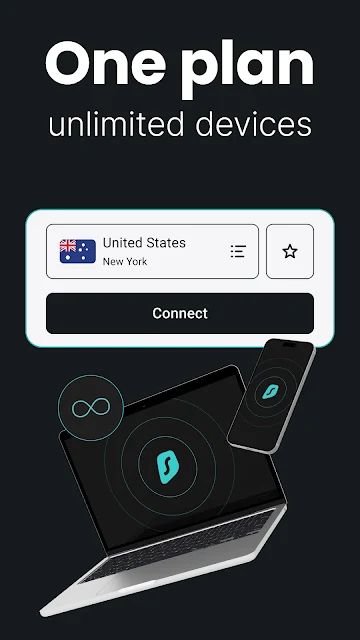
A basic VPN app is mainly about routing a connection through another location. Surfshark covers that central job, with locations in more than 100 countries, but also brings an ad blocker and other privacy tools into the same app. For someone who wants a single place to manage several protections, that is more convenient than assembling separate apps. A subscription can also cover unlimited devices, which may suit a busy household.
That breadth is not necessary for everyone. If I only want to change my apparent browsing location now and then, the extra tools may feel like more than I need. Surfshark is also not a replacement for careful account security or a way to make every online activity private by default. It is best understood as a practical connection and privacy tool, rather than a complete answer to every internet risk.
Small habits that help
I would get the most from Surfshark by making the VPN part of a few existing habits. Connecting before using public Wi-Fi is an easy one; enabling auto-connect for unfamiliar networks can make that routine less dependent on memory. At home, I could choose a location when I have a reason to do so, then return to a normal connection when I no longer need the VPN.
It also helps to think about the other tools as occasional checks rather than settings to explore constantly. The app describes data leak monitoring, text message protection, and an ad blocker among its features, so I would focus on the options that match my concerns. A little setup and a steady routine are likely more useful than switching locations repeatedly without a particular purpose.
More From Our News Desk

Zoom Meetings, Google Meet, or Teams: Which Is Easiest to Join?

How I Build a Free Streaming Lineup With Tubi

Why Crunchyroll Is the Default Anime App for So Many Fans

YouTube TV: A Practical Guide to Cutting Cable

Rummikub and the Small Comfort of Phone Games

TeamViewer Remote Control or AnyDesk for Helping Family?
Who may find it useful
I would recommend Surfshark to people who regularly use café, airport, hotel, or campus Wi-Fi and want a simpler way to encrypt their connection. It also makes sense for travelers who want to connect through a location in their home country, and for households that would rather use one subscription across several devices. The one-tap connection and automatic option are approachable for people who do not want to learn networking terminology.
It may be less appealing if you rarely use a VPN, prefer a very minimal app, or do not want a paid subscription with optional extras. Surfshark offers more than connection routing, but that does not mean every user needs every tool. I would also avoid treating a VPN as a substitute for sensible browsing habits. People who want a tool for basic, everyday connection privacy are the clearest fit.
Surfshark: Secure VPN service is developed by Surfshark B.V. On Google Play, it has more than 10 million installs and a 4.6-star rating from about 324,000 ratings. The app is free to download and contains no ads. Its content rating is Everyone, and its Android version is listed as varying with device.
The app offers in-app purchases, with listed items ranging from $0.99 to $119.99 each. The store information gives a release date of July 2, 2018, and identifies the current version as varying with device. Surfshark is described for Android phones, tablets, and Android TV, with Windows and browser extensions also mentioned. A minimum Android version and a latest update date are not included in the available facts.
A VPN That Fits Everyday Routines
A clear first step
My first impression of Surfshark is that it puts the main task front and center: install the app, sign in, and connect. That straightforward path is helpful if the words VPN server and protocol usually make an app feel daunting. You can tap to connect or choose from locations around the world, so there is a simple starting point without giving up the option to be more deliberate.
The setup also points toward a useful automatic routine. Surfshark says auto-connect can turn on the VPN when you join an unknown Wi-Fi network, which is easier to live with than remembering to open an app each time. I like that kind of practical convenience, particularly for travel days when I may be switching between networks and trying to get on with other things.
The everyday connection
Day to day, the central experience is choosing a location and browsing through the VPN connection. Surfshark describes its service as using WireGuard and a proprietary protocol, with connections intended for activities such as streaming, gaming, and large downloads. Those use cases make the app relevant beyond a quick security check, although the experience of any connection can depend on the network and location I choose.
The location range is broad: Surfshark describes more than 4,500 servers in over 100 locations, including countries such as the United States, United Kingdom, Japan, Germany, Brazil, and India. That gives travelers and people with a specific location in mind plenty of choice. I would still choose a nearby or relevant location for the task at hand instead of assuming that a farther server is automatically better.
Useful extras in one app
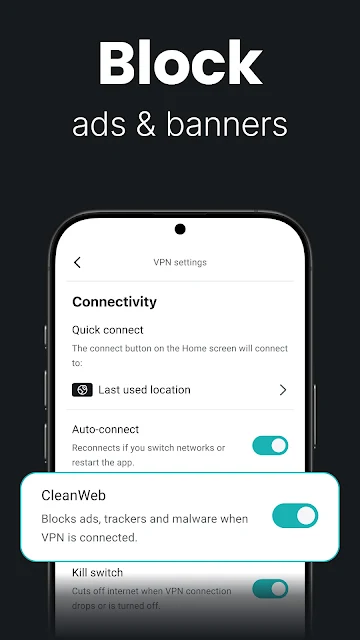
The built-in ad blocker is one of the more tangible extras. Surfshark says it can block ads and trackers, as well as malicious pages, so the appeal is both a less cluttered browsing experience and fewer tracking elements. Having this feature alongside the VPN is convenient for someone who wants fewer separate tools to manage. It is worth remembering that the app describes a feature, not a promise that every ad or unwanted page will disappear.
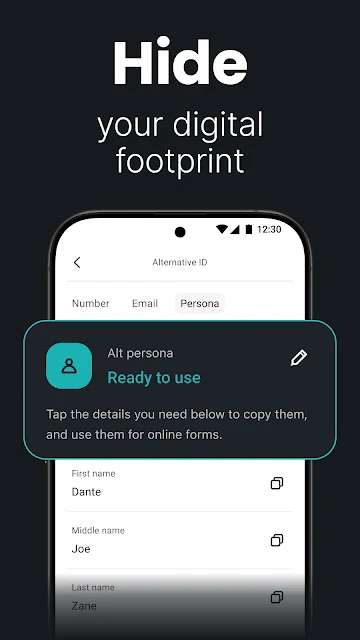
Other listed tools reach beyond the basic VPN role. Surfshark describes data leak monitoring for email, ID, or card details, alternative personal details for sign-ups, phone number masking, and text message protection that flags phishing links. It also mentions antivirus, an email scam checker, and advanced connection options such as Dynamic Multi Hop, Rotating IP, and Dedicated IP. The exact combination a user can access may depend on the service plan.
A travel-day routine
For a day of travel, I would start by connecting to the VPN before joining hotel or airport Wi-Fi. If I needed to use a service from home, Surfshark says I can select a server in my home country to reach the content and websites I already use while abroad. That is a practical use for location choice, rather than changing servers at random.
Later, I could leave auto-connect enabled for unfamiliar Wi-Fi and use the ad blocker during ordinary browsing. If I share the subscription with family, the unlimited-device allowance is a useful part of the routine: phones, tablets, and Android TV are among the supported devices described. I would keep the workflow simple, using the VPN consistently and turning to the other tools when they address a specific need.
Limits to keep in mind
A VPN changes how a connection is routed and encrypts traffic, but it cannot make every online choice safe. Surfshark's extra protections can add useful layers, yet I would still be cautious with suspicious links, unusual messages, and accounts that need strong passwords. The app is most helpful when it supports good habits, rather than being treated as a complete replacement for them.
The other consideration is complexity. The core connection is simple, but a long list of privacy and security features can leave new users unsure which options matter to them. Some features may be tied to particular plans, and the app includes in-app purchases. I would check the current Google Play details and subscription terms before deciding which package fits, especially if I only want basic VPN access.
Surfshark brings a simple VPN connection together with location selection, an ad blocker, and a wider set of privacy tools. I like its emphasis on one-tap use and automatic connections, as well as the ability to cover unlimited devices with one subscription. Its most convincing use is everyday protection on unfamiliar networks and a convenient option for travelers.
I would try it if I wanted a straightforward VPN with room to explore additional tools, or if several devices in my household needed coverage. If I only need a bare-bones location switch, Surfshark may offer more than I will use. Either way, I would review the store's current purchase details and choose features based on my actual routine.
Surfshark Frequently Asked Questions
What is Surfshark: Secure VPN service used for?
Surfshark is used to encrypt an internet connection and route it through a selected location. The app also describes an ad blocker, tracker blocking, and additional privacy tools such as data leak monitoring and text message protection. Common uses include connecting on public Wi-Fi and choosing a home-country location while traveling.
Which devices can use Surfshark?
The app is available for Android phones, tablets, and Android TV. Surfshark also describes support for Windows and browser extensions. One subscription is described as covering unlimited devices, though the exact terms and supported combinations are worth checking in the current Google Play details before subscribing.
What Android version does Surfshark require?
Surfshark's Android version requirement can vary with device, and a minimum Android version is not provided in the available store facts. Check the Google Play page on the device you plan to use for current compatibility information. The app is described for Android phones, tablets, and Android TV.
Is Surfshark free, or does it have in-app purchases?
Surfshark is free to download on Google Play and contains no ads, but it offers in-app purchases. Listed purchase prices range from $0.99 to $119.99 per item. Plans and purchase details may change, so check the current store information and terms to see what is included before choosing.
Is Surfshark suitable for someone new to VPNs?
It may suit beginners who want to sign in and tap Connect rather than configure a VPN manually. Surfshark also describes an auto-connect option for unfamiliar Wi-Fi networks. Its broader collection of privacy tools may take some exploring, so someone seeking only a minimal connection switch may prefer a simpler app.
Pros
- One-tap connection and an auto-connect option make routine use approachable.
- A subscription is described as covering unlimited devices, including Android phones, tablets, and Android TV.
- The built-in ad blocker and other privacy tools reduce the need to manage separate apps.
- More than 100 location choices suit travelers with specific connection needs.
Cons
- The broad feature set may feel excessive if you only want a basic VPN connection.
- In-app purchases range widely, so checking the current plan details matters.
- A minimum Android version is not provided in the available store facts.
- Category
- Tools











