Samsung TV Plus - TV & Movies
- 26.70K
- 3.8
- Installs
- 100.00M
- Price
- Free

Screenshots
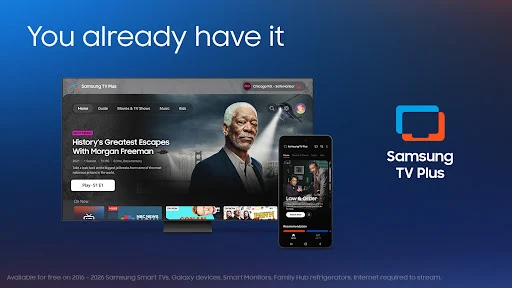


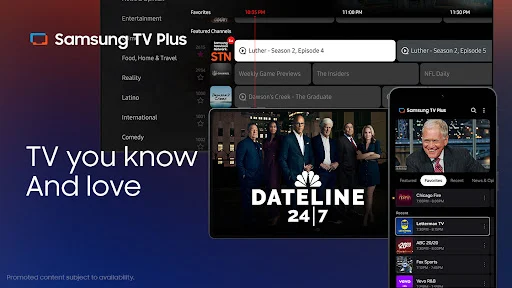
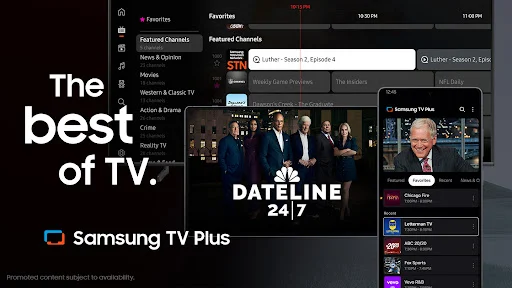
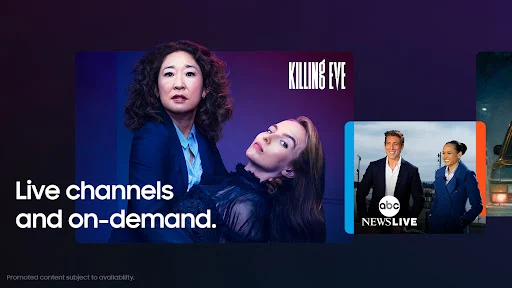
Analysis by Reviewed APKs
Samsung TV Plus - TV & Movies is a free streaming app for people who want live channels and on-demand films and shows without adding another paid subscription. I see it as a handy choice for casual viewing: there is plenty to browse, and the familiar channel format makes it easy to put something on. It is less suited to anyone who wants a tightly curated, ad-free viewing experience.
A quick evening channel browse
When I want something on while making dinner, Samsung TV Plus fits the moment better than spending ten minutes choosing a show. I can open the app, look through live channels, and settle on news, entertainment, movies, or another kind of programming. The live-TV approach is especially useful when I am happy to watch whatever is already airing rather than search for a particular episode.
The on-demand side gives me another way to spend a quieter evening. Samsung TV Plus offers movies and shows, including full seasons of some popular series, so I can move from browsing live channels to picking a title. I like having both formats in one place. It makes the app useful for background viewing as well as for those times when I have something specific in mind.
A free extra, not a replacement
Compared with a paid streaming subscription, Samsung TV Plus is appealing because its live channels and on-demand selection are free to watch. It has a more casual feel than a service where I start with a specific show and follow a carefully arranged watchlist. The channel lineup can be a good starting point when I do not mind letting the schedule decide what comes next.
I would not treat it as a complete replacement for every streaming service or for a paid television package. Its focus is free, ad-supported viewing, and the experience centers on a large range of channels plus a separate on-demand selection. If I want a particular new release, a specific subscription library, or uninterrupted viewing, this is not necessarily where I would look first.
Make browsing work for you
A simple habit that helps is to open Samsung TV Plus with a broad mood in mind rather than a long list of exact titles. If I am after news, a movie, or something light in the background, those categories give me a useful direction without turning the evening into a search session. When I am undecided, browsing the live channels is part of the appeal.
I would also check the on-demand selection when I have more time to focus. The app offers full seasons of some shows, which can make it easier to settle into a series instead of hopping between live programs. Since the selection can change as channels, shows, and movies are added, checking back now and then is a reasonable way to spot something new.
More From Our News Desk

Zoom Meetings, Google Meet, or Teams: Which Is Easiest to Join?

How I Build a Free Streaming Lineup With Tubi

Why Crunchyroll Is the Default Anime App for So Many Fans

YouTube TV: A Practical Guide to Cutting Cable

Rummikub and the Small Comfort of Phone Games

TeamViewer Remote Control or AnyDesk for Helping Family?
Who may enjoy it
I would recommend Samsung TV Plus to Android users who want a free, flexible source of casual entertainment. It suits people who like channel surfing, want news alongside movies and shows, or need something easy to put on during chores. The mix of live and on-demand programming means it can serve more than one kind of viewing mood without requiring a subscription payment.
It may not suit viewers who dislike ads, prefer a tightly organized library, or usually watch only specific titles. People who want a particular program should check whether it is available rather than assuming the selection covers every preference. The app also needs an internet connection to stream, so it is not a fit for watching when a connection is unavailable.
Samsung Electronics Co., Ltd. develops Samsung TV Plus - TV & Movies. On Google Play, it has over 100 million installs and a 3.8-star rating from 26,698 ratings. The app is free to install and use, with ads; Google Play reports no in-app purchases. Its content rating is Teen, a practical point for households deciding whether the available programming is appropriate.
The app was released on September 22, 2020, and its listed last update is September 8, 2026. The version is described as varying by device, and no single minimum Android version is specified in the provided app facts. Samsung TV Plus requires an internet connection for streaming. The Android version and device compatibility can vary, so it is worth checking the Google Play page for the requirements shown for your device.
How Free TV Fits Into My Routine
Opening the app
My first impression is that Samsung TV Plus is built for getting to something watchable quickly. Its promise is straightforward: live channels and on-demand movies and shows, with no subscription fee. That pitch makes sense for someone who wants a low-commitment way to fill a short break or put on a program while handling everyday tasks.
The app is part of a wider Samsung TV Plus experience that is available on Samsung devices and the web. On an Android phone, I would treat it as a mobile way to stream when I am away from a television. Streaming needs an internet connection, so I would make sure I have one before planning to watch while out.
Everyday viewing
The main day-to-day choice is between tuning into a live channel and selecting something on demand. Live TV works well when I want to browse and let the schedule supply the next thing to watch. On-demand programming is a better match when I want to choose a movie or spend time with a show. Having both options gives the app a useful range for casual viewing.
That flexibility does not mean every session feels like browsing a personal collection. The live channels are the distinctive part of the experience, while the on-demand catalog offers another route through its available movies and shows. I find the combination most useful when I am open to suggestions from the selection rather than expecting a particular title to be waiting.
A broad channel mix
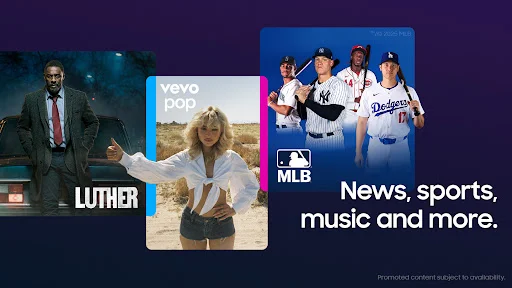
Samsung TV Plus describes a lineup of more than 750 live channels, spanning areas such as news, entertainment, movies, and sports. The range gives me a reason to browse even when I have not settled on one type of program. News options include outlets such as ABC News Live, CBS News, and NBC News NOW, alongside other choices named by the app.
There is also an on-demand catalog with thousands of movies and shows, including full seasons of some series. The app names examples across several kinds of programming, from crime and food shows to science fiction and motoring. That breadth is a useful feature, though the specific titles available can change as the service adds channels and programming.
A practical viewing routine
For a low-effort evening, I would start with the live channels if I am not sure what I want. That keeps the decision small: choose a general area, browse, and watch what looks appealing. If I spot a show or movie that suits the mood better, I can move to the on-demand selection instead of staying with whatever happens to be airing.
For a more deliberate session, I would browse the on-demand programs first and pick something that can hold my attention. The app says it offers full seasons of some shows, which is handy when I want to watch more than one episode over time. Checking the service occasionally also makes sense, since new channels and titles are added.
What to keep in mind
The clearest trade-off is that Samsung TV Plus is ad-supported. That is part of how its free viewing works, but viewers who strongly prefer uninterrupted programs may find the interruptions a drawback. I would go in expecting a conventional free-TV experience rather than the uninterrupted feel of a paid, ad-free service.
The large selection is not the same as having every show or movie available. If I am looking for one specific title, I would check the on-demand catalog instead of assuming it is there. Streaming also depends on an internet connection, and the app's version and Android compatibility can vary by device, so checking Google Play is sensible before installing.
Samsung TV Plus - TV & Movies is a useful free option for filling spare moments with live channels, news, movies, and shows. I like that it offers both channel-style browsing and on-demand choices without a subscription fee. Its ad-supported nature and changing selection are worth accepting up front.
I would try it if I enjoy casual channel surfing or want another place to browse free entertainment on Android. If I need an ad-free service or rely on specific titles being available, I would look elsewhere or use it as a supplement rather than my main streaming choice.
Samsung TV Plus Frequently Asked Questions
What is Samsung TV Plus - TV & Movies used for?
Samsung TV Plus - TV & Movies is for watching live television channels and on-demand movies and shows. Its lineup covers areas such as news, entertainment, movies, and sports. It is designed for free streaming, so it can suit casual viewing or channel browsing without a subscription payment. Streaming requires an internet connection.
Which devices can run Samsung TV Plus?
The Android app is available through Google Play. Samsung describes TV Plus as available on Galaxy devices, Samsung Smart TVs, Smart Monitors, Family Hub refrigerators, and the web. Device support can vary, so check Google Play for Android compatibility and the relevant Samsung information for other devices.
What Android version does Samsung TV Plus require?
The required Android version can vary by device. Check the Samsung TV Plus page on Google Play for the current minimum requirement shown for your phone or tablet. The app also needs an internet connection to stream, so a compatible device alone is not enough for watching without connectivity.
Is Samsung TV Plus free, and does it have ads?
Samsung TV Plus is free to install and use, and Google Play reports that it contains ads but offers no in-app purchases. The free programming includes live channels and on-demand movies and shows. Store details can change, so check Google Play for current pricing and purchase information before installing.
Who is Samsung TV Plus best suited to?
It is a good fit for viewers who enjoy browsing live channels or want free, ad-supported access to a mix of news, movies, and shows. It may be less suitable if you want uninterrupted viewing or need a particular title to be available. The selection can change, so check the app for current programming.
Pros
- Free access to a wide mix of live channels and on-demand programs.
- Live television and on-demand viewing suit different everyday moods.
- Includes news, entertainment, movies, sports, and full seasons of some shows.
Cons
- Ads are part of the free viewing experience.
- A particular movie or show may not be in the changing selection.
- Streaming requires an internet connection.
- Category
- Entertainment