NordVPN – fast VPN for privacy
- 1.38M
- 4.6
- Installs
- 100.00M
- Price
- Free
Screenshots
Analysis by Reviewed APKs
NordVPN – fast VPN for privacy is an Android app for routing your internet connection through a VPN, with additional tools for online protection. I see it suiting people who use public Wi-Fi, travel with a phone or tablet, or want a VPN available on Android TV. After spending time with its range of settings and protection options, my take is that it offers plenty to explore, though everyday use can stay simple.
A Safer Wi-Fi Routine
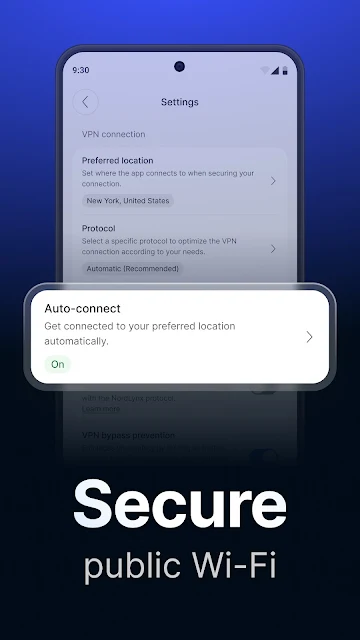
When I first opened NordVPN, I pictured the familiar coffee-shop routine: sit down, join the Wi-Fi, then remember that I meant to switch on a VPN. Auto-connect is the feature that speaks to that moment. The app can be set to connect automatically all the time or when it detects an unknown Wi-Fi network, so I would not have to make that decision from scratch every time I left home.
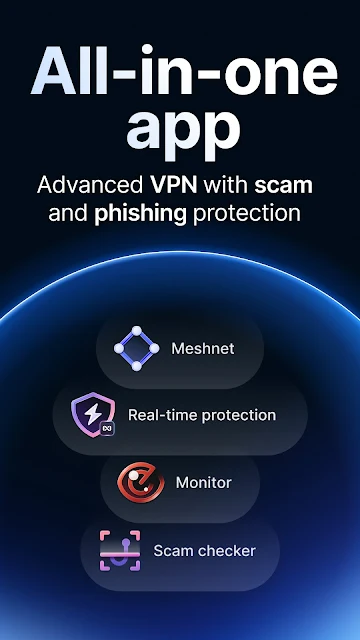
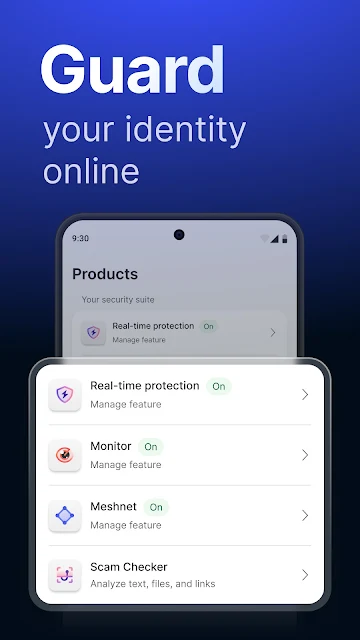
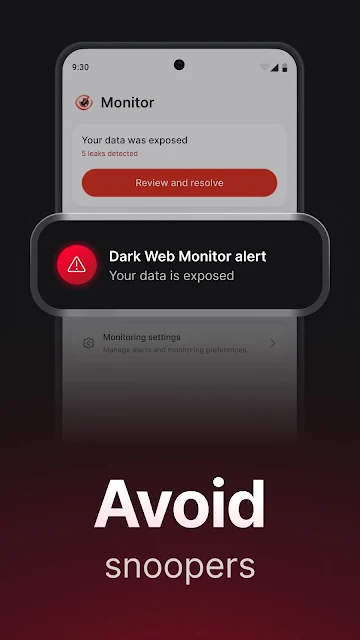
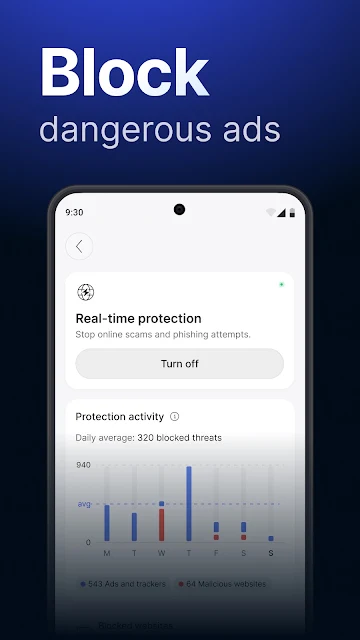
Once connected, I could use my usual apps and browse as normal while the VPN routes my traffic through an encrypted connection. For a daily routine, that means fewer steps before checking email, reading the news, or getting on with a trip itinerary. NordVPN also includes real-time protection against malicious websites and a Dark Web Monitor for checking leaked credentials, giving the app a broader role than simply switching a VPN connection on.
VPN First, Not Everything
The obvious alternative is browsing without a VPN and relying on the network you happen to be using. NordVPN is aimed at people who want an encrypted VPN connection as part of their regular internet use, whether they are on an Android phone, tablet, or TV. It offers several protocols, including NordLynx, NordWhisper, and OpenVPN, along with specialty servers and a Double VPN option for people looking for additional choices.
I would not treat it as a replacement for every privacy or security habit, and it is not an app for organizing files, messages, or daily tasks. Nor would I choose a VPN solely because I expect it to make every connection faster; performance depends on the connection and setup. The app also includes protections beyond its core VPN, but some capabilities depend on the device and plan, so it is worth focusing on the tools you will actually use.
Small Settings, Better Habits
A little setup can make NordVPN feel less like another chore. I would start by deciding whether auto-connect should stay on all the time or activate only on unfamiliar Wi-Fi. Then I would take a moment to review the protocol and any specialty-server options, rather than changing settings each time I open the app. Split tunneling is another practical choice: it lets you select apps that should not use the encrypted VPN connection.
For a routine check-in, I would look at the connection before starting a longer browsing or streaming session, then leave it alone unless something changes. The app also lets users set a DNS server address and choose between TCP and UDP. Those are useful options for people who like to tune a connection, but most users can begin with a simple auto-connect setup and only explore advanced controls when there is a clear reason.
More From Our News Desk

Zoom Meetings, Google Meet, or Teams: Which Is Easiest to Join?

How I Build a Free Streaming Lineup With Tubi

Why Crunchyroll Is the Default Anime App for So Many Fans

YouTube TV: A Practical Guide to Cutting Cable

Rummikub and the Small Comfort of Phone Games

TeamViewer Remote Control or AnyDesk for Helping Family?
Who Might Like NordVPN
I would recommend NordVPN to people who want a VPN on an Android phone or tablet and appreciate having auto-connect, multiple protocols, and extra protection tools in one app. It can also make sense for Android TV users who want a VPN connection for their viewing routine. The device limit is up to 10 per account, which may be useful if you want to cover several devices under one account.
It may be less appealing if you only want a free, no-commitment tool: the app is free to install, but it offers in-app purchases, and the listed prices span a wide range. Users who prefer not to adjust settings may find the extensive options more than they need, even though the basic idea is straightforward. I would also avoid treating a VPN as a complete solution to every online risk.
NordVPN – fast VPN for privacy is developed by Nord Security and is in the Tools category on Google Play. It has more than 100 million installs and a 4.6-star rating from around 1.38 million ratings. The app is rated Everyone. Its listed version varies with the device, and the provided release date is May 16, 2016.
The app is free to download and includes in-app purchases, with listed in-app product prices ranging from $2.99 to $199.99 per item. Google Play reports that it contains no ads. No minimum Android version or last-update date is included in the available app details, so check the Google Play entry for the requirements and current release information relevant to your device.
A VPN That Can Fit Daily Life
A Straightforward First Step
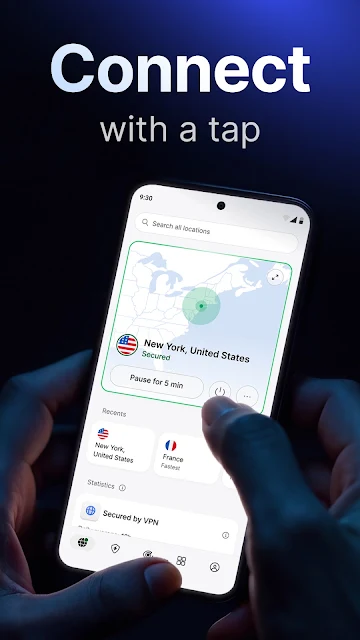
My first impression was that NordVPN is built to make the main job easy to understand: connect to a VPN and continue using the internet. Under that simple starting point, there is a substantial set of choices. I like that someone can start with the basic connection, then gradually look at protocol options, specialty servers, or extra protection tools instead of needing to learn every setting before getting started.
The app is described for Android smartphones, tablets, and TVs, so its purpose is not limited to a phone carried in a pocket. I would begin on the device I use most, get familiar with connecting, and then decide whether the additional features fit my habits. The exact experience and available features can depend on the device and plan, so it makes sense to check those details before building a routine around a particular tool.
The Everyday Connection
Day to day, the useful idea is continuity: connect once, then browse, read, or stream while the VPN is active. NordLynx, based on WireGuard, is presented as a high-speed protocol, while NordWhisper and OpenVPN add alternatives. I would not assume that one setting will feel identical on every network, but having multiple protocols gives users options if they want to compare how the connection behaves.
Auto-connect is especially practical when a VPN is part of a repeated routine. I could set it to stay enabled or to turn on when I join an unknown Wi-Fi network, rather than relying on memory at the café or airport. The app also describes unlimited VPN data, which suits regular use, though the overall subscription and plan details are worth checking in the store.
More Than a Tunnel
The extra tools are what make NordVPN feel broader than a basic connect-and-disconnect utility. Its description includes real-time protection against malicious websites and scams, plus a Dark Web Monitor that can identify leaked credentials. It also lists tracker and ad blocking among the features available within the app, depending on device and plan. I would treat these as additional layers to explore, not as a reason to stop using common sense online.
There are also controls for people who want to shape how the VPN works. Split tunneling lets you choose apps that do not use the encrypted connection, and the app supports setting a DNS server address and switching between TCP and UDP. Double VPN and specialty servers provide more connection choices. The breadth is useful, but I would start with only the options that solve a real need.
A Travel-Day Workflow
For a travel day, I would set up auto-connect before leaving home, choosing whether it should activate on unknown Wi-Fi or remain on continuously. At the hotel or café, I could open the app to check that the VPN is connected before doing routine browsing. If I wanted a particular app to bypass the VPN, split tunneling is available for that kind of adjustment, rather than requiring a different app for every connection preference.
Later, if I were settling in for a movie on Android TV, the same app is described as supporting VPN protection on that platform. For people who use Meshnet, NordVPN also describes connecting to their devices while away. I would keep the routine uncomplicated: configure the basics once, use the connection, and revisit advanced choices only when a specific app or network gives me a reason.
Keep Expectations Grounded
A VPN changes how internet traffic is routed, but it does not make every online activity risk-free. NordVPN includes tools for malicious-site and scam protection, yet I would still pay attention to links and account security. The app’s range of options can also be a lot for someone who only wants a single switch; the extra settings are most useful when they answer a specific question about how a connection should work.
Cost is another practical consideration. The download is free, but in-app purchases are available and the listed item prices run from $2.99 to $199.99. The exact plan and features can vary, so I would check the current Google Play details before deciding what to buy. Device requirements and release information can also change, making the store entry the sensible place to confirm compatibility.
NordVPN makes the everyday VPN routine approachable while offering enough depth for people who want more control. Auto-connect is the standout convenience for me, and the extra protections, protocols, and split tunneling give curious users room to tailor the experience. The trade-off is that its many options and paid purchases deserve a little attention before settling in.
I would try it if I wanted a VPN for Android and valued automatic connections plus additional security features in one app. It is less compelling for someone who wants a purely free service or has no use for its extra controls. Start with the basics, check the plan and device details, and add complexity only when it helps.
NordVPN Frequently Asked Questions
What is NordVPN – fast VPN for privacy used for?
NordVPN is used to connect through a VPN while browsing the internet on Android devices. Its description also includes automatic connection settings, multiple VPN protocols, split tunneling, protection against malicious websites and scams, and a Dark Web Monitor for leaked credentials. Features can depend on the device and plan, so check Google Play for current details.
Which devices can run NordVPN – fast VPN for privacy?
The app is described for Android smartphones, tablets, and TVs. The available app details do not specify a minimum Android version, so check its Google Play entry for the requirements that apply to your device. NordVPN says one account can protect up to 10 devices, though feature availability may depend on the device and plan.
Does NordVPN – fast VPN for privacy cost money?
NordVPN is free to download and offers in-app purchases. The listed in-app product prices range from $2.99 to $199.99 per item, so the cost depends on what you choose. Check Google Play for current plan and purchase details before subscribing, since offers and prices may vary.
What Android version does NordVPN – fast VPN for privacy require?
The minimum Android version is not included in the app details here. Requirements can vary with the device and app release, so check the NordVPN entry on Google Play to see whether your phone, tablet, or Android TV is compatible. Its listed version varies with device.
Is NordVPN – fast VPN for privacy a good fit for me?
It may suit Android users who want a VPN with auto-connect and are interested in options such as different protocols, split tunneling, and extra protection features. It may be more than you need if you only want a basic free tool. Since purchases are available and some features depend on the plan and device, review the current Google Play details before deciding.
Pros
- Auto-connect can activate all the time or on unfamiliar Wi-Fi networks.
- Multiple protocols and split tunneling offer useful connection choices.
- Includes malicious-site protection and a Dark Web Monitor.
- Described for Android phones, tablets, and Android TV.
Cons
- In-app purchases cover a wide listed price range.
- The number of settings may overwhelm users seeking a simple VPN switch.
- Some features depend on the device and plan.
- Category
- Tools











