IPVanish VPN: Fast & Secure
- 71.48K
- 4.4
- Installs
- 10.00M
- Price
- Free

Screenshots
Analysis by Reviewed APKs
IPVanish VPN: Fast & Secure is a VPN app for people who want an encrypted connection while browsing on public Wi-Fi, or who want to use a different IP address and location. I see it as a practical privacy tool rather than an all-purpose security suite. Its location options and automatic connection feature give it useful flexibility, though a VPN is only one part of staying safe online.
A cafe Wi-Fi check-in
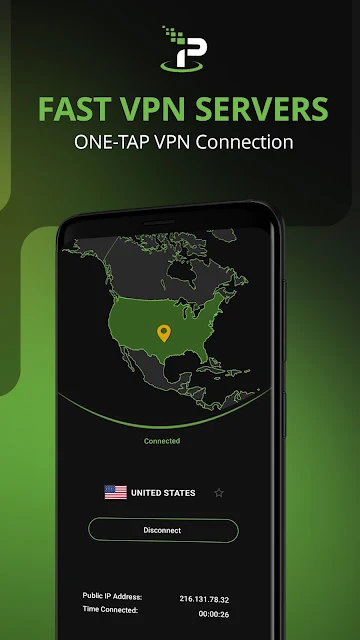
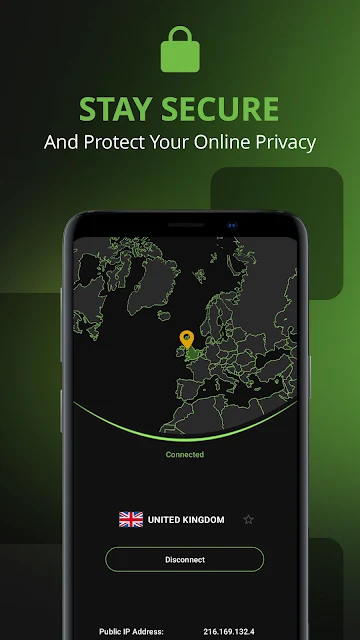
When I picture using IPVanish in an ordinary routine, it is a stop at a coffee shop between errands: I join the public Wi-Fi, open the VPN, and browse with the connection encrypted. That is the app's clearest everyday job. It can also change the IP address and location shown to websites, which is useful when I want a different network location rather than simply a protected connection.
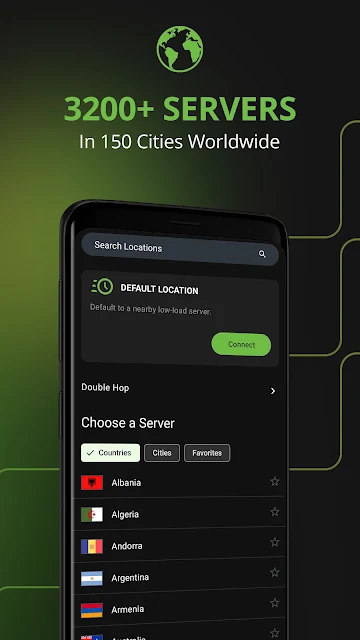
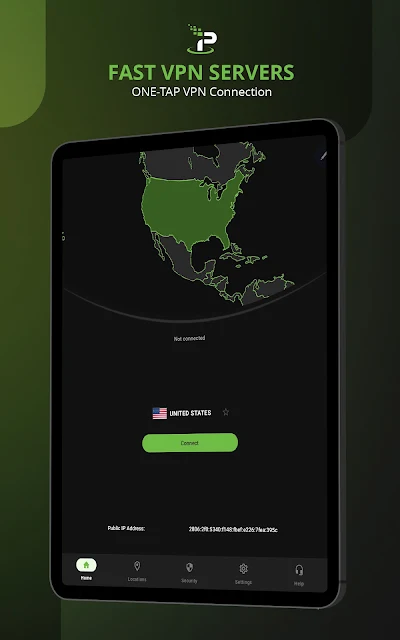
The app offers a Default Location option that selects a VPN server for me, so I do not have to turn server choice into a research project every time I sit down. I like that practical angle. A VPN cannot make every website trustworthy or remove every online risk, but routing traffic through an encrypted connection can add a layer of privacy on an unfamiliar network.
A focused privacy tool
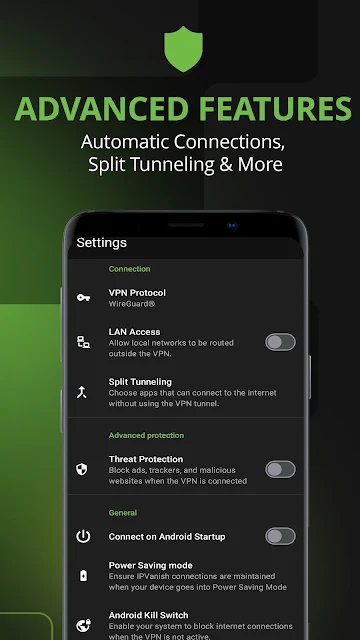
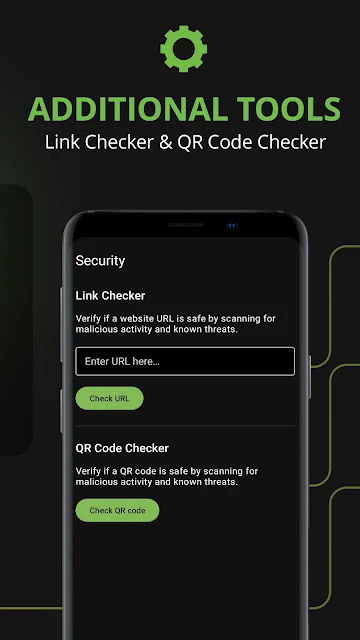
Compared with browsing without a VPN, IPVanish adds an encrypted connection and lets me select a different location. It also includes options such as split tunneling, which lets selected apps operate outside the VPN. Those choices make it more configurable than a simple on/off connection. The app description also mentions ad and tracker blocking, plus tools for scanning QR codes and short links.
I would not treat IPVanish as a replacement for antivirus software, careful account habits, or common sense about links. Its central purpose is VPN connectivity, not a full device-cleanup or password-management routine. Nor would I assume a location change makes every streaming service, website, or app behave differently in a predictable way. It is best judged as a network privacy tool with some additional features.
Small habits that help
A useful habit is deciding when I want the VPN to connect automatically, rather than remembering to start it only after joining a public network. IPVanish describes automatic fast connections and a Default Location selection, both of which can reduce little points of friction. I would also make a deliberate choice about location when that matters, instead of switching servers without a clear reason.
Split tunneling is worth considering if I have a specific app that should use a connection outside the VPN while other traffic stays protected. I would keep that setup simple and revisit it when my needs change. The app also supports several connection protocols, so users who like having connection choices have room to explore; most people can start with the ordinary connection flow.
More From Our News Desk

Zoom Meetings, Google Meet, or Teams: Which Is Easiest to Join?

How I Build a Free Streaming Lineup With Tubi

Why Crunchyroll Is the Default Anime App for So Many Fans

YouTube TV: A Practical Guide to Cutting Cable

Rummikub and the Small Comfort of Phone Games

TeamViewer Remote Control or AnyDesk for Helping Family?
Who may find it useful
I would recommend IPVanish to people who regularly use hotel, cafe, or other public Wi-Fi and want a VPN connection close at hand. It may also suit users who want to change the IP address and location their connection presents, or who prefer options such as server selection and split tunneling. Its broad device support is handy for anyone who uses more than an Android phone.
It may be less appealing if you want a completely free VPN with no paid options, or if your main goal is a comprehensive device-security package. The app's Google Play download is free, but it offers in-app purchases, so I would check the current terms before relying on it long term. Users who do not need a VPN may find its extra settings unnecessary.
IPVanish VPN: Fast & Secure is a Tools app from IPVanish VPN. On Google Play, it has over 10 million installs and a 4.4-star rating from around 71,000 ratings. The app is free to download and contains no ads, with in-app purchases priced from $4.99 to $89.99 per item. Its content rating is Everyone.
The app was released on September 11, 2013. Google Play gives its version as varying with the device. The description lists Android among its supported platforms, alongside iPhone, Fire TV, Apple TV, Chromebook, Windows, and Mac. The Android version requirement and latest update date are not included in the available store facts.
How IPVanish Fits Into My Routine
First impressions and setup
When I first opened IPVanish, the main idea was easy to grasp: connect through a VPN, and choose a location when I want something other than the default. That clarity matters for an app that handles a technical job. I do not need to understand every protocol before seeing why I might use it on public Wi-Fi or when I want to change my visible IP address.
I would start by connecting with the Default Location option, then look at the other choices only if I had a reason. The description says the app supports WireGuard, OpenVPN, and IKEv2, giving more technically minded users protocol options. For a first session, I would keep the setup straightforward and avoid changing several settings before I know what each one does.
The everyday connection
Day to day, the core experience is about deciding when to use a VPN and where to connect. A public Wi-Fi session is an obvious moment: I can use an encrypted connection while checking email, reading news, or browsing between appointments. IPVanish also offers location choices around the world, so the app is not limited to protecting a connection in the place where I happen to be.
I appreciate that the app describes both automatic connection options and a Default Location that chooses a server. That can take some repetitive decision-making out of routine use. At the same time, a VPN can affect how particular services connect, so I would treat location changes as a choice to make for a purpose, not a switch to flip just because more options are available.
Features beyond the basics
The most useful extra for a hands-on user may be split tunneling. It lets specific apps operate outside the VPN while the rest of the connection uses it, which can help when one app needs a different network path. IPVanish also describes IPv6 leak protection and a SOCKS5 proxy included with every account. Those are more specialized options, so they will matter more to some users than to others.
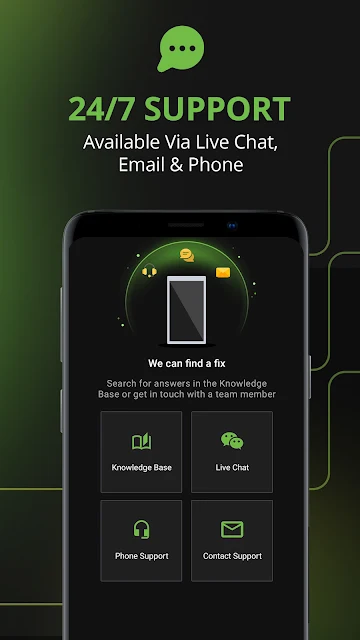
There are also QR code and short URL scanning tools, plus ad, tracker, and harmful-website blocking features described by the app. I would view these as additions to the VPN rather than reasons to assume every nuisance or threat disappears. For users who want contact with support, IPVanish says help is available through in-app live chat, email, and phone.
A simple weekly routine
For a practical routine, I would keep the app ready for travel days and other times I expect to use shared Wi-Fi. Before browsing, I would connect using the default server choice, then continue with the task at hand. If I needed a particular location, I would select it intentionally. This keeps the VPN in the background rather than turning every online session into a settings exercise.
Once in a while, I would review whether automatic connection or split tunneling still matches how I use my apps. A setting that made sense for one situation might not suit another. I would also remember that a VPN does not decide whether a message, download, or website is safe. It is one useful part of a sensible online routine, not a substitute for judgment.
Limits to keep in mind
IPVanish has a number of choices, and that can be a mild drawback for someone who only wants a single obvious button. Protocols, location selection, and split tunneling add flexibility, but they may also invite tinkering that is not necessary for basic use. I would begin with the default approach and explore the more advanced options only when I can identify a reason.
The free download should not be confused with a wholly free service: Google Play lists in-app purchases, with item prices spanning $4.99 to $89.99. I would check the purchase details and terms in the store before committing. Also, changing an IP address does not make a user invisible or ensure that every online service will work the same way from every location.
IPVanish VPN: Fast & Secure makes sense for someone who wants encrypted VPN access, location choices, and useful controls such as split tunneling. I especially like the straightforward public-Wi-Fi use case and the option to let the app choose a default location. Its extra settings are a bonus for people who want them, not a requirement for every user.
I would try it if I regularly connect on shared networks or have a clear reason to use a VPN and change my visible location. I would pass if I wanted a free, all-in-one security app or had no need for VPN connectivity. Before buying, I would review the in-app purchase terms and choose settings that fit my own routine.
IPVanish VPN Frequently Asked Questions
What is IPVanish VPN: Fast & Secure used for?
IPVanish VPN is used to connect through a VPN, encrypt network traffic, and change the IP address and location presented by a device. It may be useful when browsing on public Wi-Fi or when a different connection location is wanted. The app also describes split tunneling, automatic connections, and ad and tracker blocking.
Which devices support IPVanish VPN: Fast & Secure?
The app is available for Android, and its description also names iPhone, Fire TV, Apple TV, Chromebook, Windows, and Mac support. Availability and requirements can vary by device and platform, so check the relevant store or official product information for the device you plan to use.
What Android version does IPVanish VPN require?
The Android version requirement can vary with the device and is worth checking on the Google Play store page before installing. Google Play gives the app version as varying by device. The app description includes Android among its supported platforms, but the specific minimum Android version is not provided in the available store facts.
Does IPVanish VPN: Fast & Secure cost money?
The app is free to download on Google Play and contains no ads, but it offers in-app purchases. Listed item prices range from $4.99 to $89.99. The purchase options and terms may vary, so check the Google Play store page for the current details before making a purchase.
Is IPVanish VPN: Fast & Secure right for me?
It may suit someone who wants VPN access for public Wi-Fi, location choices, or controls such as split tunneling. It may not suit someone looking for a fully free, all-purpose security package or who has no use for a VPN. The app has an Everyone content rating on Google Play.
Pros
- Useful public Wi-Fi protection with encrypted VPN connections and location choices.
- Default Location and automatic connection options can simplify repeat use.
- Split tunneling and multiple protocols offer extra control for experienced users.
- Supports Android and a range of other device platforms.
Cons
- In-app purchases mean the free download is not the whole cost story.
- Protocol and routing options may feel like extra complexity for casual users.
- A VPN cannot replace careful browsing or broader device-security habits.
- Category
- Tools











