HGTV GO-Watch with TV Provider
- 16.06K
- 4.7
- Installs
- 1.00M
- Price
- Free

Screenshots
Analysis by Reviewed APKs
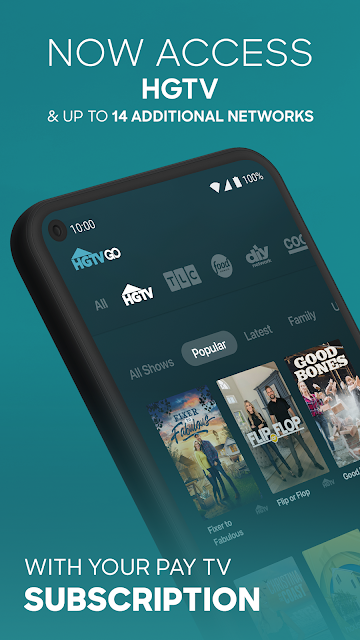
HGTV GO is a streaming app for people who want HGTV favorites and shows from related networks in one place. With a participating pay TV subscription, you can watch live channels, browse episodes on demand, and keep track of programs to return to later. I like its clear focus on familiar TV viewing; the main catch is that access depends on a TV provider.
A familiar evening watch
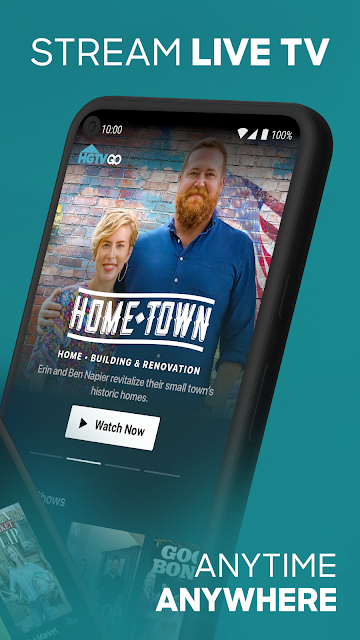
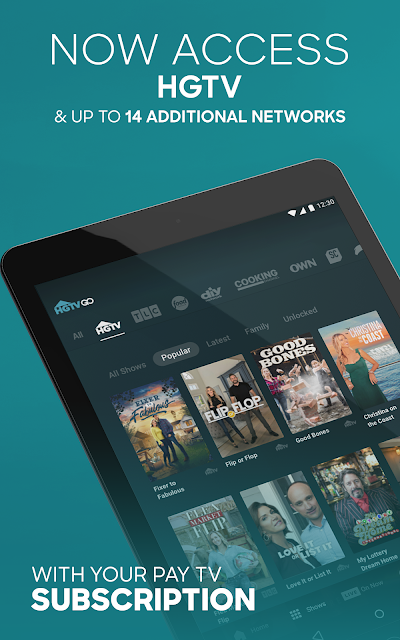
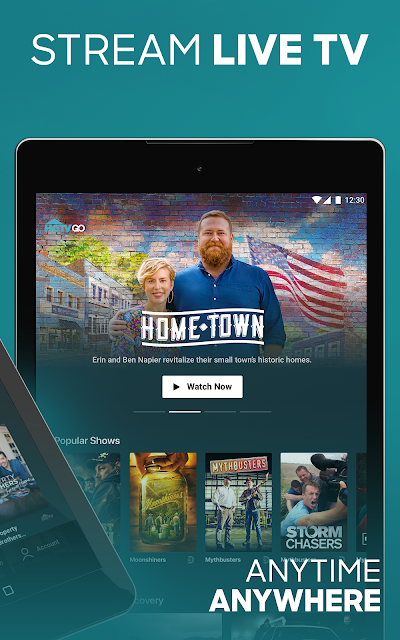
When I first opened HGTV GO, I pictured using it at the end of an ordinary day: dinner is over, I have a little time, and I want an episode of Home Town without searching through several separate services. The app brings HGTV together with networks such as TLC, Food Network, and ID. After linking a pay TV provider, I can browse shows, choose an episode, or tune in to a live stream.
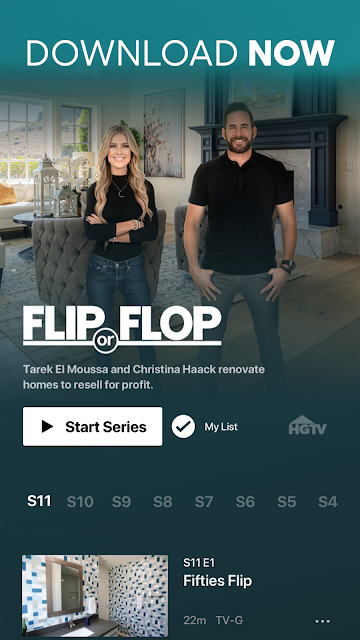
The live schedule guide is useful when I want to see what is on rather than pick a title from memory. If I am not ready to watch a whole episode, My List offers a simple way to save a show or episode for later. Continue-watching support across devices also suits an interrupted evening: I can leave an episode and pick it up again on another supported device.
A TV companion, not a replacement
HGTV GO makes the most sense as an extension of a pay TV subscription, not as a standalone source of every show. Live streaming requires logging in with a provider, and the app describes its access as free with that subscription. That distinction matters if I am comparing it with services that sell their own monthly plans or with free video apps: this app's central benefit is access tied to TV service I already have.
Its focus is also narrower than a general streaming catalog, even though it draws from up to 15 networks. The strongest fit is someone looking for home, food, lifestyle, or other Discovery-family programming, with live channels and episodes in one app. It is not a general-purpose movie service or a substitute for a provider subscription. Availability is limited to the U.S., and a Wi-Fi connection is recommended.
Small habits that help
I would get more out of HGTV GO by treating My List as a short queue rather than relying on memory. When a series catches my eye, saving it gives me an easy place to return when I have time. Browsing by genre can also help when I want something beyond home programs; the available categories span areas such as food, science and technology, and natural history.
For a more intentional routine, I can check the live schedule when I want a particular kind of background viewing, then switch to on-demand episodes when I want to choose the exact show. Same-day availability for new episodes at the time they premiere on TV is another useful cue for keeping up. Closed captions are supported, and continuing across devices helps when plans shift mid-episode.
More From Our News Desk

Zoom Meetings, Google Meet, or Teams: Which Is Easiest to Join?

How I Build a Free Streaming Lineup With Tubi

Why Crunchyroll Is the Default Anime App for So Many Fans

YouTube TV: A Practical Guide to Cutting Cable

Rummikub and the Small Comfort of Phone Games

TeamViewer Remote Control or AnyDesk for Helping Family?
Who will get the most from it
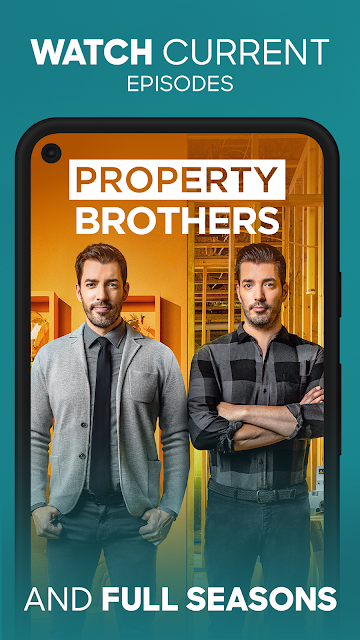
I would recommend HGTV GO to existing pay TV subscribers who regularly watch HGTV or its related networks and want a convenient way to catch up. Fans of Home Town, Property Brothers: Forever Home, or Food Network shows have a straightforward reason to try it. The mix of live streams, on-demand episodes, and a schedule guide gives both habitual channel surfers and selective episode watchers something useful.
It may be a poor fit for someone who does not have a participating TV provider, lives outside the U.S., or mainly wants films and unrelated entertainment. The provider login is part of the deal, so I would check that access before building a viewing routine around the app. People who prefer watching on a larger screen can also consider that the description mentions Chromecast and tvOS compatibility.
HGTV GO is a free Lifestyle app from Scripps Networks, LLC, available on Google Play. It has over one million installs and a 4.7-star rating from about 16,000 ratings. The app contains ads, and the store details say it offers no in-app purchases. Its content rating is Adults only 18+.
The listed app version is 3.63.0. HGTV GO was released on September 18, 2013, and its last update is dated September 9, 2026. The supplied store details do not give a minimum Android version, so check Google Play for device compatibility. The service is described as available in the U.S., with Wi-Fi recommended.
How HGTV GO Fits Into Viewing
Getting started
My first impression is that HGTV GO is built around a practical question: do I want to watch live television, or choose an episode myself? The app serves both habits, but the first meaningful step is linking a pay TV provider. Once that account is connected, the app can provide live streams and access to episodes from the networks included in the service.
That provider step makes the setup less universal than opening a free video app and immediately browsing everything. Still, it is clear about the basic arrangement: access comes with a pay TV subscription. I would check that my provider is supported before counting on the app for a particular evening. The U.S.-only availability and recommendation for Wi-Fi are also worth keeping in mind.
Everyday viewing
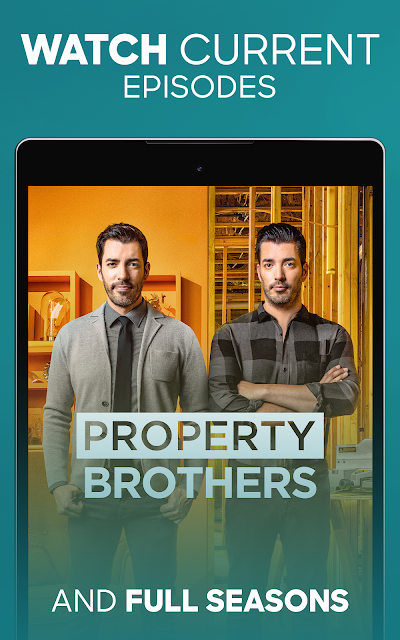
Day to day, I can imagine using the live schedule when I want to watch something without making a careful selection. If I already know the series, on-demand browsing is the more direct route. The app offers current episodes as well as classic favorites, so it can serve both a catch-up session and a casual return to an older show.
The ability to continue an episode where I left off across devices is a small convenience with a real use. I might begin watching in one place, get interrupted, and resume later elsewhere. My List works in a similarly low-fuss way for saving shows and episodes. Neither feature changes how television works, but both reduce the effort of keeping track of what I meant to watch.
More than home shows
HGTV is the draw, but the app also brings in programming from networks including TLC, Food Network, ID, Discovery, Travel Channel, and Animal Planet. That wider selection gives me a reason to browse even when I have finished the home-improvement episode I came for. The app says it offers access to up to 15 networks, with the exact viewing experience linked to a pay TV subscription.
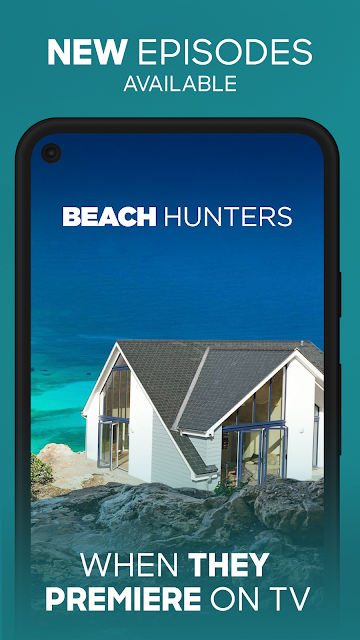
Genre browsing is a helpful alternative to scrolling through titles one by one. Categories range from home and food to natural history and science and technology, which makes discovery feel less tied to already knowing a show name. New episodes are available on the app the same day and time they premiere on TV. Closed-captioning support is another useful viewing option.
A simple weekly routine
A practical way I would use the app is to check the schedule once, save a few promising episodes to My List, and then watch them when my week opens up. That keeps live viewing available when I want a channel-like experience while preserving the flexibility of on-demand choices. The routine is especially sensible for someone who already follows several shows across HGTV and the other included networks.
If a new episode premieres on TV, the same-day availability gives me a reason to check the app rather than wait for a later catch-up session. I can also use the genre categories to fill an unplanned viewing slot with something outside my usual picks. These are modest conveniences, but together they make the app easier to fit around a variable schedule.
Things to keep in mind
The biggest limitation is the provider requirement. HGTV GO is not described as a way to watch live channels without a pay TV subscription, so people without one may not get the main benefit. The app is also limited to the U.S. That makes it less useful for travelers or viewers elsewhere who want the same access while away from home.
Ads are part of the app, and the content rating is Adults only 18+. The app description recommends Wi-Fi, which is sensible to consider for streaming. Finally, although the app covers several networks, it remains a TV-focused service rather than an all-purpose entertainment library. I would approach it as a convenient companion to existing TV access, not a replacement for every viewing option.
HGTV GO brings live viewing, a schedule guide, and on-demand episodes into a single app for eligible pay TV subscribers. I like the practical touches, especially My List and cross-device continue watching, and the added networks broaden its appeal beyond home projects.
I would try it if my household already has a compatible TV provider and watches these networks regularly. If I want a standalone subscription or live outside the U.S., it is less compelling. The provider login is the deciding factor, so I would check access before making it part of my routine.
HGTV GO Frequently Asked Questions
What is HGTV GO used for?
HGTV GO lets viewers with a pay TV subscription stream live channels and watch on-demand episodes from HGTV and other included networks. It also has a live schedule guide, genre browsing, My List for saved shows or episodes, and cross-device continuation. New episodes are available the same day and time they premiere on TV.
Which devices and platforms support HGTV GO?
HGTV GO is an Android app available through Google Play. Its description also mentions compatibility with tvOS and Chromecast, and says viewing can continue across devices. The service is available in the U.S. only. For Android device compatibility, check the Google Play store details for the version available to your device.
What Android version does HGTV GO require?
The minimum Android version can vary by device and app release, so check the current Google Play store details before installing. HGTV GO recommends a Wi-Fi connection for streaming. The listed version is 3.63.0, but device compatibility is best checked against the current store information.
Does HGTV GO cost money or include purchases?
The app is free to download and its store details report no in-app purchases. Access to live TV and the included programming is described as free with a pay TV subscription, so a provider login is required for that access. The app contains ads. Check Google Play for current details that may vary.
Is HGTV GO a good fit for me?
It is a good fit if you already subscribe to pay TV, live in the U.S., and want HGTV and related-network programs live or on demand. It may not suit viewers without a provider login or people looking for a general movie service. Wi-Fi is recommended, and the app has an Adults only 18+ content rating.
Pros
- Combines HGTV with programming from several related networks in one app.
- Offers live streams, on-demand episodes, and a schedule guide.
- My List and cross-device continue watching support flexible viewing.
- New episodes arrive the same day and time they premiere on TV.
Cons
- Live access depends on linking a pay TV provider.
- Available in the U.S. only, with Wi-Fi recommended.
- Contains ads and carries an Adults only 18+ content rating.
- Category
- Lifestyle
- Version
- 3.63.0











