Google Keep - Notes and lists
- 2.64M
- 4.7
- Installs
- 1.00B
- Price
- Free
Screenshots
Analysis by Reviewed APKs
Google Keep is a lightweight place to collect notes, lists, photos, and voice memos, then find them again when you need them. I see it suiting people who want a quick, flexible companion for errands, household plans, and passing ideas rather than a heavyweight project system. Its strongest appeal is how easily capture, reminders, and shared lists fit into ordinary routines; its simplicity also sets clear limits.
A List That Travels
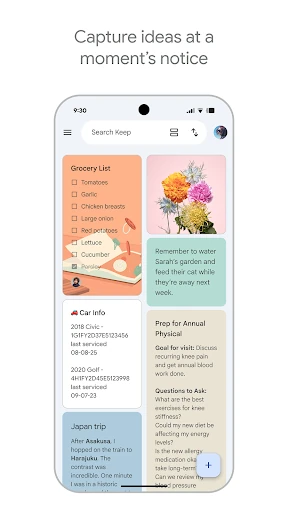
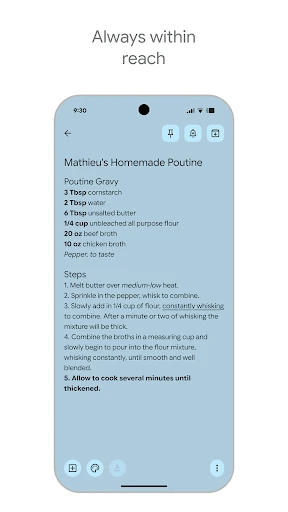
When I first opened Keep, I pictured a familiar Saturday errand: I need groceries, a couple of things for the house, and one item I keep forgetting. I can put those in a note, make a to-do list, and set a reminder for the right time. Later, I can pull up the list on my phone instead of trying to remember what I meant to buy while standing in an aisle.
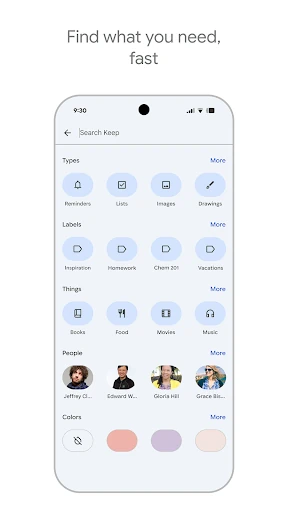
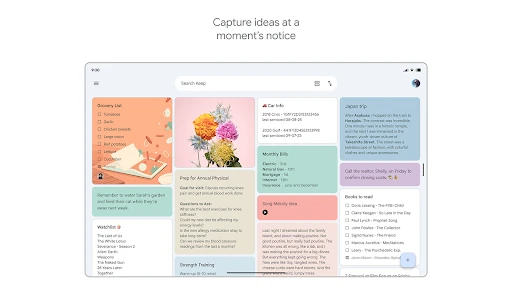
The useful part is that a note can start in whatever form is easiest. I might type a quick reminder, snap a photo of something I want to remember, or record a voice memo while walking between tasks. Color and labels help separate the resulting scraps, and search gives me a way back when I have forgotten where I put a detail.
Notes, Not Project Management
Keep occupies the quick-capture end of the productivity spectrum. Compared with a paper pad, it makes notes searchable and available across devices; compared with a more elaborate planning system, it asks much less setup. I can jot something down before it slips away, then add a label or reminder later. That low-friction approach is the point, especially for lists and small bits of information.
I would not treat it as a full project manager or a place to build a complex, structured knowledge base. The material describes notes, lists, labels, colors, reminders, and collaboration, not elaborate planning tools. If a task needs a detailed workflow, Keep may be best as a handy companion for the checklist or quick reference rather than the whole system.
Small Habits, Better Retrieval
A little organization goes a long way once notes begin to pile up. I would use a few clear labels for recurring areas such as errands or trip planning, and reserve colors for distinctions I can recognize at a glance. Pinning frequently used notes to a phone or tablet home screen can also save a few taps when I return to the same list throughout the day.
I find it useful to capture first and tidy second. A fleeting thought can become a voice memo or short note immediately; when there is a quiet moment, I can give it a label, choose a color, or add a reminder. For shared plans, a collaborative note can keep a grocery list or trip details in one place instead of scattering updates across separate messages.
Reads About Google Keep
More From Our News Desk

Zoom Meetings, Google Meet, or Teams: Which Is Easiest to Join?

How I Build a Free Streaming Lineup With Tubi

Why Crunchyroll Is the Default Anime App for So Many Fans

YouTube TV: A Practical Guide to Cutting Cable

Rummikub and the Small Comfort of Phone Games

TeamViewer Remote Control or AnyDesk for Helping Family?
Who will get the most from it
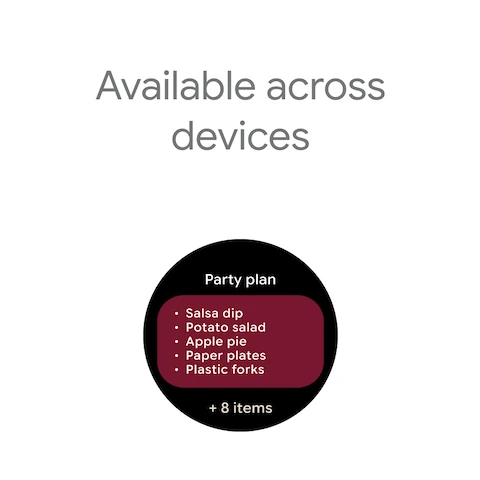
I would recommend Google Keep to people who want a practical landing spot for everyday thoughts: grocery lists, reminders, ideas, and details they want to retrieve later. It is especially appealing if you move between a phone, tablet, computer, or Wear OS device, since the app supports those devices and syncs notes across them. Sharing and collaboration also make it a sensible choice for simple household or trip planning.
It may be less satisfying for someone who expects deep project controls or a carefully structured archive. Keep’s appeal is speed and flexibility, so people who prefer a formal system with extensive organization may want something more specialized. If all you need is an occasional note, its extras may be unnecessary; if you routinely lose small lists and reminders, its quick capture tools are easier to appreciate.
Google Keep - Notes and lists is a free productivity app from Google LLC. On Google Play it has over a billion installs and a 4.7-star rating from about 2.6 million ratings. It is rated Everyone. The app is free, with no in-app purchases or ads.
The app was released on March 20, 2013, and its latest update is dated October 26, 2026. Its version varies with device. Keep works across phones, tablets, computers, and Wear OS devices, with notes syncing across devices. The supplied Android version requirement varies by device, so check Google Play for the requirement that applies to yours.
A Practical Home for Passing Thoughts
Quick Start, Little Setup
My first impression of Keep is that it is built to get out of the way. The basic job is easy to understand: capture a thought, make a list, or save something worth remembering. I do not have to decide on an elaborate filing system before writing down an idea. Color and labels are there when I want more order, but a quick note can remain quick.
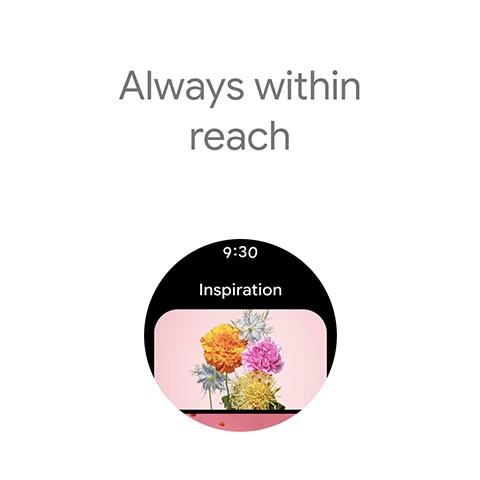
I would start with a small set of notes that match real needs rather than organizing everything in advance. A shopping list, a reminder, and a place for loose ideas are enough to see whether the approach fits. Phone and tablet widgets, along with Wear OS tiles and complications, offer additional ways to start a note without making the app itself the center of every task.
Everyday Capture and Search
Day to day, Keep makes most sense as a pocket-sized memory aid. I can type a short note when something occurs to me, use a voice memo when typing is awkward, or take a photo of something I want to keep in mind. Those formats suit different moments, and I like that the app is not limited to neat, fully written notes.
Finding an old detail is part of the routine too. Search can bring a saved note back when I remember its subject but not where I filed it. Labels and colors make browsing more intentional, while pinned notes and home-screen widgets help with the lists I return to often. The result is a modest system for reducing the small memory work that piles up over a busy day.
Tools That Feel Useful
Reminders are one of the more practical parts of Keep because a note can be tied to a time when it matters. A grocery list is more helpful when it comes back to mind before an errand than when it is buried among unrelated thoughts. I would use reminders for ordinary follow-ups, while keeping the note itself as the place to collect the details.
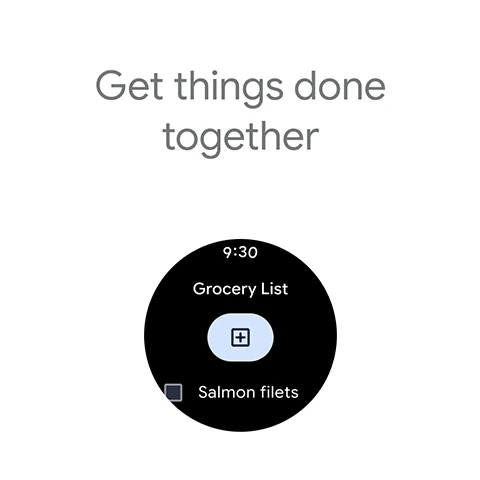
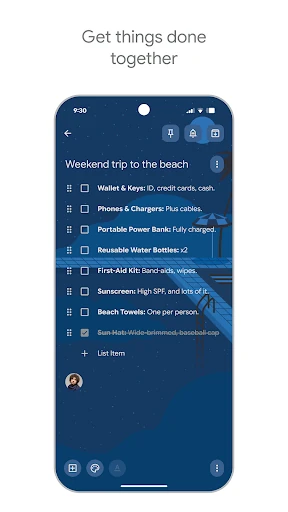
Sharing adds another useful angle. A grocery list or trip-planning note can be shared with friends or family so people can collaborate on the same information. That is a more direct fit for small shared plans than copying the latest version between separate notes. Keep also syncs across phone, tablet, computer, and Wear OS devices, which makes a saved thought easier to reach from different places.
A Routine That Sticks
A routine I would actually maintain is simple: capture anything easy to forget, then sort only the notes that deserve to stick around. On the way out, I might make a short list; later, I can add a label or color if it will help me find it. For a time-sensitive errand, a reminder can bring the note back at a more useful moment.
For recurring household planning, I would keep a shared grocery note and return to it as needed. For a trip, a separate shared note can collect details in one place. The phone or tablet home-screen widget is useful for a list I check often, while a Wear OS tile or complication offers another quick route to capture a thought. None of this needs a complicated weekly reset.
Know Where It Stops
Keep’s flexibility can leave some of the organizing work to me. Colors and labels are helpful, but they depend on habits I choose to maintain. If I make a large pile of notes without meaningful labels, search becomes more important. That is not a major burden for occasional lists, but people who want a detailed structure from the start may find the lightweight approach too loose.
The app is also focused on notes, lists, reminders, and sharing rather than comprehensive project planning. I would not choose it on the assumption that a simple checklist will cover every complicated workflow. It is stronger as a place to capture and revisit small pieces of information. Keeping that role in mind makes the app easier to judge on what it does well.
Google Keep is a useful everyday organizer when the main challenge is remembering small things and getting them down quickly. Notes, lists, photos, voice memos, reminders, and shared collaboration cover a lot of ordinary needs without demanding much setup. I especially like the possibility of reaching notes across devices and bringing frequently used lists closer with widgets or Wear OS shortcuts.
I would recommend it to anyone who wants a straightforward home for errands, ideas, and shared household plans. I would look elsewhere if I needed a more elaborate project system or a tightly structured archive. For casual organization, Keep’s light touch is its main strength: it helps me catch a thought before it disappears and find it again when it matters.
Google Keep Frequently Asked Questions
What is Google Keep used for?
Google Keep is for capturing thoughts, managing to-dos, and organizing notes and lists. You can type notes, take photos, record voice memos, add labels and colors, set reminders, and share notes for collaboration. It is suited to everyday tasks such as keeping a grocery list or planning a trip, rather than serving as an elaborate project-management system.
Which devices can use Google Keep?
Google Keep works on phones, tablets, computers, and Wear OS devices, and its notes sync across devices. The Android app is available on Google Play. The supplied details do not specify a separate computer operating-system requirement, so check the relevant store or service details for the device you plan to use.
What Android version does Google Keep require?
The Android version requirement can vary by device. Check the Google Play store page for the current requirement that applies to your phone or tablet before installing. The app version itself is also described as varying with device.
Does Google Keep cost money?
Google Keep is free to use on Google Play. It has no in-app purchases and contains no ads. Store details can change over time, so it is worth checking Google Play for current information before installing.
Is Google Keep a good fit for me?
It is a good fit if you want quick notes, lists, reminders, and simple collaboration across devices. It may be less suitable if you need extensive project controls or a highly structured archive. Its main strength is making ordinary bits of information easy to capture and retrieve without much setup.
Pros
- Quickly captures typed notes, photos, and voice memos.
- Reminders, labels, colors, and search support everyday organization.
- Shared notes make grocery lists and trip planning collaborative.
- Syncs across phones, tablets, computers, and Wear OS devices.
Cons
- Lightweight organization may feel too loose for structured archives.
- Not presented as a comprehensive project-management tool.
- Useful organization depends on keeping labels and colors consistent.
- Category
- Productivity















