Anker eufy
- 257.12K
- 4.5
- Installs
- 5.00M
- Price
- Free

Screenshots
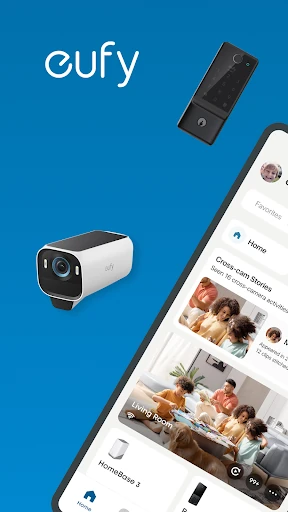
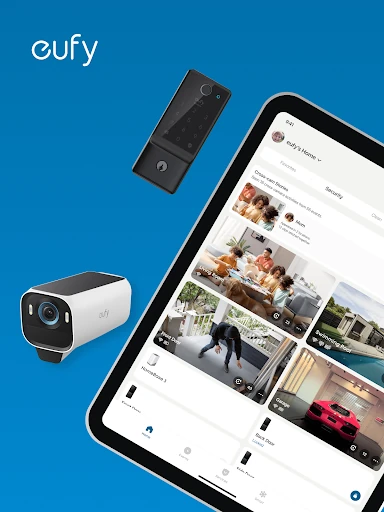
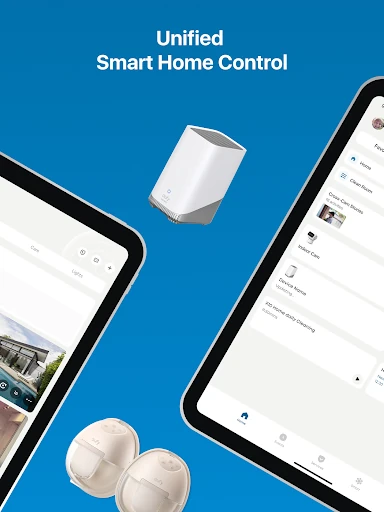
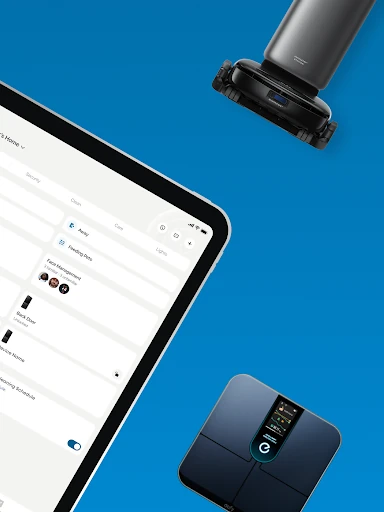
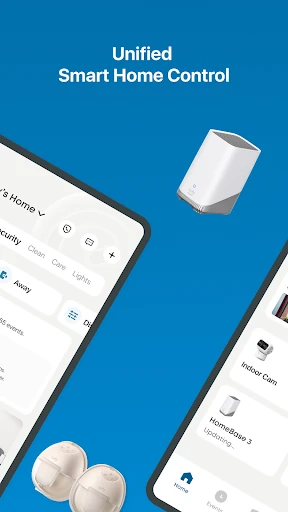
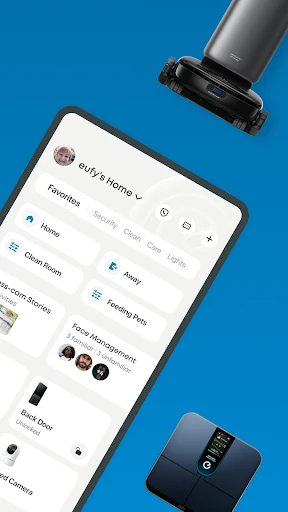
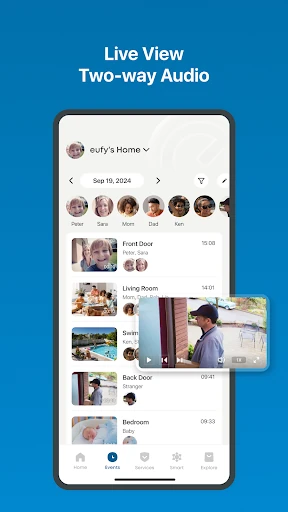
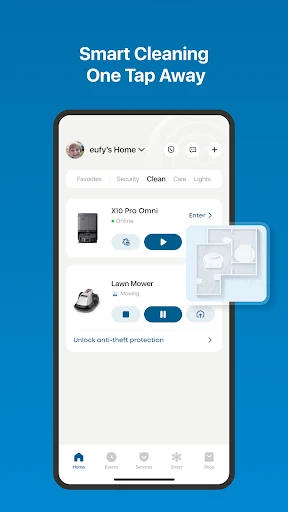
Analysis by Reviewed APKs
Anker eufy brings control for supported eufy home, cleaning, health, baby, and pet products into one app. I’d recommend it to someone whose household already uses several kinds of eufy devices and wants fewer separate apps to manage. Its range is appealing, but the experience depends on having compatible products; it is a companion for eufy hardware, not a general-purpose smart-home controller.
A Less Scattered Home Routine
Picture finishing work and wanting to check the front door, start a cleaning session, and see whether a pet feeder needs attention. With compatible products, Anker eufy is intended to put those tasks under one roof rather than sending you between separate apps. That makes most sense in a home where eufy devices already serve different jobs, not in a household looking for a single app to control every brand.
The app’s scope covers security devices such as cameras, doorbells, HomeBase, and entry sensors, along with supported cleaners and other eufy product families. It can also bring together smart-scale data, baby products, and pet supplies. I like the practical idea: open one app for a quick household check, then move on. The benefit is convenience across eufy categories, rather than one new feature that replaces the devices themselves.
One Brand, Several Jobs
The obvious alternative is to keep using the separate eufy apps for security, cleaning, or other product lines. Anker eufy is positioned as a unified option, which may reduce app juggling if your devices are among those it supports. That caveat matters: the description names a specific set of cleaning models and directs owners of other models to the original eufy Clean app for a better experience.
This is not a universal smart-home dashboard, and it is not a substitute for buying the hardware needed for each job. Its security, cleaning, health, baby, and pet functions are tied to eufy products. Alexa and Google Assistant integration is mentioned for security, while the health section describes connections with Apple Health, Google Fit, and Fitbit. If your home is mostly other brands, the all-in-one promise will have less to offer.
Small Habits That Help
I’d start by checking which eufy devices and models are supported before making this the household’s main app. That simple step is especially useful for cleaning products, since the app calls out compatible models and points some owners back to eufy Clean. Once the right devices are involved, the app’s unified layout can make a quick daily check easier than remembering which product family lives where.
For shared cleaning duties, the description says family members can be given access and preferences can be set for each device. That suggests a sensible routine: agree on who manages a device, personalize its settings, and keep household controls in one place. Pet products can be controlled remotely, while the app can also handle their updates. For health data, linking the services you already use may help keep relevant measurements together.
More From Our News Desk

Zoom Meetings, Google Meet, or Teams: Which Is Easiest to Join?

How I Build a Free Streaming Lineup With Tubi

Why Crunchyroll Is the Default Anime App for So Many Fans

YouTube TV: A Practical Guide to Cutting Cable

Rummikub and the Small Comfort of Phone Games

TeamViewer Remote Control or AnyDesk for Helping Family?
Who May Find It Useful
I’d point Anker eufy toward people who already own multiple compatible eufy products, especially those spanning more than one category. If you have a supported cleaner alongside eufy security or pet devices, a shared app could make routine checks feel less fragmented. Smart-scale owners may also appreciate a place to view measurements and connect with services such as Google Fit, Fitbit, or Apple Health.
It may be a poor fit if you do not own eufy hardware, expect every model to work in the unified app, or mainly want controls for a mixed-brand smart home. Cleaning compatibility deserves particular attention because the app identifies supported models and recommends the original eufy Clean app for others. People who prefer separate, narrowly focused apps may also see less value in combining several product families.
Anker eufy is a free Lifestyle app from Anker on Google Play. It has more than 5 million installs and a 4.5-star rating from about 257,000 ratings. The content rating is Everyone. The store information gives version 6.1.20_31181, with a release date of October 19, 2018, and a last update dated October 18, 2026.
The app contains no ads, but it offers in-app purchases. Listed item prices range from $0.99 to $499.99, so the free download does not mean every related purchase is free. The minimum Android version is not included in the available app details; check Google Play for device compatibility before installing.
One App for a Eufy Household
A Broad First Impression
When I first looked at what Anker eufy is designed to cover, the breadth stood out more than any one control. Security, cleaning, health, baby care, and pet supplies all sit within its intended reach. That breadth could make the app feel useful from the start in a home with several compatible products, though a single-device owner may not need an umbrella app.
The first practical step is matching the app to the products in the house. The description names supported cleaning models and says other models may work better with the original eufy Clean app. For other categories, the app is described as connecting to eufy devices. I would treat compatibility as part of setup rather than assume that every product carrying the brand name behaves the same way.
The Everyday Experience
Day to day, the central appeal is having one place to manage supported devices from different eufy families. A quick home check might involve security equipment, while a separate moment might be about starting or managing a cleaner. The app also describes remote control for pet supplies. Those are distinct routines, but gathering them in one app could make the overall household setup easier to remember.
The experience still depends on which products are connected. A person with only a supported robot cleaner will mostly use the cleaning side, while a household with security and pet devices has more reason to visit the app regularly. I appreciate that the app is not presented as a magic fix for every home: its role is to organize eufy device control, not remove the need to choose compatible equipment.
More Than Security
Security is one part of the package, with support described for HomeBase, eufyCam, video doorbells, and entry sensors. The description also mentions privacy protection and integration with Alexa or Google Assistant for security. Those details make the app relevant to people who want a central place for their eufy security setup, without implying that every feature applies to every device.
The other product families give the app its broader character. Compatible cleaners can be managed remotely, and users can share access with family members and set preferences for devices. Smart Scale data can include body fat percentage, BMI, and muscle mass, with connections to Apple Health, Google Fit, and Fitbit. Baby products and pet supplies have their own controls, including remote pet-care actions and product updates.
A Practical Weekly Check
A useful routine could be to open the app during a weekly home reset, review the eufy devices that need attention, and make sure family members who help with cleaning have access where appropriate. From there, you can use the cleaning controls for supported models, check security equipment, or manage connected pet supplies. The point is not to spend more time in the app; it is to make ordinary device tasks easier to find.
If you use a smart scale, the health section offers another occasional check-in: review measurements and connect the data with a service you already use, if that suits your setup. Pet owners can use remote controls for feeding, play, or training, according to the app description. These are separate needs, but a single app can be a convenient starting point when the household already uses eufy for them.
Compatibility Is the Catch
The biggest limitation is that the unified experience is built around eufy products. The app will not become a whole-home control center simply because it covers several categories. Its usefulness rises with the number of compatible devices in your home, and falls if you have no eufy hardware or primarily use another brand. The named integrations do not change that central focus.
Cleaning support is especially worth checking before switching apps. The description lists supported models and recommends the original eufy Clean app for other models. The range of product categories can also make the app feel more extensive than a user’s actual needs. Someone who only wants one narrow function may prefer a dedicated product app, while a multi-category eufy household is more likely to benefit.
Anker eufy makes a practical case for bringing supported eufy devices together. Its strongest appeal is for homes that use the brand across security, cleaning, health, baby care, or pet products. The app’s wide scope is useful when it matches your household, but compatibility and existing hardware determine how much of that scope you will actually use.
I’d recommend trying it if you already own several compatible eufy products and want fewer separate apps in your routine. Before relying on it, check your specific device model, particularly for cleaning. If you are shopping for a general controller or have no eufy equipment, this is not the app I’d choose as a starting point.
eufy Frequently Asked Questions
What is Anker eufy used for?
Anker eufy is an app for managing compatible eufy products across areas such as home security, cleaning, smart-scale health data, baby care, and pet supplies. It is intended to bring several eufy product families into one app. The controls available depend on the connected product, and the app is not described as a general controller for every smart-home brand.
Which phones and devices can run Anker eufy?
Anker eufy is available for Android through Google Play. Its description covers connections to compatible eufy products, including security devices, cleaners, smart scales, baby products, and pet supplies. The minimum Android version can vary with device compatibility and is worth checking on the Google Play page before installing. The app also describes integrations with certain health and voice-assistant services.
Does Anker eufy cost money?
The app is free to download and contains no ads, but it offers in-app purchases. Listed purchase prices range from $0.99 to $499.99 per item. Those figures describe the range shown for in-app items, not a promise that every feature or connected product is included at no cost. Check Google Play for current purchase details before buying.
Does Anker eufy work with every eufy device?
The app supports eufy products, but the description identifies a specific set of cleaning models and recommends the original eufy Clean app for other models. Compatibility can depend on the product, so check the app’s Google Play details and the information for your device before switching. The app is designed for eufy products rather than all smart-home equipment.
Who should use Anker eufy?
It is best suited to people who already use multiple compatible eufy products and want to manage them in one place. Owners of supported cleaners, security equipment, smart scales, baby products, or pet supplies may find it useful. It may be less helpful if you do not own eufy hardware, use other brands, or prefer separate apps for each device.
Pros
- Combines control for several eufy product families in one app.
- Supports family access and personalized preferences for cleaning devices.
- Connects smart-scale data with Apple Health, Google Fit, and Fitbit.
- Includes remote control options for compatible pet supplies.
Cons
- Its usefulness depends on owning compatible eufy products.
- Some cleaning models are directed to the original eufy Clean app.
- In-app purchase prices span a wide range.
- Category
- Lifestyle
- Version
- 6.1.20_31181











