CBS
- 23.14K
- 3.9
- Installs
- 5.00M
- Price
- Free

Screenshots
Analysis by Reviewed APKs
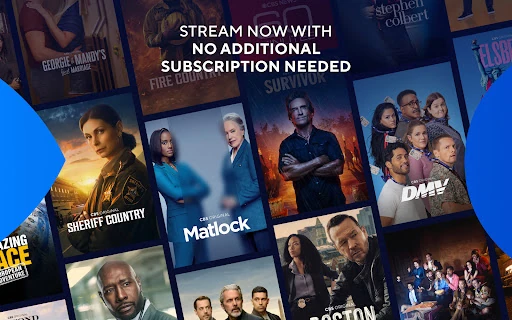
CBS is a streaming app for catching up on current CBS shows, with live local TV and full seasons available when you sign in through a cable provider. I see it as a useful companion for viewers who already follow CBS and want another way to watch on an Android device. Its free access to new episodes is appealing, though the split between free episodes and provider-gated viewing is worth understanding.
A Catch-Up Evening
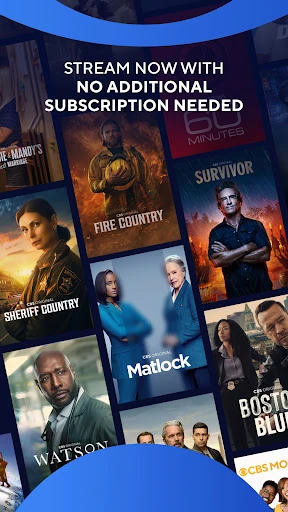
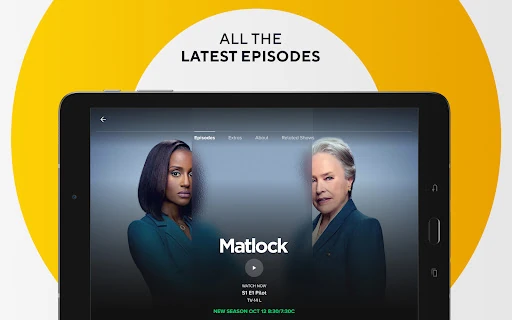
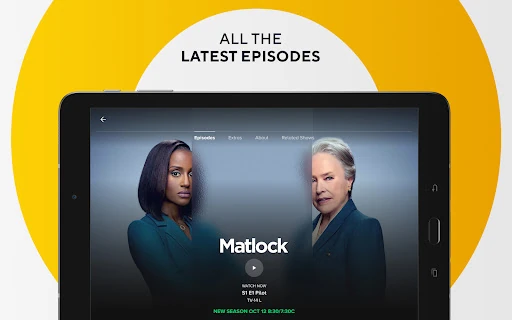
When I want to catch up after a busy day, the CBS app is built for a simple job: streaming recent episodes of CBS shows without requiring me to log in first. I can open it when I have a little time, pick an available episode, and watch at my convenience. Episodes may be available the day after they air, so it can fit neatly into a next-evening routine.
The free episode access is the clearest reason to try it. I would use it after dinner or during a quiet stretch when I have missed a broadcast, rather than treating it as a broad streaming library. Availability can change, and some titles or episodes may not be offered on every device. Still, for someone who mainly wants to keep up with current CBS programming, the app has a focused purpose.
A CBS Companion, Not Everything
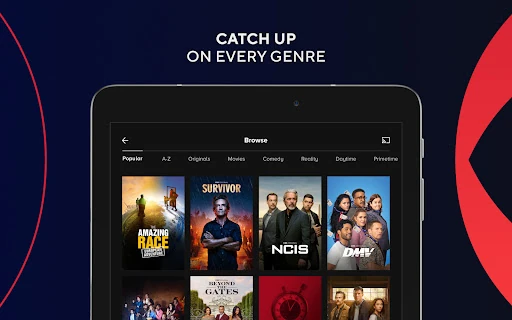
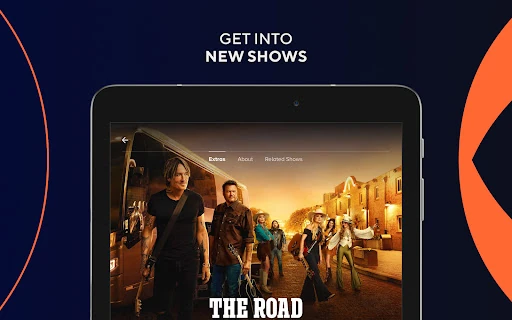
Compared with a general streaming service, CBS is narrower: it centers on CBS shows and the local station experience. That focus can be a plus if I already know what I want to watch. The app also offers a path to full seasons and live TV for people who sign in with a cable provider, extending it beyond free episode catch-up without turning it into an all-purpose entertainment catalog.
I would not choose it as a replacement for every streaming subscription or as a place to browse shows from many networks. The live offering is tied to a local CBS station and is subject to availability, while full-season access requires a cable-provider sign-in. The app is limited to use in the United States. Those boundaries make it most useful as an add-on for existing CBS viewers.
Small Viewing Habits
A useful habit is to check the app after a show’s broadcast day rather than assuming every episode will appear immediately. The service describes its latest episodes as available for next-day streaming, but availability can vary by content and device. I would keep the app in my regular catch-up rotation and look for the specific episode I missed, rather than expecting every season to be unlocked.
If I already have cable service, signing in with that provider is the step that opens up the app’s other main use: full seasons and live TV. I would decide whether that extra access matters before spending time setting up the account. Without a provider sign-in, the no-login episode option remains the uncomplicated starting point, and occasional viewing does not require a subscription or monthly fee.
More From Our News Desk

Zoom Meetings, Google Meet, or Teams: Which Is Easiest to Join?

How I Build a Free Streaming Lineup With Tubi

Why Crunchyroll Is the Default Anime App for So Many Fans

YouTube TV: A Practical Guide to Cutting Cable

Rummikub and the Small Comfort of Phone Games

TeamViewer Remote Control or AnyDesk for Helping Family?
Who Will Find It Useful
I would recommend CBS to people who regularly watch CBS programming and want a straightforward way to stream recent episodes on Android. It also makes sense for cable subscribers who want to access full seasons or their local CBS station through the app. The free, no-login episode option lowers the barrier for someone who simply wants to try catching up without adding another monthly subscription.
It may not suit viewers looking for a large cross-network catalog, or people who want every episode and live channel without a provider sign-in. The United States restriction also limits where the service is intended to be used. If my viewing habits are spread across many networks, I would treat CBS as a useful extra rather than my main streaming destination.
CBS is published by CBS Interactive, Inc. On Google Play it has over 5 million installs and a 3.9-star rating from around 23,000 ratings. The app is free to download and use, contains ads, and does not offer in-app purchases. Its content rating is Teen, so those basics are worth considering before installing it for a household.
The supplied app details give version 16.1.1, a release date of February 25, 2021, and a last update date of October 8, 2026. The minimum Android version is not included in the available facts, so check the Google Play entry on the device you plan to use. CBS describes the service as limited to the United States.
How CBS Fits Into a Viewing Routine
A Simple Starting Point
When I first opened the idea of using CBS, the low-friction part stood out: the app says I can stream new episodes without logging in. That makes it easy to start with a particular show rather than sorting out an account first. I would approach it with one episode in mind, especially if I am checking whether a missed broadcast is available.
The setup decision depends on what I want to watch. For free episode streaming, the description says no login is required. For full seasons and live TV, I would need to sign in with a cable provider. That distinction is useful to know up front, since the app’s most appealing features do not all work on the same terms.
The Everyday Viewing Loop
Day to day, I would use CBS as a catch-up stop: open it when I remember an episode, see whether it is available, and stream it when I have a suitable window. The next-day option is especially practical for a weeknight routine, when watching live is inconvenient. The app’s job is clear, and I do not need a subscription just to access the described new-episode offering.
There is a natural boundary to that routine. The app is focused on CBS programming, and the description does not promise that every title is available at every moment or on every device. If the episode I want is not available, I may need another way to watch it. I would view it as a convenient catch-up option, not the only place to keep my viewing plans.
Live TV and Full Seasons
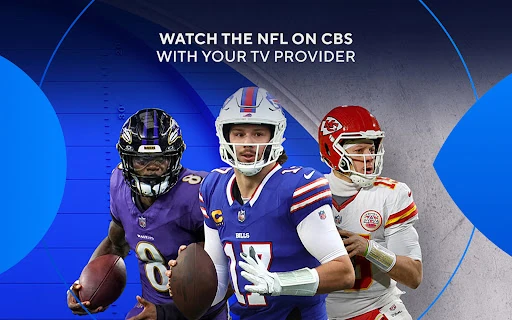
The cable-provider sign-in adds a more substantial second use. According to the app description, eligible viewers can access full seasons of CBS shows and stream live TV from their local CBS station. That live stream can include news, sports, entertainment, and live events, making the app relevant beyond on-demand episode viewing.
This is the feature set that could make CBS more useful to someone who already has a cable provider. I would not assume that access works identically everywhere, because live TV is subject to availability. Still, the distinction between free recent episodes and provider-enabled live and full-season viewing is easy to understand and gives the app two different roles.
A Practical Catch-Up Routine
My practical routine would be to check CBS after a show I follow has aired, then stream the episode when I have a relaxed block of time. If I subscribe to cable, I would also sign in when I want to explore full seasons or watch my local station live. Keeping those two uses separate helps set reasonable expectations and avoids treating the free episode option as the whole service.
I would also remember that the app is intended for use in the United States and that availability can change. Those details matter if I am planning around a particular program or trying to watch away from home. A quick check for the episode I want is more sensible than assuming the entire catalog will always be available.
Limits to Keep in Mind
CBS is a focused network app, so its appeal depends on whether CBS shows are already part of my viewing life. It is not described as a general entertainment catalog, and the service’s U.S. limitation narrows its audience. The ads are another practical consideration for viewers who prefer an entirely ad-free streaming experience.
The access rules also shape what I can do. New episodes are described as free without a login, while full seasons and live TV require a cable-provider sign-in. Content may vary, live TV is subject to availability, and some content may not be available for next-day streaming on certain devices. I would check the store entry and service details if a particular device or program is essential.
CBS works best as a convenient extension of an existing interest in CBS programming. I like the straightforward promise of free recent episodes without a login, and cable-provider access gives current subscribers more to do with the app. Its narrow catalog and ads keep it from being an obvious one-stop streaming choice.
I would try it if I often miss CBS broadcasts or already have a provider login and want live local TV on an Android device. If I want a wide, provider-independent library, I would look elsewhere and use CBS only for the shows it covers.
CBS Frequently Asked Questions
What is the CBS app used for?
CBS is used to stream recent episodes of CBS shows, with no login required for the described free episode access. Users who sign in with a cable provider can also access full seasons and live TV from their local CBS station. The service is limited to use in the United States, and content availability can change.
Which devices and platforms support the CBS app?
The app is available for Android, and its description says viewers can watch on a device that supports the app. This review covers the Android version. For device compatibility and the minimum Android requirement, check the Google Play entry on the device you plan to use, since requirements can vary.
What Android version does CBS require?
The minimum Android version is not specified in the app details provided here. Check CBS on Google Play from your device to see the current compatibility information before installing. The supplied version number for the app is 16.1.1, but that does not establish which Android versions it supports.
Does the CBS app cost money?
CBS is free to download and does not offer in-app purchases according to the supplied store facts. The app contains ads. Its description says recent episodes can be streamed without a subscription or monthly fee; full seasons and live TV require signing in with a cable provider.
Is the CBS app right for me?
It is a good fit if you follow CBS shows and want to catch up on recent episodes, or if you have a cable provider and want to use its sign-in for full seasons and live local TV. It may be less appealing if you want a broad, ad-free catalog or access outside the United States.
Pros
- Recent CBS episodes can be streamed without a login or subscription.
- Cable-provider sign-in adds access to full seasons and local live TV.
- The focused purpose makes it easy to use for catching up on CBS shows.
- Google Play shows over 5 million installs and a 3.9-star rating.
Cons
- The catalog is centered on CBS rather than many networks.
- Ads are included, and full seasons and live TV require a provider sign-in.
- The service is limited to the United States, with content availability subject to change.
- Category
- Entertainment
- Version
- 16.1.1