Zangi - Private Messenger
- 296.79K
- 4.2
- Installs
- 50.00M
- Price
- Free

Screenshots
Analysis by Reviewed APKs
Zangi - Private Messenger is a communication app for people who want to text, call, video chat, and share files without registering with a phone number or uploading their contacts. I like the idea of keeping access tied to a Zangi Number you choose to share. Its privacy-centered approach is appealing, though it asks users to build their conversations around a less familiar contact system.
A quieter way to connect
When I first considered how Zangi would fit into an ordinary day, I pictured sharing a Zangi Number with a few people I already know rather than opening my profile to a broad contact list. A friend or relative can use that number to reach me, while someone who does not know it cannot find my profile. That setup makes the app feel suited to deliberate, small-circle conversations.
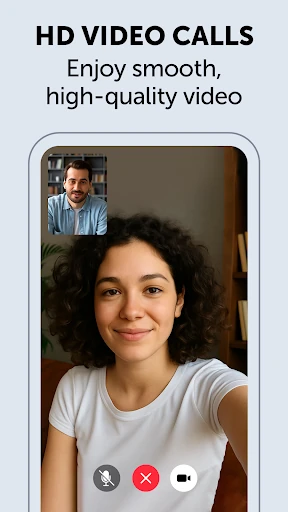
Once connected, the app covers the usual ways of keeping in touch: text chats, voice and video calls, and sharing files or media. I can imagine using it for a quick message during a busy afternoon, then switching to a call when a conversation needs more than a few lines. Zangi is built around familiar communication tasks, but makes privacy and controlled discoverability central to how people connect.
A focused messenger alternative
Compared with a messenger that relies on a phone number or access to personal contacts, Zangi offers a different starting point. Registration does not require a SIM card or phone number, and users do not need to share their personal contacts. Instead, I would give my Zangi Number to the people I want to reach me. That can suit someone who prefers to choose contacts directly rather than make themselves easy to find.
That focus also defines what Zangi is not: it is not a public social network for discovering people or a place to collect a large audience. The app is aimed at private conversations with friends, family, and colleagues. If the people I want to talk to are not using Zangi, its privacy approach alone will not make communication convenient; the other person still needs to be part of the conversation.
Small habits that help
I would treat my Zangi Number like a direct introduction: share it with people I trust and keep the circle intentional. Since other users cannot find a profile without the exact number, saving or sharing it carefully is part of making the app useful. It is a small habit, but it gives the contact model a clear purpose and helps avoid expecting Zangi to work like an open directory.
For a smoother routine, I would choose Zangi for conversations I want to keep in one place, whether they involve a message, call, video chat, or a shared file. The app describes communication as encrypted and says data is stored on the phone. Those privacy claims may matter most to people who value keeping control of their conversations, while practical day-to-day use still depends on their contacts being reachable on Zangi.
More From Our News Desk

Zoom Meetings, Google Meet, or Teams: Which Is Easiest to Join?

How I Build a Free Streaming Lineup With Tubi

Why Crunchyroll Is the Default Anime App for So Many Fans

YouTube TV: A Practical Guide to Cutting Cable

Rummikub and the Small Comfort of Phone Games

TeamViewer Remote Control or AnyDesk for Helping Family?
Who might appreciate Zangi
I would recommend Zangi to people who want a private messenger with more than text chat and who are comfortable inviting contacts by sharing a specific number. It may be a good fit for close-knit groups of friends, family members, or colleagues who are willing to use the same app. The no-phone-number registration option is also useful for people who would rather not use their mobile number to sign up.
It may not suit someone who depends on broad contact discovery or expects every friend to already be available in one messaging service. Zangi’s controlled contact approach works best when people share their numbers directly. I would also compare its privacy model with my own needs rather than treating any app description as a substitute for personal judgment. For everyday messaging with a familiar circle, it has a clear, focused role.
Zangi - Private Messenger is developed by Secret Phone, Inc. On Google Play it has over 50 million installs and a 4.2-star rating from around 297,000 ratings. It is free to install, contains in-app purchases priced from $1.49 to $59.99 per item, and does not contain ads.
The app has an Everyone content rating. Its current version is 6.6.3, and its release date is November 18, 2014. Google Play shows October 25, 2026 as the last update date. The available details do not specify a minimum Android version.
How Zangi Handles Private Conversations
A different first impression
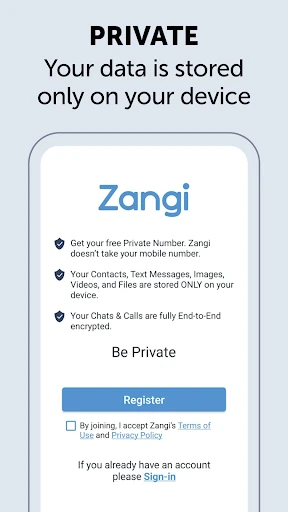
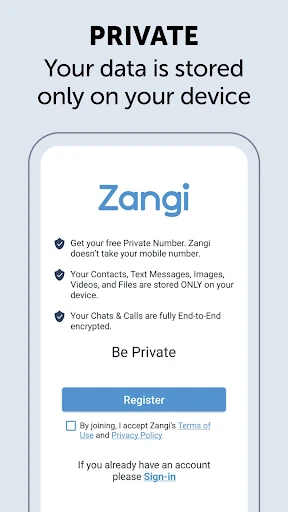
When I first opened the idea of Zangi, what stood out was what it does not ask for: a SIM card, phone number, or access to personal contacts for registration. Instead, its contact model revolves around a Zangi Number. That is a distinct first step from many messaging apps, and it makes the app feel designed for people who want to be selective about who can reach them.
The app presents itself as a private messenger for messages, calls, video chats, and sharing files or media. That gives it a familiar purpose even if the sign-up approach feels different. I would start by deciding which people I want to contact and sharing my number with them, rather than expecting a populated contact list or public profile discovery to do the work.
The everyday conversation
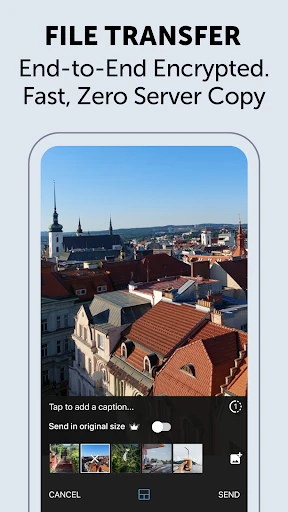
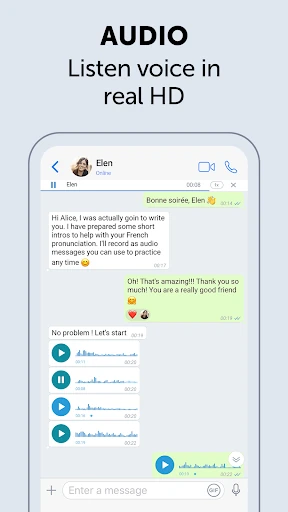
In day-to-day use, Zangi is meant to handle the central pieces of a conversation in one place. A text can cover a quick update, while a voice or video call suits a longer catch-up. The option to share files and media gives people another way to communicate without switching the conversation to a separate service. That practical range is useful for a small circle that already agrees to use the app.
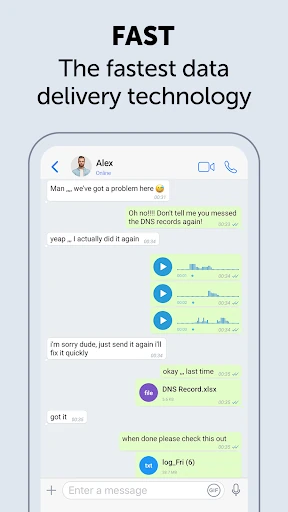
Zangi says it is designed to rely less on internet connection speed than other messenger apps. I would see that as a useful aim for people who sometimes have a weaker connection, rather than a reason to expect every call or transfer to work perfectly in every situation. As with other communication tools, the experience depends on the connection and on the people at both ends using the app.
Privacy as the main feature
The standout feature is the combination of private registration and limited profile discovery. Users do not need a phone number or personal contact sharing to register, and someone cannot find a profile without knowing its exact Zangi Number. That makes sharing the number with trusted people a core part of the experience, rather than an optional detail tucked behind a standard address book setup.
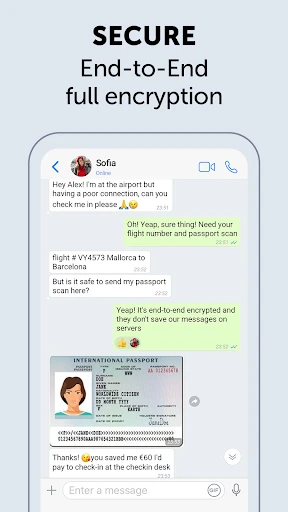
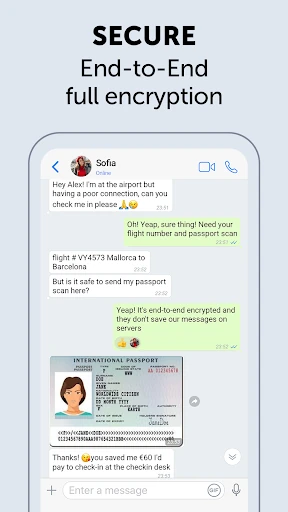
The app also says messages, media, files, voice calls, and video calls are protected with end-to-end encryption using AES-GCM 256. Zangi describes user data as stored only on the phone and says it does not collect, analyze, or store personal messages on its servers. These are the privacy features the product emphasizes; I would read them as the app’s stated approach, not as a reason to skip deciding what I am comfortable sharing.
A simple weekly routine
For a practical routine, I would pick a few regular contacts and give each person my Zangi Number directly. That keeps the first step manageable and avoids treating the app like a way to search for everyone I know. Once the group is connected, I could use the same conversation for a short text, a call, or sharing media, depending on what the moment needs.
I would also make Zangi’s role clear to the people I invite. If a relative expects to reach me through another messenger, a brief explanation and number share can prevent crossed wires. Over time, the app makes the most sense as a chosen channel for a defined circle, rather than as a replacement for every way I communicate with every person in my life.
Limits to keep in mind
The contact system is both Zangi’s clearest distinction and its main practical hurdle. People need the exact Zangi Number to find a profile, so a user who wants effortless discovery may find the setup restrictive. The app’s usefulness also depends on the people I want to reach choosing to use it. If they do not, I still need another way to contact them.
Privacy is a central promise, but the app’s descriptions of storage and encryption should not be mistaken for a reason to share sensitive information without thought. I would consider my own expectations and use habits before relying on any messenger for a particular conversation. The free app also offers in-app purchases, so anyone who wants to know what a specific purchase involves should check the Google Play details.
Zangi - Private Messenger is a focused option for people who want messaging, calls, video chats, and file sharing with a more deliberate approach to contact discovery. Its no-phone-number registration and exact-number contact model set it apart, while its stated encryption and on-device storage approach put privacy at the center.
I would recommend giving it a look if a small circle of friends, relatives, or colleagues is willing to use it with you. If you depend on open discovery or want every contact available without an invitation, the setup may feel like extra work. For a carefully chosen group, though, Zangi has a clear everyday purpose.
Zangi Messenger Frequently Asked Questions
What is Zangi - Private Messenger used for?
Zangi is a communication app for text chats, voice and video calls, and sharing files and media. It is designed for conversations with people who know your Zangi Number. The app emphasizes private registration and controlled profile discovery, making it more suited to a chosen circle than finding new contacts through a public directory.
Which devices can run Zangi - Private Messenger?
Zangi - Private Messenger is available on Android through Google Play. The supplied details do not specify a minimum Android version, so check the Google Play store page for the requirement that applies to your device. Availability and compatibility can vary by device and region.
Does Zangi - Private Messenger require Android
The minimum Android version is not specified in the available app details. Check the Google Play store page on your device for the current requirement, since compatibility details can vary. Zangi’s registration description says a SIM card and phone number are not required.
Is Zangi - Private Messenger free?
Zangi is free to install and contains in-app purchases priced from $1.49 to $59.99 per item. It does not contain ads. Purchase options can change, so check Google Play for current details before buying anything.
Who is Zangi - Private Messenger best for?
It may suit people who want messaging and calls with a small, trusted group and prefer to share a Zangi Number directly. It may be less convenient for anyone who expects open contact discovery or whose friends and colleagues do not use the app. Its fit depends on whether your regular contacts are willing to connect there.
Pros
- Registration does not require a SIM card or phone number.
- Supports text, voice and video calls, and file and media sharing.
- Profiles are discoverable only to people who know the exact Zangi Number.
- The app describes end-to-end encryption across chats and calls.
Cons
- People need your exact Zangi Number to find your profile.
- The app is most useful when your contacts are willing to use it.
- In-app purchases range from $1.49 to $59.99 per item.
- Category
- Communication
- Version
- 6.6.3











