Reolink
- 42.15K
- 3.5
- Installs
- 5.00M
- Price
- Free
Screenshots
Analysis by Reviewed APKs
Reolink is a companion app for viewing compatible Reolink IP cameras and NVRs from a phone, whether you are at home or away. I see its main appeal in quick camera checks, recorded-video playback, and alerts in one place. It is a practical fit for people who already use Reolink equipment; it is not a general-purpose camera app for mixing devices from different brands.
A quick check from anywhere
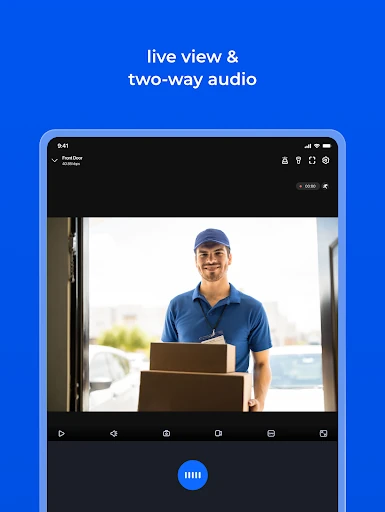
When I imagine using Reolink during an ordinary day, the draw is simple: check a live camera view without being beside the recorder. The app can access compatible cameras and NVRs locally or remotely, using Wi-Fi or a mobile connection. That makes it useful for a quick look at home or a business while I am elsewhere, rather than requiring me to sit in front of a computer to see what is happening.
The everyday value comes from having several ways to check in. I can view live streams, look back at recordings stored on a camera SD card or an NVR hard drive, and save images from a view to my phone. Motion-triggered push notifications or email alerts can bring an event to my attention, so I do not have to keep the app open all day just to know when activity is detected.
For Reolink camera owners
Reolink makes the most sense as the mobile side of a Reolink camera setup. Its job is to connect with the company’s compatible IP cameras and NVRs, then make live viewing and recorded footage available on a mobile device. If your cameras and recorder are already part of that system, this is a focused way to check them without adding another viewing method to your routine.
That focus is also a boundary. I would not treat Reolink as a universal camera viewer or a replacement for the camera hardware and recording setup it is designed to work with. It is also not a general photo app or a broad home-management tool. Its strengths are surveillance viewing, playback, alerts, and camera controls, not a wider set of unrelated phone tasks.
Small habits that help
A useful habit is to decide in advance which cameras matter most for a quick glance and which ones are worth opening only when needed. Reolink supports viewing up to 16 channels on screen at once, so a multi-camera layout can help when several areas need attention. For a simple check, though, one view may be easier to read than a crowded wall of feeds.
I would also make alerts and recording schedules part of a deliberate routine. Motion notifications can be useful when an event needs attention, while scheduled recording, including motion-triggered recording, supports a more hands-off approach. If a camera can pan, tilt, and zoom, the app offers remote directional control. Saving a still image or a clip from live view can also be handy when I want to keep a moment on my phone.
More From Our News Desk

Zoom Meetings, Google Meet, or Teams: Which Is Easiest to Join?

How I Build a Free Streaming Lineup With Tubi

Why Crunchyroll Is the Default Anime App for So Many Fans

YouTube TV: A Practical Guide to Cutting Cable

Rummikub and the Small Comfort of Phone Games

TeamViewer Remote Control or AnyDesk for Helping Family?
Who may find it useful
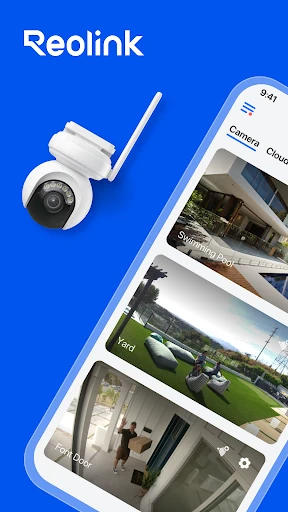
I would recommend Reolink to people who already own compatible Reolink cameras or NVRs and want a straightforward way to check live views from a phone. It is particularly relevant for anyone who wants to review recordings while away, receive motion alerts, or view several camera channels together. The app brings those surveillance tasks into a single mobile interface rather than making each check depend on being near the recording equipment.
It may be a poor fit if you use cameras from other manufacturers, want a general-purpose camera app, or do not have compatible Reolink equipment. People who rarely need remote viewing may also find its main purpose less compelling. The Google Play rating is 3.5 from around 42,000 ratings, so I would approach it as a useful companion for the right setup, not an automatic recommendation for every phone owner.
Reolink is developed by Reolink Innovation Limited. On Google Play, it has over 5 million installs and a 3.5-star rating from around 42,000 ratings. The app is free to download, with no listed in-app purchases or ads, and its content rating is Everyone.
The app first appeared on May 18, 2015. The provided current version is 4.63.0.3.20260924, and its last update date is October 25, 2026. The Android version requirement is worth checking on Google Play, since it can vary with the app’s current release and device.
A closer look at mobile camera checks
Getting started
My first impression is that Reolink has a fairly defined purpose: it is for getting from a phone to a Reolink camera or NVR, rather than for managing every kind of device. The description says that access to cameras and NVRs on the same local network can be set up in three steps. That suggests a direct route for someone beginning at home with compatible equipment already in place.
The setup story is less about exploring a long list of unrelated features and more about reaching the camera views. For me, that is a sensible starting point for a surveillance companion. I would first make sure the phone and equipment are on the same local network, then check that the desired camera view is available before relying on remote access in a different setting.
The daily viewing loop
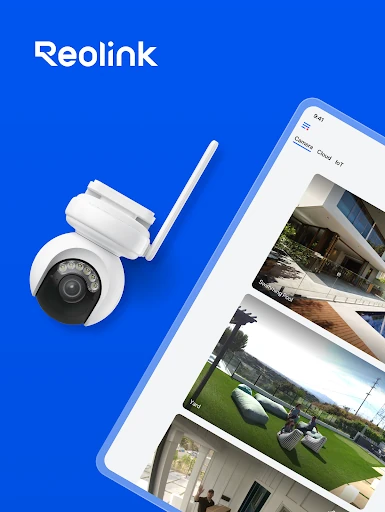
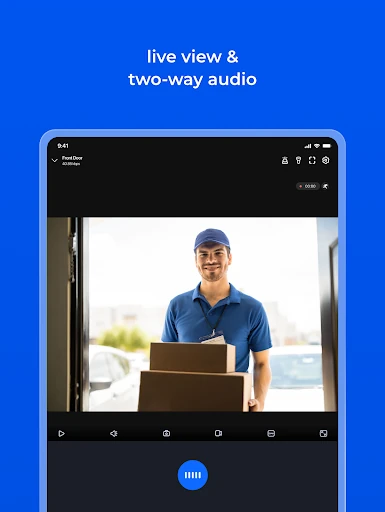
The central experience is live viewing. Reolink can show camera streams remotely over Wi-Fi or a mobile connection, which makes a quick check possible whether I am at home or out. Multi-channel viewing supports up to 16 channels on screen, so the app can serve people who want several angles visible at once rather than opening each camera separately.
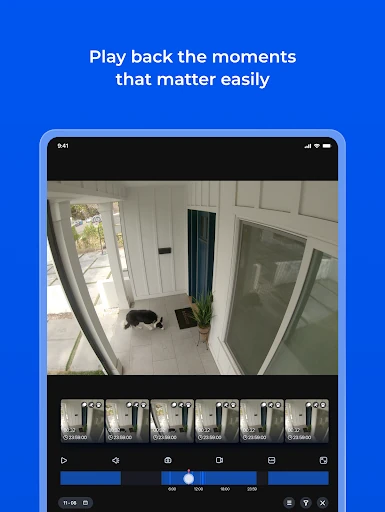
Playback is the other half of the everyday loop. The app can remotely play recordings stored on a camera SD card or an NVR hard drive. That distinction matters: a live feed answers what is happening now, while playback helps me revisit something that has already been recorded. Having both in one app is more useful than a viewer that stops at the live stream.
Alerts and camera controls
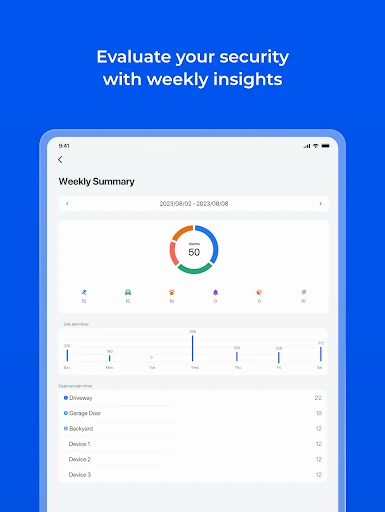
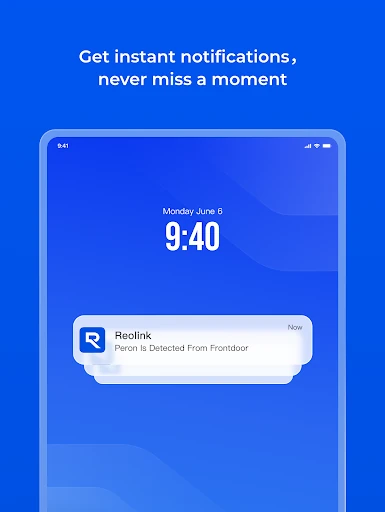
Motion alerts are one of the features that could make the app feel more useful between checks. Reolink supports real-time email or push notifications when motion detection is triggered. In practice, I would think of those notifications as prompts to open a view or review footage, not as a reason to keep staring at the phone throughout the day.
For supported PTZ cameras, the app also provides remote pan, tilt, and zoom controls, with directional movement left, right, up, and down. It can capture single or multiple images to save on the device, and capture video from live-view channels for later playback. Those are practical tools for checking a view and keeping a relevant moment on the phone.
A sensible check-in routine
A routine I would use is to open the app when I have a specific reason to check a camera, rather than repeatedly refreshing a feed without a purpose. If a motion alert arrives, I can use live view to see the current picture or playback to inspect a recording on the SD card or NVR. The app gives me both paths, so the next step depends on whether I need a present view or a past one.
For a setup with several cameras, I would use the multi-channel view for a broad check, then focus on a single camera when I want a closer look. If I need to preserve something, the capture options let me save images or video from live view to the phone. Scheduling video recording, including motion-triggered recording, can reduce the need to make every recording decision in the moment.
Keep the boundaries in mind
The most important limitation is compatibility: Reolink says the app works with Reolink IP cameras and NVRs. That makes the app’s usefulness dependent on owning equipment from that ecosystem. A polished mobile interface cannot make it a universal viewer for cameras from other companies, so I would check compatibility before planning a setup around it.
The Google Play score of 3.5 stars from around 42,000 ratings is a reason to keep expectations measured. It does not tell me which parts of the experience individual users liked or disliked, but it does make this a product worth evaluating against a real need. If mobile camera checks and playback are already part of your routine, its focused feature set is relevant; otherwise, it may be more app than you need.
Reolink is a focused camera companion with a useful combination of live viewing, recorded playback, motion notifications, multi-channel viewing, and controls for compatible PTZ cameras. I like that its purpose is clear: check and manage views from a phone, locally or remotely. The trade-off is just as clear: it is built for compatible Reolink equipment, not for every camera owner.
I would try it if I already had Reolink cameras or an NVR and wanted a mobile way to check them. People choosing a camera system from scratch should first make sure the equipment fits their needs, then judge the app as part of that setup. For existing Reolink users, it is a practical companion worth testing in the situations where remote viewing matters.
Reolink Frequently Asked Questions
What is the Reolink app used for?
Reolink lets you access compatible Reolink IP cameras and NVRs from a mobile device. You can watch live streams locally or remotely, play recordings from a camera SD card or NVR hard drive, receive motion-triggered email or push notifications, and use supported camera controls. It is intended as a surveillance companion, rather than a general-purpose camera app.
Which devices and platforms support Reolink?
The app is described as a mobile app for accessing Reolink IP cameras and NVRs. The Google Play information includes an Android version, so Android users can find it there. For the exact devices and Android compatibility that apply to your setup, check the current store information and Reolink camera compatibility details before relying on a particular phone or camera.
What Android version does Reolink require?
The minimum Android version can vary, so check the current Google Play information for the requirement that applies to your device. Reolink is intended to connect to compatible Reolink cameras and NVRs, so device compatibility and camera compatibility are both worth checking before you depend on the app for remote viewing.
Does Reolink cost money or include purchases?
Reolink is free to download on Google Play. The provided store facts show no in-app purchases and no ads. Store details can change over time, so it is sensible to check the current Google Play information before downloading if pricing or purchase options are important to you.
Is Reolink a good fit for my cameras?
It is aimed at owners of compatible Reolink IP cameras and NVRs who want mobile live viewing, playback, alerts, or camera controls. It may not suit you if your cameras are from other manufacturers or you do not need remote surveillance access. Check the compatibility information for your specific Reolink equipment before deciding.
Pros
- Combines remote live viewing and recorded playback for compatible Reolink cameras and NVRs.
- Supports up to 16 camera channels on screen at once.
- Offers motion-triggered email or push notifications and scheduled recording.
- Includes image capture and remote directional controls for supported PTZ cameras.
Cons
- Designed for Reolink cameras and NVRs, rather than mixed-brand camera setups.
- A 3.5-star Google Play rating suggests the experience may not suit everyone.
- Its surveillance focus may be unnecessary for people without compatible equipment.
- Category
- Communication
- Version
- 4.63.0.3.20260924











