Food Network GO - Live TV
- 16.77K
- 4.6
- Installs
- 1.00M
- Price
- Free
Screenshots

Analysis by Reviewed APKs
Food Network GO is a streaming app for watching Food Network shows live and on demand, with programs from other networks available in the same place. I’d recommend it to people who already have a qualifying pay TV subscription and want familiar cooking and lifestyle shows on a phone or other supported device. Its appeal is convenience and a broad TV catalog; it is less useful as a standalone streaming service.
A familiar show, wherever you are
Picture a weeknight when dinner is done but you still want something easy to watch. I’d open Food Network GO, look for a favorite such as Diners, Drive-Ins and Dives, and either pick an available episode or check the live schedule. If I had started an episode earlier on another device, the app can continue from where I left off. That makes it a practical companion to a TV routine, rather than a new hobby to manage.
The basic setup depends on linking a pay TV provider, such as a cable, satellite, telco, or live TV streaming service. Once that access is in place, the app brings live programming and on-demand episodes together. I like that the same place can cover a quick episode while I eat and a longer stretch of viewing later. The trade-off is clear from the start: access to the broader experience is tied to a TV subscription.
More than a food channel
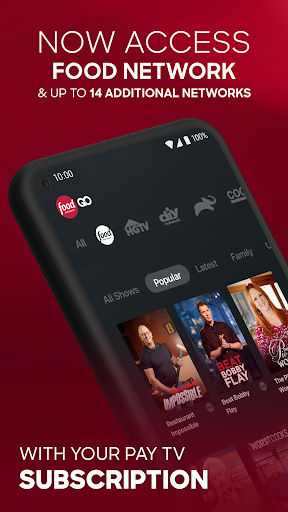
The obvious alternative is watching Food Network through a television provider’s own app, or choosing a general streaming service for a wider mix of entertainment. Food Network GO has a narrower, more channel-focused purpose: it combines Food Network with programming from up to 14 additional networks, including TLC, HGTV, and Discovery. That gives me a single place to browse familiar shows across food, home, science, and other categories.
I wouldn’t treat it as a replacement for every streaming service, or as a recipe app. The material centers on watching live TV and episodes, not on meal planning or cooking instruction tools. It is also described as available in the U.S. only, and full access requires linking a pay TV provider. If I just want a free-standing library with no provider connection, this is probably not the right fit.
Small habits that help
My first useful habit would be saving shows and episodes to My List instead of trying to remember every title I meant to watch. That is especially handy when I spot something during a quick browse and don’t have time to start it. The live schedule guide serves a different purpose: it helps me see what is airing, so I can decide whether to join a program live or save a show for later.
I’d also make use of the continue-watching feature when switching between devices, and browse by genre when my usual picks are feeling stale. New episodes are available the same day and time they premiere on TV, which makes the app useful for keeping pace with a series. A Wi-Fi connection is recommended, so I’d plan longer viewing sessions around a reliable connection rather than assume every situation is ideal for streaming.
More From Our News Desk

Zoom Meetings, Google Meet, or Teams: Which Is Easiest to Join?

How I Build a Free Streaming Lineup With Tubi

Why Crunchyroll Is the Default Anime App for So Many Fans

YouTube TV: A Practical Guide to Cutting Cable

Rummikub and the Small Comfort of Phone Games

TeamViewer Remote Control or AnyDesk for Helping Family?
Who will get the most from it
I’d recommend Food Network GO to viewers who already have a pay TV subscription and regularly watch Food Network or related channels. It suits someone who wants to catch up on a favorite series, check what is on live, or keep a list of episodes for later. The mix of Food Network, HGTV, TLC, Discovery, and other networks also makes it appealing when different people in a household like different kinds of unscripted programming.
It may not suit someone looking for a standalone service, a dedicated cooking reference, or a broad catalog of unrelated films and shows. Linking a provider is central to accessing the full selection, and the app is U.S.-only according to its description. I’d also keep the adults-only 18+ content rating in mind when deciding who should use it. For viewers who fit the intended setup, the focused channel collection is the main reason to try it.
Food Network GO - Live TV is developed by Television Food Network G.P. On Google Play, it has over 1 million installs and a 4.6-star rating from 16,768 ratings. The app is free to install, and the supplied store facts say it contains ads. The content rating is Adults only 18+. The description says full access is free with a pay TV subscription, which must be linked in the app.
The supplied version is 3.63.0. The app was released on September 25, 2013, and its last update is dated September 9, 2026. The supplied facts do not give a minimum Android version, so check Google Play for device compatibility. The service description recommends Wi-Fi and says availability is limited to the U.S.
A Channel Library Built for Catching Up
First look and setup
When I first open an app like this, I want to know whether it is a live-TV guide, an episode library, or both. Food Network GO sets up that expectation by bringing live streaming and on-demand viewing together. The starting point for its full catalog is linking a pay TV provider, so I’d have that account information ready before settling in to browse.
The breadth is more noticeable than a single-channel name might suggest. The description includes Food Network favorites alongside shows from networks such as HGTV, TLC, and Discovery. That makes the app feel like a channel bundle for existing subscribers, rather than a standalone Food Network sampler. If I’m only curious about one episode, the availability of select episodes offers a possible starting point.
The everyday viewing loop
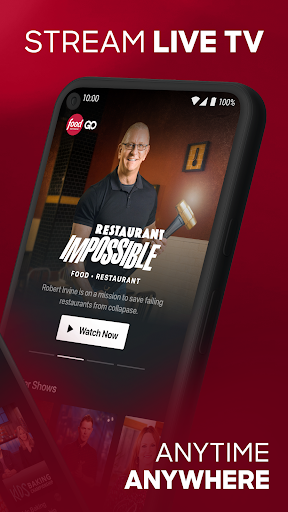
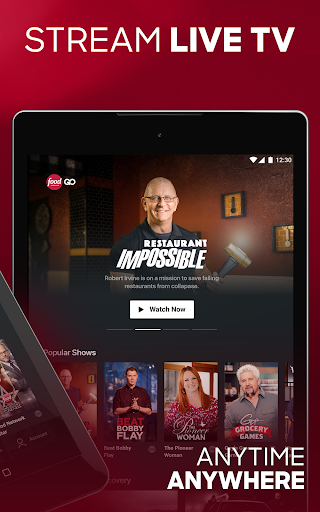
Day to day, the useful choice is between watching what is on now and choosing something from the episode library. The live schedule guide helps with the first option, while on-demand episodes suit a lunch break or an evening when I want to choose my own pace. Having both in one app is a straightforward convenience, especially if I already know which channel or show I’m looking for.
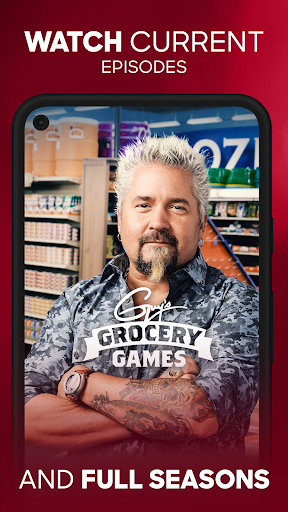
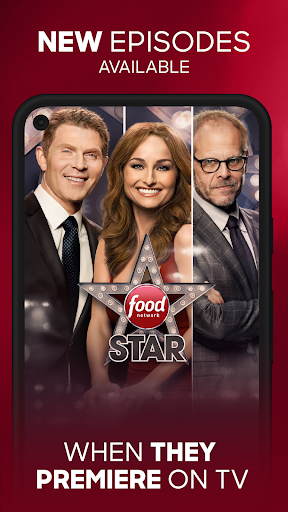
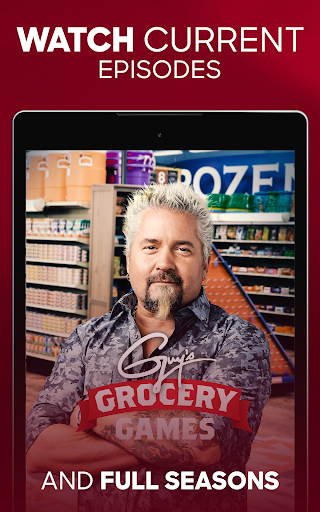
The catalog includes current hits and classic favorites, and new episodes are available the same day and time they premiere on TV. That makes it easier to keep up without relying solely on the moment a show happens to air. I’d still think of it as TV viewing delivered through an app: the core experience is selecting and watching programs, not interacting with them or building a separate collection of cooking resources.
Features that earn their place
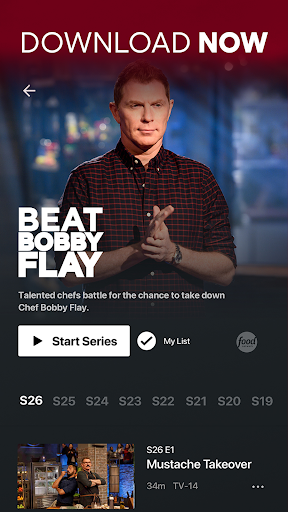
My List is the sort of small feature that can make a busy catalog easier to revisit. I can save shows and episodes I mean to watch later, rather than searching from scratch each time. Continue watching across devices helps when I start an episode in one place and return to it elsewhere. Those tools support simple viewing habits without changing the app’s main job.
Browsing by genre is another useful route when I don’t have a specific title in mind. The available categories include areas such as food, home, science, and technology, so discovery can reach beyond cooking competitions. Closed-captioning support is also included. I appreciate that these are practical ways to navigate and watch the catalog, rather than features that ask the viewer to learn a complicated new system.
A routine for busy evenings
A simple routine would be to check the live schedule while deciding what to watch, then use on-demand episodes when the timing doesn’t work. If I see a series I want to return to, I’d add it to My List. The next time I have a short window, I can pick up where I left off or choose another episode without having to remember exactly where I found it.
For a household with varied tastes, I’d also use the genre browsing to move from food programming to home or science shows. That helps the app serve more than one kind of evening without losing its channel-focused feel. Since Wi-Fi is recommended, I’d use a stable connection for longer sessions. I wouldn’t plan on taking episodes offline: that feature is not part of the described toolkit.
Limits to keep in view
The biggest practical limit is the provider connection. Food Network GO is described as free with a pay TV subscription, but that does not make the full service a self-contained free streaming library. Viewers without a compatible subscription may find the app less useful. Its U.S.-only availability also narrows who can use the service as intended.
The content rating is Adults only 18+, an important consideration for households deciding whether it is appropriate for younger viewers. The app contains ads, and Wi-Fi is recommended for streaming. Finally, while the catalog spans several networks, it remains centered on television programming. Anyone primarily seeking cooking tools, offline downloads, or a general-purpose entertainment library should look for an app built around those needs.
Food Network GO makes the most sense as an extra screen for people who already have pay TV access and want their familiar channels within reach. Live viewing, on-demand episodes, a schedule guide, My List, and cross-device continuation cover the basics without overcomplicating the experience.
I’d try it if Food Network and its neighboring networks are already part of my regular TV habits. I’d skip it if I wanted a standalone subscription-free library or cooking utilities instead of shows. For the right subscriber, it is a focused and convenient way to catch up.
Food Network GO Frequently Asked Questions
What is Food Network GO - Live TV used for?
Food Network GO - Live TV is used to stream Food Network and programming from other networks live or on demand. It includes a live schedule guide, episodes to catch up on, My List for saving shows, and continue watching across devices. Full access is described as requiring a linked pay TV provider.
Which platforms and devices support Food Network GO?
The app is available on Android, and its description also mentions compatibility with tvOS and Chromecast. The service is described as available in the U.S. only. For the current list of supported devices and any changes in availability, check the app’s store information.
What Android version does Food Network GO require?
The minimum Android version can vary with the app’s current release and device. Check the Google Play store page for the requirement that applies to your phone or tablet. The description recommends a Wi-Fi connection for streaming.
Is Food Network GO free, and are there in-app purchases?
The app is free to install, and the supplied store facts report no in-app purchases. Its description says access to the full service is free with a pay TV subscription, which you link in the app. It contains ads. Subscription details and access conditions may vary, so check Google Play.
Is Food Network GO a good fit for my household?
It is a good fit for U.S. viewers who already have pay TV access and want Food Network and related channels on a device. It may be less suitable for people seeking a standalone streaming library, cooking tools, or offline viewing. The content rating is Adults only 18+, so consider that when choosing it for a household.
Pros
- Combines Food Network with programming from up to 14 additional networks.
- Offers live viewing, on-demand episodes, and a schedule guide in one app.
- My List and cross-device continue watching support useful everyday habits.
- New episodes are available the same day and time as their TV premiere.
Cons
- Full access depends on linking a pay TV provider.
- The service is described as available in the U.S. only.
- Contains ads and carries an Adults only 18+ content rating.
- Category
- Entertainment
- Version
- 3.63.0











