Fandango - Buy Movie Tickets
- 543.12K
- 4.7
- Installs
- 10.00M
- Price
- Free

Screenshots
Analysis by Reviewed APKs
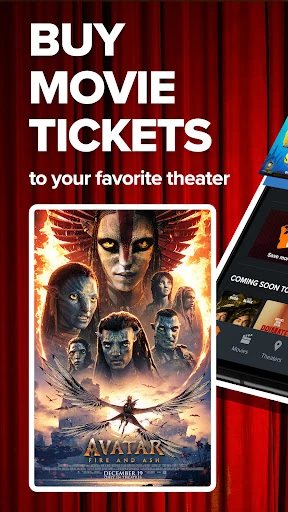
Fandango is for the part of movie night that happens before you reach the theater: finding a film, comparing local showtimes, picking seats, and buying tickets. I’d recommend it to people who like to make plans from the couch or grab a last-minute seat on the way out. Its strongest appeal is keeping those steps together, though it is focused on going to the cinema rather than watching at home.
Planning a movie night
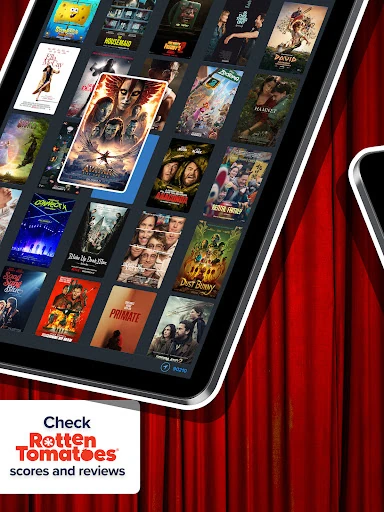
When I’m trying to get a few people out to a movie, the first challenge is usually lining up a film, time, and theater everyone can live with. Fandango brings showtimes from nearby cinemas into one place, with movie details, trailers, and Rotten Tomatoes scores to help narrow things down. I can compare options before committing, instead of starting with a theater’s box office line and hoping the timing works.
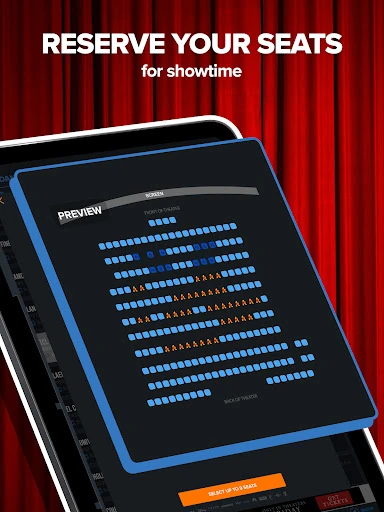
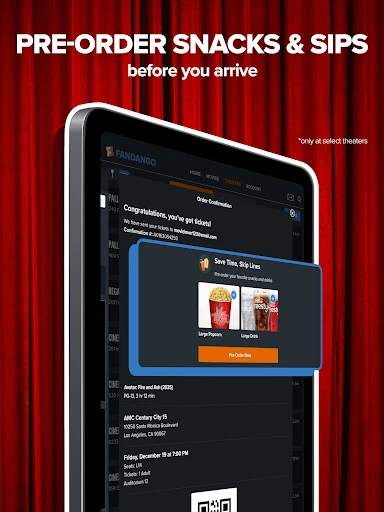
Once I’ve picked a screening, the app lets me check available seats on a seat map and reserve them as part of buying tickets. That makes a difference when friends want to sit together or when I’d rather choose a spot than take what is left. With tickets on my phone, the plan is easier to keep track of on the way out the door.
A cinema tool, not a streamer
Fandango is best thought of as a planning and ticket-buying companion for movies in theaters. Its movie pages, theater showtimes, seat selection, and mobile tickets are all aimed at getting me from “What should we see?” to a reserved screening. Movie trailers and scores add context to that choice, but the app’s main job is organizing a trip to the cinema.
That also means it isn’t a replacement for a streaming service or a general guide to every kind of entertainment. I wouldn’t open it to watch a film at home or plan a concert: the supplied features center on theater movies and tickets. If I already know my theater and only need its own app, Fandango’s advantage is less about discovery and more about comparing showtimes and handling a reservation.
Make repeat plans easier
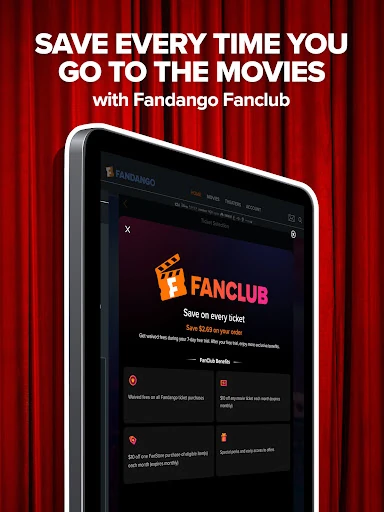
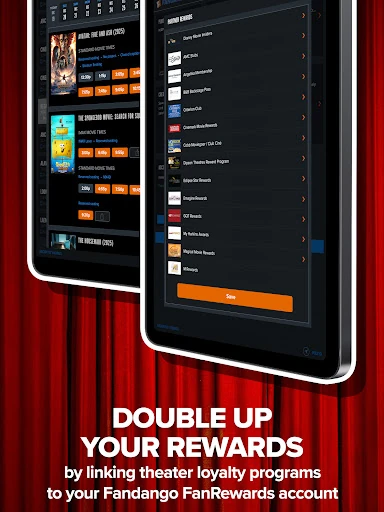
A little setup can save time the next time I’m choosing a screening. Fandango lets me save favorite movies and a preferred theater, as well as payment and theater rewards account information. Keeping the cinema I visit most often handy makes it easier to return to a familiar option, while saved movie interests can help me keep an eye on films I’m considering.
For a group outing, I’d check the seat map before settling on a showtime and use the payment options described in the app if we’re splitting the cost. FanAlert notifications can help me follow movies I want to catch, and rewards are another reason to use the same account for ticket purchases. These are most useful as small planning aids, not a substitute for checking the details of a particular screening.
More From Our News Desk

Zoom Meetings, Google Meet, or Teams: Which Is Easiest to Join?

How I Build a Free Streaming Lineup With Tubi

Why Crunchyroll Is the Default Anime App for So Many Fans

YouTube TV: A Practical Guide to Cutting Cable

Rummikub and the Small Comfort of Phone Games

TeamViewer Remote Control or AnyDesk for Helping Family?
Who will get the most from it
I’d recommend Fandango to regular moviegoers who compare theaters, care about reserved seating, or often arrange a screening with friends. It’s especially handy when plans are still flexible: I can look at different showtimes, check seats, and buy tickets without making a separate trip to the box office. Someone who enjoys browsing upcoming films may also appreciate having trailers and Rotten Tomatoes scores close to the ticket options.
It may feel like more than you need if you rarely go to theaters, always use one cinema’s own booking process, or are looking for a way to stream movies. The app is built around purchasing cinema tickets, so its usefulness depends on having a theater outing to plan. I’d also keep in mind that ticket changes depend on the theater deadline, even though the app describes online refunds and exchanges.
Fandango is the developer, and the app is listed in Google Play’s Entertainment category. It is free to install, has a Teen content rating, and contains ads. Google Play shows over 10 million installs and a 4.7-star rating from about 543,000 ratings. The supplied facts give the current version as 17.4.
There are no in-app purchases in the supplied store facts. The listed last update is October 26, 2026. The minimum Android version and original release date are not included in the available app facts, so check Google Play for device compatibility and any changes to the store details.
The details that shape movie night
A quick first impression
When I first opened Fandango, the purpose was clear: find a movie and a theater screening, then move toward a ticket. That direct focus is useful when I already have a movie in mind, but the discovery tools also give me something to browse when I don’t. Upcoming films, trailers, and scores make the app feel like more than a checkout screen.
I’d start by saving a preferred theater and any movies I want to follow. Those details are practical rather than essential, but they make repeat visits feel less like starting from scratch. The app also supports saved payment and theater rewards account information, which can reduce the amount of setup involved when I’m ready to buy.
From search to seats
The everyday flow is straightforward: look through movies, compare showtimes, choose a cinema, and check the available seats. The In Theaters Today filter is useful when I’m deciding what I can see right away rather than researching a future release. Once I’ve settled on a screening, purchasing in the app and keeping a mobile ticket together can make a last-minute plan easier to manage.
Seat selection is one of the most practical steps in that flow. I can preview the theater’s available seating before buying, which helps when I’m choosing a seat for myself or coordinating a group. It won’t make every screening convenient, but having the seat map before checkout is more useful than discovering the layout only after arriving.
Helpful movie context
The app’s movie information helps answer the small question that can derail a group plan: is this the film we actually want to see? Trailers offer a quick taste, while Rotten Tomatoes scores provide another reference point alongside the movie details. I like having those cues near showtimes, because I can move from browsing to a decision without losing track of the theater options.
FanAlert notifications are another notable feature for movies I’m interested in. Rather than checking repeatedly, I can follow a film and let the app help me keep up with it. The feature is most useful for someone who plans ahead; for a spontaneous trip tonight, the showtime search and seat map are likely to matter more.
A routine for groups
For a weekend outing, I’d begin by settling on a couple of candidate films, then compare nearby showtimes and seat availability. If the group is divided, trailers and scores can give everyone a shared starting point for choosing. Once we agree, reserved seats make it easier to arrive knowing where we’ll sit, rather than trying to coordinate in a crowded lobby.
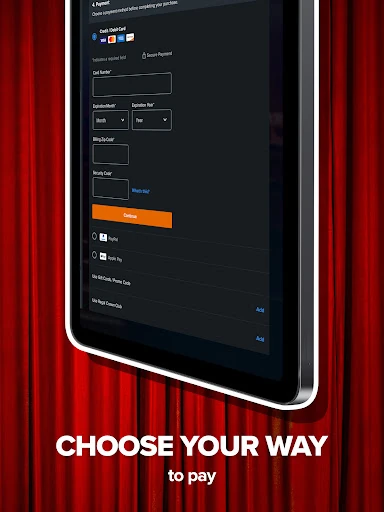
Fandango also describes PayPal and Venmo as payment options for splitting payments with friends. That can be convenient for a group that wants to settle ticket costs while making the booking. I’d still review the screening and ticket details before finishing, especially when several people are involved and a change of plans could affect everyone.
Keep the boundaries in mind
Fandango’s usefulness is tied to theater ticketing. It won’t serve as a home movie player, and its movie-focused discovery features are not the same thing as a broad entertainment catalog. If I only go to the cinema once in a while, the app may be something I open briefly to check a showtime rather than a regular part of my routine.
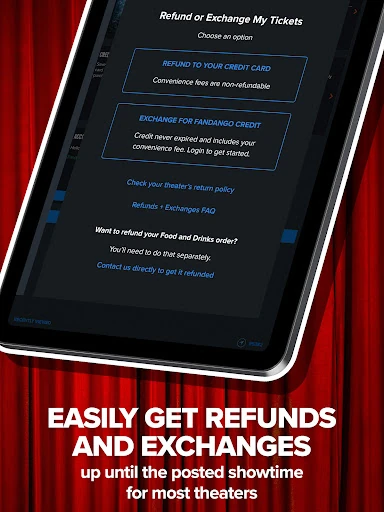
Ticket flexibility also has a boundary: the app describes refunds and exchanges before the theater’s deadline. That is helpful, but it isn’t a promise that every ticket can be changed at any time. Ads are part of the listed app experience, too. I’d treat theater-specific rules and the details shown during a purchase as important when making plans.
Fandango does its core job well: it brings movie discovery, theater showtimes, seat previews, and ticket purchase into one practical routine. I especially like the way it supports both planned outings and last-minute decisions, without losing sight of the actual screening.
I’d recommend it to people who go to the movies often or regularly organize group trips. If you mainly stream at home or book through one theater’s app already, its benefits may be modest. For cinema plans, though, it’s a convenient place to compare options and keep a ticket close at hand.
Fandango Frequently Asked Questions
What is Fandango used for?
Fandango helps users browse movies, find theater showtimes, preview available seats, and buy cinema tickets. It also includes trailers, Rotten Tomatoes scores, saved favorite movies and theaters, FanAlert notifications, mobile tickets, and rewards features. Its focus is planning movie outings at theaters, not watching movies within the app.
Which devices can run Fandango?
The supplied store facts describe Fandango as an Android app on Google Play. They do not give a minimum Android version, so check the Google Play store page for current device requirements and compatibility. Requirements can vary as the app is updated.
Does Fandango cost money?
The app is free to install, and the supplied facts say it has no in-app purchases. It contains ads. Movie tickets are purchased through the app, but ticket prices and any applicable fees depend on the movie and theater; check the details shown for your chosen screening.
What Android version does Fandango require?
The minimum Android version is not included in the supplied app facts. Because compatibility requirements can change, check Fandango’s Google Play store page before installing, especially if you use an older device.
Is Fandango useful for occasional moviegoers?
It can be useful even for occasional trips if you want to compare showtimes, check seat availability, and buy a mobile ticket. Regular moviegoers may get more value from saved theaters, movie alerts, and rewards features. If you mainly stream at home, Fandango is unlikely to be a regular-use app.
Pros
- Combines movie browsing, local showtimes, seat previews, and ticket purchase.
- Trailers and Rotten Tomatoes scores add context while comparing films.
- Saved theaters, movie alerts, and rewards support repeat cinema visits.
- Mobile tickets make an outing easier to manage on arrival.
Cons
- Its main purpose is theater ticketing, not streaming movies at home.
- Ads are part of the app experience.
- Refund and exchange options depend on the theater’s deadline.
- Category
- Entertainment
- Version
- 17.4











