Discord - Talk, Play, Hang Out
- 7.11M
- 4.3
- Installs
- 500.00M
- Price
- Free

Screenshots
Analysis by Reviewed APKs
Discord is a group communication app for chatting by text, voice, and video, whether I’m coordinating a game or catching up with friends. It also gives communities a shared place to talk and hang out. I like how it can feel casual rather than like a formal call, though its many ways to customize a chat can take some getting used to. It suits people who want one space for conversation and shared activities.
A Chat That Stays Open
When I first opened Discord, I thought of the familiar moment before a game: a few friends are online, but nobody wants to stop and arrange a proper call. Discord’s text and voice chats let a group keep a conversation going while people come and go. One person can share what they’re playing, another can drop into voice, and late arrivals can catch up in the same shared space.
That flexibility also works beyond gaming. I can picture using a group chat to trade photos, watch videos together, or keep a casual conversation going while everyone handles other plans. The app brings text, voice, video, and streaming into the same broader social setting. Instead of making every conversation a separate scheduled event, it makes it easier for friends to spend time together whenever their schedules happen to overlap.
More Than a Messenger
Compared with a straightforward messaging app, Discord is better suited to groups that want an ongoing place to gather, not just a string of one-to-one messages. Voice spaces and streaming make it useful when friends are playing, watching, or looking at something together. The option to customize a space can help a group give its chats a distinct feel, while profile details and custom reactions add a little personality to everyday conversation.
That broader setup is not automatically the right choice for every chat. If I only need to send someone a quick message, a simpler messenger may feel more direct. Discord is also not a game itself or a replacement for the activity friends are sharing; it provides ways to talk and hang out around it. People who prefer a small, uncluttered conversation may find its community-oriented approach more than they need.
Small Habits, Better Chats
I’d get the most out of Discord by keeping each group’s purpose clear. A chat for gaming friends can stay focused on play sessions, while another group can be a relaxed place for photos and everyday conversation. Setting an avatar, status, and profile details gives people a quick sense of who is around and what they are doing. A little organization makes an ongoing group space easier to return to.
For a casual evening, I’d start with text and let the group move into voice when enough people are free. If somebody has something to show, streaming can bring everyone into the same moment without turning the whole hangout into a formal call. I’d also use custom emoji or stickers selectively; they can make a familiar group feel more personal, but the conversation should still be easy to follow.
More From Our News Desk

Zoom Meetings, Google Meet, or Teams: Which Is Easiest to Join?

How I Build a Free Streaming Lineup With Tubi

Why Crunchyroll Is the Default Anime App for So Many Fans

YouTube TV: A Practical Guide to Cutting Cable

Rummikub and the Small Comfort of Phone Games

TeamViewer Remote Control or AnyDesk for Helping Family?
Who will enjoy Discord
I’d recommend Discord to friends who regularly play games together, online communities that want a shared place to talk, and groups that like mixing messages with voice or video. It is especially appealing when people have different schedules and want to drop in when they can. The ability to stream and share activities adds useful context to a chat, while profile and chat customization give close-knit groups room to make the space their own.
It may be less appealing if you want a minimal app for occasional messages or prefer every conversation to be a direct, one-to-one exchange. Discord’s emphasis on group spaces and shared activity can feel like extra structure when all you need is a quick note. It also depends on having people to talk with there; the app’s tools are most useful when friends or a community are already part of the experience.
Discord is a communication app from Discord Inc. On Google Play, it has over 500 million installs and a 4.3-star rating from around 7.1 million ratings. The app is free to download and offers in-app purchases, with listed item prices from $0.99 to $274.94. Google Play marks it as containing no ads and gives it a Teen content rating.
The Google Play version is 352.17 - Stable. The app was released on May 7, 2015, and its listed last update is November 2, 2026. The available facts do not specify a minimum Android version, so check the Google Play store for current device compatibility before installing.
How Discord Fits Into a Hangout
A Flexible First Impression
Discord’s first impression is less like opening a single-purpose chat and more like stepping into a shared social space. The description emphasizes groups that can talk, play, and hang out, with text, voice, and video available as part of that mix. I like the premise: I can imagine opening the app to see what friends are doing rather than having to start a new call from scratch.
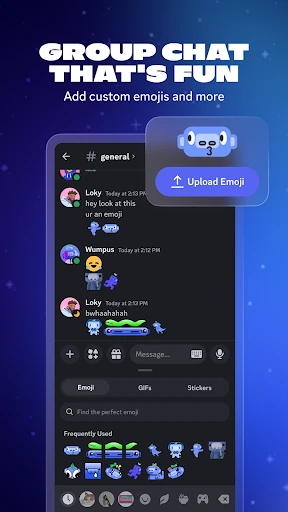
The app also leaves room for personal touches. An avatar, custom status, profile, emoji, stickers, and soundboard effects can help a group develop its own tone. That is appealing when I know the people I’m chatting with, though it also means there is more to explore than in a bare-bones messenger. I would start with the conversation itself and add customization only when it feels useful.
Easy Come-and-Go Conversation
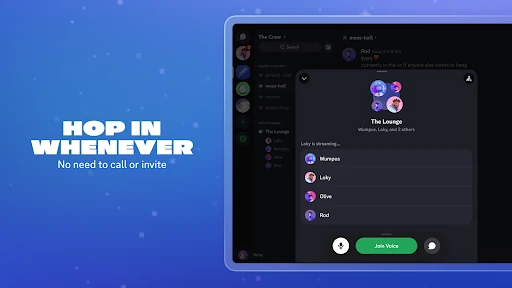
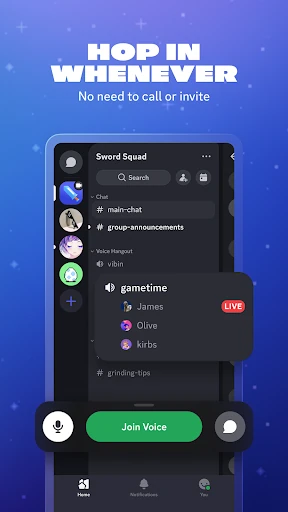
The everyday strength is the way a group can move between conversation and shared activity. Text works for messages that do not need an immediate answer; voice is there when people are ready to talk. The description presents chats as places people can enter and leave without arranging a traditional call, which suits evenings when friends have different start times or only a few spare minutes.
I also like that conversation can continue around a game rather than interrupting it. Friends can share what they are playing, talk before and after a session, and stream something for the group. That can make a short visit feel worthwhile: I could check in, join voice for a while, then leave without treating the whole exchange as a scheduled event.
Personal Touches and Streaming
Customization is one of the more distinctive parts of Discord’s pitch. Groups can use custom emoji, stickers, and soundboard effects, while individuals can set an avatar, status, and profile. These options do not change the basic job of communicating, but they can make familiar chats feel less generic. For a close group, that personality is part of the fun rather than an essential setup task.
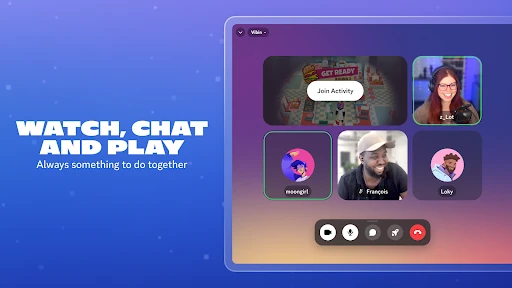
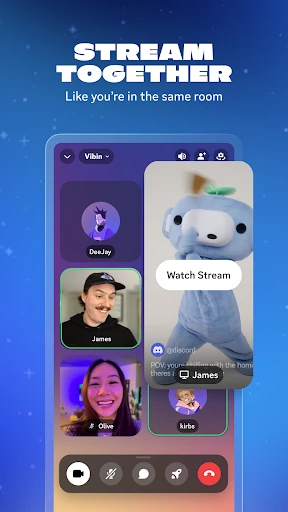
Streaming is another feature that makes the app feel built for hanging out, not just sending updates. The description highlights sharing games, shows, photos, or even homework with friends. I can see the appeal when explaining something through a live view is easier than describing it in a string of messages. It gives a group a way to share a moment while remaining in conversation.
A Low-Key Group Routine
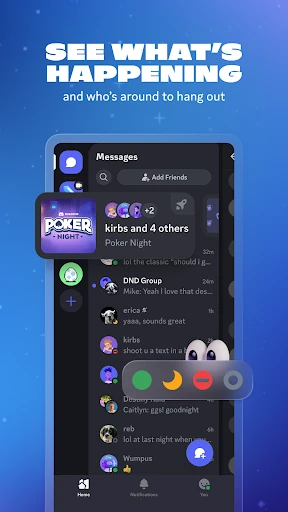
A routine I’d use is to check in with a group chat when I have a free evening, see who is around, and start with messages. If friends are playing, I can join the conversation around their session; if the group wants to watch or look at something together, streaming gives everyone a shared focus. The important part is that the hangout can grow naturally rather than requiring everyone to be ready at once.
For a community, I’d make the space easier to recognize through its profile and custom touches, then use text and voice according to what the group is doing. People might want to talk while playing, or simply share updates and jokes. I would keep the routine simple at first. The app offers plenty of ways to personalize a group, but a useful shared conversation matters more than decorating every part of it.
Keep the Scope in Mind
Discord’s breadth is also its main trade-off. Text, voice, video, streaming, shared activities, and customization give groups several ways to interact, but those options can make the app feel busier than a simple messenger. If I only want to send an occasional message, I may not need a social space built around ongoing group conversation. Its strongest case is for people who will actually use that variety.
The experience also depends on the people and activities a user brings to it. Discord can help friends talk while playing or hanging out, but it does not supply the friendship or shared interest itself. Some game-related details are described as available for supported games, so that part of the experience depends on the game. I’d treat it as a flexible place to connect, not assume every feature applies to every group or game.
Discord works best when a group wants more than a message thread: it offers ways to talk, stream, and share time without requiring every hangout to become a formal call. I like its casual, come-and-go approach, along with the option to make a group space feel personal. The trade-off is extra complexity for anyone who only needs simple messaging.
I’d recommend it to gaming friends and communities that enjoy staying in touch through a mix of text, voice, video, and shared activities. If your priority is a bare, occasional chat, a simpler option may suit you better. For groups that want a regular place to gather, Discord is a practical and adaptable choice.
Discord Frequently Asked Questions
What is Discord used for?
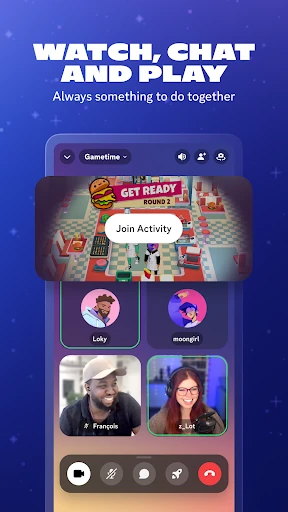
Discord is a communication app for group text, voice, and video chats. It is designed for friends and communities that want to talk while gaming or simply hang out. The app also describes streaming and shared activities such as watching videos, playing built-in games, and listening to music together.
Which devices can I use Discord on?
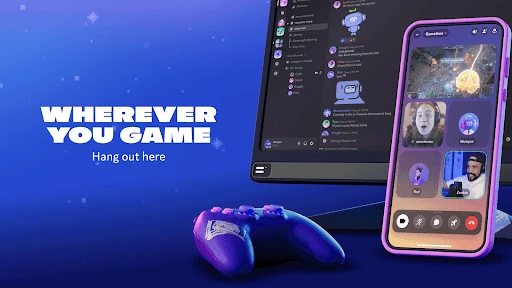
Discord is available on Android, and its description also refers to using it on a PC or console and switching between devices. The exact device support and compatibility can vary, so check the Google Play store for current Android availability and the relevant platform for other devices.
What Android version does Discord require?
The minimum Android version can vary by device and app release. Check Discord’s Google Play store page for the current requirement before installing, especially if you use an older phone or tablet.
Is Discord free, and does it have in-app purchases?
Discord is free to download on Google Play and offers in-app purchases. Listed item prices range from $0.99 to $274.94. The available price range does not explain what each purchase includes, so check the store page for current purchase details.
Is Discord a good fit for casual groups?
It can suit casual groups that want an ongoing place to chat, join voice, and share activities when people are free. Its community and customization options may be more than you need for occasional one-to-one messages. I’d recommend it most when friends or a group will use its mix of communication tools.
Pros
- Text, voice, video, and streaming support different kinds of group hangouts.
- Friends can join or leave chats without treating every conversation as a formal call.
- Custom profiles, emoji, stickers, and soundboard effects give groups room for personality.
- Shared activities can bring games, videos, photos, and conversations together.
Cons
- Its broad set of group features may feel like too much for simple messaging.
- The experience depends on having friends or a community to chat with.
- Some game-related presence and joining features apply only to supported games.
- Category
- Communication
- Version
- 352.17 - Stable











