Cisco Secure Client-AnyConnect
- 15.52K
- 3.8
- Installs
- 5.00M
- Price
- Free

Screenshots
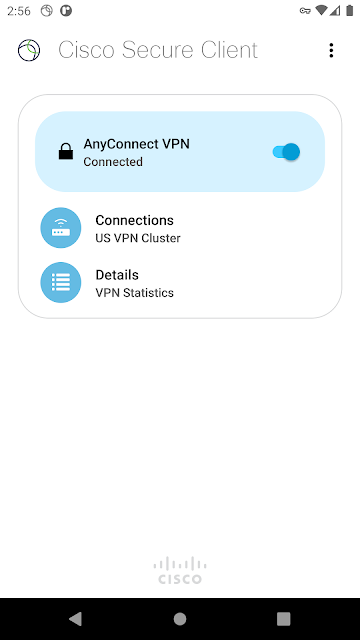
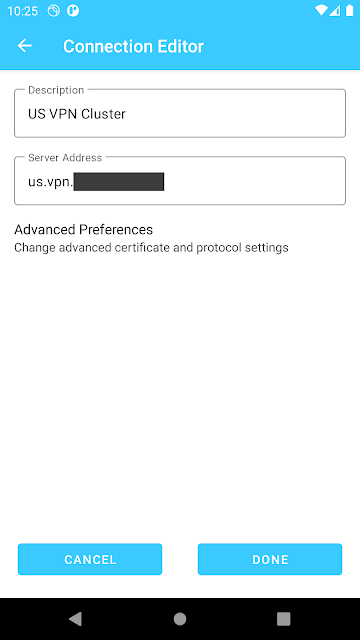
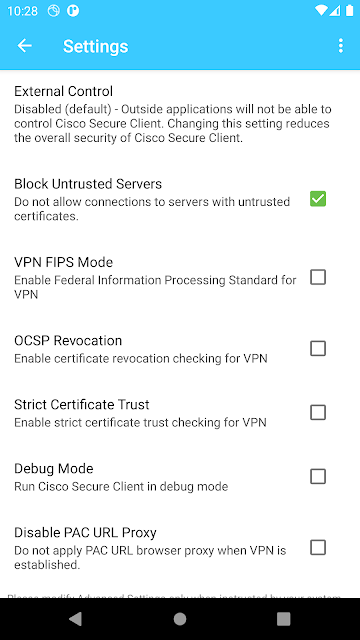
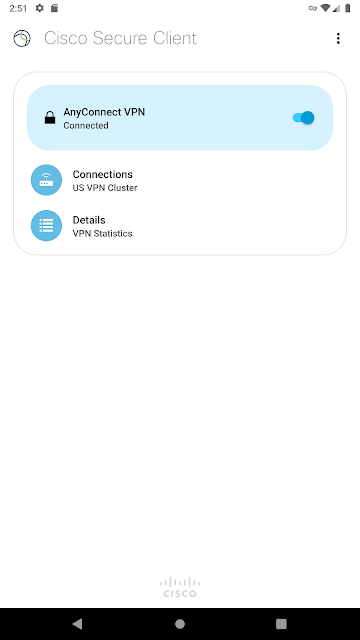
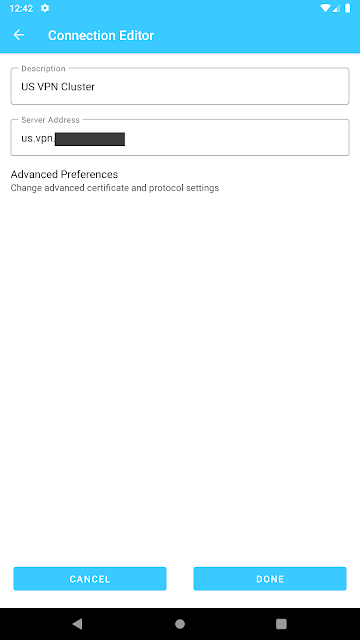
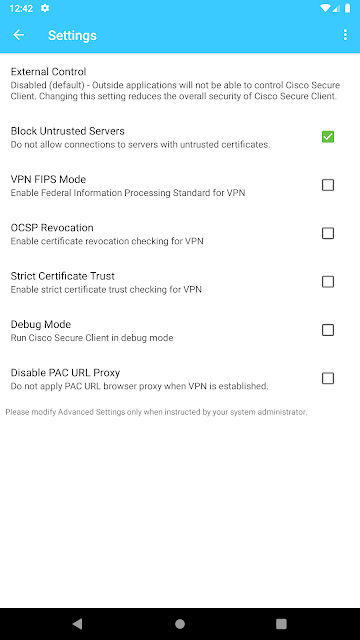
Analysis by Reviewed APKs
Cisco Secure Client-AnyConnect is an Android VPN app for people who need to reach work network resources from a phone or tablet. It suits employees whose organizations use Cisco security equipment and administrators supporting those connections. After looking through what it offers, I see a capable, work-focused tool rather than a general-purpose privacy VPN: its usefulness depends on the network and policies your organization provides.
A Workday Connection
When I picture using Cisco Secure Client on an ordinary workday, it is less about browsing for its own sake and more about getting a phone onto the company network. I might be away from my desk and need access to business email or another work app that relies on internal resources. The client is built to provide that connection through an encrypted tunnel, with the organization’s security gateway and policies shaping what becomes available.
The practical appeal is continuity. If the phone changes networks, loses connectivity briefly, or wakes from standby, the app supports roaming intended to resume the connection. That matters when I move between home Wi-Fi and a mobile connection during the day. It is not a promise that every interruption disappears, but the feature is aimed at keeping access going without making me rebuild my work routine around each network change.
Not a General VPN
The obvious comparison is a consumer VPN app, but Cisco Secure Client serves a different purpose. It is designed for access to an organization’s network, not for choosing a country, streaming catalogs, or adding a general browsing layer for personal use. The organization must have compatible Cisco infrastructure and licensing, and its administrators control tunnel policies. Without that setup, installing the app alone does not create a useful work connection.
That distinction makes the app a better fit for employees and IT teams already working in a Cisco environment than for someone shopping for a simple, standalone VPN subscription. It supports access to internal IPv4 and IPv6 resources and several connection methods, including TLS, DTLS, and IPsec/IKEv2. But it also has package limitations, so I would not assume it includes every feature available in other Cisco client deployments.
Small Habits That Help
I would start by asking the organization’s support team for the correct connection details and any required authentication or certificate steps. The app supports a range of authentication options, as well as certificate deployment through integrated SCEP and a certificate import URI handler. Those capabilities are useful in managed environments, but the administrator’s configuration determines what an individual user actually needs to do.
For day-to-day use, I would keep the app and the organization’s instructions close at hand, especially when changing devices or networks. If something goes wrong, Cisco provides a route for sending a diagnostic log bundle through Menu, Diagnostics, and Send Logs, with an option to send feedback to Cisco. For end users, though, the stated first stop is their organization’s support department.
More From Our News Desk

Zoom Meetings, Google Meet, or Teams: Which Is Easiest to Join?

How I Build a Free Streaming Lineup With Tubi

Why Crunchyroll Is the Default Anime App for So Many Fans

YouTube TV: A Practical Guide to Cutting Cable

Rummikub and the Small Comfort of Phone Games

TeamViewer Remote Control or AnyDesk for Helping Family?
Who Will Find It Useful
I would recommend Cisco Secure Client to employees who need Android access to resources behind a Cisco-managed network, and to administrators responsible for helping those users connect. Its support for network roaming, multiple connection methods, and managed policies makes sense when remote access is part of a real work setup. The optional Umbrella module may also matter to organizations using Cisco’s DNS-layer protection, subject to the relevant licensing.
I would steer casual users toward a different kind of VPN app if their goal is personal browsing or location selection. This client depends on compatible Cisco infrastructure and the organization’s configuration, so it is not a self-contained service. It may also frustrate people who expect every desktop or Cisco feature to be available on Android: the package explicitly excludes several capabilities, and a known issue affects the Diagnostics screen.
Cisco Systems, Inc. develops Cisco Secure Client-AnyConnect, a Business app for Android. Google Play shows over 5 million installs and a 3.8-star rating from about 15,500 ratings. The app is free to install, with no in-app purchases or ads. Its content rating is Everyone. The app description says compatible devices need Android 4.4 or later.
The current version shown is 5.1.15.344. The app was released on February 27, 2012, and its latest update is dated May 11, 2026. The free download does not mean the service is open to every user: Cisco’s description says use is for customers with specified active Cisco licenses and compatible Cisco headend equipment. The Umbrella module also requires its own licensing.
A Closer Look at Work VPN Access
First Steps
When I first open a work VPN client, my first question is whether it has a clear path to the network my employer actually runs. Cisco Secure Client is built around that relationship: it connects an Android device to a Cisco security gateway, while administrators can provide and update policies. That makes setup less like subscribing to a consumer service and more like joining an existing company access system.
I would not expect the app by itself to supply credentials, a server, or permission to reach work resources. The organization’s IT team is the sensible place to get those details. Cisco also directs end users with problems to their organization’s support department, which fits the app’s managed nature. The first impression is therefore practical and technical, with the setup experience shaped largely by decisions made outside the app.
Everyday Connectivity
The core job is providing encrypted connectivity to a corporate network so that business email, virtual desktop sessions, and other Android apps can reach the resources they need. Cisco says the client can adapt its VPN tunneling to network constraints, using TLS and DTLS, with IPsec/IKEv2 also available. DTLS is described as an optimized connection method, while the actual choice and policy depend on the configured environment.
The roaming capability is especially relevant to a phone, which rarely stays on one connection all day. Cisco says connectivity can resume after an IP address change, a connection loss, or device standby. In practice, that is a useful design goal for someone moving around between networks. It does not make the app a substitute for reliable internet access or remove the organization’s role in setting up the tunnel.
Features With a Purpose
Several capabilities make more sense once I think of this as managed access rather than a personal VPN. Administrators can configure policies locally and update them from the security gateway, and tunnel policy can be controlled administratively. The client supports a range of authentication options and certificate deployment through integrated SCEP or a certificate import URI handler. These are substantial tools for managed environments, even if most end users will not configure them themselves.
The Android app can access internal IPv4 and IPv6 network resources, and Cisco says it localizes according to the device’s language and region settings. There is also an Umbrella module that provides DNS-layer protection on Android 6.0.1 and later, with an Umbrella license required for that module. It can be enabled with or without a Cisco Secure Client license, but that does not remove the Umbrella licensing requirement.
A Useful Work Routine
A sensible routine might be to connect when a work task needs internal network access, then use the relevant business app as usual. If I move from Wi-Fi to mobile data or the phone goes into standby, the roaming support is meant to help the connection recover. Since administrators can control tunnel policies and send updates from the gateway, I would follow workplace guidance rather than trying to adjust settings to work around a connection rule.
If a problem persists, I would note what I was doing and contact the organization’s support team. For feedback, the app describes a path through Menu, Diagnostics, and Send Logs, followed by the feedback option. That can give Cisco diagnostic information, though the Diagnostics screen has a known issue with occasional freezes. I would read the known-issues guidance before sending a log bundle, as Cisco recommends.
Limits to Keep in Mind
Compatibility and licensing are the biggest practical boundaries. Cisco’s description says the app is for customers with active Plus, Apex, or VPN Only licenses, and says use with non-Cisco equipment or software is prohibited. It also says the Android client requires Cisco Adaptive Security Appliance Boot image 8.0(4) or later. In other words, this is not an app that any user can install and point at an arbitrary VPN server.
The Android package also lacks Filter Support, Trusted Network Detection, Split Exclude, Local LAN Exception, and the Secure Gateway Web Portal when tunneled. Split DNS is unavailable on Android 7.x and 8.x due to an operating-system limitation, and Cisco notes occasional freezes on the Diagnostics screen. These limits do not erase the core connectivity role, but they are worth discussing with an administrator before relying on a specific feature.
Cisco Secure Client-AnyConnect does a focused job: it gives Android users a route into a Cisco-managed work network, with roaming, multiple tunnel methods, and administrator-controlled policies. I like that the feature set is clearly aimed at real corporate access rather than dressed up as a universal VPN. The tradeoff is that the network, licensing, and setup must already be in place.
I would recommend it to employees whose organization has directed them to use it, and to IT teams supporting Cisco mobile access. I would not choose it for personal VPN browsing or expect it to work independently of company infrastructure. If your workplace uses the supported Cisco setup, it is a practical client; otherwise, it is simply the wrong tool for the job.
Cisco Secure Client Frequently Asked Questions
What is Cisco Secure Client-AnyConnect used for?
Cisco Secure Client provides encrypted connectivity from Android devices to an organization’s network, helping users reach work resources such as business email, virtual desktop sessions, and other apps. It is designed for corporate access through compatible Cisco infrastructure, rather than general-purpose personal VPN browsing.
Which devices can run Cisco Secure Client-AnyConnect?
Cisco describes Cisco Secure Client-AnyConnect as an Android app compatible with Android 4.4 and later. The Google Play version is the relevant source for Android availability and current device compatibility, which can vary by device and software setup.
Does Cisco Secure Client-AnyConnect cost money?
The app is free to download on Google Play and has no in-app purchases or ads. However, Cisco’s description says use requires specified active Cisco licenses and compatible Cisco headend equipment. The optional Umbrella module has a separate licensing requirement, so check with your organization about access.
Does Cisco Secure Client-AnyConnect work without a company VPN?
No, it is intended to connect users to a Cisco-managed organization network, not to provide a standalone consumer VPN service. Your organization needs compatible Cisco equipment and licensing, and administrators configure access policies. Ask your IT support team whether your workplace supports the Android client.
Is Cisco Secure Client-AnyConnect suitable for personal browsing?
I would not recommend it for someone seeking a personal VPN for general browsing or location selection. Its purpose is work access to internal network resources, and it depends on organizational setup. It is a better fit for employees and administrators already using a compatible Cisco environment.
Pros
- Supports TLS, DTLS, and IPsec/IKEv2 connection methods for managed corporate access.
- Roaming support aims to resume connectivity after network changes or standby.
- Offers authentication and certificate deployment options for managed environments.
- Free download with no in-app purchases or ads.
Cons
- Requires compatible Cisco infrastructure, organizational configuration, and eligible licensing.
- Several capabilities, including Trusted Network Detection and Split Exclude, are unsupported.
- Cisco notes occasional freezes on the Diagnostics screen.
- Category
- Business
- Version
- 5.1.15.344











