Cast Phone to TV, Chromecast
- 55.82K
- 4
- Installs
- 10.00M
- Price
- Free
Screenshots
Analysis by Reviewed APKs
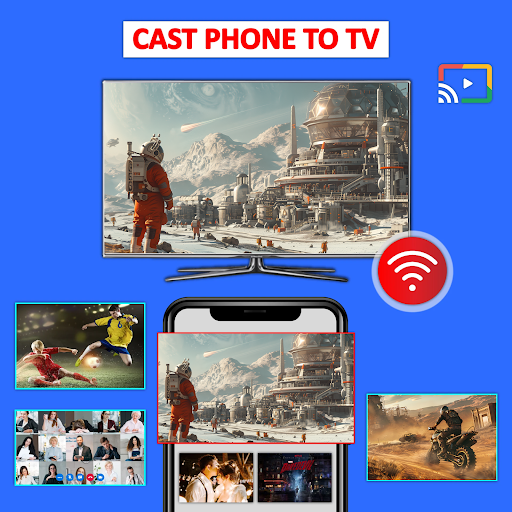
Cast Phone to TV, Chromecast is a screen-mirroring and media-casting app for showing phone content on a larger screen. It is aimed at people who want to share photos, videos, documents, PDFs, presentations, or a phone screen with family, friends, or coworkers. I like the straightforward idea: use a phone as the source and a compatible TV as the shared display. The main caveat is that both devices need to be on the same Wi-Fi network.
A Living-Room Sharing Session
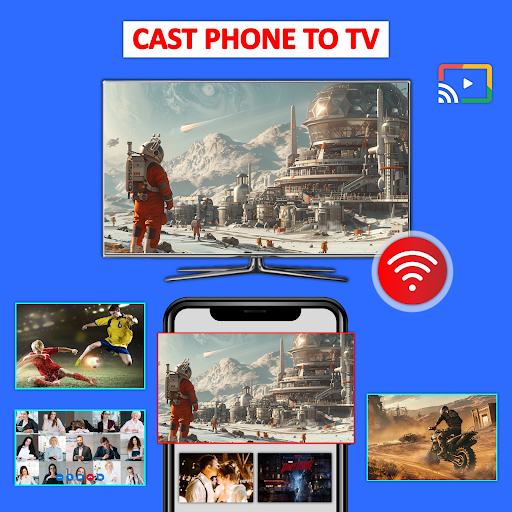
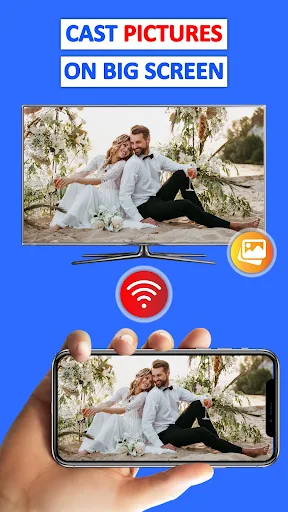
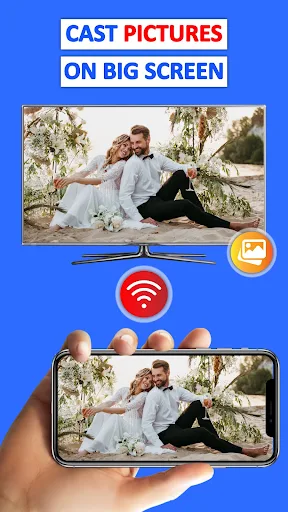
Imagine getting home from a visit with a phone full of family photos and wanting everyone to see them without passing the phone around. Cast Phone to TV, Chromecast is built for that sort of moment. The app can mirror a phone screen or cast photos and videos from the phone gallery to a larger display. With a compatible TV and both devices on the same Wi-Fi, the phone becomes a convenient way to bring those memories into the room.
The setup described by the app is simple in outline: make sure the TV supports wireless display, connect it and the phone to the same Wi-Fi, scan for devices, then select and pair the one you want. I appreciate that the process is easy to explain to someone else at the couch. It also gives the app uses beyond family photos, including showing a presentation or PDF on a bigger screen when a group needs to look together.
Casting, Not a Full TV Hub
I see this as a bridge between phone content and a compatible TV, rather than a replacement for a TV's own apps or a dedicated media library. The emphasis is on screen mirroring and casting items such as videos, photos, PDFs, e-books, and presentations. That makes it useful when something is already on your phone and you want a larger view, instead of searching for it again on the television.
It is also not a general fix for every connection problem. The description calls for a wireless-display-capable TV and a shared Wi-Fi network, so the experience depends on having the right devices and network arrangement in place. If I simply want to watch something already available through a TV app, using that app directly may be more convenient. This one makes more sense when the phone itself is the source or when I want to show its screen.
Small Habits That Help
A little preparation can make a shared viewing session less awkward. I would check that the phone and TV are connected to the same Wi-Fi before people gather, then scan for the display and pair it. If I am planning to show a document or presentation, I would also open it on the phone first. Those small steps keep the focus on the content instead of turning the first few minutes into a setup session.
For casual use, I would treat the app as a handy option to reach for when there is something worth sharing: a new batch of photos, a saved video, or a document that is easier to discuss on a larger screen. It supports mirroring as well as casting media, so choosing the right approach depends on whether I want to show a particular item or the phone screen more broadly. Keeping the TV's wireless-display support in mind helps set expectations.
More From Our News Desk

Zoom Meetings, Google Meet, or Teams: Which Is Easiest to Join?

How I Build a Free Streaming Lineup With Tubi

Why Crunchyroll Is the Default Anime App for So Many Fans

YouTube TV: A Practical Guide to Cutting Cable

Rummikub and the Small Comfort of Phone Games

TeamViewer Remote Control or AnyDesk for Helping Family?
Who May Enjoy It
I would recommend Cast Phone to TV, Chromecast to people who often share phone photos and videos with others, or who want to put documents and presentations on a larger display. It can also suit someone who wants to mirror a phone screen or show mobile games to a group. The appeal is practical rather than elaborate: it gives phone content a shared screen when a compatible TV and the same Wi-Fi are available.
It may be less useful for someone whose TV does not support wireless display, or who cannot connect the phone and TV to the same Wi-Fi network. People who mainly watch through TV apps may not need a phone-to-TV tool for everyday viewing. I would also keep in mind that the app contains ads and offers in-app purchases, so anyone who prefers an entirely ad-free, no-purchase app should check whether its setup suits them.
Cast Phone to TV, Chromecast is developed by Generation z apps and is listed in the Business category. On Google Play, it has over 10 million installs and a 4.0-star rating from around 56,000 ratings. The app is free to download, contains ads, and offers in-app purchases. Those purchases are priced from $9.99 to $39.99 per item.
The app has an Everyone content rating. Its current version is 1.5.4, and Google Play shows a release date of December 14, 2022, with the latest update on February 18, 2026. The supplied app details do not specify a minimum Android version, so check the Google Play page on your device for current compatibility information before installing.
Making Phone Content a Shared Screen
Getting Connected
When I first opened the app, the central idea was easy to understand: find a compatible display, pair with it, and use the phone to share something on the TV. The setup instructions give the process a clear order, which is useful when I am trying to get a group session started rather than study a new tool. The key preparation is having wireless display support on the TV and putting both devices on the same Wi-Fi.
That network requirement is the practical detail I would check first. It is easy to assume that a smart TV and a phone will find each other automatically, but the app's instructions specifically call for a shared Wi-Fi connection. Once that is in place, scanning for devices and selecting the intended display is a straightforward plan. I would make sure the right TV is selected, especially in a home where more than one compatible display might be available.
The Everyday Casting Experience
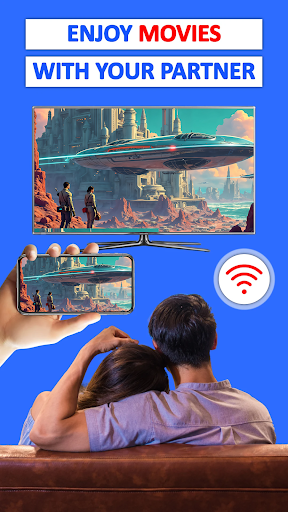
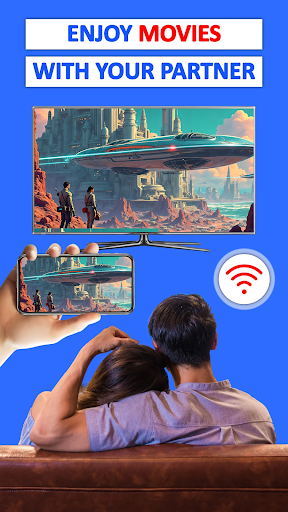
The app's everyday role is to move phone content into a room where more people can see it. I can picture using it after taking photos on a day out, when squinting at a phone screen is less fun than sitting back and looking at the pictures together. It also covers videos and movies, so a clip saved on the phone can be shown on a larger display rather than passed from person to person.
Screen mirroring adds another kind of flexibility: instead of focusing only on a particular photo or video, the app can mirror the phone screen. That can be useful for showing mobile games or walking someone through content on the device. The description presents casting as real-time screen sharing, but I would still treat the actual experience as dependent on the TV, network, and content being used rather than assuming every setup will behave identically.
More Than Photos and Video
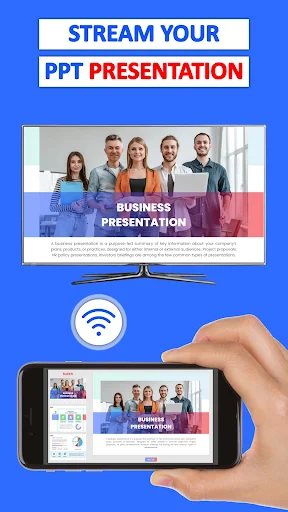
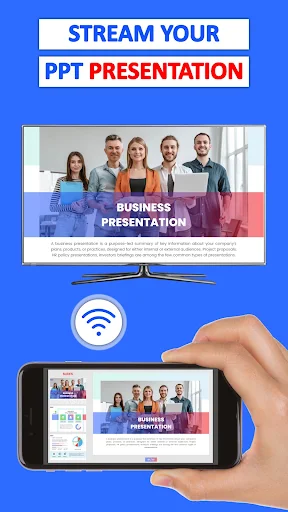
The range of content types is one of the more useful parts of the concept. Alongside photos and videos, the app describes support for PDFs, e-books, documents, and presentations. That gives it a place in a casual work or study situation too: a few people can look at a document or presentation on a TV instead of crowding around a phone. It is a simple extension of the same phone-to-display idea.
I also like that the stated uses are not limited to a formal presentation. The app points to family photos, movies, and mobile games as reasons to share a screen. Those are different situations, but they all benefit from having a larger display and a group gathered around it. The app describes support for Chromecast-enabled devices and smart TVs that support the relevant wireless display connection, so compatible hardware is part of the picture.
A Practical Home Routine
For a relaxed evening, I would decide what I want to show before starting: a folder of photos, a saved video, or a document. Then I would check the shared Wi-Fi, confirm the TV is ready for wireless display, and scan for the device. This small routine is especially helpful when other people are waiting. It keeps the steps easy to remember and makes the phone a source of material rather than a distraction.
For a presentation or document, I would have the relevant content open and ready on the phone before pairing. For a group sharing photos, I would connect first and then bring up the pictures. The app's described support for both casting media and mirroring the phone gives a choice based on the task. I would use media casting for a specific photo or video and mirroring when the phone screen itself is what I need others to follow.
Limits to Keep in Mind
Compatibility and network conditions shape how useful this app can be. The TV needs to support wireless display, and the phone and TV need to share a Wi-Fi network. If either condition is missing, the steps described by the app do not apply. That means I would check the TV's capabilities and home network before relying on the app for a planned presentation or a get-together.
The app is free to download, but it contains ads and offers in-app purchases, so the experience is not simply a no-cost, ad-free utility. Its category on Google Play is Business, yet the described uses span home entertainment and shared documents as well. I would judge it by whether I actually need to show phone content on a TV, rather than expecting a broader television platform or a solution for every device combination.
Cast Phone to TV, Chromecast has a clear, useful job: help put phone content on a compatible TV for a larger, shared view. I like the range from family photos and videos to PDFs and presentations, along with the option to mirror the phone screen. The main practical check is compatibility, followed by getting both devices onto the same Wi-Fi.
I would try it if I regularly share things stored on my phone and have a TV that supports wireless display. It is less compelling if I mostly use TV apps or lack the required network setup. With ads and in-app purchases in the mix, it is worth checking the store details, but its core purpose is easy to understand.
Cast Phone to TV Frequently Asked Questions
What is Cast Phone to TV, Chromecast used for?
Cast Phone to TV, Chromecast is used to mirror a phone screen or cast phone content to a compatible TV. Its described content includes photos, videos, movies, PDFs, e-books, documents, and presentations. The app also describes mirroring mobile games. Both the phone and TV need to be on the same Wi-Fi network, and the TV needs wireless-display support.
Which devices and platforms support Cast Phone to TV, Chromecast?
Cast Phone to TV, Chromecast is an Android app available through Google Play. Its description says it supports Chromecast-enabled devices and smart TVs with wireless-display support. The phone and TV must share a Wi-Fi network. For a particular phone or television, compatibility can vary, so it is worth checking the Google Play page and the device details before relying on it.
What Android version does Cast Phone to TV, Chromecast require?
The minimum Android version is not provided in the app details used for this review. Requirements can vary as the app is updated and across devices, so check the Google Play page for the current compatibility information for your phone. The app's connection instructions also require a wireless-display-capable TV and a shared Wi-Fi network.
Does Cast Phone to TV, Chromecast cost money?
Cast Phone to TV, Chromecast is free to download on Google Play. It contains ads and offers in-app purchases, with listed purchase prices from $9.99 to $39.99 per item. Store details can change, so check the Google Play page for the current purchase information before installing or buying anything.
Is Cast Phone to TV, Chromecast a good fit for me?
It may suit you if you want to share phone photos, videos, documents, or presentations on a larger TV screen, or mirror the phone screen for a group. It is less suitable if your TV lacks wireless-display support or the devices cannot share Wi-Fi. People who already watch everything through TV apps may have less reason to use it.
Pros
- Can share photos, videos, PDFs, e-books, documents, and presentations on a larger screen.
- Offers screen mirroring as well as casting selected phone media.
- Useful for both casual family viewing and small group presentations.
- The setup steps are easy to describe and follow.
Cons
- Requires a wireless-display-capable TV and the same Wi-Fi network for both devices.
- Contains ads and offers in-app purchases priced from $9.99 to $39.99 per item.
- Its usefulness depends on compatible hardware and the user's casting needs.
- Category
- Business
- Version
- 1.5.4











