BBC iPlayer
- 170.03K
- 4
- Installs
- 10.00M
- Price
- Free
Screenshots
Analysis by Reviewed APKs
BBC iPlayer brings BBC television to your phone or tablet, with live channels, on-demand programmes and downloads for watching offline. I found it best suited to people who already know they want BBC shows and want an easy way to keep up at home or on the move. The mix of live viewing and catch-up makes it flexible, though its focus is firmly on BBC content.
A catch-up evening
Imagine getting home after a busy day and realizing you missed the latest episode everyone has been talking about. BBC iPlayer lets me look for a programme on demand instead of having to plan around its original broadcast time. I can also save a show to a watchlist, which is handy when I spot something interesting but do not want to start watching right away.
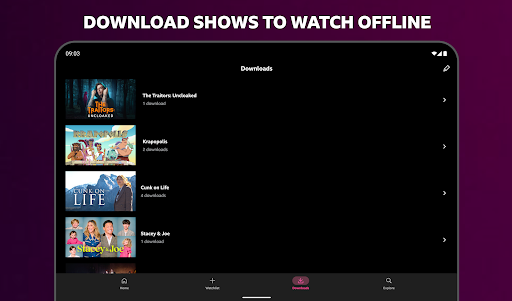
For a live event, the app offers another useful option: live TV can be paused, restarted or rewound partway through. That makes it easier to step away for a call or catch a moment I missed. I also like that downloads are available for shows I want to watch on the go, so a journey does not have to depend on a live connection.
A BBC-focused alternative
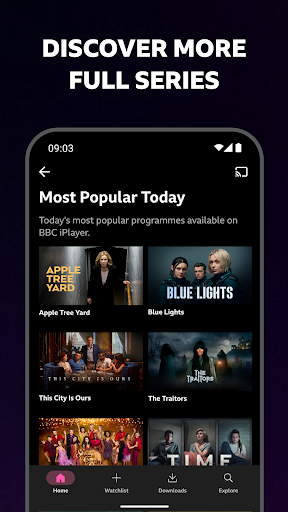
Compared with a general streaming service, BBC iPlayer has a narrower job: it brings together BBC programmes, live coverage and on-demand viewing. That focus can make it a straightforward choice when I already have a particular BBC series or event in mind. Recommendations can help surface other programmes, but the app is still centered on the BBC rather than a broad catalogue from many entertainment companies.
It is not a general-purpose video platform or a replacement for every streaming subscription. If I want a mix of unrelated studios and services in one catalogue, this is not the app I would reach for first. Its strengths are more specific: live BBC channels, programme catch-up, downloads, and the ability to continue watching on another device after signing in.
Small viewing habits
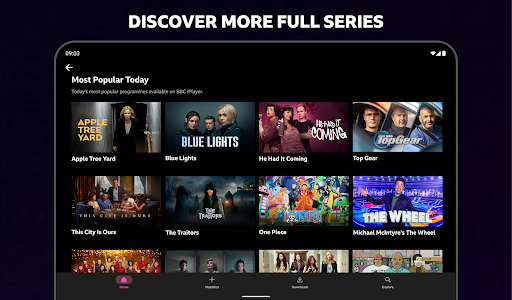
I get more out of the app when I add promising programmes to my watchlist as I come across them. That turns a quick browse into a short list I can return to later, instead of relying on memory. Recommendations offer another way to find something to watch, especially when I have finished a series and want an idea for the next one.
For travel, I would make downloading part of the routine before leaving rather than waiting until I am already on the move. A signed-in account also helps if I switch between devices: the app can resume a programme on another device. Families may find the child profile useful for a more age-appropriate selection, with content from CBBC and CBeebies among the options.
More From Our News Desk

Zoom Meetings, Google Meet, or Teams: Which Is Easiest to Join?

How I Build a Free Streaming Lineup With Tubi

Why Crunchyroll Is the Default Anime App for So Many Fans

YouTube TV: A Practical Guide to Cutting Cable

Rummikub and the Small Comfort of Phone Games

TeamViewer Remote Control or AnyDesk for Helping Family?
Who may enjoy it
I would recommend BBC iPlayer to people who watch BBC programmes and want a convenient way to catch up, follow live coverage or save shows for offline viewing. It works well for someone who alternates between a planned evening at home and shorter viewing sessions while out. The watchlist and cross-device resume are practical extras for anyone whose viewing is spread across more than one screen.
It may be a less satisfying fit for viewers who want one app to cover many different broadcasters or streaming libraries. The BBC focus is central, not a limitation that a few settings can change. Parents may appreciate the option to create a child profile, while anyone choosing programmes for a household should still take the app’s Teen content rating into account.
BBC iPlayer is an entertainment app developed by the British Broadcasting Corporation. On Google Play, it has more than 10 million installs and a 4.0-star rating from around 170,000 ratings. The app is free to install, with no in-app purchases and no ads.
Google Play gives BBC iPlayer a Teen content rating. Its version varies with the device. The store information gives a last update date of November 2, 2026.
How BBC iPlayer Fits Real Viewing
A familiar start
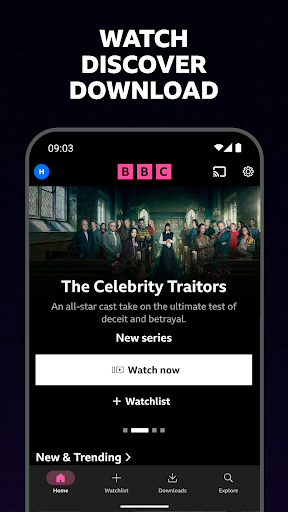
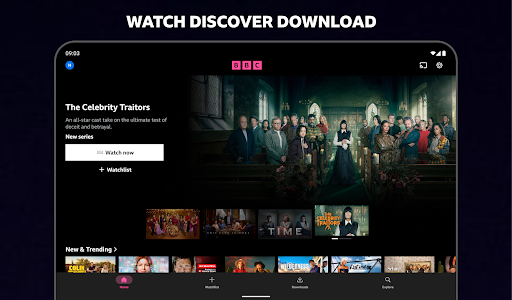
When I first opened BBC iPlayer, the appeal was easy to understand: it is a place to watch BBC programmes without being tied to a television schedule. The app covers a wide range of viewing, from news and sport to comedy, documentaries and drama. That variety gives the home screen a useful role as both a catch-up destination and a place to browse.
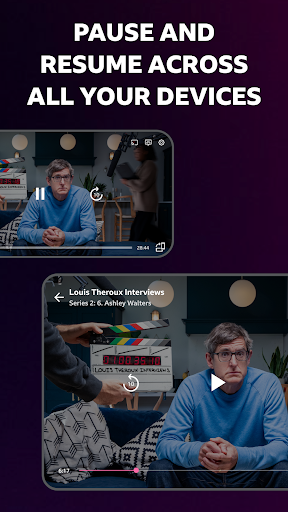
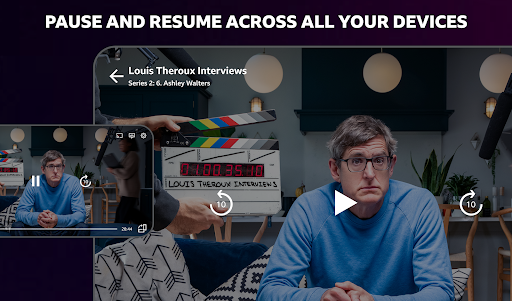
Signing in or creating an account makes the experience more useful if I watch on more than one device. BBC iPlayer can keep my place so I can start on one screen and resume on another. I also appreciate that sign-in is tied to a clear everyday benefit rather than being just another step before I can get to a programme.
Watching day to day
The core experience is built around choosing between a programme on demand and a live channel. On-demand viewing suits a quiet evening when I have time for a series or documentary, while live TV is useful when I want to follow coverage as it happens. The ability to pause, restart and rewind live channels gives that second option a little more flexibility.
I spent an evening thinking about how the app fits into a normal routine: browsing when I have a few minutes, saving a title for later, then watching when the timing works. A watchlist supports that habit without requiring me to commit immediately. Recommendations can also give me a starting point if I have finished what I was already following.
Useful extras
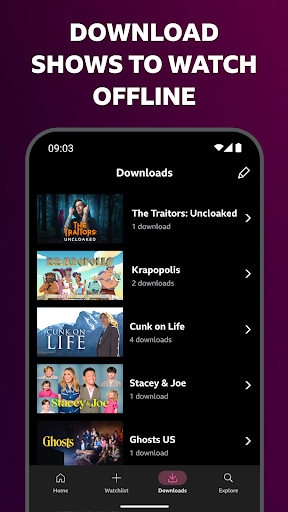
Downloads are one of the most practical features for anyone who watches while travelling. I can save a programme to my device ahead of time and watch it on the go. That changes BBC iPlayer from an app I might open only at home into one that can also serve a train ride or another stretch of time away from my usual setup.
The child profile is another meaningful addition for households. It provides a more age-appropriate experience and includes programmes from CBBC and CBeebies. For families sharing a device, that is more helpful than treating the app as though every viewer has the same tastes and needs. It is a specific option rather than a claim that every programme is suitable for every age.
A simple routine
A routine I would use is to check the app when I have a moment, add interesting programmes to my watchlist, and choose one when I have time to settle in. If I know I will be away from a reliable connection, I can download a show beforehand. That small bit of planning makes offline viewing more useful than remembering it only after I have left.
For a programme I am already watching, signing in means I can continue on another device rather than starting over. When there is live coverage I care about, I can watch live and use the pause or rewind controls if something interrupts me. The features work best together as small conveniences, not as a complicated system I need to manage.
Things to keep in mind
The clearest limit is the app’s scope. BBC iPlayer is designed around BBC content, so it will not replace services built around other broadcasters or a broad multi-studio catalogue. Recommendations can help me choose among programmes, but they do not change that central focus. People looking for one destination for every show they watch may need other apps alongside it.
Some of its convenience depends on how I watch. Downloads help when I prepare in advance, while cross-device resuming depends on signing in or creating an account. The app also tracks viewing and watchlist activity for its stated personalisation and service purposes; the description says personalisation can be turned off through a BBC account. Those are worth considering as part of choosing a viewing routine.
BBC iPlayer is a practical, focused option for watching BBC programmes on a phone or tablet. I like the combination of on-demand viewing, live channels, downloads and a watchlist, with useful touches for families and people switching devices. Its appeal is strongest when BBC content is already part of your regular viewing.
I would recommend giving it a try if you want a simple way to catch up or follow BBC coverage. If you need a broad catalogue spanning many providers, it is better viewed as one part of your viewing setup than as your only streaming app.
BBC iPlayer Frequently Asked Questions
What is BBC iPlayer used for?
BBC iPlayer is for watching BBC programmes on demand or live. It includes television across genres such as news, sport, comedy, documentaries and drama. You can also download shows for offline viewing, build a watchlist, and use recommendations to find programmes. Live channels can be paused, restarted and rewound partway through.
What devices can I use with BBC iPlayer?
BBC iPlayer is an Android app, and its description also supports streaming programmes to a TV using Google Chromecast with a supported device connected to the television. The app can resume a programme on another device after you sign in or create an account. Check the Google Play store for device compatibility details that may vary.
What Android version does BBC iPlayer require?
The Android requirement can vary by device and app availability. Check the BBC iPlayer page on Google Play for the current compatibility details for your phone or tablet. The app version itself is also shown as varying with device, so the store is the place to review the version offered for your setup.
Does BBC iPlayer cost money?
BBC iPlayer is free to install on Google Play. The store information says it has no in-app purchases and no ads. If you want to confirm current availability or any terms that apply to using the service, check the app’s Google Play store page and the BBC’s information before getting started.
Is BBC iPlayer suitable for children?
BBC iPlayer has a Teen content rating and offers a child profile for a more age-appropriate experience, including programmes from CBBC and CBeebies. That may make it more suitable for family use, but it does not mean every programme is appropriate for every child. Parents should review the profile and programme choices for their household.
Pros
- Combines BBC on-demand programmes with live channels and flexible playback controls.
- Downloads make selected shows available for watching on the go.
- Watchlists and recommendations help organize browsing and find something to watch.
- Child profiles offer a more age-appropriate option for family viewing.
Cons
- The catalogue is centered on BBC content rather than many streaming providers.
- Offline viewing works best when you remember to download programmes ahead of time.
- Cross-device resume requires signing in or creating an account.
- Category
- Entertainment











