AirScreen - AirPlay & Cast
- 21.34K
- 2.3
- Installs
- 10.00M
- Price
- Free

Screenshots
Analysis by Reviewed APKs
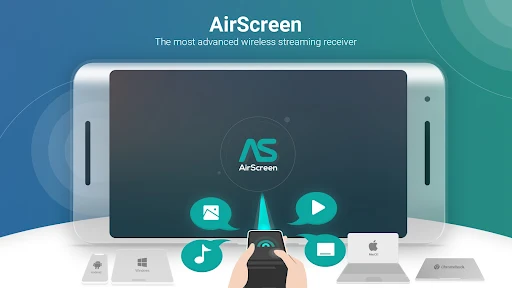
AirScreen - AirPlay & Cast turns an Android device into a wireless receiver for media and screen sharing from other devices. It suits people who want to send music, video, or webpages to a larger screen without installing an app on every sender. I like the breadth of its supported streaming standards, though the modest Google Play rating makes device compatibility something to consider before settling into a routine.
A Living-Room Screen Share
Picture a quiet evening when someone has a video on a phone and the rest of the room would rather watch it together. AirScreen is installed on the receiving device, while the sender uses its usual sharing option. The app’s job is to receive that stream over a wireless connection, rather than make you move a file or plug in a cable. That is a focused, useful role for a shared TV or other supported screen.
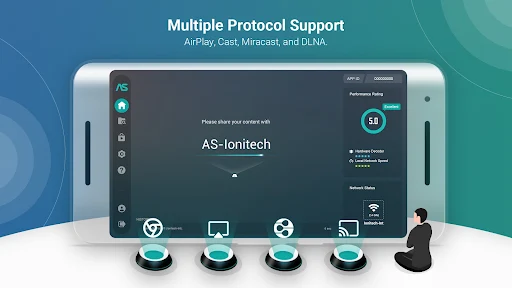
I’d think of it as a receiver to keep ready for those occasional moments: a clip to show family, a playlist for the room, or a webpage you want everyone to see. AirScreen supports AirPlay, Cast, Miracast, and DLNA, so the sender does not have to be limited to one protocol. The experience still depends on the devices involved, but the basic idea is refreshingly simple: install on the receiving side, then share from the device in hand.
A Receiver, Not a Media Library
AirScreen is best compared with built-in casting or screen-sharing options. Those can be convenient when the sender and display already work well together; AirScreen’s appeal is that it receives several common protocols in one app. It also avoids requiring a companion installation on the sending device. That flexibility may help in a mixed-device household where people arrive with different phones, tablets, or computers.
This is not a streaming subscription or a catalog of shows, and it does not replace the apps where you find music or video. It receives content from compatible apps and devices, including examples such as YouTube, iTunes, Safari, and Chrome. If you mainly watch on the phone itself, AirScreen may add little to your routine. It makes more sense when sharing to another screen is the point.
Make Sharing Less Fiddly
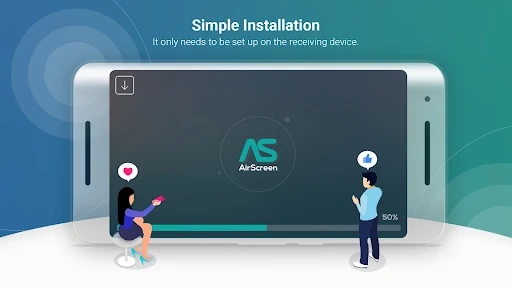
A practical habit is to install AirScreen on the device you expect to use as the receiver before people are waiting to watch something. Give that receiving device a recognizable name using the app’s personalization option, especially if more than one display could appear as a target. That small bit of preparation can make the moment of choosing where to send content less confusing.
For regular use, I’d keep the receiving device available and try a short stream from each type of sender I actually use. AirScreen includes a background service mode, hardware acceleration for video playback, and a recording feature, so it offers options beyond simply receiving a stream. I would explore those at a calm time rather than during movie night. A quick test is also a sensible way to learn how well the particular devices work together.
More From Our News Desk

Zoom Meetings, Google Meet, or Teams: Which Is Easiest to Join?

How I Build a Free Streaming Lineup With Tubi

Why Crunchyroll Is the Default Anime App for So Many Fans

YouTube TV: A Practical Guide to Cutting Cable

Rummikub and the Small Comfort of Phone Games

TeamViewer Remote Control or AnyDesk for Helping Family?
Who Might Enjoy AirScreen
I’d recommend AirScreen to people who often share media from different kinds of devices and want one receiver that supports AirPlay, Cast, Miracast, and DLNA. It is especially worth considering for a household that moves between phones, tablets, and computers, or for someone who occasionally wants a webpage or video on a larger screen. The receiving-device setup is appealing if you would rather not ask every visitor to install another app.
It may be less appealing if you expect every device combination to work perfectly without testing, or if you rarely cast anything in the first place. Miracast is disabled on Android Oreo and later, and the developer notes that some Android phones, tablets, and Android TV models may not be fully supported. Google Play shows a 2.3-star rating from around 21,000 ratings, so I’d approach it as a potentially useful tool to try, not an essential purchase.
AirScreen - AirPlay & Cast is an Entertainment app from Ionitech. Google Play shows over 10 million installs and a 2.3-star rating from 21,343 ratings. The app is free to download and contains ads, with in-app purchases priced from $1.49 to $84.99 per item. Its content rating is Everyone. Those figures give a practical sense of its reach and business model before you decide whether it suits your setup.
The supplied app details give version 2.18.0, an original release date of February 4, 2016, and a last update date of September 29, 2026. The minimum Android version is not included in the supplied details, so check the Google Play page on your device for current compatibility information. AirScreen’s description also cautions that support can vary across Android phones, tablets, and Android TV models.
What Daily Streaming Feels Like
Getting the Receiver Ready
When I first opened AirScreen, the main idea was easy to understand: this is the app that belongs on the screen receiving content. That is a useful distinction, because it means the person sending a video does not need to begin by finding and installing AirScreen. You can prepare the display once, then use compatible sender devices and apps when the need comes up.
The setup story is appealingly straightforward, but compatibility is the part I would treat with care. AirScreen supports several protocols and names broad platform coverage, yet its own description warns that some Android phones, tablets, and Android TV models may not be fully supported. I’d try the device pair I plan to use before relying on it for an important gathering. That is a practical check, not a reason to assume the app will fail.
The Everyday Casting Loop
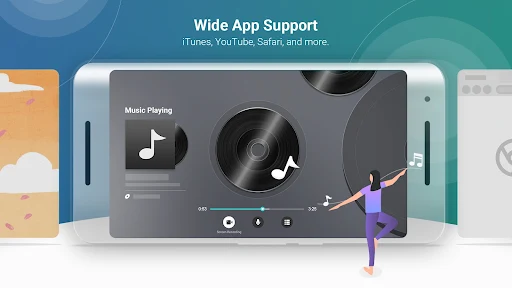
In ordinary use, AirScreen sits on the receiving side while you start with content on a sender. The description names listening to music from iTunes, watching YouTube videos, and browsing Safari or Chrome webpages as examples. I like that this frames the app as a bridge between familiar activities and a larger screen, rather than asking you to learn a new content service.
The day-to-day value depends on how often you share and whether your devices cooperate. For a one-off clip, using a built-in option might be quicker if it already works. For a mix of devices, having multiple receiver protocols available can be more convenient. I’d keep expectations practical: AirScreen receives media, but your sender app and the device pairing still shape the experience.
More Than Basic Receiving
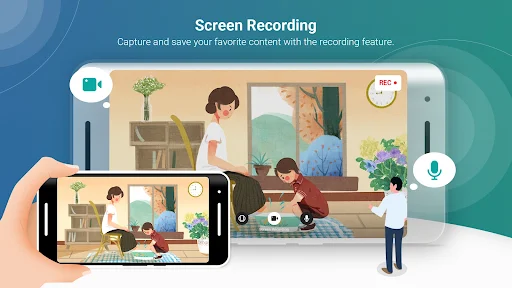
The feature set extends beyond simply receiving a stream. AirScreen offers screen recording, which can capture and save content, and a background service mode for multitasking. It also includes video hardware acceleration, personalized device names, and support for 4K Ultra High-Definition resolution. Those options give the app extra flexibility for people who want more control over how the receiver behaves.
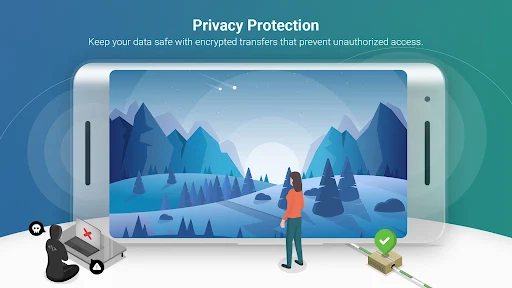
AirScreen also describes its transfers as encrypted to help protect data from unauthorized access. That is a useful privacy feature to know about, though I would not treat it as a substitute for sensible choices about what to share. The headline capabilities are broad, but their practical value varies by device and content. I’d explore the options that match my own use instead of assuming every feature will matter every day.
A Simple Sharing Routine
For a low-stress routine, I’d open AirScreen on the receiving device before guests arrive, check that its name is easy to recognize, and test a short clip. Then everyone can use the sharing controls they already know on their own devices. This works well for a casual evening of videos or music, when the goal is to spend less time passing a phone around.
For work or personal browsing, sending a webpage from Safari or Chrome can be useful when several people need to look at the same material. I’d still keep the sender close by, since that is where the content and sharing controls live. If I wanted to record something, I’d first familiarize myself with AirScreen’s recording feature rather than trying to discover it in the middle of a busy session.
Compatibility and Trade-Offs
The main limitation is that broad protocol support does not mean every device combination behaves the same way. The developer specifically notes that some Android phones, tablets, and Android TV models might not be fully supported. Miracast is disabled since Android Oreo, version 8.0, which narrows that part of the feature set on newer Android releases. Checking the current store information and testing your own devices is sensible.
The Google Play score is another reason I would keep expectations measured: it stands at 2.3 stars from 21,343 ratings. AirScreen is free to download, but it contains ads and offers paid in-app items. Those trade-offs may be acceptable for occasional sharing, especially if the app works smoothly on your equipment. If you need a dependable setup for frequent use, test it before making it part of your regular routine.
AirScreen has a clear purpose and a useful range of receiver protocols. I like that it can be installed on the receiving device alone, and that its extra tools include recording, background service mode, device naming, and hardware acceleration. Its low Google Play rating and the developer’s compatibility caveat are real reasons to test it with your own equipment first.
I’d try AirScreen if sharing from a mix of devices to one screen is a regular part of your home life. It is less compelling if you rarely cast or already have a setup that works reliably. The free download makes a trial straightforward, but ads, optional purchases, and device-specific performance belong in the decision.
AirScreen Frequently Asked Questions
What is AirScreen - AirPlay & Cast used for?
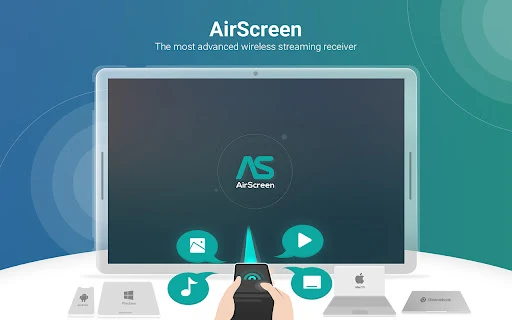
AirScreen turns an Android device into a wireless receiver for media and screen sharing. It supports AirPlay, Cast, Miracast, and DLNA, allowing compatible sender devices to share content without installing AirScreen on the sender. The description gives examples including music, YouTube videos, and Safari or Chrome webpages. It is a receiver, not a library of shows or music.
Which devices and platforms work with AirScreen?
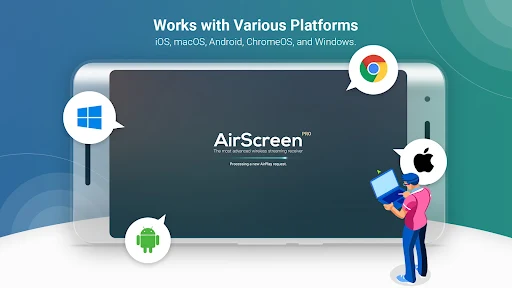
AirScreen is an Android app for the receiving device, and its description says it can receive from a range of iOS, iPadOS, macOS, Android, ChromeOS, and Windows devices. Compatibility can differ by device model. The developer notes that some Android phones, tablets, and Android TV models may not be fully supported, so check the Google Play page and test your setup.
What Android version does AirScreen require?
The minimum Android version can vary and is worth checking on AirScreen’s Google Play page before installing. The app description notes that Miracast has been disabled since Android Oreo, version 8.0. It also cautions that some Android phones, tablets, and Android TV models may not be fully supported, so requirements and practical compatibility are not quite the same question.
Is AirScreen free, and does it have purchases?
AirScreen is free to download on Google Play. It contains ads and offers in-app purchases, with listed items ranging from $1.49 to $84.99 each. The specific purchase options and prices may vary, so check the current store page for details. You can consider the free download first if you want to see whether it works with your devices.
Who should consider using AirScreen?
AirScreen may suit people who regularly share music, videos, or webpages from different devices to one receiving screen. Its several supported protocols can be helpful in a mixed-device household. It may be less suitable if you rarely cast or need a setup that works without testing, since device support can vary. Miracast is disabled on Android Oreo and later.
Pros
- Receives content through AirPlay, Cast, Miracast, and DLNA.
- Only the receiving device needs AirScreen installed.
- Includes screen recording, background service mode, and device naming.
- Supports sharing music, videos, and webpages from familiar apps.
Cons
- Some Android phones, tablets, and TV models may not be fully supported.
- Miracast has been disabled since Android Oreo, version 8.0.
- Google Play ratings are modest, and the app contains ads.
- Category
- Entertainment
- Version
- 2.18.0











