Westpac
- 36.62K
- 3.5
- Installs
- 5.00M
- Price
- Free

Screenshots
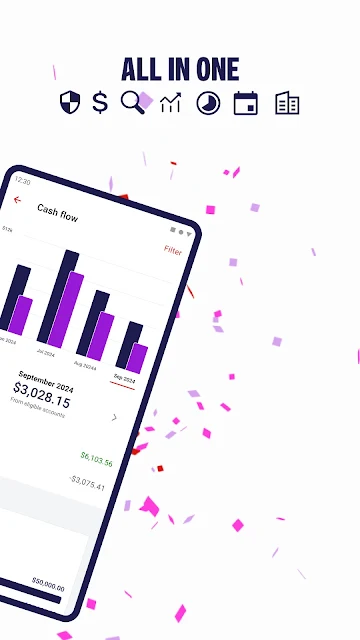
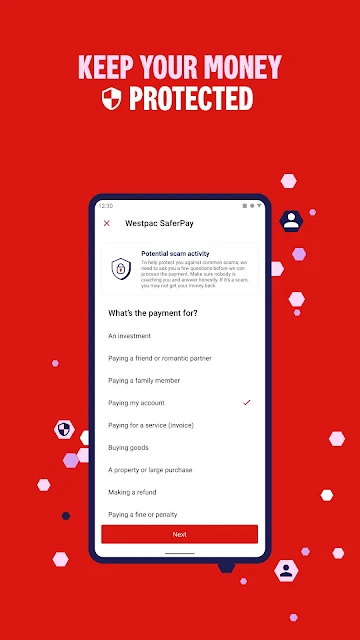
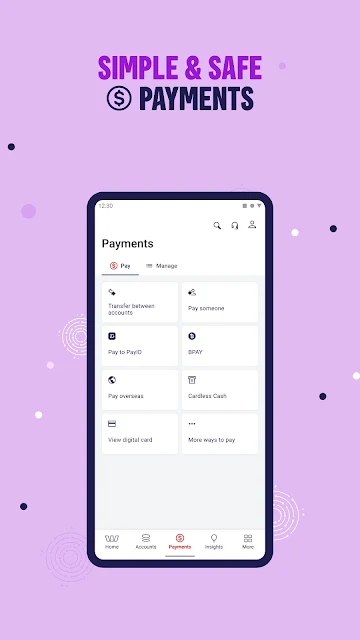
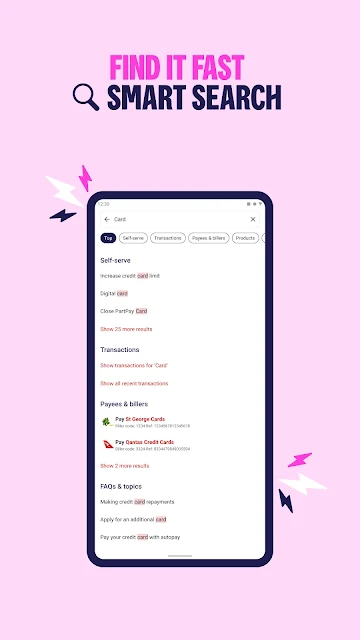
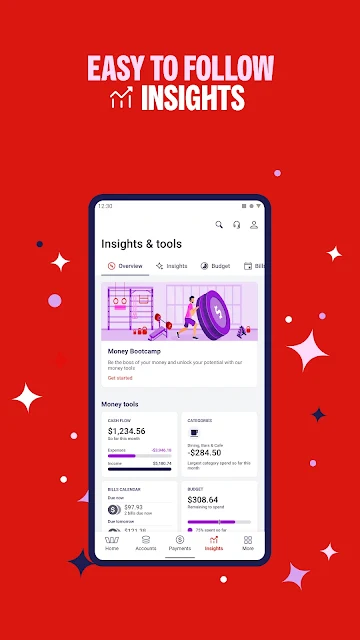
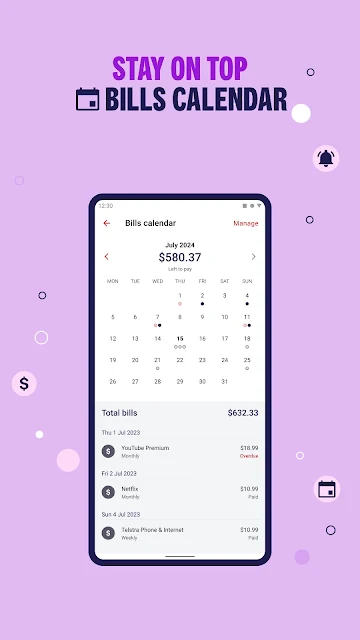
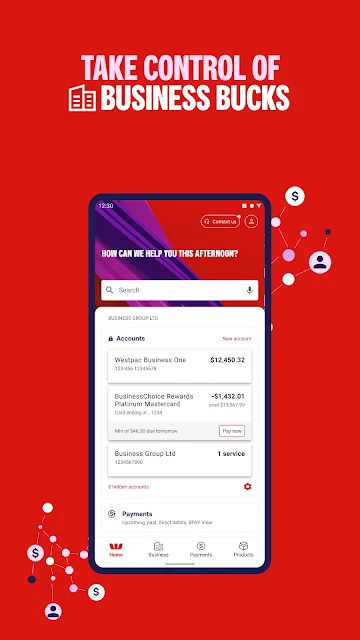
Analysis by Reviewed APKs
Westpac is the banking app for Westpac customers in Australia, with money management tools, financial insights and a way to switch between personal and business banking. I see its appeal in making everyday banking and a little financial housekeeping available in one place. It is most useful if you already bank with Westpac; if you do not, the app is unlikely to be a reason by itself to change banks.
A banking day in your pocket
When I first considered how Westpac fits into a normal day, I pictured those small moments when I want to check in on my money rather than set aside time for a full financial review. The app is designed for Westpac customers to bank while they are out and about, with money management tools and insights aimed at helping them keep track of things. That makes it a practical companion for quick, routine check-ins.
I can imagine opening it during a coffee break to look over my finances, then returning later to spend a little more time with the available insights. The point is not to turn a spare minute into a complicated planning session. It is to make banking and money awareness part of an ordinary routine. Westpac’s emphasis on everyday banking gives the app a clear job, rather than making it feel like a general-purpose finance tracker.
Built around Westpac banking
The obvious comparison is with another bank’s app or a separate money management tool. Westpac’s main advantage is that its banking experience and its planning-oriented tools sit together, and the app also lets customers switch between personal and business banking. For someone who already uses Westpac, that combination may be more convenient than moving between unrelated services. Its usefulness is tied to being a Westpac customer, though, not simply to wanting a budgeting app.
I would not treat it as a standalone financial education course, an independent account aggregator, or a substitute for choosing the banking products that fit your needs. The description focuses on banking, insights and making payments simpler, rather than promising a deep planning system. If you want a dedicated tool for detailed budgets or accounts at many institutions, this is not positioned as that. It is best understood as Westpac’s mobile banking option.
Small habits, useful context
The money management tools sound most useful when I make checking in a small habit. A quick look now and then can give the app’s insights more context than a single visit when something feels urgent. I would use the available information to notice patterns and think about what I want to keep an eye on, without assuming that an insight makes a decision for me.
For customers managing both personal and business banking with Westpac, switching between those areas in one app may help keep a routine tidy. I would still take a moment to check which side I am using before doing anything important. The app’s SafeCall feature also has a clear everyday use: when a call comes through the Westpac App, it is intended to help customers confirm it is Westpac calling.
More From Our News Desk

Zoom Meetings, Google Meet, or Teams: Which Is Easiest to Join?

How I Build a Free Streaming Lineup With Tubi

Why Crunchyroll Is the Default Anime App for So Many Fans

YouTube TV: A Practical Guide to Cutting Cable

Rummikub and the Small Comfort of Phone Games

TeamViewer Remote Control or AnyDesk for Helping Family?
Who may find it useful
I would recommend Westpac to existing Westpac customers who want a mobile route to everyday banking and appreciate having money management tools alongside it. The financial insights may also appeal to people who like to check in on their finances as part of a regular routine. Customers who use both personal and business banking with Westpac have an additional reason to consider it, since the app supports switching between the two.
It may be a poor fit if you do not bank with Westpac or are looking for a bank-independent budgeting product. I would also be cautious about choosing any banking app based on one feature or a store rating alone; the right fit depends on your needs and the products you use. Westpac’s Google Play rating is 3.5 from around 36,600 ratings, so customer experiences are not uniformly positive.
Westpac is published by Westpac Banking Corporation. On Google Play, it has over 5 million installs and a 3.5-star rating from around 36,600 ratings. The app is free to download, with no in-app purchases or ads indicated in the provided store facts. Its content rating is Everyone, and the listed version varies with device.
The app was released on September 2, 2011, and the provided store information gives November 3, 2026 as its last update date. A minimum Android version is not specified in the available facts, so device compatibility is best checked on Google Play. Westpac describes the app as its banking app for Australian customers, with money management tools, financial insights, personal and business banking access, and SafeCall.
How Westpac Fits Into Everyday Banking
A focused first impression
When I first opened the idea of Westpac as an app, what stood out was its narrow, useful purpose: it is the mobile banking app for Westpac customers in Australia. The description puts everyday banking, money management and security in the foreground. That is a more grounded promise than trying to make the app sound like a complete financial life coach, and it helps set reasonable expectations before getting started.
Getting started will make most sense for someone who already banks with Westpac and wants to use its app. I would begin by thinking about what I want from it: routine banking, a better sense of my money, or access to both personal and business banking. The store facts say its version varies with device, and the Android requirement can depend on the device, so I would check Google Play before installing.
A practical daily companion
The everyday appeal is having banking available when life is already in motion. I do not always want to sit down at a computer just to keep an eye on my finances, and Westpac’s mobile focus is aimed at that kind of ordinary convenience. Its description also highlights simpler payments, although the particular payment options available can depend on the customer and their setup.
I would use the app as a place to check in, then give the money management tools and insights a little attention when I have time. That split works for me: a quick visit can stay quick, while a longer look can help me reflect on what I am seeing. The app is not a replacement for paying attention to my own choices, but it can make that attention easier to fit into the day.
Features with a clear purpose
The most distinctive idea in the description is SafeCall. Westpac says customers can receive calls from the Westpac App, helping them confirm that it is Westpac calling rather than a scammer. I like that this feature addresses a recognizable everyday worry without asking the app to do something unrelated to banking. It is a helpful cue to understand, rather than a reason to lower my guard around calls generally.
The money management tools and financial insights are another notable part of the experience. Westpac presents them as ways to plan and keep track of things, with the aim of helping customers feel more confident about their money. I would treat those insights as useful context, not as a promise that the app will make financial decisions on my behalf. That framing keeps the tool’s role sensible.
I also appreciate the personal-and-business switch being explicitly part of the app’s description. For a customer who uses both types of Westpac banking, having access in one app may reduce the sense of juggling separate destinations. The feature is particularly relevant to that group, while customers with only personal banking may simply value the app’s broader everyday banking and money management focus.
A routine that stays manageable
A practical routine does not need to be elaborate. I would open Westpac when I have a natural pause, check in on my banking, and spend a little longer with the money management tools when I have something specific I want to understand. That approach makes the app part of an existing day instead of turning every visit into a project.
If I used both personal and business banking, I would make a habit of checking the selected area before continuing. I would also pay attention to the context around SafeCall if a call came through the app. These are small, sensible checks, not a complicated system. The app’s tools are most useful when I treat them as support for my own awareness and routine.
Keep expectations grounded
Westpac’s usefulness depends heavily on being a Westpac customer. That is not a flaw so much as a boundary: the app is built around that bank’s customers, rather than presented as a universal service for anyone who wants to track money. Someone who wants one independent view of multiple banks may find the app’s focus too narrow.
I would also keep the insights in perspective. A tool that helps me plan or keep track can be useful, but it does not remove the need to decide what matters to me or to check information carefully. The app description does not give a minimum Android requirement, and the version varies with device, so compatibility is worth checking on Google Play before installing.
Westpac comes across as a practical mobile banking app with a few clearly described extras: money management tools, financial insights, personal and business banking access, and SafeCall. I like that its purpose is easy to understand. Its best qualities matter most to people who already have a relationship with Westpac.
I would try it if I were a Westpac customer looking for convenient mobile banking and a way to keep money check-ins in my routine. I would look elsewhere if I wanted an independent finance tracker or did not bank with Westpac. It is a focused option, not a universal answer to managing money.
Westpac Frequently Asked Questions
What is the Westpac app used for?
Westpac is the banking app for Westpac customers in Australia. Its described features include everyday banking, money management tools and financial insights, as well as switching between personal and business banking. It also includes SafeCall, which is intended to help customers confirm that a call from the Westpac App is from Westpac.
Which devices can I use the Westpac app on?
The provided store information is for the Android app on Google Play. The minimum Android version is not specified in the facts here, and the listed app version varies with device. Check the Westpac app’s Google Play page for current compatibility with your particular Android device.
Does the Westpac app cost money?
The app is free to download, and the provided facts indicate no in-app purchases or ads. Banking products and services are separate from the app download, so consider the relevant Westpac terms and whether a product is right for you before making a decision.
Does the Westpac app work for business banking?
Yes. Westpac’s description says customers can switch between personal and business banking in the app, so they can manage both in one place. The app is intended for Westpac customers, and the services available to an individual customer can depend on their banking relationship.
Who should use the Westpac app?
It is most suited to Westpac customers who want mobile banking and access to the app’s money management tools and insights. Customers who use both personal and business banking may also find the switching feature useful. It is not positioned as a bank-independent budgeting app, so people who do not bank with Westpac may want another option.
Pros
- Combines everyday banking with money management tools and financial insights.
- Supports switching between personal and business banking in one app.
- SafeCall is designed to help identify calls from Westpac.
- Free to download, with no ads or in-app purchases indicated.
Cons
- Its usefulness is mainly for existing Westpac customers.
- The version varies by device, and Android requirements should be checked in Google Play.
- A 3.5-star Google Play rating suggests customer experiences are mixed.
- Category
- Finance











