PayPal - Pay, Send, Save
- 3.75M
- 4.2
- Installs
- 500.00M
- Price
- Free

Screenshots
Analysis by Reviewed APKs
PayPal - Pay, Send, Save brings money transfers, online and in-store shopping, package tracking, subscriptions, and other account tools into one finance app. I can see it suiting people who already use PayPal and want to handle everyday payments and purchases in one place. Its range is useful, though features such as Pay in 4 and the debit card come with eligibility and terms worth reading.
A Day With PayPal
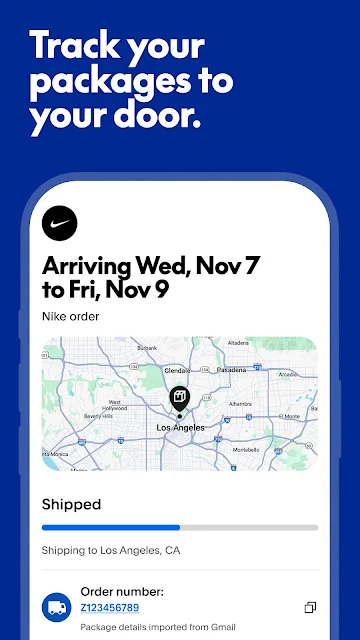
Imagine a busy afternoon: I need to repay a friend, check whether an online order is moving, and review a subscription. PayPal puts those jobs in the same app. I can send or request money, view order and delivery status for participating sellers, and link Gmail or Outlook to track packages. That combination makes it a handy place to check in between errands, rather than juggling separate payment and order-tracking tools.
For a purchase, the app also offers PayPal Purchase Protection on eligible transactions, with support if something goes wrong. The eligibility detail matters, so I would not assume every order qualifies. If I am considering Pay in 4, I would check the offer and its terms before choosing it. The app can make common tasks accessible in one place, but it does not remove the need to understand what applies to a particular transaction.
A Wallet, Not a Budget Coach
Compared with a basic bank app, PayPal is oriented around sending and receiving money, paying merchants, and managing PayPal-linked activity. It can handle transfers within the US and internationally to more than 110 countries, and its shopping tools add order and package tracking. For someone who already encounters PayPal at checkout, that breadth may feel more useful than installing a separate app just to send a payment.
I would not treat it as a full budgeting or financial-planning tool based on the features described. The app brings money, accounts, and settings together, and offers subscription tracking, but there is no described spending plan or savings-goal system. The debit card rewards and Pay in 4 options are also specific products, not substitutes for comparing costs or deciding whether a purchase fits a personal budget.
Small Habits That Help
A useful habit is to check the app after making an online purchase, especially if the seller participates in PayPal's order tracking. Linking Gmail or Outlook gets that package feature started, and the app can show delivery status along the way. I would still keep an eye on the seller's own updates, since not all sellers participate and the app's tracking coverage is not universal.
The Me Tab is intended to bring money, accounts, and settings into one spot, so it makes sense as a regular account check-in. Subscription tracking can also help me gather linked subscriptions in one app. If I use the PayPal Debit Mastercard, I would review the monthly category and the reward terms before spending with it. The described 5% rewards points apply to up to $1,000 of monthly spend, subject to terms.
More From Our News Desk

Zoom Meetings, Google Meet, or Teams: Which Is Easiest to Join?

How I Build a Free Streaming Lineup With Tubi

Why Crunchyroll Is the Default Anime App for So Many Fans

YouTube TV: A Practical Guide to Cutting Cable

Rummikub and the Small Comfort of Phone Games

TeamViewer Remote Control or AnyDesk for Helping Family?
Who May Find It Useful
I would recommend PayPal to people who regularly pay online with PayPal, send money to others, or want a single app for those tasks alongside shopping and order tracking. Its international transfer reach and package tools may be particularly convenient for someone whose purchases and payments already run through the service. The app's many roles are more appealing when they match routines a person already has.
It may be less compelling for someone looking only for detailed budgeting tools, or for a person who does not use PayPal for payments or shopping. The debit card rewards, Purchase Protection, and Pay in 4 each have conditions, so I would not choose the app solely on the assumption that every benefit applies to every user or transaction. As with any finance app, suitability depends on the specific features and terms a person wants.
PayPal - Pay, Send, Save is a finance app from PayPal Mobile. On Google Play, it has over 500 million installs and a 4.2-star rating from about 3.7 million ratings. The app is free to download, with no in-app purchases or ads reported in the provided app details. Its content rating is Everyone.
The current version shown is 10.19.0, and the last update date is October 24, 2026. A minimum Android version and original release date are not provided in the available app details, so device compatibility is worth checking on Google Play. PayPal's description notes that its PayPal Debit Mastercard is issued by The Bancorp Bank, N.A., and is linked to a PayPal Balance account.
How PayPal Fits Everyday Money Tasks
Getting Oriented
When I first open an app with this many jobs, I want a clear sense of where account controls live. PayPal's newer Me Tab is described as a place to navigate money, accounts, and settings. That gives the app a central area for routine account checks, while the broader feature set covers payments, shopping, and subscriptions. The description does not spell out every screen, so I would expect the exact layout to make the first impression.
The setup steps depend on which features I want to use. Package tracking, for example, starts by linking a Gmail or Outlook account. The debit card and Pay in 4 are separate offerings with their own conditions, rather than automatic parts of every payment. I would begin with the basic PayPal tasks I actually need, then explore additional tools only if they fit my routine.
Everyday Payments
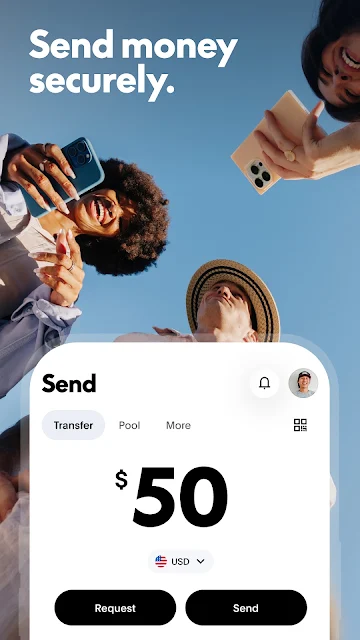
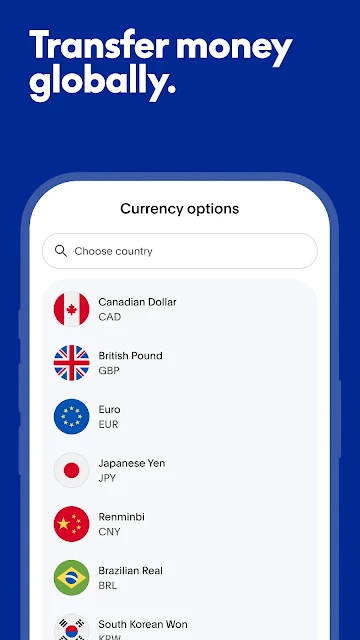
Sending and requesting money are central jobs here. PayPal says transfers are available within the US and internationally to more than 110 countries, which gives the app a use beyond checkout. Encrypted payments are described as a way to help keep financial details private. I would still take care to confirm the recipient and payment details before sending, since convenience does not make a mistaken transfer any less inconvenient.
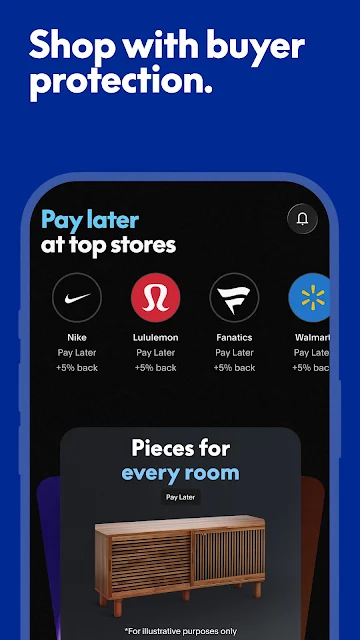
Shopping is another important part of the experience. The app supports in-store and online purchases, and Purchase Protection is available for eligible transactions. I like the idea of being able to check payment activity and shopping-related tools in one place, but the protection terms matter: eligibility and limitations apply. For a purchase where that protection is important, I would read the terms rather than assume coverage.
More Than Transfers
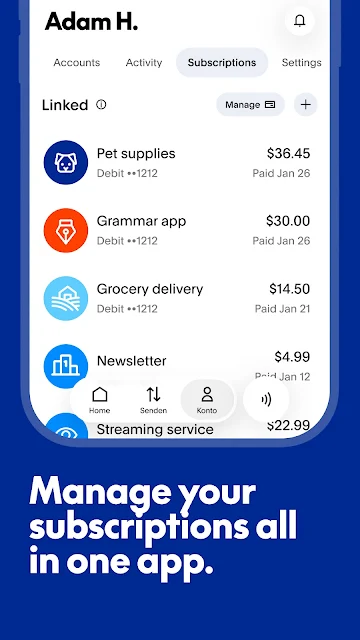
The package and subscription tools are the features that broaden PayPal beyond sending money. Linking Gmail or Outlook lets the app show orders and delivery status, though not every seller participates. Subscription tracking is presented as a way to link and follow subscriptions in one app. Both features make most sense for someone who already wants PayPal as a regular place to review purchase-related activity.
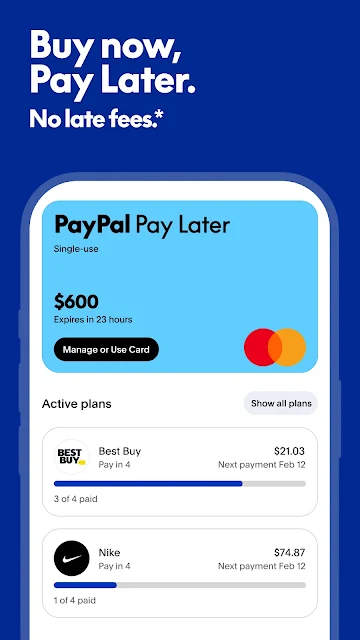
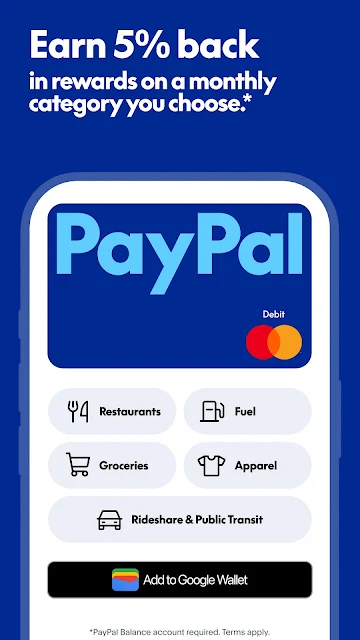
There are also a PayPal Debit Mastercard and Pay in 4. The debit card description mentions choosing a monthly category for 5% back in rewards points on up to $1,000 of monthly spend, with terms applying. Pay in 4 is available upon approval for eligible purchase amounts, with restrictions. I see these as optional product features, not reasons to overlook the terms or assume every user qualifies.
A Practical Check-In
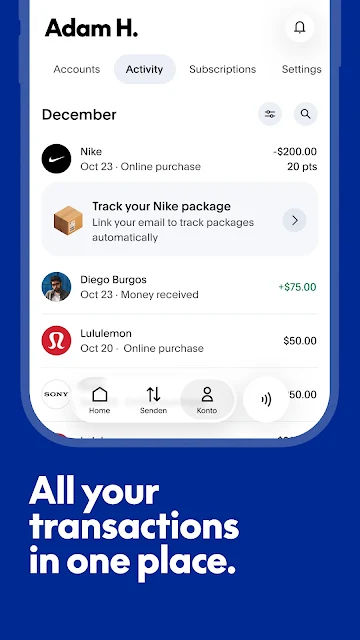
A simple routine might be to use PayPal when making a purchase or sending money, then return to the app later to check a package or linked subscription. That keeps the app tied to specific jobs rather than turning it into something I need to monitor constantly. The Me Tab's role in gathering money, accounts, and settings also makes it a reasonable starting point for a quick account review.
If I were using the debit card, I would note the selected monthly rewards category and keep the spending cap and applicable terms in mind. If a Pay in 4 offer appears relevant, I would check approval and the purchase conditions before proceeding. Those small checks help keep convenience in perspective. The app can bring tools together, but each feature still has its own scope and requirements.
Limits to Remember
Some of PayPal's appeal depends on what a person wants to do inside the service. Package tracking excludes sellers that do not participate, and Purchase Protection applies only to eligible transactions. Pay in 4 requires approval and is subject to purchase, location, and age conditions. These qualifications do not make the features useless; they simply mean I would verify availability before planning around them.
The app's wide scope can also be more than someone needs. If the main goal is detailed budgeting, the described tools do not establish that PayPal is designed for that purpose. The debit card's rewards are points with terms, rather than a universal benefit on all spending. I would choose PayPal for its payment and shopping workflows, then treat the extras as useful only when they fit.
PayPal - Pay, Send, Save is most convincing as a familiar hub for transferring money, paying, and keeping an eye on purchases. Package and subscription tracking add practical value, while the Me Tab helps bring account-related tasks together. The main caveat is that protection, rewards, and Pay in 4 all come with specific limits or eligibility requirements.
I would recommend it to people who already use PayPal and want those everyday tasks in one app. If you are looking primarily for budgeting features, or do not use PayPal for payments and shopping, its broader set of tools may not change much for you. Check the terms for any optional financial product before relying on it.
PayPal Frequently Asked Questions
What is PayPal - Pay, Send, Save used for?
PayPal - Pay, Send, Save is used to send and request money, shop online and in stores, and manage PayPal-related activity. It also offers package tracking after linking Gmail or Outlook, subscription tracking, Purchase Protection on eligible transactions, a debit card, and Pay in 4 for eligible users and purchases.
Which devices can run PayPal - Pay, Send, Save?
PayPal - Pay, Send, Save is an Android app available through Google Play. The minimum Android version is worth checking on its Google Play page, since compatibility can vary by device and app updates. The available details do not specify support for other platforms.
Does PayPal - Pay, Send, Save cost money?
The app is free to download, and the provided app details report no in-app purchases or ads. Some financial features have their own terms and eligibility requirements; for example, Pay in 4 is offered upon approval. Check the Google Play page and PayPal's terms for current details.
What Android version does PayPal - Pay, Send, Save require?
The minimum Android requirement for PayPal - Pay, Send, Save is not included in the available app details. It may vary as the app is updated, so check the compatibility information on Google Play for your device before installing.
Who is PayPal - Pay, Send, Save best for?
It may suit people who already use PayPal to send money, shop, or manage purchase activity, and who would use tools such as package or subscription tracking. It may be less useful for someone seeking detailed budgeting tools or who does not use PayPal for payments. Optional features have their own conditions.
Pros
- Combines money transfers, shopping, package tracking, and subscription tools in one app.
- Supports transfers within the US and internationally to more than 110 countries.
- The Me Tab brings money, accounts, and settings together.
- Free to download, with no ads or in-app purchases reported.
Cons
- Package tracking depends on seller participation and a linked Gmail or Outlook account.
- Purchase Protection and Pay in 4 have eligibility requirements and limitations.
- The described features do not establish it as a detailed budgeting app.
- Category
- Finance
- Version
- 10.19.0