Venmo
- 926.93K
- 4
- Installs
- 50.00M
- Price
- Free

Screenshots

Analysis by Reviewed APKs
Venmo is a money app for sending and requesting payments, splitting shared costs, and managing several ways to use your balance. I see its best fit in everyday exchanges between people who already use Venmo: rent, dinner, tickets, or paying someone back for a small favor. It handles those basics neatly, while extras like cards and crypto make it broader than a simple payment tool.
Paying Back After Dinner
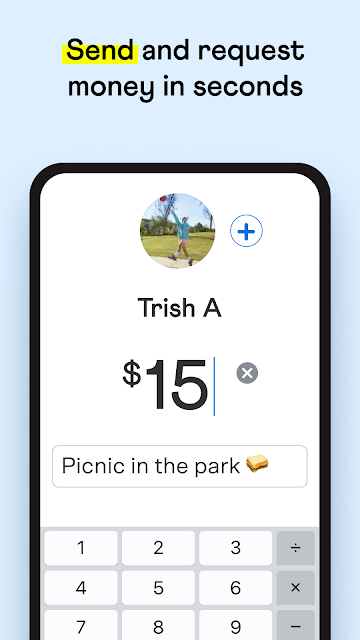
When I first opened Venmo, I pictured the familiar end-of-dinner shuffle: one person has the bill, everyone else works out what they owe, and somebody promises to settle up later. Venmo is built for that kind of moment. I can send money to a friend or request it, then add a note that gives the payment a useful label, such as a meal or shared ride.
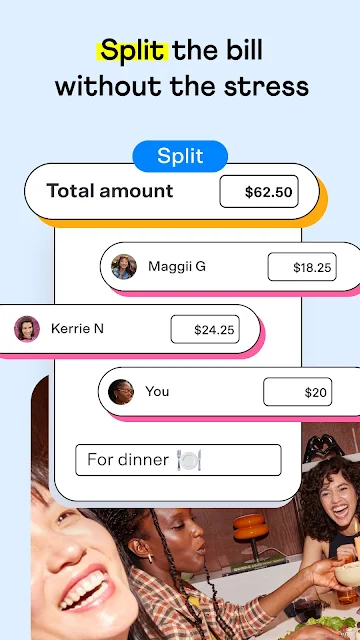
The multiple-person request is particularly practical for group expenses. Rather than chasing each person one at a time, I can request money from several Venmo friends and customize how much each person owes. That is a small but meaningful improvement when the bill is not an even split. The app still depends on the people involved using Venmo, so it works best when a group already has that habit.
More Than a Payment Shortcut
Compared with a basic bank transfer, Venmo puts peer-to-peer payments front and center and gives them a social layer: notes can accompany payments, and requesting money from friends is part of the core use. It also stretches into cards, business profiles, direct deposit, and cryptocurrency. That breadth can be convenient if you want several money-related tools in one app, rather than only a way to repay a friend.
I would not treat Venmo as a replacement for every financial service or as a budgeting app. The description focuses on paying, getting paid, cards, and account money management, not on tracking spending plans or building a detailed household budget. The card and crypto options are also distinct from ordinary friend-to-friend payments; they come with their own eligibility, terms, and considerations.
Small Habits That Help
I get more value from payment notes when I make them specific at the moment I send or request money. A short label can help both people remember whether a payment was for groceries, a shared gift, or the utility bill. It is a simple habit, but it makes a stream of small transactions easier to recognize later than leaving every exchange without context.
For group costs, I would gather the names and amounts first, then use a multi-person request and customize each share rather than assuming everyone owes the same amount. For money I want to move to my bank, the app offers Instant Transfer, though the timing depends on the bank and transfers can take up to 30 minutes. Direct Deposit is another option for eligible paychecks.
More From Our News Desk

Zoom Meetings, Google Meet, or Teams: Which Is Easiest to Join?

How I Build a Free Streaming Lineup With Tubi

Why Crunchyroll Is the Default Anime App for So Many Fans

YouTube TV: A Practical Guide to Cutting Cable

Rummikub and the Small Comfort of Phone Games

TeamViewer Remote Control or AnyDesk for Helping Family?
Who Venmo Suits Best
I would recommend Venmo to people who regularly split costs with friends or family and want a straightforward way to send or request money. It is especially sensible when the people around you already use it, since a payment app is most useful when both sides can participate. The notes and requests make it easier to keep casual exchanges recognizable without turning every small repayment into a separate conversation.
It may be less appealing if you only need an occasional transfer and prefer to keep all money activity inside your bank’s existing tools. People looking for a dedicated spending planner will also want something more focused. Venmo’s cards, business profiles, teen accounts, and crypto options extend its reach, but they are optional parts of a larger money app, not reasons everyone needs to use it.
Venmo is published by PayPal Mobile and is available on Android. Google Play shows more than 50 million installs and a 4.0-star rating from about 927,000 ratings. The app is free to download, with no in-app purchases or ads indicated in the supplied store facts. Its content rating is Everyone.
The supplied app version is 26.26.0, with a release date of May 17, 2010, and a last update date of October 31, 2026. A minimum Android version is not included in the supplied facts, so check Google Play for the requirement on your device. Venmo’s features and eligibility terms can depend on the product and user.
A Closer Look at Everyday Venmo
A Friendly First Impression
Venmo’s central idea is easy to understand: use one account to send and receive money, with a note to give the exchange context. When I first considered it as a day-to-day tool, that clarity stood out. It is not asking me to rethink how splitting a meal works; it gives the familiar exchange a digital route.
The broader setup is more varied than that first use suggests. The app describes payment requests, debit and credit cards, business profiles, teen accounts, direct deposit, and cryptocurrency. I would approach those as separate options rather than assume they are all necessary to get started. The most natural entry point is still a simple payment or request between people who use Venmo.
The Everyday Payment Loop
The basic rhythm is send, receive, or request. That covers the common cases: reimbursing a friend, asking someone to contribute to a shared expense, or paying a person back after they covered something. Payment notes add a human bit of context and can make exchanges easier to identify later. The app’s social tone is present, but the practical purpose remains clear.
What I appreciate about that loop is that it can serve both sides of an informal transaction. If I paid upfront, I can request money; if someone else did, I can send it. For groups, requests can go to multiple Venmo friends at once, with the amount adjusted for each person. That avoids forcing a perfectly equal split when the real costs differ.
Useful Extras Beyond Friends
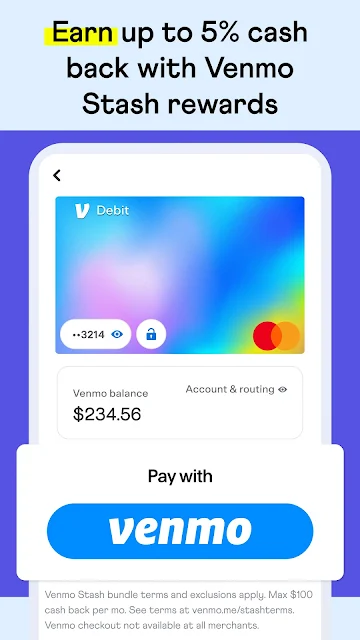
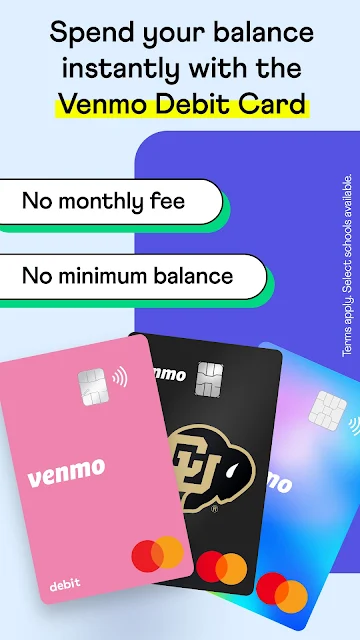
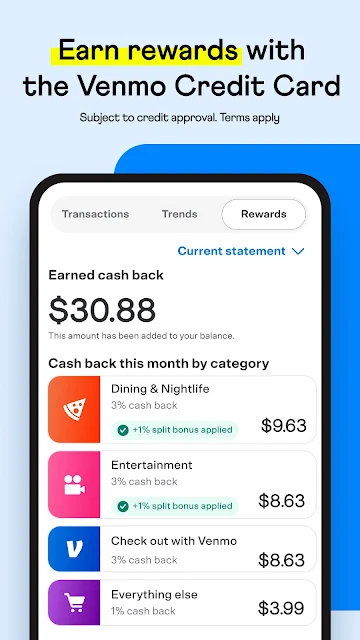
Venmo also describes ways to use money beyond peer-to-peer payments. Users can create a business profile for a side gig or small business, and the app offers a debit card for spending where Mastercard is accepted. There is also a Venmo credit card, with cash back on an eligible top spending category subject to its terms and credit approval.
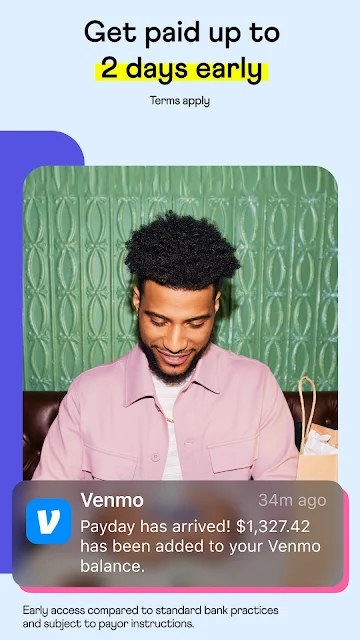
The app includes teen accounts for eligible users aged 13 to 17 with a parent or guardian sign-up, and it supports direct deposit. Instant Transfer can move Venmo money to a bank, with timing depending on the bank and potentially taking up to 30 minutes. These features broaden the app’s role, but their terms and availability matter.
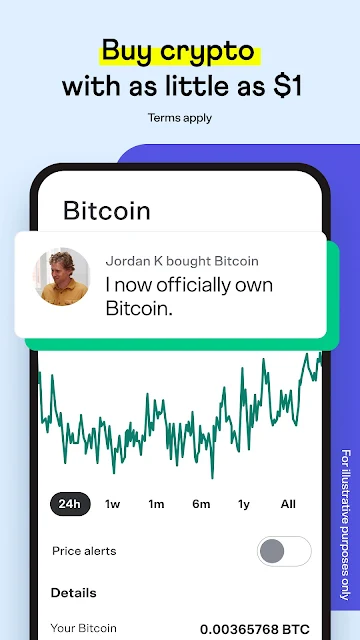
Cryptocurrency buying, holding, and selling is another option described in the app, including purchases starting at $1. Venmo notes that crypto can change in value quickly and that availability is limited in some states. I would keep that feature separate in my mind from routine repayments: it is an optional, risk-bearing activity, not a necessary part of paying a friend.
A Routine for Shared Costs
For a weekend away, I would use Venmo as a simple settlement tool rather than trying to make it the trip’s full record-keeping system. If one person pays for a group expense, they can request contributions from multiple friends and set the amount each person owes. A clear note can identify what the request covers, which is helpful when several shared costs arrive close together.
At the end of the trip, I would send any final repayment with a note that makes the purpose obvious. If I need to move Venmo money to a bank account, Instant Transfer is available, although the stated timing can vary with the bank and review process. Keeping those steps distinct—collecting, labeling, then transferring—makes the app’s practical role easy to understand.
Keep the Boundaries in View
Venmo’s main limitation is that it is most useful when the people you pay are also on Venmo. It is designed around payments and requests between Venmo users, so it will not solve every situation where someone prefers another payment method. For occasional transfers, the convenience may depend more on your circle’s habits than on the app itself.
The extras also come with qualifications. Credit card use is subject to approval and stated eligibility conditions; teen accounts require a parent or guardian sign-up; and crypto is not available everywhere. Instant transfers can take time, and the description says transactions may be reviewed, which can cause delays or other account actions. I would read the relevant terms before relying on a feature for a time-sensitive need.
Finally, Venmo’s range should not be mistaken for a complete personal finance suite. The material describes ways to move and spend money, but not detailed budgeting or financial planning. If those are your priority, Venmo may sit alongside another tool rather than replace it. For straightforward shared payments, that narrower job is a strength; for everything else, expectations should stay realistic.
Venmo does its clearest work in everyday exchanges: sending money, requesting it, and dividing group costs without awkward arithmetic or vague promises to pay later. I like the flexible requests and the notes that give each payment context. The wider set of cards and money features is useful for some people, but the app’s core remains easy to grasp.
I would try Venmo if friends or family already use it and shared expenses come up often. If you need a detailed budget tool, or your contacts prefer other payment methods, it may not become part of your routine. As a practical payment app with optional extras, it is a solid fit for the right circle.
Venmo Frequently Asked Questions
What is Venmo used for?
Venmo is used to send and receive money, request payments, and split costs with other Venmo users. Requests can go to multiple friends with different amounts, and payments can include a note. The app also describes cards, business profiles, teen accounts, direct deposit, bank transfers, and cryptocurrency features.
Which devices can run Venmo?
Venmo is an Android app in the supplied platform information. Check its Google Play page for the Android version and device requirements that apply to your phone, since the minimum Android version can vary with app updates. The supplied information does not establish availability on other platforms.
What Android version does Venmo require?
The Android minimum requirement may vary by app release and device. Check Venmo’s Google Play page for the current requirement before installing. The available facts identify version 26.26.0, but do not provide a minimum Android version.
Does Venmo cost money to download?
Venmo is free to download, and the supplied store facts show no in-app purchases or ads. Some features have separate eligibility rules and terms, such as the credit card, transfers, and rewards. Check Google Play and the relevant Venmo terms for current details that may apply to a specific service.
Is Venmo a good fit for everyone?
It is a good fit for people who regularly split expenses or exchange payments with friends and family who use Venmo. It may be less useful if your contacts use other payment methods or you want a dedicated budgeting tool. Cards, teen accounts, and crypto have their own terms and eligibility.
Pros
- Handles sending, receiving, and requesting money for everyday shared expenses.
- Lets users request different amounts from multiple Venmo friends at once.
- Payment notes help identify the purpose of casual exchanges.
- Offers optional cards, business profiles, direct deposit, and other money features.
Cons
- Most useful when friends and family already use Venmo.
- Several extras have eligibility rules, terms, or limited availability.
- Not presented as a dedicated budgeting or financial planning app.
- Category
- Finance
- Version
- 26.26.0