Video Editing Pro App : VET
- 24
- 2.5
- Installs
- 500
- Price
- $6.99
Screenshots
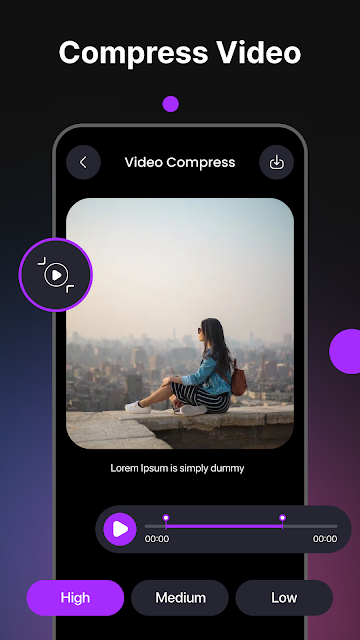
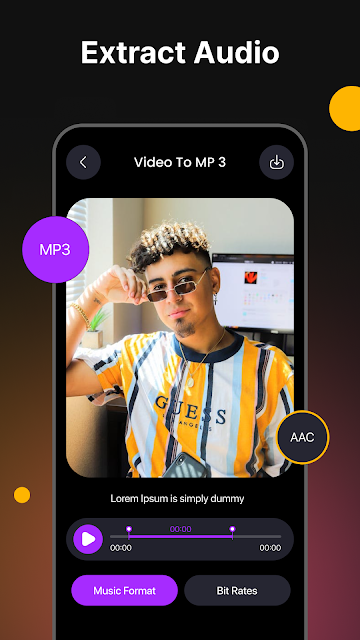
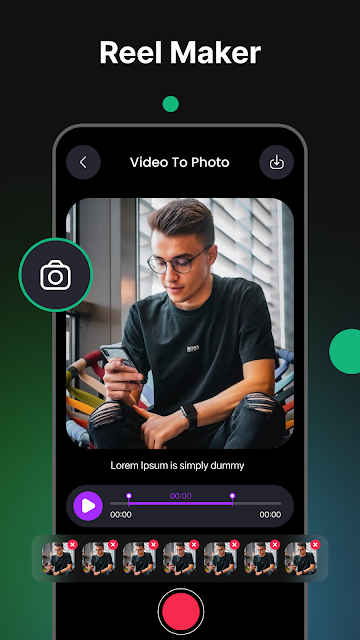
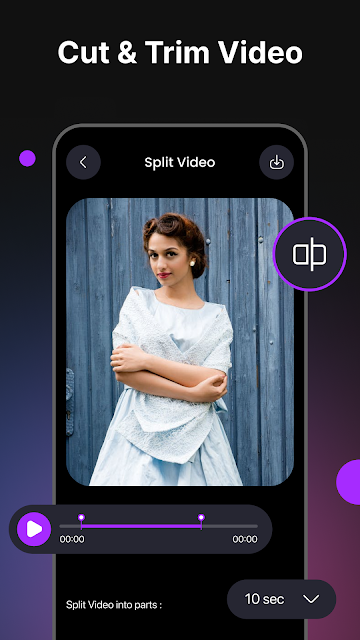
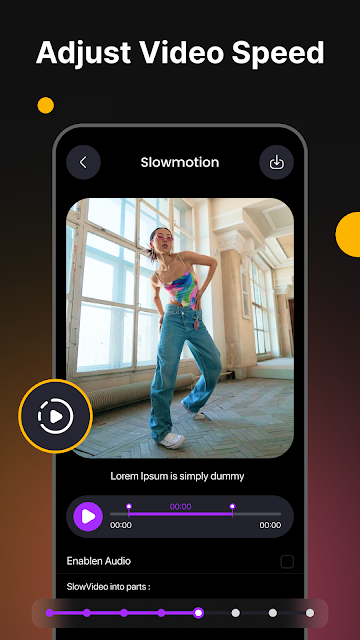
Analysis by Reviewed APKs
Video Editing Pro App : VET is a paid Android editor for trimming, combining and dressing up video clips, with extra tools for music, backgrounds and photo collages. I’d consider it for someone who wants a broad set of creative options in one place, especially for short personal or social videos. My overall take is that the feature list is ambitious, but the modest Play rating makes it worth approaching with measured expectations.
A Clip From the Weekend
When I picture using VET, it’s after a weekend out: I have a few phone clips, a song in mind and no desire to open a desktop editor. The app’s basic promise is practical—trim the awkward start, cut out a pause, then merge the pieces into one video. From there, I could adjust the look with brightness, contrast or saturation controls and add a filter or effect.
For a short recap, the ability to add music, a voiceover or text overlays gives the edit a more finished feel without changing the basic job. I’d keep the first project simple, then save it to my device or share it on social media. VET also describes HD and 4K export options, which may appeal when a clip is meant to look good on a larger screen.
More Than a Trimmer
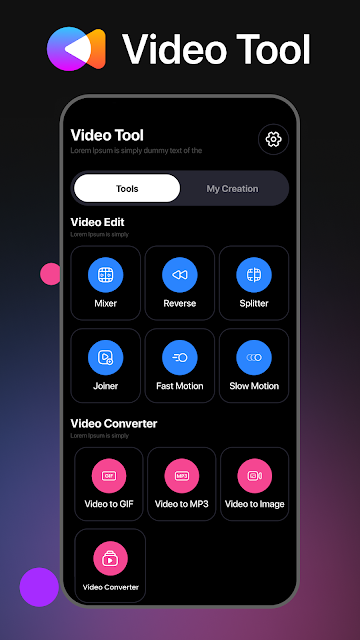
VET sits somewhere between a quick clip trimmer and a more feature-heavy mobile editor. It covers trimming and merging, but also describes filters, effects, music, voiceovers, green-screen editing and video overlays. That range is useful if I want to experiment within one app rather than move a project between separate tools for each step.
That breadth does not make it a replacement for every kind of editing setup. Someone doing a complex, carefully managed production may prefer a desktop workflow; someone who only needs to shorten one clip may find VET’s wider creative menu unnecessary. The app also includes photo collage and background tools, so it is not solely a focused video cutter. I’d choose it for casual, mixed creative projects.
Small Habits, Better Edits
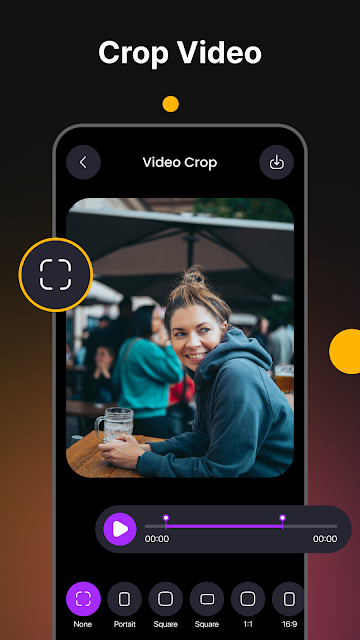
A little planning should help keep a project manageable. I’d decide whether the finished video is square or portrait before adding clips, since VET describes aspect-ratio and crop controls for those formats. I’d also pick the music or voiceover early if it is meant to guide the pace. That gives me a clearer idea of what to trim, rather than adding every effect first and revising the whole edit later.
For a more polished result, I’d make one adjustment at a time: correct brightness or contrast, preview the effect of a filter, then decide whether text or an overlay actually helps. The app also describes motion effects for still photos and a freeze-motion option for video, so I’d save those for moments where they add emphasis. Keeping the edit restrained is a sensible way to avoid a busy-looking montage.
More From Our News Desk

Zoom Meetings, Google Meet, or Teams: Which Is Easiest to Join?

How I Build a Free Streaming Lineup With Tubi

Why Crunchyroll Is the Default Anime App for So Many Fans

YouTube TV: A Practical Guide to Cutting Cable

Rummikub and the Small Comfort of Phone Games

TeamViewer Remote Control or AnyDesk for Helping Family?
Who Might Enjoy VET
I’d recommend giving VET a look if you like making short vlogs, music videos, slideshows or social clips and want more than a bare-bones trim-and-merge tool. Its described options cover both video and still images, from music and voiceovers to collage layouts and stickers. A curious beginner could start with a simple cut, then explore the extra creative tools as a project calls for them.
It may be a less comfortable fit for someone who wants a free editor, since VET is listed as a paid app, or for anyone who prefers a narrowly focused tool with very few choices. The Google Play rating is 2.5 from 24 ratings, a small and mixed signal that I would take into account. If dependable results are essential to a particular workflow, I’d check current user feedback before paying.
Video Editing Pro App : VET is developed by FUSION Inc. and is in the Video Players & Editors category. Google Play shows over 500 installs and a 2.5-star rating from 24 ratings. It is a paid app priced at $6.99, with no in-app purchases and no ads indicated. Its content rating is Everyone.
The listed app version is 0.8. VET was released on April 22, 2023, and its last update was May 21, 2024. The available app details do not give a minimum Android version, so check the Google Play page on your device for compatibility before purchasing.
A Closer Look at VET’s Editing Toolkit
Starting With the Basics
When I first opened the idea of VET, what stood out was how many kinds of projects it aims to cover. Its description goes well beyond a simple clip cutter, mentioning music videos, vlogs, collages and slideshows. That can be appealing if my creative plans change from one week to the next, though it also means I’d want to begin with one clear task rather than try every tool at once.
A sensible first project would be a short video that needs only a trim and a merge. Once that is in shape, I could try the controls for crop and aspect ratio or test a basic filter. The app describes square and portrait formats as options, which makes them relevant for different kinds of sharing. I’d keep an original copy of any important source material before making edits.
The Everyday Edit
The core routine VET describes is easy to understand: cut down footage, join clips and make a few adjustments before saving or sharing. Music, text overlays and voiceovers provide ways to give the result context, while brightness, contrast and saturation controls can help tune the image. For someone assembling a quick recap, these are the kinds of building blocks that matter more than a long list of technical terminology.
I’d approach each edit in passes. First, remove the sections I don’t want and get the clip order right. Next, adjust the visual feel, then add sound or text if the video needs it. That order helps me avoid spending time on decoration before I know the footage works. VET’s description says finished files can be saved to the device or shared on social media.
Creative Extras
Some of VET’s more distinctive options are aimed at changing the character of a video rather than just tidying it. The description includes green-screen editing, backdrop removal, video overlays and blending multiple clips. It also mentions a stabilizer and slow-motion videos. Those tools could be useful for experiments, though I’d treat the claims as a menu of possibilities rather than assume every project needs them.
There are still-image tools in the mix as well. VET describes collage designs, background blur, stickers and motion effects that can bring a static photo to life. For a slideshow or montage, the listed stock library and configurable templates are intended to help combine photos, music, sound effects and video intros or outros. I like that the app speaks to both clips and photos, even if that broad scope may not suit everyone.
A Simple Project Routine
For a small travel montage, I’d start by choosing a handful of clips and deciding whether the final cut should be portrait or square. I’d trim each one down to its useful moment, merge them, and check whether the sequence makes sense before adding anything else. If the footage needs a visual adjustment, I’d work with brightness, contrast or saturation, then compare a filter or effect rather than stacking several.
Once the picture feels coherent, I’d add music or a voiceover, depending on whether the video needs atmosphere or explanation. Text could identify a place or add a short caption. Before exporting, I’d review the crop and aspect ratio, then choose a suitable output option from the HD or 4K resolutions VET describes. That’s a straightforward workflow that makes the app’s broad toolset feel less overwhelming.
Things to Keep in Mind
The main practical drawback is the price: VET is listed at $6.99, so it is not a free editor to try casually. Its Google Play rating is 2.5 from 24 ratings. That is a limited number of ratings, but the score is low enough that I would read recent feedback and make sure its described features match my needs before buying.
The feature list is extensive, but a long list does not tell me how comfortable every tool feels in everyday use. The available details also don’t specify a minimum Android version, so device compatibility is worth checking on Google Play. Finally, anyone who only wants to crop or shorten an occasional clip may not get enough value from the collage, effects and background-editing extras to justify a paid, broader editor.
VET makes its case through variety: it brings trimming and merging together with music, filters, overlays, green-screen tools and photo collage features. That breadth could be useful for casual creators who like trying different formats. The paid price and low Play rating give me pause, though, and I’d weigh both before committing.
I’d recommend Video Editing Pro App : VET to someone who wants one place to experiment with short videos and still-image projects, and who is comfortable paying for that range. If all you need is a quick cut, or you want a well-established choice backed by a larger set of ratings, I’d compare alternatives first.
Video Editing Pro App Frequently Asked Questions
What is Video Editing Pro App : VET used for?
VET is a video and photo editing app for tasks such as trimming and merging clips, adding music or voiceovers, applying filters and effects, and adjusting video backgrounds. Its description also includes collage-making, slideshows, text overlays and green-screen tools. It is aimed at personal, professional or social projects rather than one single editing task.
Which devices can run Video Editing Pro App : VET?
VET is an Android app available through Google Play. The minimum Android version is worth checking on its Google Play page before installing, since compatibility can depend on the device and current app requirements. The available details describe an Android app, not an iOS or desktop version.
How much does Video Editing Pro App : VET cost?
Google Play lists VET at $6.99. It has no in-app purchases or ads indicated in the available app details. Prices and store information can vary by region or change over time, so check the Google Play page for the current price before buying.
Does Video Editing Pro App : VET export HD or 4K video?
The app description says projects can be exported in HD or 4K resolution. It also describes saving a finished file to the device or sharing it on social media. For the options available on a particular device or project, check the current Google Play information and the app itself.
Who should try Video Editing Pro App : VET?
VET may suit people who make short vlogs, music videos, slideshows, collages or social clips and want a range of editing tools. It may be less appealing if you only need a simple trim, prefer a free app, or want to judge a product by a larger set of user ratings. Google Play shows a 2.5-star rating from 24 ratings.
Pros
- Combines trimming and merging with music, voiceovers, filters and text overlays.
- Describes tools for both video edits and photo collages.
- Includes crop and aspect-ratio options for square and portrait videos.
- Offers HD and 4K export options according to its description.
Cons
- Costs $6.99, which is a commitment for a casual editor.
- Its 2.5-star Google Play rating comes from only 24 ratings.
- The minimum Android version is worth checking before purchase.
- Category
- Video Players & Editors
- Version
- 0.8











