Varo Bank: Online Banking
- 245.45K
- 4.5
- Installs
- 5.00M
- Price
- Free

Screenshots
Analysis by Reviewed APKs
Varo Bank: Online Banking is a mobile banking app for people who want to manage an account, move money, save, and explore credit-building or borrowing options from their phone. I found its appeal in the range: everyday banking sits alongside savings and qualified credit products in one place. It suits someone comfortable handling money digitally, though the fees and eligibility details deserve a careful read.
A payday routine
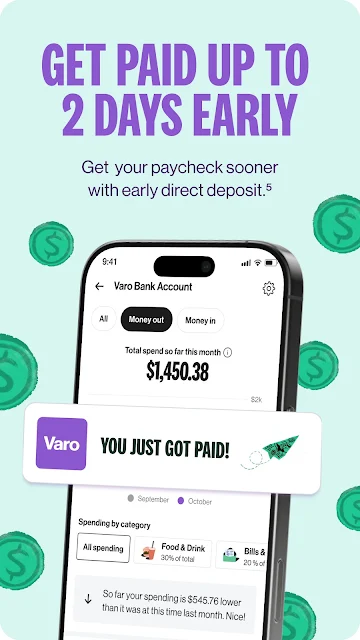
When I picture using Varo on a normal payday, the useful part is having the bank account and related services gathered in one app. I could check my account, receive a direct deposit, and send money to someone through Zelle. If I wanted cash, the description also points to withdrawals at Allpoint ATMs and cash deposits at CVS. That makes the app relevant to ordinary errands, not just occasional account checks.
The routine could continue after payday: move some money into savings, check a credit score, or look at a cash advance if eligible. I like that these jobs are presented alongside basic banking rather than as separate destinations. Still, the app’s financial tools do not make every option right for every situation. I would treat advances and credit products as specific services with terms to review, not as automatic extensions of a checking account.
A bank, not a budget app
Varo is positioned as a digital bank, with a free debit card, money transfers through Zelle, savings, and cash access in its description. That puts it closer to a mobile-first bank account than a standalone budgeting tool or a payment app. It also includes credit score monitoring and credit-building options, giving it a wider financial scope than an app focused only on tracking spending.
That breadth is useful, but it is not the same thing as dedicated budgeting software. The supplied details emphasize banking services, savings, and credit products rather than a detailed spending-plan workflow. I would not choose it solely for investment research or advanced budget reporting. It makes more sense for someone seeking everyday banking on a phone and who is willing to check the qualifications and fees attached to particular services.
Small habits that help
A simple way to make a banking app more useful is to check it at predictable moments instead of opening it only when a problem comes up. With Varo, that might mean reviewing the account after direct deposit, checking a credit score from time to time, and moving savings when the money is available. The app description includes auto-saving tools, which may suit someone who prefers a recurring routine over repeated manual transfers.
I would also make a habit of separating the everyday account features from optional borrowing tools. Before using an advance or line of credit, I’d pause to read the terms and understand the stated flat fee and payment arrangement. That modest bit of friction is worthwhile. Varo groups several kinds of services together, so a few deliberate checks can help keep a routine focused on the features I actually intend to use.
More From Our News Desk

Zoom Meetings, Google Meet, or Teams: Which Is Easiest to Join?

How I Build a Free Streaming Lineup With Tubi

Why Crunchyroll Is the Default Anime App for So Many Fans

YouTube TV: A Practical Guide to Cutting Cable

Rummikub and the Small Comfort of Phone Games

TeamViewer Remote Control or AnyDesk for Helping Family?
Who may find it useful
I’d recommend Varo to someone who wants a mobile-first bank account and likes the idea of handling transfers, savings, credit score monitoring, and some credit options in one app. The combination may be especially convenient for people already comfortable with direct deposit and digital money management. Its cash access details also give the account a role beyond phone-only transfers, with listed options for CVS deposits and Allpoint ATM withdrawals.
It may be a less natural fit for someone who prefers face-to-face banking or wants an app centered on detailed budgeting rather than banking services. The borrowing and savings options have qualifications, and some services can carry fees, so I would not approach them as universally available or cost-free. Anyone comparing accounts should look at the terms that matter to their own routine, particularly access to cash and the conditions for optional products.
Varo Bank: Online Banking is developed by Varo Bank, N.A. On Google Play, it has over 5 million installs and a 4.5-star rating from about 245,000 ratings. The app is free to download, and the supplied store facts say it contains no ads and offers no in-app purchases. Its content rating is Everyone.
The supplied facts identify version 4.43.1, a release date of October 1, 2020, and a last update of November 3, 2026. The Android minimum version field is not provided, so check Google Play for device compatibility. While the app itself is free, its description says fees apply to loans and out-of-network services, and qualifications apply to certain products.
How Varo Fits Everyday Banking
A broad first impression
When I first opened the description, what stood out was how much ground Varo tries to cover. This is not presented as a narrow account viewer: it combines online banking with savings, credit score monitoring, a secured credit card option, cash advances, and a personal line of credit. That range may be convenient for people who want fewer separate financial apps, but it also means it is worth taking each product on its own terms.
The setup pitch is quick account opening, but I would focus less on speed and more on the account details that affect everyday use. The description says a debit card is available and names ways to deposit and withdraw cash. Those practical details matter more to me than a fast sign-up claim: they help answer whether the account could fit the way I already handle money.
The everyday account
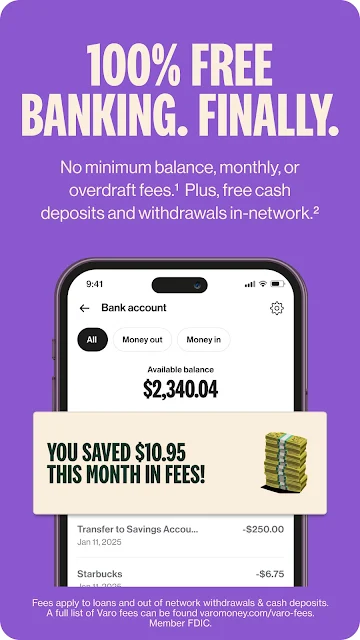
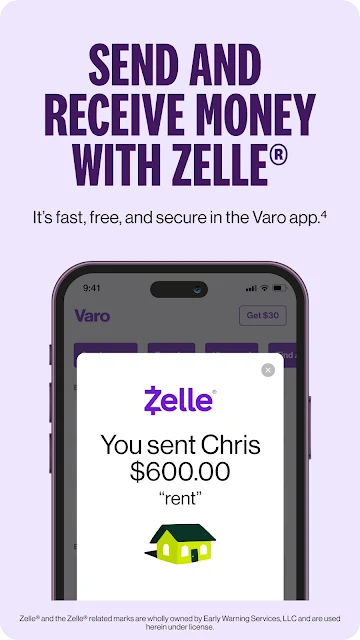
For daily use, the core appeal is straightforward banking through a phone, with direct deposit, a debit card, and the ability to send or receive money using Zelle. Varo also describes no minimums or overdraft fees. Those details give the account a clear everyday role, although they do not mean every service connected to the account is without a fee.
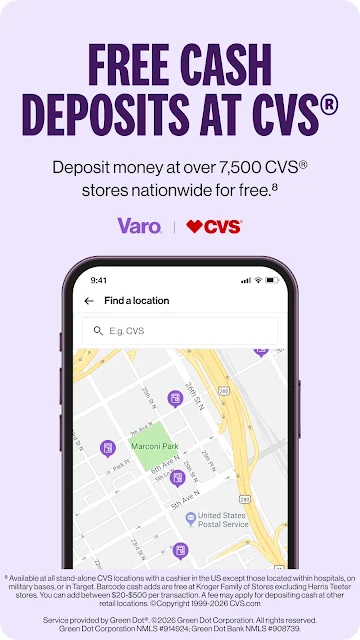
Cash access is another practical piece. The description names free withdrawals at more than 40,000 U.S. Allpoint ATMs and free cash deposits at CVS. I would keep those locations in mind when deciding whether a digital-first account suits my routine. Someone who regularly needs in-person help or relies on a different cash network may weigh that convenience differently.
Savings and credit tools
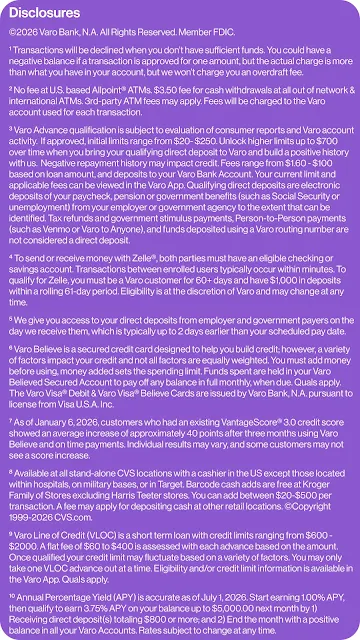
The savings account is described with a variable-style tier structure: up to 3.75% APY on the first $5,000 for those who qualify, and 1.00% APY on additional balances. Auto-saving tools are also mentioned. These details make savings a meaningful part of the app’s pitch, but I would check the current terms in the app before basing a decision on a particular rate or eligibility condition.
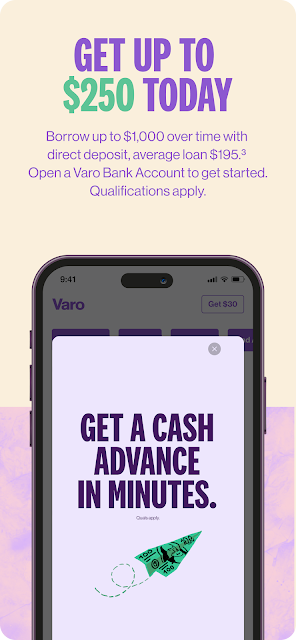
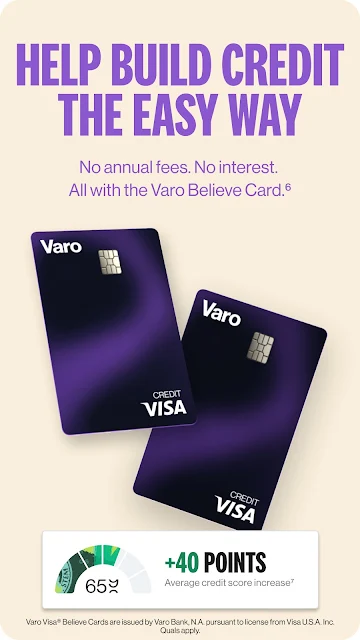
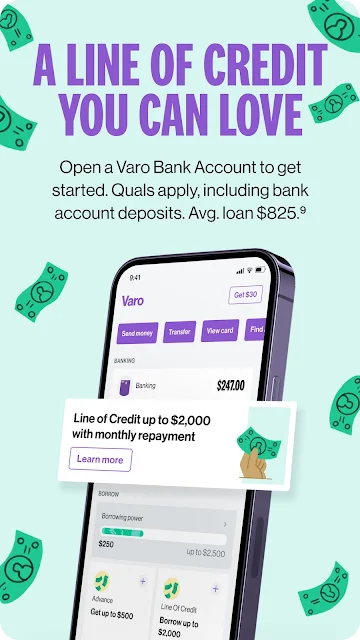
Credit features give Varo a broader reach than a basic bank account. The description includes free credit score monitoring and a secured credit card intended for credit building, with no credit check, interest, annual fee, or minimum security deposit stated for that card. It also describes cash advances and an unsecured line of credit, both subject to qualifications and fees. I’d keep these optional tools distinct from routine account use.
A workable weekly check-in
A realistic routine might be to check the account after a direct deposit arrives, review what needs to be set aside, and use the savings tools when appropriate. If I had cash to deposit, I could refer to the CVS option; if I needed cash, the Allpoint network is the named withdrawal route. The app’s set of services gives a user several reasons to return without needing to treat every feature as a daily task.
I’d reserve a separate moment for anything involving credit or borrowing. Checking a score is different from taking an advance, and reading about a line of credit is different from deciding to use it. Varo describes flat fees for advances and a flat-fee structure for its line of credit, alongside qualification requirements. Reviewing those particulars at the point of use is a more sensible routine than assuming all products work alike.
Keep terms in view
The biggest limitation is that some of the most attention-grabbing extras are conditional. Cash advances and the line of credit require qualification, and the description says fees apply to loans and out-of-network services. The savings rate also has qualification terms and different stated rates depending on the balance. Those conditions do not erase the convenience of having the options, but they do make the fine print part of the experience.
The other trade-off is the digital-first approach itself. Varo’s description emphasizes mobile banking and named cash networks, so it is best evaluated as an account managed primarily online. I would compare its access options and product terms with my own habits before switching. For someone who wants a branch-centered relationship or a dedicated budgeting system, the app’s broad banking toolkit may not address the main need.
Varo Bank: Online Banking brings everyday account services together with savings, credit monitoring, and qualified borrowing options. I like the practical mix of digital transfers and named cash access, as well as the fact that the app’s role is clear: it is a mobile-first banking service, not simply a money tracker.
I’d suggest giving it a closer look if you want to manage banking from your phone and are comfortable checking eligibility and fees before using optional products. If in-person service or detailed budgeting is your priority, it may not be the best match. The strongest reason to try Varo is the convenience of its combined banking and savings toolkit.
Varo Bank Frequently Asked Questions
What is Varo Bank: Online Banking used for?
Varo is a mobile banking app for managing an online bank account. Its described services include direct deposit, a debit card, Zelle transfers, cash access, savings, credit score monitoring, and credit-related products for eligible users. Cash advances and a personal line of credit have qualifications and fees, so they are separate options to review rather than basic account functions.
Which devices can run Varo Bank: Online Banking?
The supplied platform information identifies Varo as an Android app available through Google Play. The minimum Android version is worth checking on the Google Play page, since compatibility details can vary by device and app release. The provided information does not describe an iOS version, so check the relevant store if you are looking for another platform.
Does Varo Bank: Online Banking cost money?
The app is free to download on Google Play, with no in-app purchases or ads in the supplied store facts. That does not mean every banking service is free: Varo’s description says fees apply to loans and out-of-network services, and qualifications apply to some products. Check the current terms in the app or store before using a particular service.
What Android version does Varo Bank: Online Banking require?
The minimum Android version is not included in the supplied facts. Google Play is the best place to check the current compatibility requirement for your phone or tablet, since supported versions can vary as the app changes. The facts identify version 4.43.1, but that version number does not specify an Android operating-system requirement.
Is Varo Bank: Online Banking a good fit for me?
It may suit someone who wants mobile banking alongside savings and credit score monitoring, and who is comfortable handling an account digitally. The app also describes borrowing options for people who qualify. It may be less suitable if you want branch-centered banking or a dedicated budgeting app. Review product qualifications, service fees, and cash access details against your own needs.
Pros
- Combines everyday banking, savings, credit score monitoring, and credit-building options in one app.
- Names practical cash deposit and withdrawal options through CVS and Allpoint locations.
- Supports Zelle transfers and describes a free debit card for account use.
- Free to download, with no ads or in-app purchases according to the supplied store facts.
Cons
- Cash advances and the personal line of credit require qualification and may involve fees.
- Savings rates and eligibility have conditions that users should review before relying on them.
- The digital-first approach may not suit people who prefer branch-based banking or detailed budgeting tools.
- Category
- Finance
- Version
- 4.43.1











