UBA Mobile Banking
- 288.37K
- 4.2
- Installs
- 10.00M
- Price
- Free
Screenshots
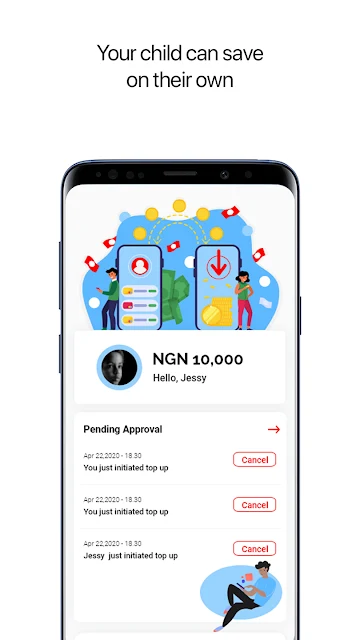
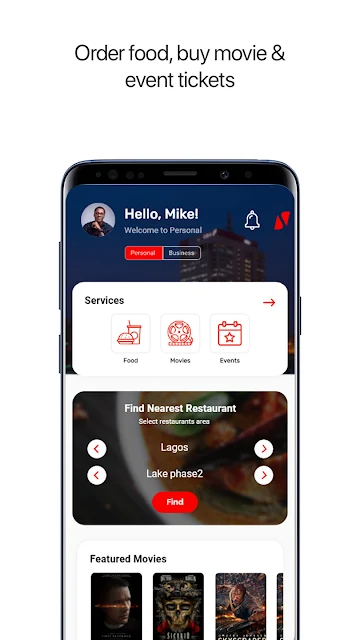
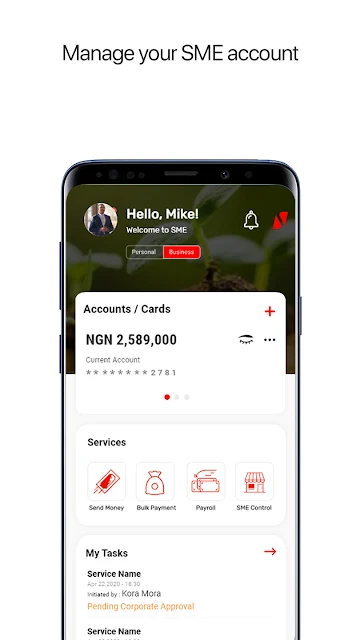
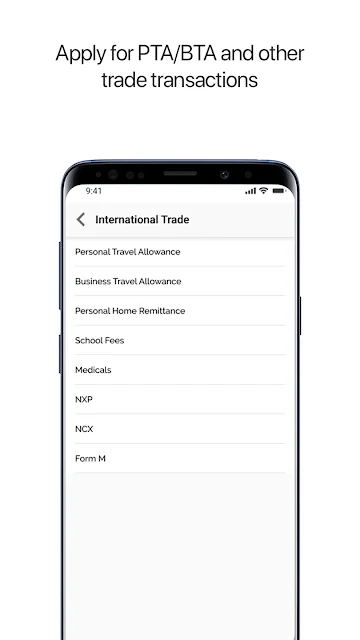
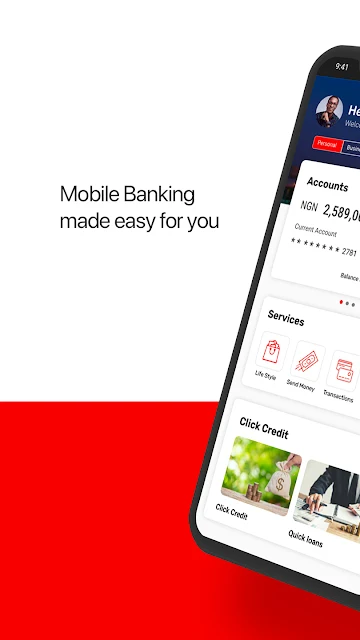
Analysis by Reviewed APKs
UBA Mobile Banking is United Bank for Africa’s app for customers who want to handle everyday banking from an Android phone. It brings together mobile banking tools such as biometric sign-in, transaction shortcuts, bill reminders, and a branch locator. After looking through its feature set, I see a practical option for UBA customers who value quick access and repeatable routines, though it is not a substitute for banking with UBA.
A Banking Errand on the Go
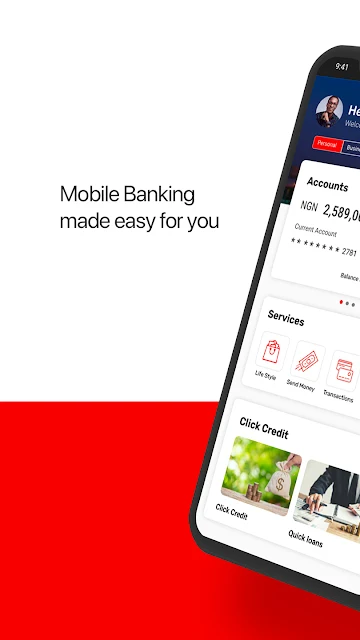
Picture a familiar weekday interruption: you remember an upcoming bill while you are away from home, or need to arrange a repeat transfer before the day gets busy. UBA Mobile Banking is designed to make those sorts of banking tasks easier to reach from your phone. Its self-service banking mode, transaction favourites, and reminders for recurring payments and transfers give routine jobs a place in one app.
The small conveniences matter most when time is short. On a device that supports it, fingerprint or facial recognition can speed up sign-in. The app can also insert a one-time password received by SMS into the transaction screen, and airtime top-ups can draw a number from your contacts. These touches do not remove the need to check what you are doing, but they can reduce the fiddly steps around a familiar task.
A Companion to Your Bank
The obvious alternative is to handle banking through other channels offered by your bank, such as visiting a branch or using a different banking method. UBA Mobile Banking is specifically for UBA customers who want mobile access to banking services. Its branch and ATM locator is a useful reminder that the app and in-person banking can complement each other rather than compete; sometimes the right next step is still finding a nearby location.
This is not a general-purpose budgeting app or a way to bank with institutions other than UBA. The material describes access to banking services and features for carrying out or organizing transactions, not a broad personal-finance dashboard. If you do not use UBA, the app is unlikely to be relevant. If you prefer doing every banking task face to face, its mobile-first conveniences may matter less to you.
Make Repeat Tasks Easier
A little setup can make the app more useful over time. Add transactions you perform often to the favourites list, then use that shortcut when the same kind of task comes around again. For recurring bill payments or transfers, the automatic reminders can help bring the task back to mind. I would treat a reminder as a prompt to review the transaction, not as a reason to skip checking its details.
There are a few other simple habits worth adopting. Choose a day or night display that is comfortable for the time you usually bank, and use the sliding menu to get around the app’s sessions. If you need a hand, the description points to live chat support available around the clock. For airtime, selecting a number from contacts can save typing, but it is still worth confirming the recipient before proceeding.
More From Our News Desk

Zoom Meetings, Google Meet, or Teams: Which Is Easiest to Join?

How I Build a Free Streaming Lineup With Tubi

Why Crunchyroll Is the Default Anime App for So Many Fans

YouTube TV: A Practical Guide to Cutting Cable

Rummikub and the Small Comfort of Phone Games

TeamViewer Remote Control or AnyDesk for Helping Family?
Who May Find It Useful
I would recommend UBA Mobile Banking to existing UBA customers who want banking services close at hand and have a few tasks they repeat. Favourites, payment reminders, biometric sign-in on supported devices, and a location finder are practical additions to a mobile banking routine. The app’s emphasis is on access and convenience, so it makes most sense for someone who expects to use their phone for everyday banking.
It may be a poor fit if you are not a UBA customer, want a dedicated budgeting or investment tool, or simply prefer to do banking in person. Some features depend on the device, such as biometric login, and the usefulness of mobile banking also depends on your own needs and comfort with handling transactions on a phone. I would start with the tasks you actually need rather than assuming every feature will be relevant.
UBA Mobile Banking is developed by United Bank for Africa Plc. On Google Play it has more than 10 million installs and a 4.2-star rating from around 288,000 ratings. The app is free to download, and the provided store facts report no in-app purchases or ads. Its content rating is Everyone.
The supplied version is 8.4.94. The app was released on June 30, 2015, and its last update is dated July 12, 2026. A minimum Android version is not included in the provided facts, so check Google Play for the requirement that applies to your device.
The Small Details of Mobile Banking
A Familiar First Step
When I first look at a mobile banking app, I want to know whether it can shorten the trip from opening it to reaching a familiar task. UBA describes a redesigned experience with fewer, more intuitive screens and a sliding menu available across sessions. Those choices sound useful for someone who moves between banking services rather than visiting only one screen and closing the app.
Getting started also depends on the phone in your hand. The app offers fingerprint and facial sign-in on devices that support those options, rather than promising the same login method on every device. That flexibility is sensible, but it means the first experience may differ from one customer to another. The description also mentions self-service banking, giving users access to banking services without making every task a support conversation.
Everyday Use
Day to day, the strongest idea is reducing friction around tasks you already know how to do. A sliding menu can make navigation feel more direct, while favourites provide a shortcut for transactions you perform repeatedly. Instead of treating the app as something to explore every time, you can build a small routine around the services you use most.
The automatic SMS one-time password insertion is another detail aimed at keeping a transaction moving. When a code arrives, having it inserted on the transaction screen can save a manual step. It does not mean you should stop checking the screen or the transaction itself. I would still pause to make sure the details look right before confirming anything.
Useful Convenience Features
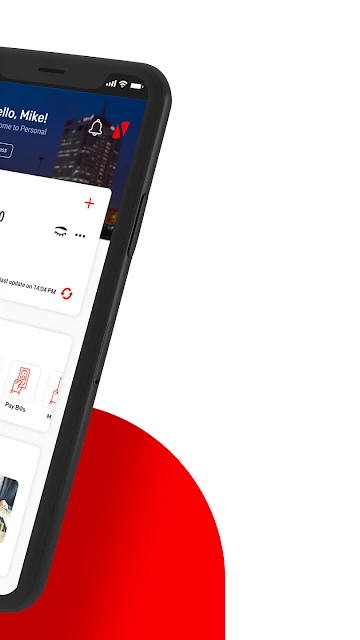
A few features stand out because they address ordinary annoyances. For airtime top-ups, the app can let you select a phone number from your device contacts instead of typing it from memory. That is a modest time-saver, especially when you top up for someone else, and a good reason to double-check the selected contact before continuing.
The app also includes an ATM and branch locator, plus live chat customer support described as available 24 hours a day. Those features cover different kinds of need: one helps when you want to find a physical banking location, while the other provides a route to assistance in the app. Together, they make the mobile experience feel connected to more than just transaction shortcuts.
Day and night modes round out the practical touches. They let you switch the display to suit your preference, while the indemnity profile lets customers set desired transaction limits. These are not reasons on their own to choose an app, but they give users some control over how they use it.
A Simple Weekly Routine
A sensible routine might begin with opening the app when a known payment or transfer is due, then using a saved favourite if the transaction matches one you make regularly. If an automatic reminder appears for a recurring bill payment or transfer, use it as a cue to review the details and handle the task. This keeps the app focused on useful prompts instead of turning every visit into a hunt through menus.
For an occasional errand, such as topping up airtime, choosing the number from contacts can make the process less error-prone than retyping it. If a question comes up, live chat is an in-app support option, and the locator can help you look for an ATM or branch. The best routine is a light one: use the shortcuts that genuinely save time and leave the rest alone.
Keep Its Scope in Mind
UBA Mobile Banking is built around banking services for UBA customers, so its value depends on having a reason to use that bank’s mobile tools. It should not be mistaken for an all-purpose financial organizer. The supplied description does not present it as a place to compare banks, build a budget, or manage accounts at other institutions.
Not every convenience applies to every person or phone. Biometric login requires a supporting device, and the contact-number shortcut is useful only when the relevant number is in your contacts. Features like reminders and favourites are most valuable when your own banking routine includes recurring tasks. Keeping those limits in mind makes it easier to judge the app by the jobs it is meant to do.
UBA Mobile Banking looks most convincing as a practical companion for customers who already bank with UBA. Its best ideas are modest but useful: saved transaction favourites, recurring-payment reminders, biometric sign-in where supported, and shortcuts for common errands. The branch locator and live chat also give it ways to help beyond the transaction screen.
I would try it if I were a UBA customer who wanted more of my routine banking within reach on Android. I would not choose it expecting a broad budgeting tool or a replacement for every in-person service. For its intended audience, it offers a focused set of conveniences that can make repeat tasks less cumbersome.
UBA Mobile Banking Frequently Asked Questions
What is UBA Mobile Banking used for?
UBA Mobile Banking gives United Bank for Africa customers access to mobile banking services. Its described features include biometric sign-in on supported devices, transaction favourites, reminders for recurring bill payments and transfers, an ATM and branch locator, and live chat support. It also supports selecting a phone number from contacts for an airtime top-up.
Which phones can run UBA Mobile Banking?
UBA Mobile Banking is an Android app available through Google Play. The minimum Android version is not included in the supplied details, and requirements can vary as the app is updated. Check the Google Play store information for the requirement that applies to your device before installing.
Does UBA Mobile Banking cost anything?
The app is free to download, and the provided facts say it has no in-app purchases and contains no ads. That describes the app’s download and store details; it does not establish the terms of any banking service or transaction. Check Google Play and UBA’s own information for details relevant to your use.
Does UBA Mobile Banking support biometric login?
Yes. The app description says quick sign-in can use fingerprint or facial recognition on devices that support those features. Availability therefore depends on the phone. Other listed conveniences include automatic insertion of an SMS one-time password on the transaction screen and a sliding menu for navigation.
Who should use UBA Mobile Banking?
It is intended for UBA customers who want to access banking services on an Android phone, especially those who value transaction favourites, payment reminders, or a locator for ATMs and branches. It is not presented as a general banking app for customers of other institutions. Whether its features suit you depends on your banking routine.
Pros
- Transaction favourites and recurring-payment reminders can make familiar banking tasks easier to revisit.
- Biometric sign-in is available on devices that support fingerprint or facial recognition.
- Includes an ATM and branch locator alongside 24-hour live chat support.
- Contact selection for airtime top-ups and SMS code insertion reduce some manual steps.
Cons
- The app is specifically intended for United Bank for Africa customers.
- Biometric sign-in depends on whether the device supports the feature.
- Its described focus is mobile banking, not broad budgeting or multi-bank account management.
- Category
- Finance
- Version
- 8.4.94











