SoundCloud: Discover Music
- 7.67M
- 4.7
- Installs
- 100.00M
- Price
- Free

Screenshots
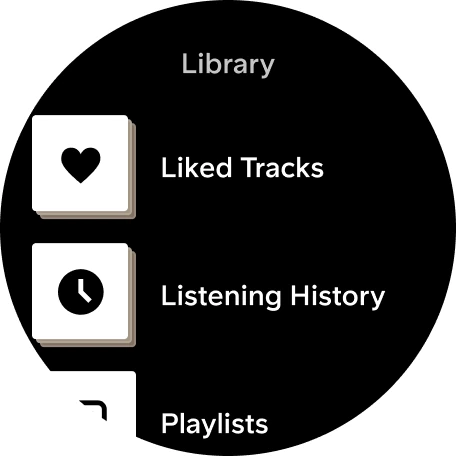
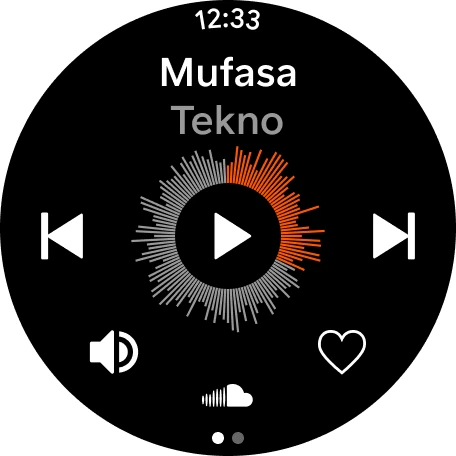
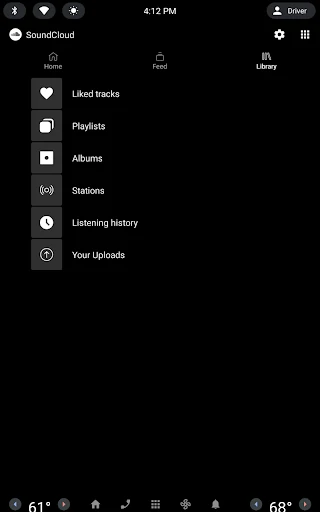
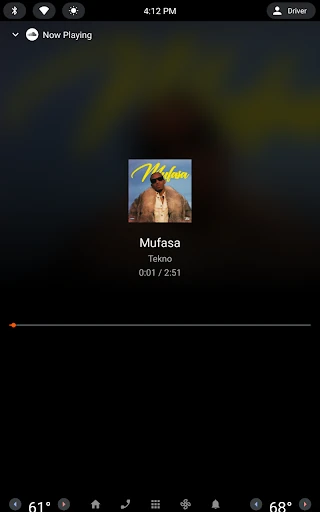
Analysis by Reviewed APKs
SoundCloud is a music-listening and discovery app built around tracks from independent artists, established names, and music communities. I’d point curious listeners toward it when they want more than familiar album catalogs, especially for remixes, DJ sets, and emerging artists. In my view, its biggest strength is the sense of exploration; the trade-off is that free listening includes ads, while some options require a subscription.
A listening session with detours
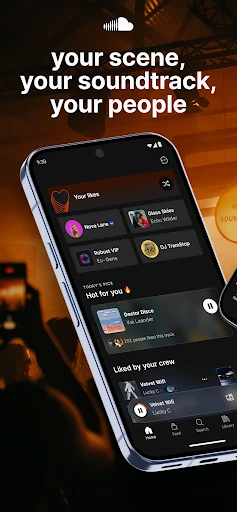
When I want something for a walk but don’t have an album in mind, SoundCloud gives me several ways to get moving: I can start with a track I already like, try a curated mix, or browse the Discover Feed and trending track lists. That makes the app useful for those in-between moments when I want music now but would rather not spend half the walk deciding what to play.
The session can turn into a pleasant series of detours. A remix leads to a DJ set, and a new artist’s track gives me a reason to check out more of their work. I can follow artists or other listeners, and respond to tracks with comments or quick reactions. It feels less like pressing play on a fixed collection and more like browsing a lively music corner.
Beyond the familiar catalog
For me, SoundCloud makes the most sense alongside a conventional streaming service, not necessarily as a replacement for one. Its appeal is discovery: the app highlights mixes, edits, remixes, DJ sets, deep cuts, and independent artists. If I’m in the mood to follow a musical thread rather than play a specific mainstream album, it gives me plenty of paths to explore.
It is not just a private music library or a simple radio button. SoundCloud also has social features, artist uploads, and ways to share tracks and playlists. That community angle may be a plus if I like seeing what other listeners are enjoying, but less appealing if I want a quiet player with no feed or conversation. Free listening also includes ads, so uninterrupted playback is not the free tier’s strength.
Small habits that help
I get more from SoundCloud when I treat it as a place to save discoveries rather than a search box I visit once. When a track catches my ear, I can like it, follow its artist, or share it with someone. Over time, those small actions give me more routes back to music I enjoyed and help me keep track of artists I might otherwise forget.
I also find it useful to switch between personal listening and browsing what other people are playing. Suggested Follows and Liked By indicators can help me spot listeners or tracks worth checking out, while playlists make it easier to gather music for a particular mood. If I want offline listening, I need a paid Go option; that is worth considering before planning around a connection-free commute.
Reads About SoundCloud
More From Our News Desk

Zoom Meetings, Google Meet, or Teams: Which Is Easiest to Join?

How I Build a Free Streaming Lineup With Tubi

Why Crunchyroll Is the Default Anime App for So Many Fans

YouTube TV: A Practical Guide to Cutting Cable

Rummikub and the Small Comfort of Phone Games

TeamViewer Remote Control or AnyDesk for Helping Family?
Who may enjoy SoundCloud
I’d recommend SoundCloud to listeners who enjoy finding unfamiliar artists, alternate versions, DJ sets, and music outside the usual album-first routine. It can also suit creators who want to upload tracks and listeners who like sharing recommendations or reacting to what they hear. The app’s mix of listening and community features gives curious users reasons to return beyond replaying a familiar playlist.
It may not suit someone who wants an entirely ad-free experience without paying, or who prefers a streamlined player with little browsing and social activity. People who depend on offline playback should also note that offline listening is part of SoundCloud Go and Go+, rather than the free tier described here. I’d try the free option first, then decide whether its discovery and subscription features fit my routine.
SoundCloud is the developer, and the app is in the Music & Audio category on Google Play. It has over 100 million installs and a 4.7-star rating from around 7.7 million ratings. The content rating is Teen. The version is listed as varying with device, so the exact version can depend on the device.
The app is free to download and includes ads. It offers in-app purchases, with listed item prices ranging from $5.99 to $114.00. SoundCloud was released on December 21, 2010, and its listed last update is October 28, 2026. The Android requirement varies with the device.
Following the music beyond the obvious
An easy first listen
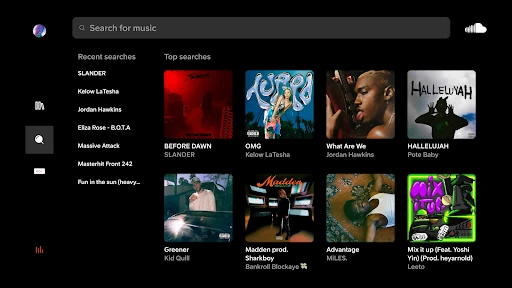
When I first open SoundCloud, the idea is straightforward: start listening, then use the music I like as a trail toward something new. Curated mixes and playlists offer an easy entry point if I don’t arrive with a specific track in mind. The Discover Feed and trending lists add another route when I want to browse rather than commit to one artist.
Getting oriented is less about building a perfect library up front and more about responding to what catches my attention. I can follow artists, like tracks, and explore suggested follows. That suits an exploratory app, though it also means the experience benefits from a little patience. SoundCloud feels more rewarding once I have started leaving a few signals about what I enjoy.
The everyday listening loop
In day-to-day use, I can move between familiar favorites and unfamiliar tracks without treating them as separate activities. A saved or liked track can become the starting point for a mix, while trending lists give me a broader look at what is circulating. The variety makes it a handy choice for background listening when I’m working through chores or heading out.
The free tier plays tracks from independent and established artists with ads. That is a practical limit to keep in mind during a long listening session. Go and Go+ remove ads and include offline listening, according to the app’s description. I would weigh those features against how often I listen and whether I need music when I’m away from a connection.
Discovery with a social side
SoundCloud’s standout quality is the way discovery and community sit close together. I can browse Suggested Follows, see Liked By indicators, share playlists, and keep up conversations through direct messages. Quick reactions and comments give listeners a way to respond to artists and tracks, rather than leaving every discovery as a one-way play.
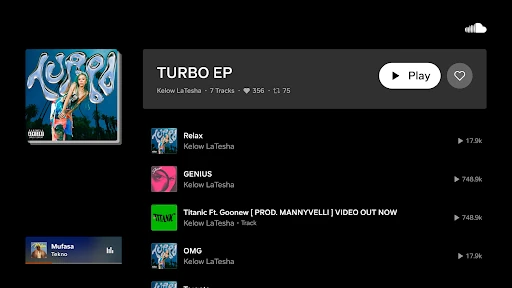
There is also a creator-facing side: artists can upload tracks for listeners to find. For someone who enjoys following music from its early stages, that makes the service feel broader than a player focused only on established releases. I can also share playlists and cast to devices, giving a listening find a life beyond the phone.
A routine for new finds
A simple routine I’d use is to start with one track that fits the moment, then follow the thread instead of endlessly searching. I might try a related mix, check a trending list, or open a suggested artist. When something works, I can like it or follow the artist so the discovery has somewhere to go after the current session ends.
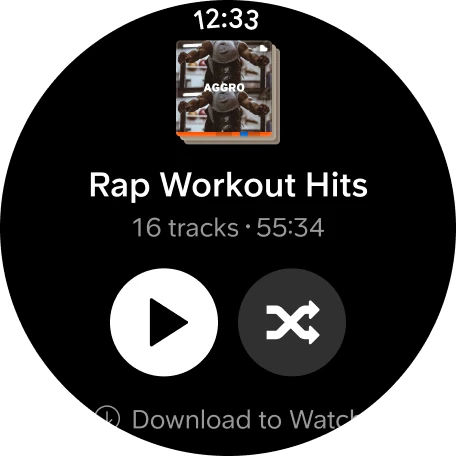
Later, I can revisit those finds through my likes and playlists or share a track with a friend. If I’m preparing for a trip where I may be offline, I’d plan ahead with a Go subscription, since offline saving is a paid feature. This kind of routine keeps discovery casual while making it easier to return to music I meant to hear again.
Trade-offs to keep in mind
The app’s open-ended discovery can be a strength and a small frustration. If I already know exactly what I want, browsing feeds and recommendations may feel like extra steps compared with going straight to a particular album. The social features are useful for people who enjoy music conversations, but they may be easy to ignore if all I want is playback.
The clearest practical divide is between free listening and paid options. Free listening includes ads, while Go adds ad-free and offline listening; Go+ also includes premium Go+ tracks and DJ set integrations. Those differences matter more to some listeners than others. I’d choose based on my listening habits rather than assuming every track or feature is available on every plan.
SoundCloud is at its best when I’m curious and willing to follow a musical detour. Its combination of mixes, emerging artists, social discovery, and uploads gives it a distinct role in a music routine. Ads on the free tier and paid offline features are the main trade-offs I’d consider before relying on it every day.
I’d recommend trying SoundCloud if discovering artists and alternate takes is part of the fun for you. It is less compelling if you want only a quiet, fixed library and uninterrupted free playback. Start with the free listening experience, explore a few feeds and artists, and decide whether the paid options match your needs.
SoundCloud Frequently Asked Questions
What is SoundCloud used for?
SoundCloud is for listening to music and discovering tracks from independent and established artists. You can explore curated mixes, playlists, trending lists, DJ sets, remixes, and other music, as well as follow artists, share tracks, and upload your own music.
Which devices can I use SoundCloud on?
The facts provided cover SoundCloud on Android through Google Play. The app description also mentions casting to devices, but the devices and compatibility details can vary. Check the Google Play store listing for current device support and requirements.
What Android version does SoundCloud require?
The Android requirement varies with the device. Check the Google Play store listing on the device you plan to use for the applicable requirement and compatibility details.
Is SoundCloud free, and does it have in-app purchases?
SoundCloud is free to download and includes ads when listening on the free tier. It offers in-app purchases, with listed item prices from $5.99 to $114.00. Go and Go+ offer paid features; current options and prices are worth checking in the Google Play store.
Is SoundCloud a good fit for me?
It may suit you if you enjoy finding new artists, mixes, remixes, DJ sets, and music communities. You can also upload tracks and share music. If you want ad-free listening or offline playback, those features are associated with paid Go options. The Teen content rating may also help inform whether it fits your household.
Pros
- Strong discovery tools for mixes, remixes, DJ sets, and emerging artists.
- Social features make it easy to follow artists and share tracks.
- Creators can upload music for listeners to discover.
- Paid Go options include ad-free listening and offline saves.
Cons
- Free listening includes ads, which can interrupt longer sessions.
- Offline listening requires a paid Go subscription.
- The open-ended discovery experience may feel unfocused when seeking a specific album.
- Category
- Music & Audio