Schoox Classic
- 1.18K
- 3.7
- Installs
- 500.00K
- Price
- Free

Screenshots
Analysis by Reviewed APKs
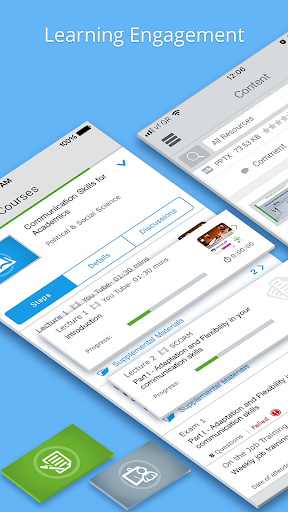
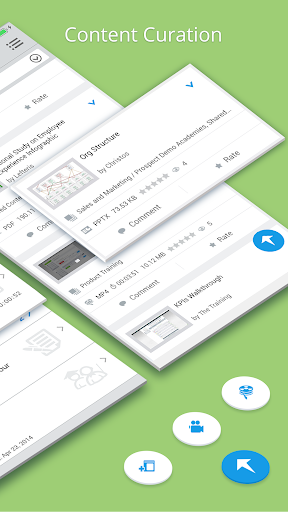
Schoox Classic is a workplace learning app for employees and administrators whose organizations use the Schoox platform. It brings assigned training, courses, exams, certificates, and professional development tools to a phone, with offline learning and notifications for work-related updates. I see its appeal in making training easier to fit around a shift or commute. It is useful within the right company setup, but it is not a general-purpose learning app.
Training Between Tasks
Picture a workday with a required course due soon and only a few quiet minutes between tasks. Schoox Classic gives an employee a way to open available training on a phone, continue a course, or take an exam without waiting to get back to a computer. If the material is available offline, learning can also happen when a connection is inconvenient. That makes the app most practical as a companion to an existing workplace training program.
I’d use the notifications as a prompt to check what needs attention, then complete a course or review an announcement when the day allows. The app also supports certificates and professional goals, so training can connect to longer-term development rather than just a checklist of assignments. The important caveat is that access depends on having credentials for an authorized Schoox academy. Without that company connection, there isn’t a personal catalog to explore.
A Workplace Tool, Not a Library
Compared with a public course platform or a general education app, Schoox Classic is tied to an employer’s learning environment. Its value comes from bringing a company’s courses, assigned training, due dates, announcements, and team communication into one mobile experience. Learners can move between the web app and mobile app, which makes it a reasonable fit for people who sometimes study at a desk and sometimes away from one.
That focus also defines what the app is not. It is not a broad storefront for browsing unrelated subjects, and it is not likely to be useful to someone whose employer does not use Schoox. Administrators have additional work-focused tools, including training assignment and compliance tracking, but those functions serve an organization’s program rather than an individual looking for casual study material.
Make Training Easier to Finish
A small habit that should help is checking assignment notifications at a predictable point in the workday, then handling short learning tasks when there is a natural pause. Since the app includes due-date notifications and announcements, it can help keep training from disappearing beneath everyday messages. I’d also use the web and mobile options flexibly: start where convenient and continue on the other platform when the situation changes.
For a longer-term routine, the professional goals, career paths, and skill-building features can give learning a broader frame than simply finishing required courses. Administrators can use the mobile tools to manage team goals, communicate with trainees, and recognize team members. These are most useful when they reflect a real company process; the app itself does not replace an organization’s decisions about what employees need to learn.
More From Our News Desk

Zoom Meetings, Google Meet, or Teams: Which Is Easiest to Join?

How I Build a Free Streaming Lineup With Tubi

Why Crunchyroll Is the Default Anime App for So Many Fans

YouTube TV: A Practical Guide to Cutting Cable

Rummikub and the Small Comfort of Phone Games

TeamViewer Remote Control or AnyDesk for Helping Family?
Who Will Find It Useful
I’d recommend Schoox Classic to employees who have a Schoox academy login and want a convenient way to complete assigned training, take exams, earn certificates, or keep up with learning-related announcements. It may suit people whose schedules make desktop-only training awkward, especially when offline access or a switch between web and mobile fits their routine. The professional development tools may also appeal to learners tracking goals alongside required courses.
The app is a poor match for someone who wants to sign up independently and browse a public collection of lessons. Its usefulness depends on an authorized workplace account, and the exact training available comes from that academy. Administrators may appreciate the mobile options for assignments, assessments, checklists, attendance, and team communication, but those tools matter only if they are responsible for managing a Schoox-based program.
Schoox Classic is an Android education app from Schoox, Inc. Google Play shows more than 500,000 installs and a 3.7-star rating from 1,178 ratings. It is free to download, with no in-app purchases or ads indicated in the supplied app details. Its content rating is Everyone, and the listed version is 12.2.1.
The app was released on December 13, 2013, and its listed last update is August 4, 2026. A minimum Android version is not provided in the supplied facts, so check the Google Play store entry for device compatibility. To use the service, learners and administrators need credentials for an authorized Schoox academy; login help is directed to the company’s system administrator.
A Closer Look at Workday Learning
A Company Login Comes First
My first impression of Schoox Classic is that it is built around a workplace relationship, not a solo sign-up. Before getting value from its courses or training tools, a learner needs credentials for an authorized academy. That requirement is central to the experience: the company’s learning environment supplies the context and access, while the app provides a mobile route into it.
Once access is available, the setup is less about choosing a personal curriculum and more about using the training and resources that are available through that academy. If a login problem comes up, the guidance is to contact the company’s system administrator. That makes sense for a managed workplace platform, though it means the app cannot solve every access issue on its own.
Learning Around a Workday
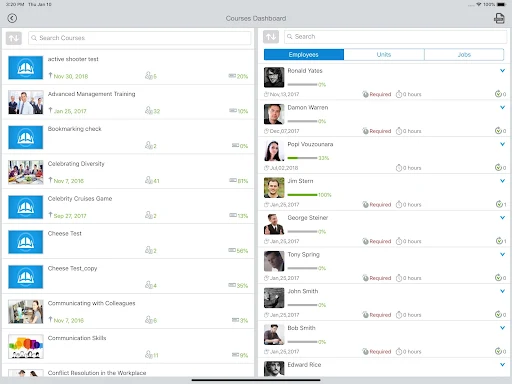
The day-to-day job is straightforward: reach courses and training resources, complete learning, take exams, and earn certificates. For someone who has a required course to finish, being able to use a phone can make the task easier to fit into a changing schedule. Offline learning is also part of the offering, which can be helpful when a reliable connection is not available.
Notifications for assignments, due dates, and announcements add a practical layer. Rather than treating training as something to remember from a separate website, users can get updates through the app and decide when to act on them. The balance will depend on how an organization uses Schoox, but the focus remains on keeping workplace learning accessible and connected to the employee’s routine.
Beyond Required Courses
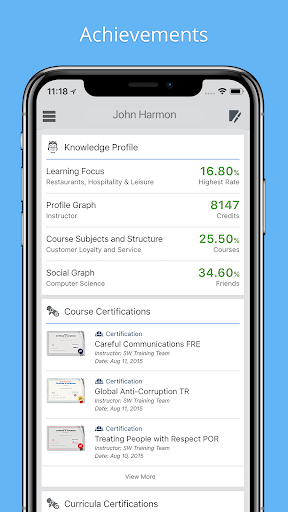
Schoox Classic is not limited to checking off assigned training. Its description also highlights career paths, goal tracking, and skill building, giving learners ways to connect individual courses with professional development. Certificates provide another concrete outcome for completed learning. Those features make the app more relevant to employees who want to keep track of progress, not just meet a deadline.
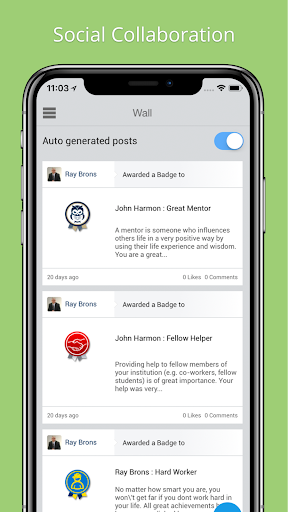
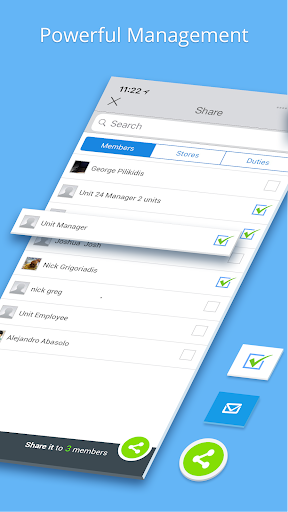
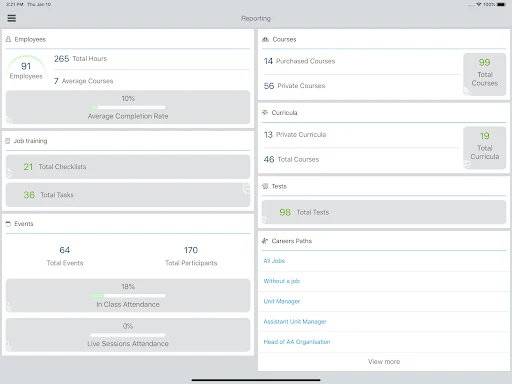
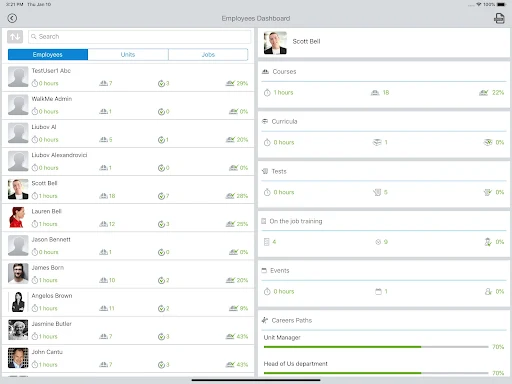
For administrators, the feature set extends into assigning training, conducting assessments, and tracking compliance. They can also manage on-the-job training and observational checklists, communicate with trainees, share company news, and scan QR codes to track attendance at in-person events. Team goals, dashboards, and recognition tools round out the administrative side. These functions are work-management tools, not benefits every learner will need.
A Practical Learning Routine
A sensible routine would be to check the app when beginning a shift or setting aside time for development. Look for assignment or due-date updates, choose an available learning task, and use a convenient stretch of time to make progress. If work takes you away from a computer, mobile access offers another way to reach the academy’s courses and resources.
For a course that takes more than one sitting, moving between the web app and mobile app can help keep learning connected across settings. Offline access may also suit a commute or a location with weak connectivity, depending on the material available. The point is not to turn every spare minute into training; it is to make a company’s existing learning plan easier to reach when time opens up.
Keep the Scope in Mind
The biggest limitation is also the clearest: Schoox Classic is intended for customers of the Schoox workplace learning platform. A person without an authorized academy account cannot expect to use it as an independent course library. The available courses and resources are tied to the organization, so the app’s usefulness can differ considerably from one workplace to another.
There is also a newer Schoox app with an updated user experience, while the Classic app remains available for continued use. That is worth keeping in mind when deciding which app to use for a company’s learning setup. I would follow the organization’s instructions rather than assuming every feature or access path works the same for every academy.
Schoox Classic makes the most sense as a mobile doorway into an employer’s training program. It combines courses, exams, certificates, development goals, and timely work announcements in a way that can fit around a busy schedule. Offline learning and the option to move between mobile and web add useful flexibility.
I’d try it if my workplace already used Schoox and I wanted training within reach during the day. I would not download it expecting a public catalog or a standalone study service. Its usefulness depends on the academy behind it, but for authorized learners and administrators, it covers a practical set of workplace learning tasks.
Schoox Classic Frequently Asked Questions
What is Schoox Classic used for?
Schoox Classic is a workplace learning app for customers of the Schoox platform. Learners can access available courses and training resources, complete exams, earn certificates, and track professional goals. The app also provides notifications about assignments, due dates, and announcements. Administrators have tools for managing training and communicating with teams.
Which devices can run Schoox Classic?
Schoox Classic is an Android app distributed through Google Play. Its minimum Android version is not specified in the supplied details, so check the Google Play store entry for current device requirements. Learners can also move between the app and the Schoox web app as part of their training.
What Android version does Schoox Classic require?
The minimum Android requirement can vary by app version and device, and the supplied details do not give a specific version number. Check the Google Play store entry to see whether your device is supported. You will also need credentials for an authorized Schoox academy to access the workplace learning service.
Does Schoox Classic cost money?
The app is free to download, and the supplied details indicate no in-app purchases or ads. Access to its learning features requires credentials for an authorized Schoox academy, typically provided through the workplace. For current availability or any changes to the store terms, check the Google Play store entry.
Is Schoox Classic suitable for personal learning?
It is best suited to employees and administrators whose organizations use Schoox, rather than people looking for a public course catalog. Learners can use it for assigned training, exams, certificates, and development goals. If your workplace does not provide an authorized academy login, the app may not fit your needs.
Pros
- Brings workplace courses, exams, certificates, and development goals to a mobile app.
- Supports offline learning and switching between the web app and mobile app.
- Notifications can surface assignments, due dates, and company announcements.
- Includes mobile tools for training administration and team communication.
Cons
- Requires credentials for an authorized Schoox academy to access learning.
- Course selection depends on the workplace’s Schoox setup.
- A newer Schoox app offers an updated user experience.
- Category
- Education
- Version
- 12.2.1











