Canvas By Instructure
- 225.14K
- 4.5
- Installs
- 10.00M
- Price
- Free

Screenshots
Analysis by Reviewed APKs
Canvas By Instructure is a course companion for students who want classwork, grades, messages, and study materials close at hand. I see its main appeal in the way it brings everyday school tasks together, including assignment submissions and offline access to downloaded courses. It suits learners already using Canvas for class; it is less compelling as a general-purpose study app without Canvas courses.
A school day in one place
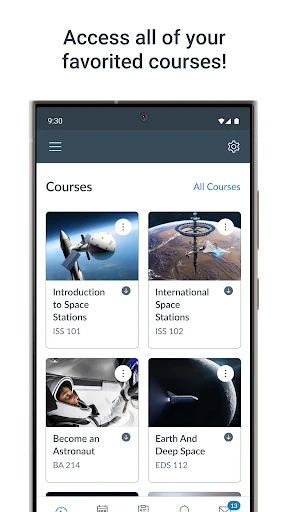
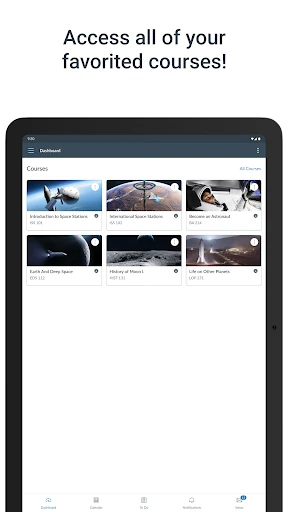
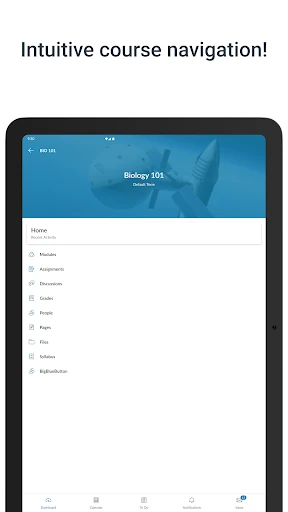
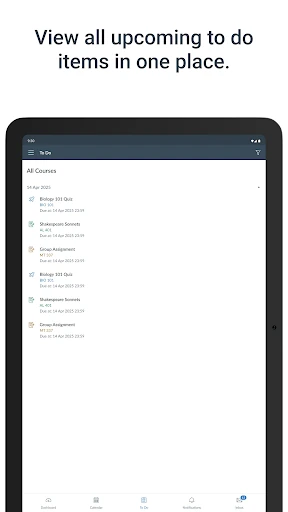
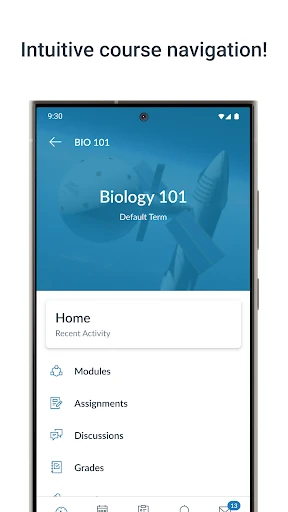
Picture checking your phone between classes to see what is due next, then opening Canvas to review the assignment and its course materials. That is the kind of ordinary routine this app is built around. I like that the same student-facing space also brings together grades, reminders, messages, and class discussions, so keeping up does not have to mean jumping between several school-related tools.
Later, when it is time to turn in work, the app supports submitting PDFs, documents, and media files. A quiz or class video can also fit into a commute or a short break. The practical value is less about doing everything on a phone and more about having course tasks within reach when a laptop is not convenient.
A companion, not a classroom
Canvas is best understood as a mobile companion to courses that already use the Canvas learning platform. It gives students a way to follow coursework, participate in discussions, message others, and submit assignments while away from a computer. Compared with a paper planner, it can show course information and grades; compared with a standalone note-taking app, it is focused on the school’s Canvas course experience.
That focus is also a boundary. Canvas is not the right version for instructors who need teaching and grading features; Instructure points them to Canvas Teacher instead. Parents and guardians have Canvas Parent for following student progress. If your school does not use Canvas, or you want a broad, independent study planner, this app may not have much to offer.
Small habits that help
I would start by checking assignments and grades at a regular time rather than relying on memory to keep track of every class. Reminders and push notifications can help surface course activity, while customizable widgets offer a quicker look at information on the device. Those options make most sense when they support a routine you already follow, instead of turning every notification into another interruption.
For longer-term planning, the What-If grade calculations let students try hypothetical future scores and consider study goals. I would treat that as a planning aid, not a promise about a final result. Downloading full courses before a trip or a stretch without internet is another useful habit: it gives offline study a place in the routine rather than making connectivity a last-minute concern.
More From Our News Desk

Zoom Meetings, Google Meet, or Teams: Which Is Easiest to Join?

How I Build a Free Streaming Lineup With Tubi

Why Crunchyroll Is the Default Anime App for So Many Fans

YouTube TV: A Practical Guide to Cutting Cable

Rummikub and the Small Comfort of Phone Games

TeamViewer Remote Control or AnyDesk for Helping Family?
Who will get the most from it
I would recommend Canvas By Instructure to students whose school or program uses Canvas and who want a practical way to keep up from a phone. It covers a useful range of learner tasks, from checking grades and following assignments to taking quizzes, joining discussions, and sending work. Students who move between classes, commute, or sometimes study offline may especially appreciate having course materials accessible in one app.
It may be a weaker fit for people whose courses live on another platform, or for learners who mainly want flashcards, independent lessons, or a general calendar. The app is specifically aimed at learners, so instructors should look at Canvas Teacher and parents or guardians at Canvas Parent. Students who prefer doing every assignment on a larger screen can still use the app as a check-in tool, but may not want it as their main workspace.
Canvas By Instructure is developed by Instructure and is an Education app for Android. On Google Play, it has over 10 million installs and a 4.5-star rating from about 225,000 ratings. It is free to download, with no in-app purchases or ads. Its content rating is Everyone, making the store’s age classification straightforward for a general learner audience.
The current version shown is 8.11.1. The app was released on December 22, 2012, and its listed last update is October 23, 2026. The minimum Android requirement can vary with the release and device, so check Google Play for the requirement that applies to your phone before installing.
A closer look at Canvas on mobile
Getting oriented
My first impression of Canvas is that its purpose is easy to place: it is for staying connected to courses, not for replacing a school’s entire learning setup. Its advertised starting points are familiar student needs—grades, assignments, messages, and course content. That focus is helpful when you already know your classes are in Canvas, because the app’s usefulness follows directly from the courses you need to reach.
Setup depends on having a Canvas course environment to use. Once that is in place, the app’s role is to bring student activity onto a mobile device. I would begin by checking a course’s current work and notifications, then see whether the available widgets or reminders fit my habits. This keeps the first session practical instead of trying to configure every option at once.
The daily course check
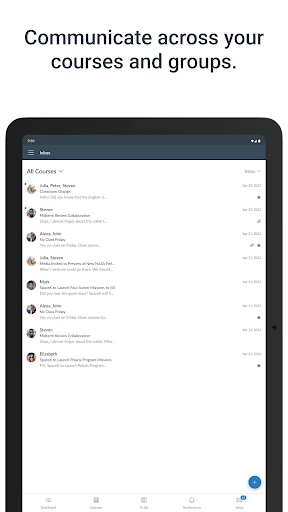
For an everyday check-in, grades and assignment tracking are the features most likely to earn a regular place in my routine. A quick look can help clarify what needs attention before the day gets busy. Messages and class discussions add a communication layer, while reminders and push notifications can bring course activity to the surface without requiring a manual check every time.
The app also supports taking quizzes and watching videos on the go, which makes it more than a read-only gradebook. Still, a phone is not automatically the best device for every task. I see the mobile version as a convenient option for checking in, participating, or handling work when useful—not as a reason every student must complete all coursework on a small screen.
Tools beyond assignments
A few features extend Canvas beyond the basic cycle of checking due work and submitting it. Students can send PDFs, documents, and media files for teachers to annotate in SpeedGrader. The What-If grade calculations offer a way to explore how possible future scores might affect planning. These are specific, school-oriented tools rather than generic extras, and they make the app more relevant throughout a term.
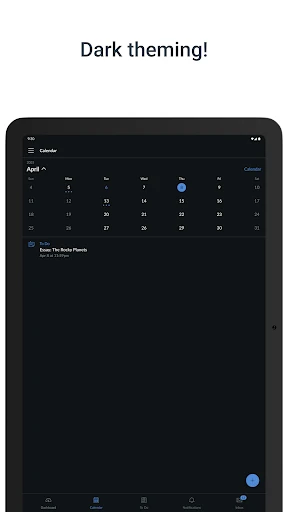
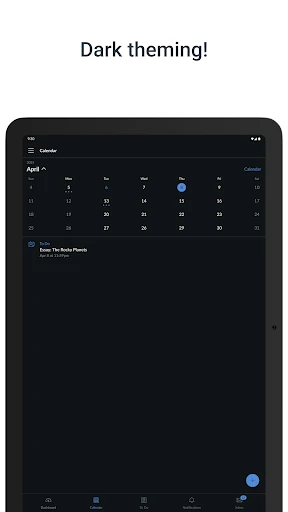
Offline access is another standout: students can download full courses and keep studying without an internet connection. Canvas also supports integrated classroom tools, dark mode, and built-in accessibility. Taken together, those details suggest the app is designed for varied study settings, from a connected classroom to a commute. The career-focused learning and AI-powered experience described for Career experience broaden its scope beyond traditional coursework.
A workable study routine
A simple routine could begin with a morning check of assignments and grades, followed by a look at reminders for anything that needs attention. During a break, I might open a discussion or watch a course video; later, I could submit a supported file from the phone if that is convenient. This is a sensible way to use the app in small moments without turning every spare minute into study time.
Before a period with unreliable internet, downloading a full course can make later study less dependent on a connection. At the end of the week, What-If calculations may help a student think through possible scores and study priorities. I would keep those actions tied to real course information and use the app as an organizer, rather than treating a hypothetical calculation as a substitute for checking class expectations.
Keep the scope in mind
Canvas is only as useful as the courses and classroom tools connected to it. A student who does not have Canvas-based coursework will not get the same value from its course-centered features. The app’s learner focus is important, too: teachers and families are directed toward separate Canvas apps for their own needs, so this is not a universal Canvas control panel for every role.
Mobile convenience has its trade-offs. Reading, writing, or managing files can feel less comfortable on a phone than on a larger device, depending on the task and personal preference. The app offers several ways to check in and work on the go, but its strongest use is supporting an existing learning routine. It is not a replacement for the course itself or a general study library.
Canvas By Instructure makes the most sense as a dependable mobile doorway to courses a student already follows. Assignment tracking, grades, communication, submissions, and offline course downloads cover a useful spread of everyday needs. I especially like that the app has options for both quick check-ins and more involved course tasks, without pretending to be a one-size-fits-all learning platform.
I would recommend it to students whose schools use Canvas and who want more flexibility between classes or away from a computer. If you are an instructor, a parent, or a learner without Canvas courses, look at the role-specific alternatives or your school’s setup first. For its intended audience, this is a practical companion worth trying.
Canvas Frequently Asked Questions
What is Canvas By Instructure used for?
Canvas By Instructure is a learner app for staying connected to Canvas courses. Students can check grades and assignments, receive reminders, message others, join discussions, submit supported files, take quizzes, watch videos, and download full courses for offline study. Its usefulness depends on having courses and classroom tools available through Canvas.
Which devices can run Canvas By Instructure?
Canvas By Instructure is listed as an Android app on Google Play. The Android version required can vary by release and device, so check the Google Play entry for the current requirement before installing. The app description focuses on learners using Canvas courses; it does not establish availability on other platforms.
Does Canvas By Instructure cost money?
Canvas By Instructure is free to download on Google Play, and the available app facts show no in-app purchases or ads. Course access itself depends on the learning environment a student uses. Store details can change, so it is sensible to check Google Play for current pricing and compatibility information.
What Android version does Canvas By Instructure need?
The Android requirement may vary with the app release and the device, so check the Canvas By Instructure page on Google Play for the requirement that applies to your phone or tablet. The app’s current version is shown as 8.11.1, but compatibility is best checked against the store information for your device.
Is Canvas By Instructure suitable for teachers or parents?
Canvas By Instructure is intended for learners. Instructure directs instructors to Canvas Teacher for teaching and grading features, and parents or guardians to Canvas Parent for following student progress. Students with Canvas courses are the clearest fit; people whose school uses another platform may find the app less useful.
Pros
- Brings grades, assignments, discussions, messages, and submissions into a student-focused app.
- Supports downloading full courses for study without an internet connection.
- Offers What-If grade calculations, reminders, customizable widgets, and dark mode.
- Free to download, with no in-app purchases or ads.
Cons
- Its value depends on having courses and classroom tools available through Canvas.
- Separate Canvas apps are intended for instructors and parents or guardians.
- Some coursework may be less comfortable to handle on a phone than a larger screen.
- Category
- Education
- Version
- 8.11.1