Rumble: Stream & Watch Videos
- 175.81K
- 3.7
- Installs
- 10.00M
- Price
- Free

Screenshots
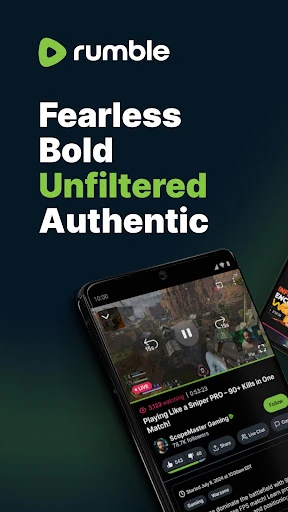
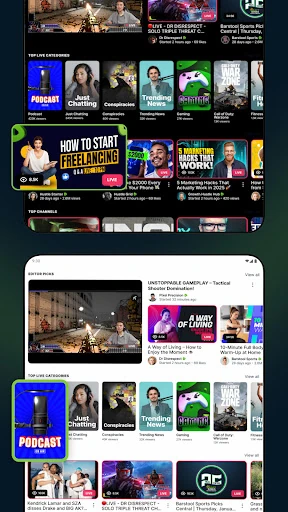
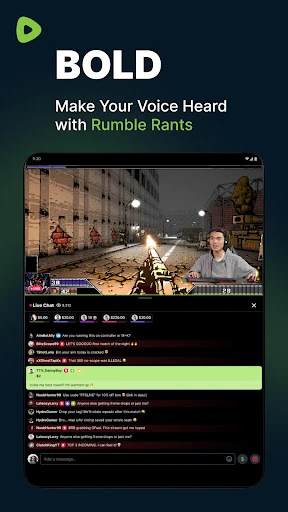
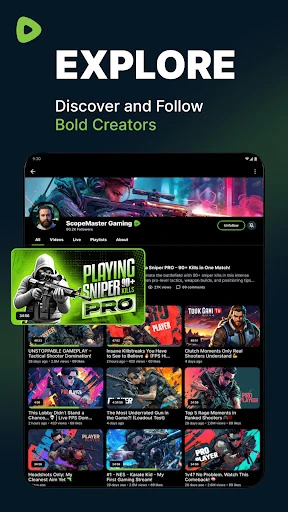
Analysis by Reviewed APKs
Rumble: Stream & Watch Videos brings live broadcasts, full-length videos and short clips into one place, with tools for following creators, chatting and uploading your own work. I found it best suited to people who like sampling a wide range of channels or want to watch and participate in live streams. It has plenty to explore, though its mix of content and ads may not suit every viewer.
A Live Stream in Your Evening
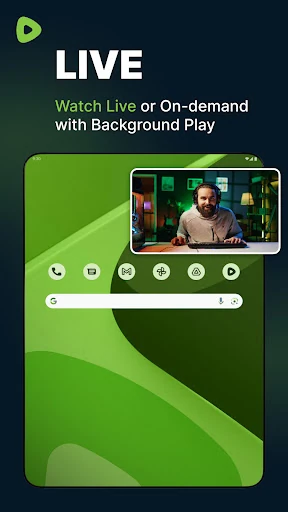
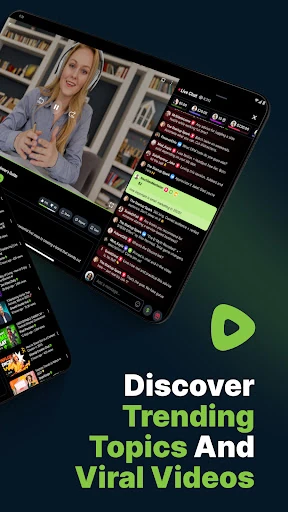
Picture settling in after dinner and looking for something to watch beyond a single episode or a familiar channel. In Rumble, I can browse categories and trending content, search for a topic, or open a creator I already follow. If a live stream is underway, I can join it and use the live chat; if not, on-demand videos and replays let me watch on my own schedule.
That mix is the app’s clearest everyday advantage. I might start with a short clip, move to the creator’s channel, then put on a longer video while I do something else. Following creators helps make the experience feel less like starting from scratch each time, and notifications can let me know when a followed creator begins a stream. It is an easy way to turn a few spare minutes into a longer viewing session.
More Than a Video Shelf
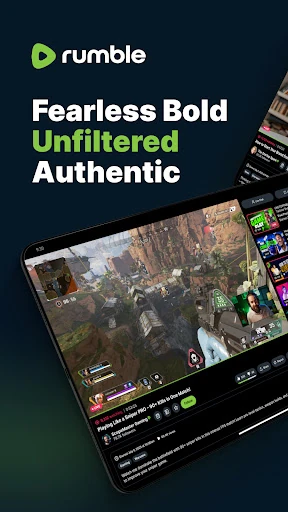
Rumble is not just a place to play a saved video. It combines live streams and chat, on-demand viewing, short-form clips, creator discovery and channel subscriptions. The range of categories includes news, politics, podcasts, gaming, sports and culture, so the app can work as a broad browsing destination as well as a home for specific creators. If you want to take part, creator tools also let you upload videos and start a live stream.
That breadth also means Rumble is not a focused utility or a carefully bounded entertainment catalog. It does not promise a particular kind of show, a single subject, or a purely passive experience; what you find depends on what you search for and which channels you follow. I would choose it when I want a mix of creators, formats and live discussion, not when I need a narrowly defined viewing service.
Build a Better Viewing Habit
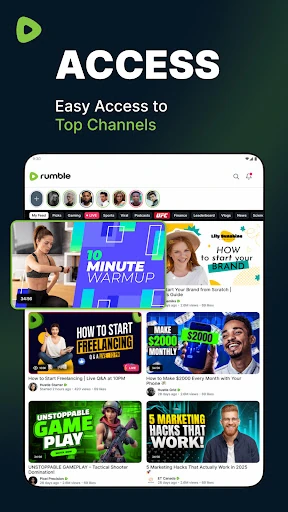
A little curation helps. I would begin by searching for a few topics I genuinely want to follow, then subscribe to creators whose videos hold my attention. That gives the app more useful starting points than opening it without a plan and relying only on whatever is trending. When a live broadcast is the main attraction, following its creator can also make the notification feature useful rather than noisy.
Shorts work well as a sampler rather than the whole routine. I can swipe through the continuous feed, spot a creator worth exploring, and jump from a Short to that creator’s full channel. For longer viewing, on-demand videos and replays make it easier to return when I have time. And if I am watching live, chat is there when I want to join in; there is no need to treat every stream as a conversation.
More From Our News Desk

Zoom Meetings, Google Meet, or Teams: Which Is Easiest to Join?

How I Build a Free Streaming Lineup With Tubi

Why Crunchyroll Is the Default Anime App for So Many Fans

YouTube TV: A Practical Guide to Cutting Cable

Rummikub and the Small Comfort of Phone Games

TeamViewer Remote Control or AnyDesk for Helping Family?
Who Might Enjoy Rumble
I would recommend Rumble to viewers who enjoy finding independent creators, dipping into live broadcasts, and moving between short clips and longer videos. It may also appeal to people who want to publish or stream from their own channel, since the app supports video uploads, live streaming and creator monetization tools. The variety of categories makes it possible to explore different interests without limiting the app to one topic.
It may be a weaker fit if you prefer a tightly organized catalog, want a specific kind of content every time, or dislike advertising in a video app. The experience can involve browsing and choosing among creators rather than pressing play on a fixed collection. People who only want to watch quietly can skip chat and creator features, but those interested in Rumble’s live and community side will get more from the app.
Rumble: Stream & Watch Videos is an Android app from Rumble Inc in the Video Players & Editors category. Google Play shows over 10 million installs and a 3.7-star rating from about 176,000 ratings. The app is free to install, but it contains ads and offers in-app purchases. The listed in-app product prices range from $0.99 to $499.99 per item.
Google Play gives the app a Mature 17+ content rating. Its version varies with the device, and the release date shown is January 13, 2020. The latest update date provided is October 19, 2026. The Android version requirement can vary by device, so check the Google Play details for the requirement that applies to your phone or tablet.
A Closer Look at Rumble
Opening the App
My first impression is of a platform designed to cover several kinds of viewing at once. Live streams, on-demand videos and Shorts each offer a different way in, while categories, recommendations and trending content provide routes into discovery. That variety is useful, but it also means I need to decide whether I am browsing casually, looking for a particular channel, or checking for a live broadcast.
Getting oriented is easier when I use search with a topic or creator in mind. From there, following creators gives me a more personal route back to their work. The app also supports notifications when followed creators start streaming, which is practical if a live show matters to me. I would keep notifications focused on creators I actually want to catch live rather than following everyone I happen to sample.
Watching Day to Day
The daily experience can shift with my available time. If I have only a minute, the Shorts feed offers continuous swiping and a quick way to encounter new creators. With a longer break, I can browse full videos or look for a live stream. When a stream is active, built-in chat lets me participate while watching, rather than leaving the video to find a separate discussion space.
On-demand viewing and replays are useful when a live start time does not fit my day. Rumble says viewers can pick up where they left off, helping a longer watch feel less tied to one sitting. In practice, the app’s appeal is the choice between joining something as it happens and catching up later. I can keep the experience passive or use chat when I feel like taking part.
Formats and Creator Tools
The range of formats is one of Rumble’s more distinctive strengths. A single platform brings together live streams, full-length videos and Shorts, so a quick discovery session can lead naturally to a creator’s longer work. Shorts can also act as a bridge to a full channel, which makes them more useful than a disconnected stream of clips when I want to learn who is behind a video.
There is a creator side, too. Users can create a channel, upload and host videos, and start live streams with built-in chat. The platform also describes monetization tools and viewer tips through Rumble Wallet, including tips during a stream or on a video. Those features make the app relevant to people publishing content, not only those watching it, though the details of any earnings are not something I would assume from the feature list alone.
A Simple Weekly Routine
One practical approach is to use Rumble in two different modes. During a short break, I can browse Shorts and note creators I want to explore further. Later, when I have more time, I can open their channels, watch a full video or check whether they are live. That makes quick browsing a starting point instead of an endless detour through clips.
For a favorite creator, following is the natural next step. It gives me a way to return to their channel and can provide a notification when they start streaming. I can use chat for a live discussion when I have something to add, or simply watch and leave the conversation alone. For a creator using the app to publish, uploading a video or starting a stream gives the channel a more direct role in the routine.
What to Keep in Mind
Rumble’s breadth can make discovery feel less focused than a service built around one subject or a fixed set of shows. There are categories, recommendations, trending material and search, but I still have to choose where to spend my attention. Following creators can help narrow the experience over time; if I prefer a highly curated selection from the outset, the open-ended browsing may take patience.
Ads are part of the app, and in-app purchases are available. That is worth considering if I expect an uninterrupted, entirely free viewing experience. The store gives the app a Mature 17+ content rating, so it is not a choice I would make without considering age suitability. The app’s creator tools and varied content are useful, but they do not make every channel or stream a match for every viewer.
Rumble works best as a flexible place to find creators and move between live streams, regular videos and Shorts. I like that watching can be as simple as browsing, or more social when I join a live chat. Following channels and returning to replays give the experience some structure, while creator tools broaden its appeal beyond viewers.
I would try it if I enjoy exploring different voices or want a place to stream and upload videos. I would be more cautious if ads, broad discovery or the Mature 17+ rating are a poor fit. Overall, Rumble offers a useful mix of formats, with the best experience coming from following creators I genuinely want to watch.
Rumble Frequently Asked Questions
What is Rumble: Stream & Watch Videos used for?
Rumble is used to watch live streams, on-demand videos and Shorts, and to discover and follow creators. Viewers can join live chat, while people creating content can upload videos, host a channel and start a live stream. The app also describes creator monetization tools and viewer tips through Rumble Wallet.
Which devices can run Rumble: Stream & Watch Videos?
Rumble: Stream & Watch Videos is an Android app available through Google Play. The version varies with the device, and the Android requirement may vary too. Check the Google Play details for the current requirement for your phone or tablet before installing.
Does Rumble: Stream & Watch Videos cost anything?
The app is free to install on Google Play, but it contains ads and offers in-app purchases. The listed purchase prices range from $0.99 to $499.99 per item. What you choose to buy is up to you; check the store details for current purchase information.
What Android version does Rumble: Stream & Watch Videos require?
The Android version requirement can vary by device. Google Play provides the applicable requirement for your phone or tablet, so it is worth checking the store before installing. The app’s version itself is also listed as varying with the device.
Is Rumble: Stream & Watch Videos suitable for every viewer?
The app has a Mature 17+ content rating, so it may not suit younger viewers. It is a better fit for people interested in creator videos, live streams, Shorts or publishing their own content. Ads are present, and the range of material is broad, so consider whether those factors suit your viewing preferences.
Pros
- Combines live streams, on-demand videos and Shorts in one app.
- Live chat gives viewers a way to join stream discussions.
- Following creators and stream notifications help make repeat viewing easier.
- Supports creator uploads, live streaming and viewer tips.
Cons
- Broad discovery can take effort if you want a narrowly focused selection.
- Ads are present, and in-app purchases are available.
- The Mature 17+ rating may make it unsuitable for younger viewers.
- Category
- Video Players & Editors











