RealPlayer
- 7.07K
- 4.1
- Installs
- 500.00K
- Price
- Free

Screenshots
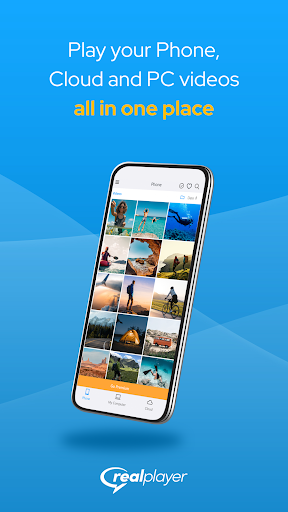
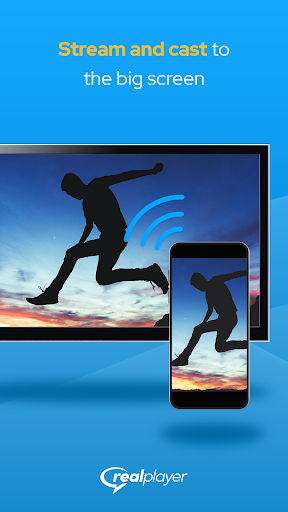
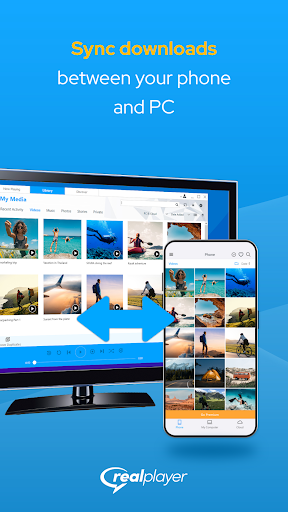
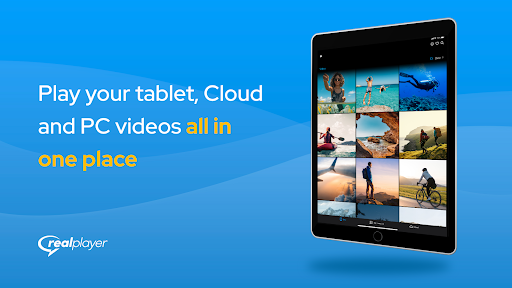
Analysis by Reviewed APKs
RealPlayer is a video player and library companion for people who want to move videos between an Android phone and a RealPlayer PC setup, stream them, or keep copies for offline viewing. I like that it brings playback, casting, cloud backup, and device-to-device transfers into one place. It makes the most sense if you already use RealPlayer on a computer; without that connection, some of its most useful options matter less.
A video for the trip
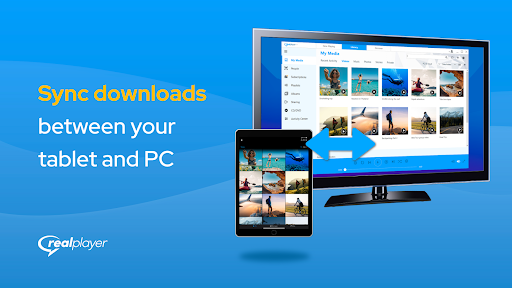
Picture getting ready for a train ride and realizing that the video you want is still on your computer. RealPlayer is built for that sort of small scramble: sign in with the same credentials on your phone and PC, then transfer videos between the two. Once a video is on the phone, you can watch it offline, which is useful when the journey has patchy reception or you would rather not stream.
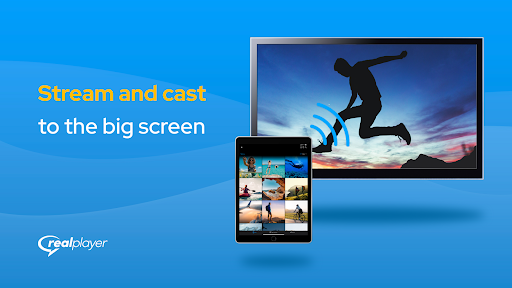
The appeal is less about discovering something to watch and more about having the right file where you need it. I can imagine doing a quick transfer before leaving home, then opening the saved video on the commute. For a bigger screen, the app can cast videos using Chromecast or AirPlay. That gives the same personal library a few different ways to fit into an ordinary day.
A companion, not a video service
RealPlayer sits somewhere between a phone video player and a bridge to a desktop library. A standalone player is enough if all you need is to open videos already on your device. RealPlayer adds a reason to connect a PC: remote access to its library, video transfers in both directions, and streaming from a PC or RealPlayer Cloud. That combination is the distinctive part, rather than a promise of a new catalog to browse.
I would not treat it as a replacement for a subscription video service or as a general-purpose way to find entertainment. The described features focus on videos you have, videos stored on a PC or in RealPlayer Cloud, and casting or syncing those videos. If you do not use a RealPlayer PC library or want to organize a collection around one, the companion features may feel like extra setup rather than a benefit.
Make transfers a habit
A little preparation is what makes this kind of app useful. Before a trip, I would sign in on both devices, pick a few videos, and sync them while I still have time to wait for the transfer. The app supports selecting multiple files at once, so choosing a small batch can be more practical than repeating the same action video by video. Folder access is also designed to feel familiar to PC users.
For home viewing, the habit can be different: keep videos in the PC library, then use remote access or streaming when you want to watch on the phone. If you prefer a larger display, cast a video instead. Dark Mode and playback speed controls are small options worth adjusting to personal preference. They do not change what the app is for, but can make a longer viewing session more comfortable or flexible.
More From Our News Desk

Zoom Meetings, Google Meet, or Teams: Which Is Easiest to Join?

How I Build a Free Streaming Lineup With Tubi

Why Crunchyroll Is the Default Anime App for So Many Fans

YouTube TV: A Practical Guide to Cutting Cable

Rummikub and the Small Comfort of Phone Games

TeamViewer Remote Control or AnyDesk for Helping Family?
Who will get the most from it
I would recommend RealPlayer to people who already keep videos on a PC and want a straightforward way to reach them from an Android phone. It is also a sensible fit for someone who likes having a travel-ready set of saved videos, or who wants to move phone videos back to a computer. Casting, cloud backup, and access to a RealPlayer PC library make it more appealing when those are real parts of your routine.
It may be a less natural choice if you only need a basic player for files on your phone, or if you do not want to sign in and connect another device. Some features, including cloud storage and remote access, are described alongside subscription options, so people who want every capability without extra cost should check what is included. The best fit is someone who values the PC-and-phone connection enough to use it regularly.
RealPlayer is developed by RealNetworks LLC and is listed on Google Play in the Video Players & Editors category. It is free to install, has over 500,000 installs, and holds a 4.1-star rating from around 7,000 ratings. The content rating is Everyone. The app’s current version is 1.7.1, with a release date of June 18, 2021, and a last update dated March 9, 2026.
The app contains no ads, but it does offer in-app purchases. Google Play gives the purchase range as $1.99 to $47.88 per item. RealPlayer describes optional subscriptions for features such as cloud storage and remote access, alongside other PC-related capabilities. The minimum Android version is not included among the available app details, so check Google Play for the requirement that applies to your device.
How RealPlayer Connects Your Video Library
Getting started
My first impression is that RealPlayer has a clear job: connect the videos on a phone with a RealPlayer PC library and make them easier to play elsewhere. The setup described is simple in principle. Sign in on the phone and computer with the same credentials, then use the connection to access or move videos. That approach will feel familiar to existing RealPlayer users, though it does mean the app’s full value depends on having the PC side in place.
Folder access is one practical touch for people used to sorting files on a computer. RealPlayer says users can access folders in a way that resembles PC browsing, and can select several files at once. Those details matter when preparing a batch of videos rather than hunting through one item at a time. Dark Mode is another available option, giving the interface a darker appearance.
Everyday playback
Once videos are on the phone, the everyday appeal is uncomplicated: open one and watch, including offline when it has been synced for that purpose. That is a useful distinction from relying on a live stream for every viewing session. On a commute or during a trip, the video is already available on the device rather than depending on an internet connection at that moment.
Playback speed controls let you speed up or slow down a video. I can see that being handy for a quick recap or for taking a more relaxed pace through something dense. It is a small feature, but it gives playback a little more flexibility than simply pressing play. Dark Mode also suits evening viewing, though the app does not need to be treated as a full media-management system to benefit from either option.
PC, cloud, and casting
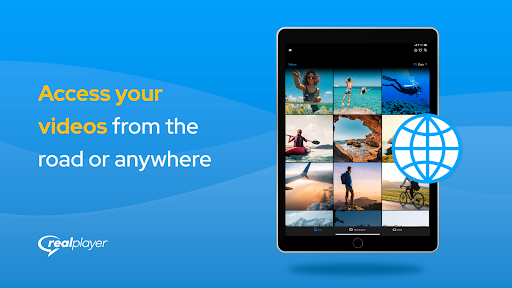
The most notable feature set is the connection between phone, PC, and RealPlayer Cloud. Videos can move from phone to computer or from computer to phone, and the app can stream videos from a PC or RealPlayer Cloud. Remote access to the RealPlayer PC library extends that connection beyond simply copying files in advance. In practice, it gives existing desktop users more ways to reach their own collection.
Casting is the other clear convenience. RealPlayer supports sending a video from the phone to a television or other big screen through Chromecast or AirPlay. Cloud backup is also described, with access to backed-up videos from any device. The app offers subscription options that include 25GB of cloud storage and other features. These capabilities stand out most for someone already building a routine around RealPlayer, rather than someone looking for a standalone streaming catalog.
A simple weekly routine
A useful routine could start with a quick library check before a weekend away. I would choose videos on the PC, transfer or sync the ones I want to keep on the phone, and give the files time to arrive before heading out. Selecting multiple files helps make that a batch task. Once away from home, I can watch the saved videos offline instead of depending on a stream.
At home, the same collection can serve a different purpose. I might stream from the PC or RealPlayer Cloud, use remote access to reach the desktop library, or cast a phone video with Chromecast or AirPlay. The point is to pick the path that suits the moment: prepare files ahead for travel, stream when the library connection is useful, and cast when a larger screen makes sense.
Keep the trade-offs in mind
RealPlayer’s main limitation is also the source of its appeal: it is closely tied to the RealPlayer PC experience. If you do not have a PC library to connect, remote access and two-way transfers become less central. A basic phone player may be a simpler choice for someone who only wants to open local videos and has no interest in syncing or casting.
Some of the broader features are associated with in-app subscription options, including cloud storage and remote access. That makes it worth checking which capabilities suit your needs before building a routine around them. The app is free to install and contains no ads, but optional purchases are available. It is best approached as a flexible companion with paid extras, not as a promise that every feature is included at no cost.
RealPlayer makes a practical case for itself when your videos already live across a phone and a RealPlayer PC library. Transfers, offline viewing, remote access, cloud options, and casting cover several everyday situations without making the app’s purpose hard to understand. I especially like the travel angle: prepare a few files at home and have them ready when a connection is inconvenient.
I’d recommend it to existing RealPlayer users who want their collection to move with them and are comfortable checking which optional features require a purchase. If you just need a no-fuss player for videos on one device, this may offer more connection features than you need. The right choice depends on whether that PC-to-phone link is genuinely useful in your routine.
RealPlayer Frequently Asked Questions
What is RealPlayer used for?
RealPlayer is a video player and companion for moving, syncing, streaming, and casting videos. It can connect an Android phone with a RealPlayer PC library, stream from a PC or RealPlayer Cloud, and sync videos for offline viewing. It also supports casting videos with Chromecast or AirPlay and backing up videos to RealPlayer Cloud.
Which devices and platforms support RealPlayer?
RealPlayer is available as an Android app on Google Play and is designed to work with RealPlayer on a PC. The description also says videos can be cast using Chromecast or AirPlay. Check the store and RealPlayer’s current product information for device compatibility details that may vary.
What Android version does RealPlayer require?
The minimum Android version can vary by app release and device. Check the RealPlayer page on Google Play for the requirement that applies to your phone before installing or updating it.
Is RealPlayer free, and does it have in-app purchases?
RealPlayer is free to install and contains no ads. It offers in-app purchases, with Google Play showing a range of $1.99 to $47.88 per item. The app also describes optional subscription features, including cloud storage and remote access; check Google Play for current purchase details.
Is RealPlayer a good fit for my video library?
It is a good fit if you want to connect videos on an Android phone with a RealPlayer PC library, sync files for offline viewing, or cast videos to a larger screen. If you only need a simple player for local phone videos and do not use a PC library, its companion features may be unnecessary.
Pros
- Moves videos between an Android phone and a RealPlayer PC library.
- Supports offline viewing, remote library access, and streaming from PC or RealPlayer Cloud.
- Can cast phone videos using Chromecast or AirPlay.
- Includes Dark Mode, playback speed controls, and multiple-file selection.
Cons
- Its strongest features depend on connecting with a RealPlayer PC library.
- Some cloud and remote-access capabilities are part of optional subscription offers.
- May be more involved than necessary for basic playback of local phone videos.
- Category
- Video Players & Editors
- Version
- 1.7.1











