Pixabay
- 29.64K
- 4.2
- Installs
- 1.00M
- Price
- Free

Screenshots

Analysis by Reviewed APKs
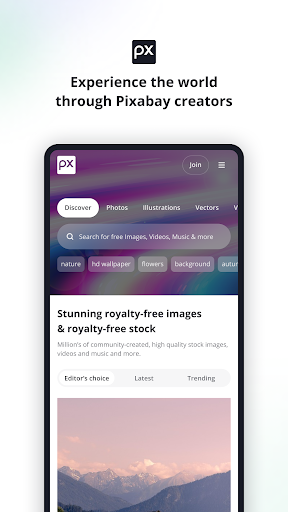
Pixabay is a mobile library for finding and downloading free stock photos, illustrations, videos, music, sound effects, and other creative material. It suits people who need visuals or audio for a project, as well as creators who want to share their own work. After spending time with it, I see its main appeal as convenience: a broad mix of media and useful ways to save and share it from a phone.
Finding a useful visual
When I first opened Pixabay, I pictured using it during the small gaps in a working day: perhaps I need a photo for a presentation, or a short clip to make a personal project feel more finished. Instead of switching between separate image, video, and audio sources, I can look for different kinds of material in one app. That makes it a practical starting point when I have a general idea but have not settled on the exact asset.
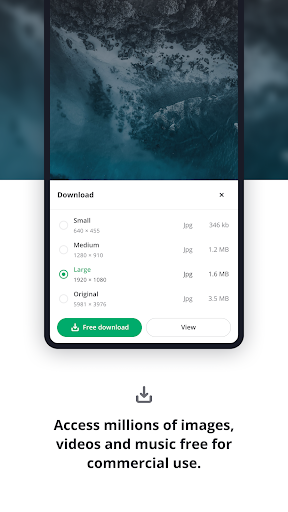
Once I find something that fits, the app lets me download or share it directly from mobile. I can also like content and save it into collections, which is useful when inspiration arrives before I know where a particular image will end up. Pixabay is not a design editor, so I would still move a downloaded asset into whatever tool I use to build the finished project. Its job is to help me discover and keep source material.
A library, not an editor
Pixabay makes most sense beside the other tools in my creative routine, not as a replacement for them. A camera app captures what is in front of me; an editing app shapes a finished image or video. Pixabay serves a different purpose: browsing a broad selection of existing photos, illustrations, vectors, GIFs, videos, music, and sound effects, then saving or sharing material that may suit the task.
That distinction matters if I expect to make a polished project entirely inside Pixabay. The description focuses on finding, downloading, sharing, organizing, and contributing content, rather than editing or assembling it. I would also treat the app as a source library rather than a promise that every search will turn up exactly the right fit. For people who only want to take and edit their own photos, a stock-content library may be more than they need.
Save as you browse
The easiest habit to build is saving promising finds before I need them. When I come across an image that might work for a later project, I can like it or place it in a collection rather than relying on memory. That small step turns browsing into a more useful personal reference shelf, especially when I am gathering several visual directions and do not want to download every possibility.
I would also keep the intended use in mind while browsing. Pixabay says its content can be used for commercial and non-commercial purposes subject to its Terms of Service, so checking those terms is part of a sensible workflow rather than an afterthought. If I create material myself, the mobile app also supports uploading it. The community features, including comments and likes, give browsing a social side without being essential to finding an asset.
More From Our News Desk

Zoom Meetings, Google Meet, or Teams: Which Is Easiest to Join?

How I Build a Free Streaming Lineup With Tubi

Why Crunchyroll Is the Default Anime App for So Many Fans

YouTube TV: A Practical Guide to Cutting Cable

Rummikub and the Small Comfort of Phone Games

TeamViewer Remote Control or AnyDesk for Helping Family?
Who may enjoy Pixabay
I would recommend Pixabay to students, hobbyists, and creators who often need a starting point for visual or audio material. It is especially handy when I want to browse more than one type of media without first deciding which specialized source to open. The ability to download or share from mobile, then save interesting finds into collections, suits people who gather references on the go and sort them out later.
It may be less useful for someone whose main goal is to shoot, retouch, or edit original work inside one app. Pixabay is centered on a library and a creator community, not a full production workflow. People who prefer not to browse a large collection or who rarely need stock material may not get much from keeping it around. I would also make time to review the service terms for a particular use instead of assuming every asset fits every project.
Pixabay is the developer, and the app is in the Photography category on Google Play. It has over a million installs and a 4.2-star rating from around 30,000 ratings. The listed version is 2.1.2. Its release date is January 16, 2017, and the recorded last update is October 15, 2026.
The app is free to download, with no in-app purchases shown, and it contains ads. Google Play gives it a Mature 17+ content rating. The available app details do not specify a minimum Android version, so it is worth checking compatibility with your device in Google Play before installing.
A closer look at browsing and saving
Opening the library
My first impression is of a tool built around access to a lot of different creative material. Pixabay brings photos, illustrations, vectors, GIFs, video, music, and sound effects together, so I do not have to think of it as an image-only destination. That breadth is appealing, though it also means I get the most from it when I arrive with at least a rough idea of what kind of content I need.
Getting started is straightforward in concept: browse for an asset, then download or share it if it suits the project. I can also like items and organize them in collections. Those are useful actions to have on a phone, where I may be collecting ideas in short bursts rather than sitting down for a long research session. The overall experience is best understood as discovery and organization, not as a guided editing setup.
Everyday browsing
In day-to-day use, the value is having several media types within reach. I might begin looking for a photo and realize that a short video or a piece of music would work better for what I am making. Pixabay gives me a place to explore those alternatives and download or share the content directly from mobile. That flexibility is more useful than a narrow image source when a project is still taking shape.
I find the save and like options particularly practical for casual browsing. A promising result does not have to become an immediate download; I can collect it for later instead. Collections also give me a way to keep related ideas together, rather than letting useful discoveries disappear into a long stream of browsing. The app still does not replace the next step of arranging or editing the material elsewhere.
More than photographs
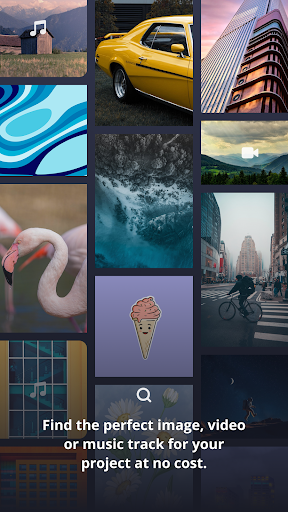
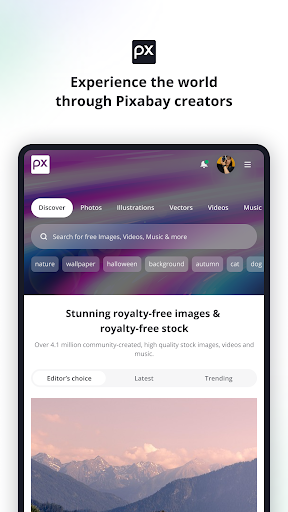
The range of content is the feature that most clearly distinguishes Pixabay from a simple photo browser. Alongside stock photographs, the app includes illustrations, vectors, GIFs, videos, music, and sound effects. That variety helps when I am planning a presentation, a personal creative project, or another piece of work that may need more than a still image. I can explore different kinds of source material without changing apps at the discovery stage.
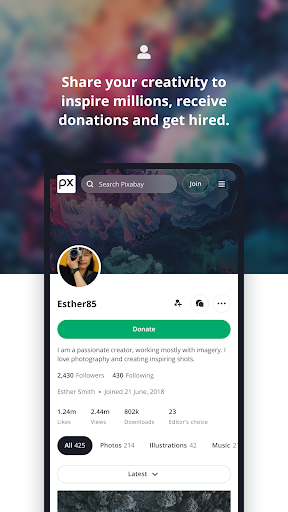
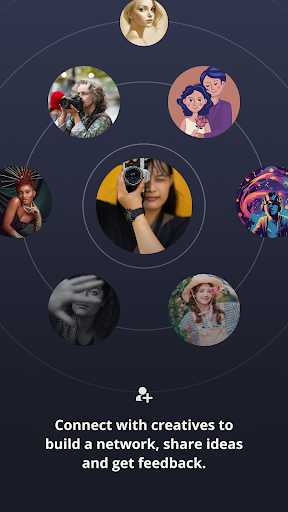
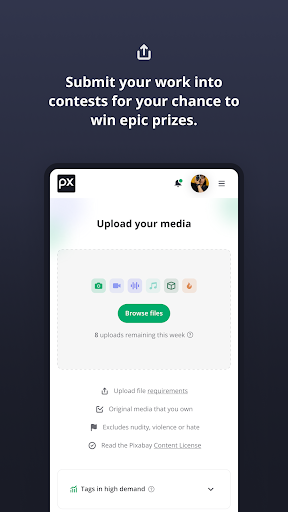
There is a community dimension, too. Users can connect through forums, messages, comments, and likes, and creators can upload their own content from mobile. Pixabay also describes contests, events, online workshops, blogs, content calendars, trend reports, and curated collections. These give the app more to offer than a download shelf, though a person who only wants a quick asset can simply focus on browsing and saving.
A project-ready routine
For a small project, I would start by deciding what role the asset needs to fill: a background image, an illustration, a clip, or perhaps audio. Then I would browse Pixabay, save a few promising options into a collection, and compare them once I have a clearer direction. This keeps early exploration flexible without cluttering my device with downloads I may never use.
After choosing a suitable item, I can download or share it from the app and continue the work in a separate editing or presentation tool. Before using it, I would refer to Pixabay’s Terms of Service, since the stated commercial and non-commercial use is subject to those terms. If I am also a creator, uploading content offers a way to contribute from mobile, rather than limiting the app to finding other people’s work.
Keep expectations practical
The main limitation is scope. Pixabay helps me discover and manage source material, but the described features do not make it a photo editor, video editor, or complete project builder. Anyone expecting to crop, compose, and finish a polished deliverable inside the same app should plan on using another tool. That is not a flaw so much as a boundary worth knowing before building a workflow around it.
A large library can also take some patience. I may need to browse several options before I find a useful match, and saving favorites is more reliable than expecting to remember them all. The app contains ads, which is another practical consideration during browsing. Finally, content use is governed by Pixabay’s Terms of Service, so I would check the applicable terms for my project rather than treating the word “free” as the whole story.
Pixabay earns its place as a handy mobile source for people who regularly need stock visuals or audio. I like the combination of many content types with direct downloading, sharing, likes, and collections. It is easy to understand what the app is for, provided I remember that discovery is its strength and editing belongs elsewhere.
I would try it if I often gather material for school, work, or personal creative projects, or if I want to share my own content with a community. If I only want a camera or an all-in-one editor, I would look elsewhere. For everyone in between, Pixabay is a useful library to have available.
Pixabay Frequently Asked Questions
What is Pixabay used for?
Pixabay is for finding and downloading or sharing creative material such as photos, illustrations, vectors, GIFs, videos, music, and sound effects. You can like content and save it into collections. The app also supports creator uploads and community interactions, including comments and messages.
Which devices can run Pixabay?
The app is available on Android through Google Play. The supplied app details do not give a minimum Android version, so check the Google Play page for compatibility with your specific device. The described features include browsing, downloading, sharing, saving, and uploading from mobile.
Does Pixabay cost money, and are there purchases?
Pixabay is free to download, and the supplied details show no in-app purchases. The app does contain ads. Store details can change, so it is worth checking the Google Play page for current information before installing.
Can I use Pixabay content in a project?
Pixabay says its content is free and can suit commercial and non-commercial purposes, subject to its Terms of Service. The app lets you download or share content from mobile. Review the applicable terms for the asset and your intended use rather than assuming every project is covered in the same way.
Is Pixabay a good fit for beginners?
It can suit beginners who want to browse for source material and keep useful finds in collections. It is less suited to someone looking for a complete editing or production app, since its described role is finding, sharing, organizing, and contributing content. You can use a separate tool to finish a project.
Pros
- Brings photos, illustrations, videos, music, and sound effects together.
- Lets me download or share finds directly from mobile.
- Collections and likes help keep promising content organized.
- Includes ways for creators to upload and connect with others.
Cons
- It is a content library, not a full editing or production tool.
- Ads are part of the free app experience.
- Using content for a project still calls for checking the service terms.
- Category
- Photography
- Version
- 2.1.2











