NetBenefits - Fidelity at Work
- 24.88K
- 4
- Installs
- 5.00M
- Price
- Free

Screenshots
Analysis by Reviewed APKs
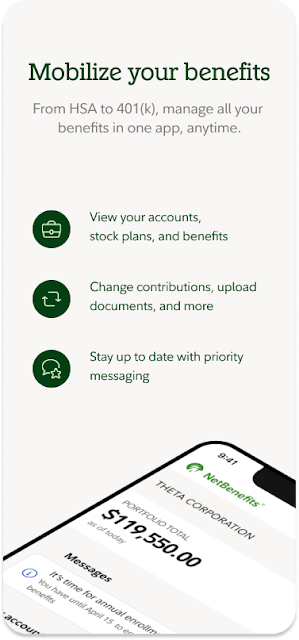
NetBenefits - Fidelity at Work is for people whose employer provides workplace benefits through Fidelity. It brings retirement savings, health benefits, HSAs and stock plans into a mobile account view, with options to check balances and take certain actions. I see it as a practical companion for keeping up with employer-linked accounts, rather than a general-purpose investing app. Its usefulness depends on having eligible Fidelity workplace benefits.
A quick benefits check
Picture a weekday lunch break when you want to see whether your workplace retirement savings are on track, or need to find a health plan phone number before making a call. NetBenefits is built for that sort of brief check-in. You can view balances and investments for eligible retirement accounts, look at progress toward savings goals, and find plan details such as covered family members, provider numbers and group numbers.
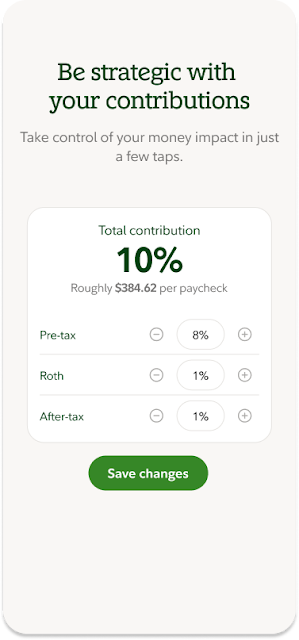
When I think through that routine, the useful part is having several employer benefits gathered in one place instead of treating each question as a separate task. The app also supports actions beyond looking things up: eligible users can change contributions or investments, manage HSA expenses and investments, and send documents or rollover checks with the phone camera. It is a focused toolkit for workplace accounts, not a promise that every plan offers every action.
Work benefits, not everything
Compared with a broad banking or investment app, NetBenefits has a narrower job: it is specifically for workplace benefits provided by Fidelity. That focus makes sense if your 401(k), 403(b), HSA, health coverage or stock plan is connected to an employer benefit arrangement. Retirement balances, plan information and benefit actions are the center of the experience, rather than an all-purpose view of every account you might have.
It is not the right place to expect a general account for saving, investing and trading beyond employee benefits. Fidelity points people with accounts outside workplace savings and benefits toward its companion Fidelity Investments app. I would choose NetBenefits for employer-plan administration and routine checks, and look elsewhere for broader financial activity. That distinction is helpful to know before downloading, especially if you do not have a Fidelity-provided workplace benefit.
Make short check-ins useful
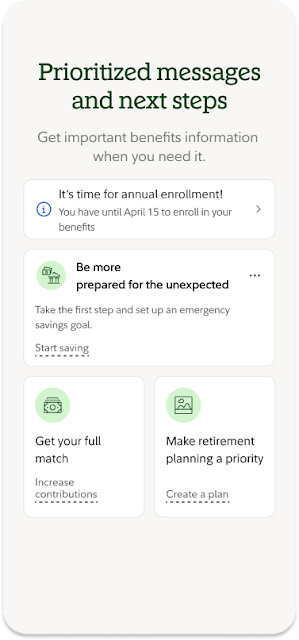
I would get the most out of NetBenefits by using it for small, specific check-ins rather than opening it without a question in mind. For example, I might review a retirement balance, check progress toward a savings goal, or look up a plan phone number before contacting a provider. Personalized reminders can also help flag account actions that need attention, so it is worth paying attention to those prompts when they appear.
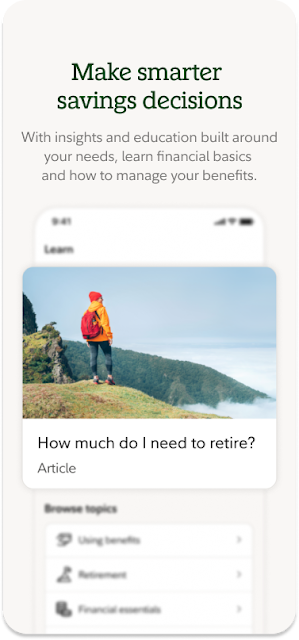
For a less rushed session, the app includes articles, tools and videos related to financial well-being and retirement savings. I would browse those when I have time to think, rather than treating a quick balance check as a full planning session. During annual enrollment, eligible users can enroll in health insurance through the app. Keeping those tasks separate makes the experience easier to approach: quick account checks on ordinary days, and benefit decisions when the relevant window arrives.
More From Our News Desk

Zoom Meetings, Google Meet, or Teams: Which Is Easiest to Join?

How I Build a Free Streaming Lineup With Tubi

Why Crunchyroll Is the Default Anime App for So Many Fans

YouTube TV: A Practical Guide to Cutting Cable

Rummikub and the Small Comfort of Phone Games

TeamViewer Remote Control or AnyDesk for Helping Family?
Who will find it useful
I would recommend NetBenefits to employees who have one or more workplace benefits provided by Fidelity and want to check them from a phone. It is especially relevant if you manage retirement savings alongside an HSA, health plan information or a stock plan. The ability to view balances, get reminders and take eligible account actions can make occasional benefit administration more convenient than waiting until you are at a computer.
It may not suit someone looking for a general investing, banking or trading app, or someone whose employer benefits are not provided by Fidelity. The app’s purpose is tied to those workplace arrangements, so its value depends on what accounts and plan features are available to you. If you mainly need broader Fidelity account activity beyond employee benefits, the company identifies a separate companion app for that purpose.
NetBenefits - Fidelity at Work is developed by Fidelity Investments. On Google Play it has more than 5 million installs and a 4.0-star rating from 24,877 ratings. The app is rated Everyone. It is free to download, and the provided store information says it has no in-app purchases and contains no ads.
The current version in the provided facts is 4.38.0. It was released on April 24, 2013, and its listed last update is October 20, 2026. The minimum Android version is not included in the available app details, so check Google Play for the requirement that applies to your device.
A closer look at workplace benefits
First look and access
When I first opened NetBenefits, the clearest thing about its purpose was the connection to employee benefits. This is not a broad personal finance dashboard that happens to include a retirement tab; it is meant for Fidelity-provided workplace accounts and benefits. That framing helps set expectations before you start looking for a particular balance or plan detail.
The app is available to people with one or more workplace benefits provided by Fidelity. Once you have access to an eligible account, the range of information can include retirement savings, health benefits, HSAs and stock plans. I would start by checking which of those are relevant to my employer arrangement, since the actual accounts and available actions depend on the benefits in question.
Everyday account checks
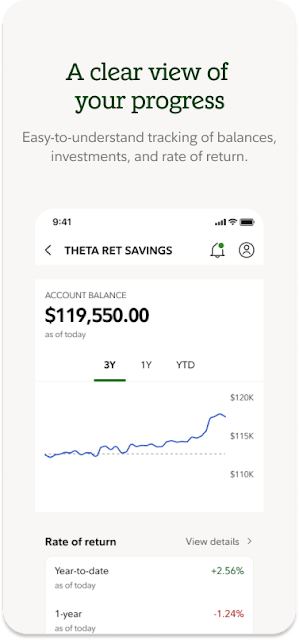
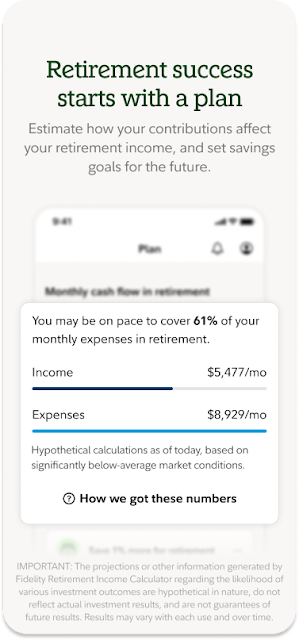
The routine experience is centered on monitoring and managing workplace accounts. You can view balances and investments for Fidelity 401(k), 403(b) and other retirement accounts, review performance, and track progress toward retirement savings goals. Those are useful details for a quick check-in when you want a sense of where things stand without turning the moment into a long planning session.
For health benefits, NetBenefits can surface plan details including covered family members, provider phone numbers and group numbers. I can see the practical value in having those details to hand when filling out paperwork or trying to reach a provider. It also supports managing HSA expenses and investments, though which specific functions you can use depends on the eligible account.
Actions beyond viewing
What stands out is that NetBenefits is not limited to read-only account summaries. Eligible users can change contributions and investments across certain 401(k), 403(b) and HSA accounts. The app also describes options to move money or take a loan. Those are meaningful account actions, so I would approach them deliberately and check the details of the relevant plan rather than treating a phone screen as a reason to act quickly.
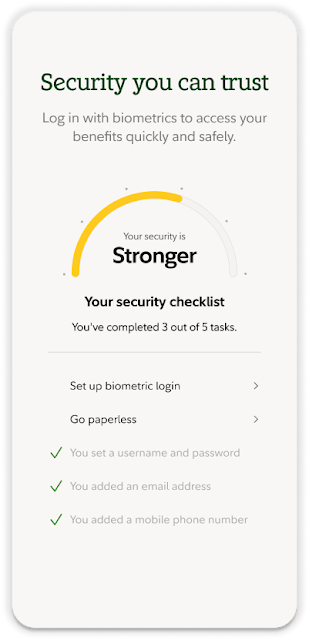
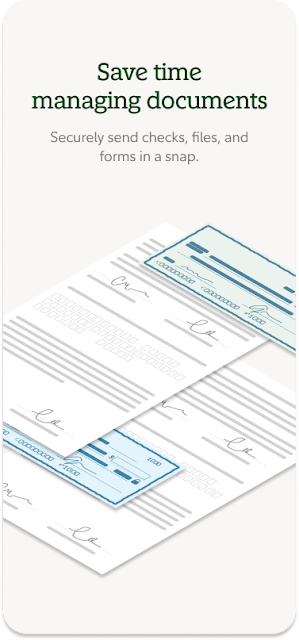
The phone camera can be used to send documents and rollover checks, which gives the app a role in handling paperwork as well as checking balances. Personalized reminders can alert users to important account actions, and security features include customer verification and biometrics. The app also offers articles, tools and videos intended to support financial well-being and retirement saving.
A practical weekly routine
A simple routine might be to open NetBenefits when a reminder arrives, review the account or benefit it concerns, and then decide whether any follow-up is needed. On another day, I might check retirement performance or look at progress toward a savings goal. Keeping each visit tied to one question makes a finance app feel more manageable than browsing every account without a purpose.
When annual enrollment comes around, eligible users can enroll in health insurance through the app. I would use that as a separate, more focused task: find the plan information, check the relevant details, and complete enrollment when ready. For ongoing HSA activity, the app supports managing expenses and investments. These examples show how it can fit into occasional benefit administration, not just retirement account monitoring.
Keep the scope in mind
NetBenefits is only useful if you have workplace benefits provided by Fidelity, and the available accounts and actions are tied to your plan. I would not assume that every user will see every option described for retirement accounts, HSAs, health insurance or stock plans. The app’s focus is convenient access to workplace benefits, but the plan itself shapes what is available to manage.
It also is not a substitute for the company’s broader Fidelity Investments app if your goal is activity beyond employee savings and benefits. Some account actions, such as changing investments or moving money, deserve more attention than a quick glance at a balance. The app gives access to those tools, but users still need to make decisions in the context of their own workplace plan.
NetBenefits - Fidelity at Work makes the most sense as a pocket companion for employer-linked retirement and benefit accounts. I like the mix of quick account checks, plan details, reminders and selected actions, especially for people who also use an HSA or need health benefit information.
I recommend it to Fidelity workplace-benefit users who want mobile access to those accounts. If you are looking for general investing or do not have a Fidelity-provided employee benefit, this is likely the wrong app for the job.
NetBenefits Frequently Asked Questions
What is NetBenefits - Fidelity at Work used for?
It is used to manage Fidelity-provided workplace benefits, including eligible retirement accounts, HSAs, health plan details and stock plans. Users can check balances and investments, track retirement savings progress, get reminders and take certain account actions. The features available depend on the workplace benefits connected to the user.
Which devices can run NetBenefits - Fidelity at Work?
The app is available for Android through Google Play. The minimum Android version may vary as requirements change, so check the Google Play information for the current requirement for your device. It is intended for people with one or more workplace benefits provided by Fidelity Investments.
Does NetBenefits - Fidelity at Work cost money?
The app is free to download. The provided app facts say it has no in-app purchases and contains no ads. Account access and the features you can use depend on having eligible workplace benefits provided by Fidelity; check Google Play for current store details.
Can I use NetBenefits without Fidelity workplace benefits?
The app is available to individuals who have one or more workplace benefits provided by Fidelity Investments. If you want to explore Fidelity accounts beyond employee savings and benefits, Fidelity identifies a companion Fidelity Investments app for that broader purpose.
Is NetBenefits - Fidelity at Work right for me?
It is a good fit if you want mobile access to Fidelity workplace retirement savings, health benefits, HSAs or stock plans. It may not suit someone seeking a general banking, investing or trading app, or someone without a Fidelity-provided workplace benefit. The plan determines which accounts and actions are available.
Pros
- Combines eligible workplace retirement, health and HSA information in one app.
- Supports balance checks, progress tracking and selected account changes.
- Includes plan details, timely reminders and phone-camera document sending.
- Offers articles, tools and videos for retirement and financial well-being.
Cons
- Useful only to people with workplace benefits provided by Fidelity.
- Available actions depend on the accounts and options in each plan.
- Not designed for broader investing or trading beyond employee benefits.
- Category
- Finance
- Version
- 4.38.0











