Landmark Credit Union Mobile
- 15.37K
- 4.8
- Installs
- 100.00K
- Price
- Free

Screenshots
Analysis by Reviewed APKs
Landmark Credit Union Mobile is a banking app for members who want to check accounts, move money, pay bills, deposit checks, and keep an eye on spending from a phone. I found its appeal less about flashy extras than about bringing everyday credit union tasks together in one place. It should suit people who already bank with Landmark and want a practical mobile companion, though it is not a general-purpose budgeting app for everyone.
A quick banking check-in
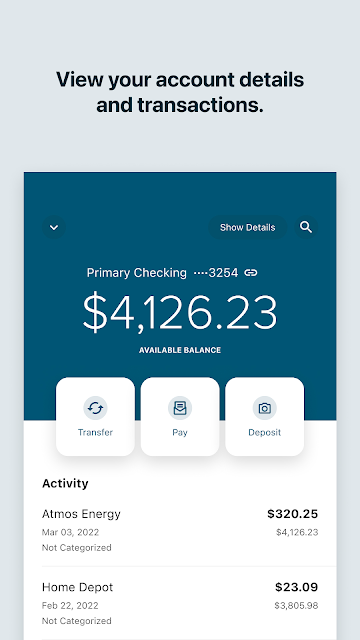
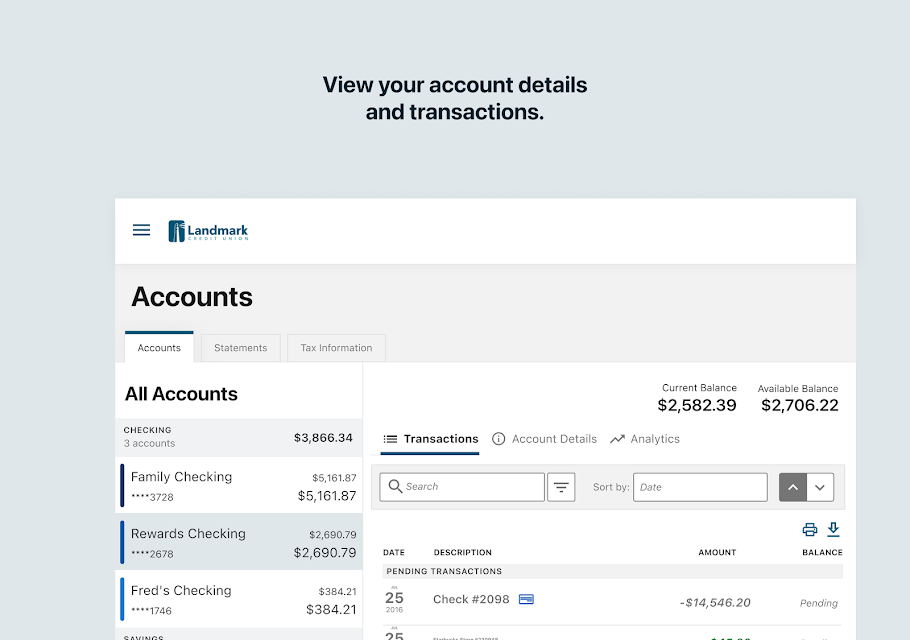
Picture a weekday lunch break: I want to confirm a recent purchase cleared, check my balance, and make sure a bill is handled before I forget. Landmark Credit Union Mobile brings those jobs into one app. It can show balances and recent transactions without logging in, while signing in gives access to transaction details, statements, notices, and the rest of the account tools. That makes a short check-in feel more useful than opening a browser and hunting around.
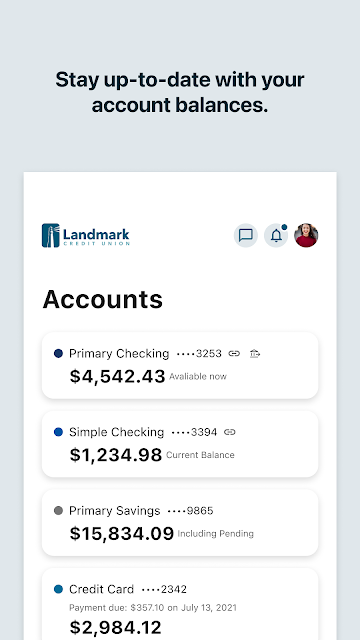
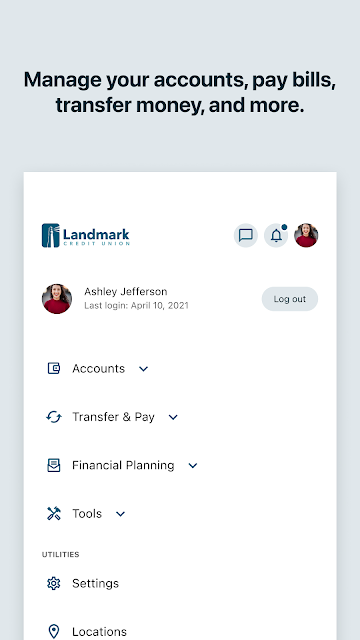
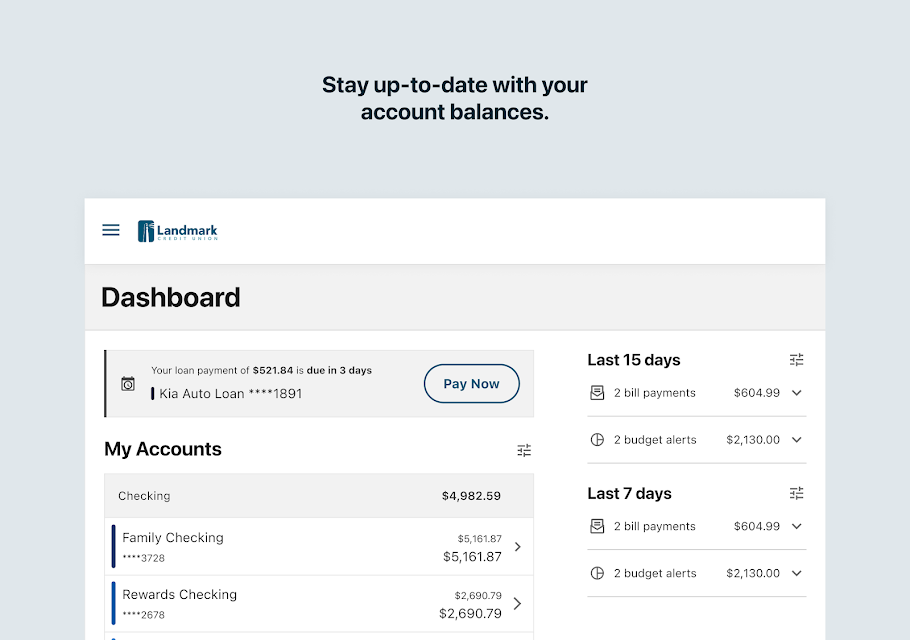
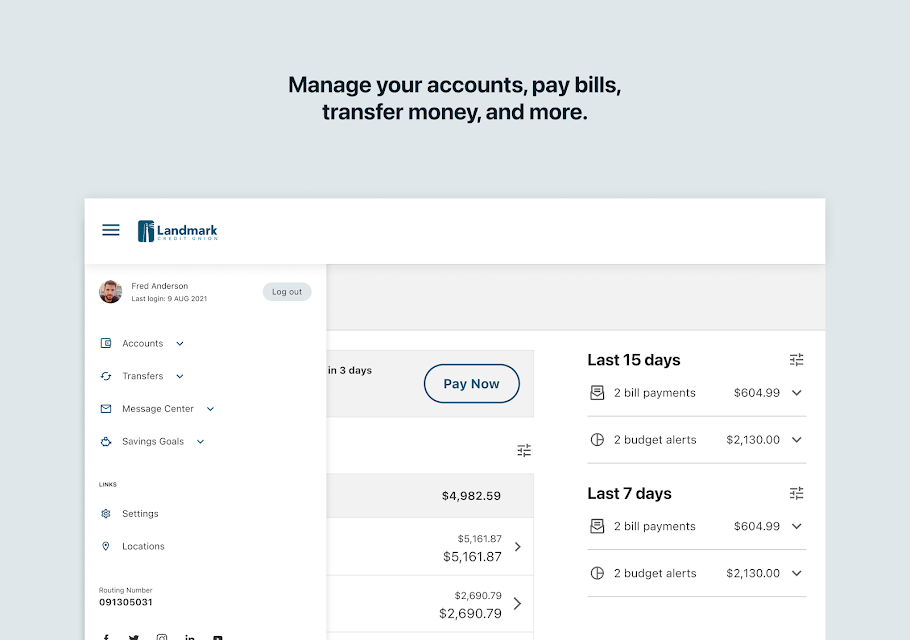
The app covers more than a quick look at checking. Members can see Landmark checking, savings, mortgage, credit card, and loan accounts, then transfer money among Landmark accounts or to accounts at other financial institutions. Bill payment, loan payments, check deposits, and person-to-person payments are also part of the toolkit. I like that these everyday jobs sit alongside account information, so a glance at a balance can lead directly to an action when needed.
A member-focused alternative
Compared with a desktop banking website, the app is the more convenient choice for routine tasks when I am away from my computer: checking a transaction, depositing a check by taking a picture, or sending money. It also offers a view of other financial accounts, which can help members see more of their finances in one place. The emphasis is still on Landmark membership and banking, rather than serving as a standalone tool for every financial institution.
That distinction matters. This is not an all-purpose finance app for someone who wants to manage unrelated accounts without joining Landmark, nor is its central purpose investment research or broad financial education. Its budgeting features—categorized spending, categories, budgets, and goals—support everyday money management, but the app remains a credit union’s account and service hub. If Landmark is not part of your financial life, much of its convenience will not apply.
Small habits that help
I would get more from the app by making a brief account check part of a regular routine rather than waiting until something feels wrong. Reviewing pending and posted transaction details can help me understand what has changed since my last visit. Turning on transaction, activity, or balance notifications can make relevant account changes easier to notice, while checking statements and notices keeps important account information close at hand.
The money-management tools are more useful when I return to them consistently. Automatically categorized transactions and enriched transaction details can give spending reviews more context; setting a budget or a savings and spending goal gives that review a direction. I would also keep payees current and use the app’s transfer and bill-payment options when appropriate. These are practical habits, not a substitute for checking that a payment or deposit has gone through.
More From Our News Desk

Zoom Meetings, Google Meet, or Teams: Which Is Easiest to Join?

How I Build a Free Streaming Lineup With Tubi

Why Crunchyroll Is the Default Anime App for So Many Fans

YouTube TV: A Practical Guide to Cutting Cable

Rummikub and the Small Comfort of Phone Games

TeamViewer Remote Control or AnyDesk for Helping Family?
Who will find it useful
I would recommend Landmark Credit Union Mobile to Landmark members who handle routine banking on their phones and want account access, payments, transfers, and check deposits together. It is especially practical for someone who regularly checks balances or transaction activity, or who wants to review spending and set goals without switching among several tools. Members who value account alerts and biometric sign-in on compatible devices may also appreciate the available options.
It may be a poor fit for people who do not bank with Landmark, or for anyone looking primarily for a budgeting product independent of a financial institution. The app’s tools are broad for day-to-day banking, but they are organized around Landmark accounts and services. Anyone who prefers to do every banking task on a computer may not gain much from installing it. I would treat the budgeting features as a helpful companion, not the app’s sole reason to use it.
Landmark Credit Union Mobile is developed by Landmark CU and is listed on Google Play in the Finance category. Google Play shows over 100,000 installs and a 4.8-star rating from around 15,000 ratings. The app is free, and the supplied app information says it has no in-app purchases and contains no ads. Its content rating is Everyone.
The supplied app details give version 4023.0.1, a release date of October 26, 2022, and a last update date of October 26, 2026. The app is described as free for Landmark members. An Android minimum version is not included in the supplied details, so check the Google Play page on your device for current compatibility information.
Everyday Banking, With More in One Place
Getting started
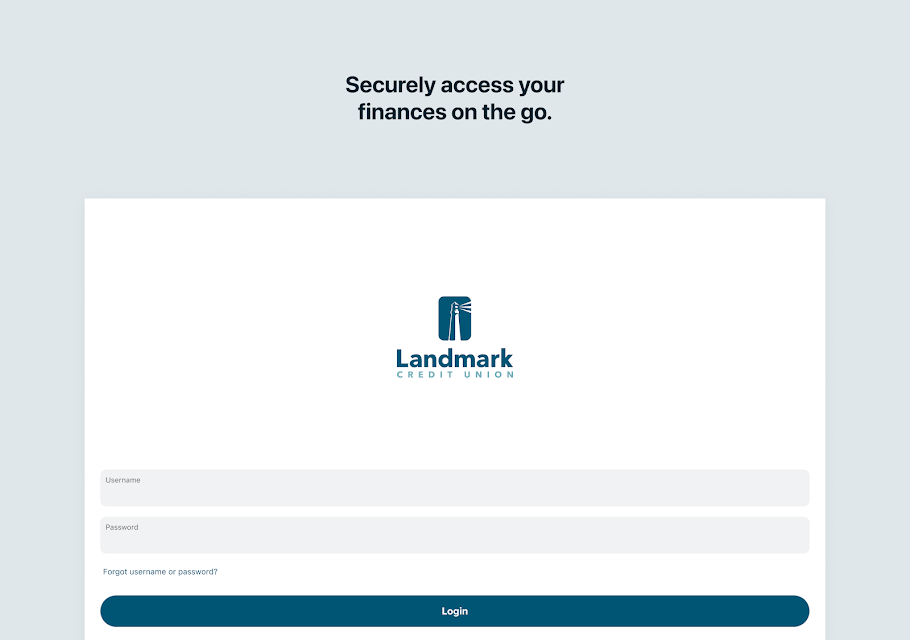
When I first opened Landmark Credit Union Mobile, the most important detail was that it is built for members, not casual visitors. Existing users can sign in with their current username and password, and the app also offers a Register option for getting started. Once in, the range of account types helps make the app feel like a central place to check Landmark finances rather than a narrow tool for one account.
I also appreciate the option to view balances and recent transactions without logging in. That makes a quick glance possible when I only need a basic update, while transaction details and other account functions remain part of the signed-in experience. The setup is therefore straightforward in concept: use existing credentials or register, then explore the accounts and services relevant to your membership. The Android version requirement is worth checking in Google Play before installing.
The day-to-day experience
The core experience is a collection of familiar banking tasks: check balances, inspect pending or posted transactions, pay bills, transfer funds, and deposit a check by taking a picture. In everyday use, that combination is more valuable than any single feature. I can imagine checking an account after a purchase, moving money between Landmark accounts, and then returning later to review activity without needing separate apps for each step.
The available account view extends across checking, savings, mortgages, credit cards, and loans. Members can also add and view other financial accounts for a fuller picture of their money. That wider view is useful when comparing balances, though the central services remain connected to Landmark. Secure messages provide a way to contact support from the app, and the option to find Landmark locations is handy when a task calls for an in-person visit.
Tools beyond balances
The app’s money-management features give routine account checking a little more context. Enriched transaction details and automatically categorized transactions can make spending easier to review, while spending categories and budgets offer a way to organize that review. Members can set saving and spending goals as well. I like this practical emphasis: the tools are connected to the accounts and transactions people already use, rather than presented as a separate destination.
There are also ways to send and receive money with other people through Zelle, or with other Landmark members. Members can manage payees and pay bills, pay Landmark loans, and transfer funds between Landmark and accounts at other financial institutions. A free credit score and report, plus a credit simulator, round out the financial tools. The selection is broad, though its usefulness depends on which services a member actually wants to use.
A sensible weekly routine
A simple routine could begin with a quick balance and transaction check, followed by a closer look at anything pending or unfamiliar. I would then review spending categories and see whether a budget or savings goal needs attention. If a bill is due, the app’s bill-pay tools and payee management are nearby; if I receive a check, mobile deposit offers a way to submit it by taking a picture rather than making a separate branch trip.
Alerts can make that routine less dependent on remembering to open the app. Members can set transaction and activity alerts or balance notifications, and compatible devices can use biometric authentication. Two-factor authentication is also available. I would choose notifications that are genuinely useful rather than enabling every possible reminder. The point is to make account monitoring fit ordinary life, not to turn every phone check into a financial chore.
Limits to keep in mind
The biggest limitation is also the app’s defining focus: it is designed around Landmark Credit Union membership. Its account tools, transfers, loan payments, and member services make most sense if Landmark is already part of your banking. The ability to add other financial accounts broadens the view of your money, but it does not change the app into a general banking service for people who do not use Landmark.
Some features also depend on a compatible device or on opting in. Biometric authentication is available on compatible devices, and location can be used for features including location-based card control. The app’s wide feature set may be more than someone needs if all they want is a bare-bones balance check. For members who want several banking tasks together, though, that breadth is a reasonable trade-off.
Landmark Credit Union Mobile brings account checks, payments, transfers, check deposits, spending tools, and member support into one phone app. I like its practical range and the way its tools connect to ordinary banking routines. It is not trying to be a universal finance platform; it is a well-stocked mobile companion for Landmark members.
I would recommend it to members who want to handle routine banking away from a desktop and keep a closer eye on account activity. People outside Landmark’s membership, or those seeking a dedicated budgeting app, should look elsewhere. For the intended audience, the combination of everyday account access and useful money-management features makes it worth trying.
Landmark Credit Union Mobile Frequently Asked Questions
What is Landmark Credit Union Mobile used for?
Landmark Credit Union Mobile is for managing Landmark accounts and everyday banking from a phone. Members can view balances and transactions, pay bills and loans, transfer money, deposit checks by taking a picture, and use money-management tools such as spending categories, budgets, and goals. It also provides account alerts, secure messages, and ways to find Landmark locations.
What devices can run Landmark Credit Union Mobile?
The supplied app information describes Landmark Credit Union Mobile as an Android app available through Google Play. It does not give a minimum Android version, so compatibility can vary by device and software version. Check the Google Play page from the device you plan to use for the current requirements before installing.
Does Landmark Credit Union Mobile cost anything?
The app is free, and the description says it is free for Landmark members. The supplied details indicate that it has no in-app purchases and contains no ads. Banking services and account eligibility are separate from the app download, so members should check with Landmark or its Google Play page for any details that apply to their situation.
Does Landmark Credit Union Mobile require an Android update?
The supplied information does not specify a minimum Android version for Landmark Credit Union Mobile. It is an Android app on Google Play, but compatibility depends on the requirements shown for the current version and your device. Check the Google Play page on your phone for the latest Android requirement before downloading.
Who should use Landmark Credit Union Mobile?
It is best suited to Landmark Credit Union members who want to check accounts, pay bills, transfer money, deposit checks, or review spending on a phone. Its services are centered on Landmark, so it may not suit people who do not bank there. It may also be more than needed for someone who only wants a separate, basic budgeting tool.
Pros
- Brings balances, payments, transfers, check deposits, and member support together.
- Includes spending categories, budgets, and savings and spending goals.
- Offers transaction and balance alerts, plus biometric authentication on compatible devices.
- Can show Landmark accounts alongside other financial accounts.
Cons
- Its main banking features are tailored to Landmark Credit Union members.
- The range of money-management tools may be unnecessary for basic balance checks.
- Some options depend on device compatibility or opting into location features.
- Category
- Finance
- Version
- 4023.0.1











