HD Video Player All Formats
- 369.12K
- 4.3
- Installs
- 100.00M
- Price
- Free

Screenshots
Analysis by Reviewed APKs
HD Video Player All Formats is a local media player for watching videos and listening to music on an Android device. It suits anyone who wants one place to browse their media, play common file types, and adjust playback without switching apps. After spending time with it, I see a practical, feature-heavy player with useful multitasking options, though its ads and extra tools make it less streamlined than a basic player.
A quick video break
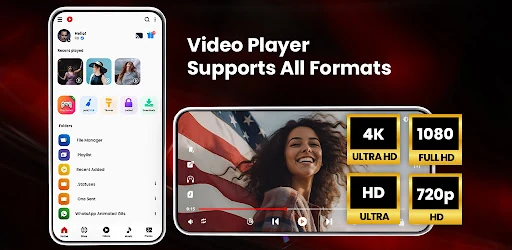
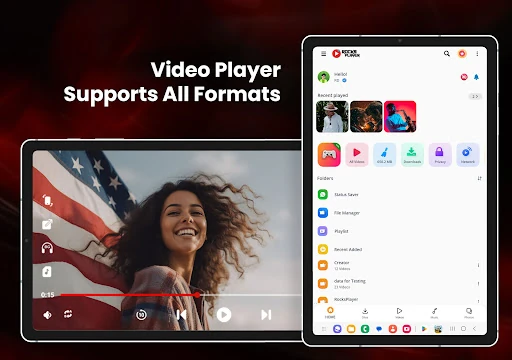
When I want to watch a clip saved on my phone, I want to get from the file to playback without much fuss. This app scans device storage and SD cards for media, then brings videos and music into an organized library. I can browse or search, start a file, and use gestures for brightness, volume, and playback progress instead of hunting through several controls.
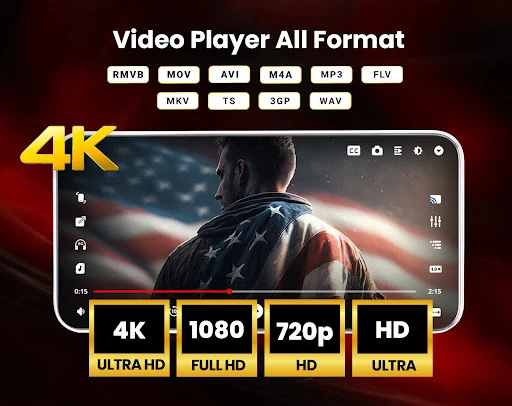
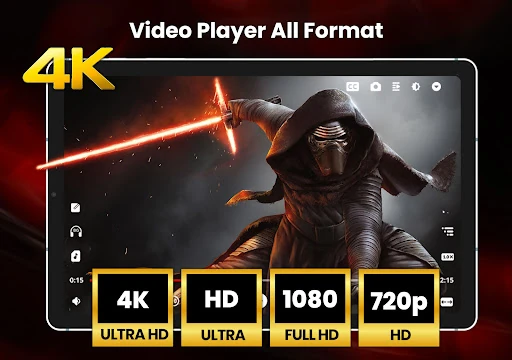
The format support is useful in ordinary mixed-media libraries: the app names formats including MP4, MKV, MOV, 3GP, FLV, WMV, and MP3. It also supports HD, Full HD, and 4K playback. In my imagined evening routine, that means I can keep different saved clips in one player and make small adjustments as I watch, rather than treating every file as a separate project.
A player, not a studio
The clearest comparison is with a simple video player that opens one file and stays out of the way. HD Video Player All Formats goes further by combining video and music playback with playlists, media browsing, file management, subtitles, and options such as a floating window. That breadth can be handy when my phone’s local media is scattered across folders or when I want audio to continue while I do something else.
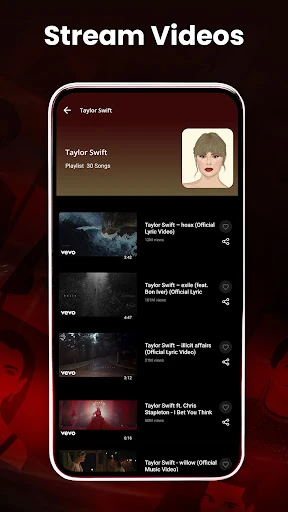
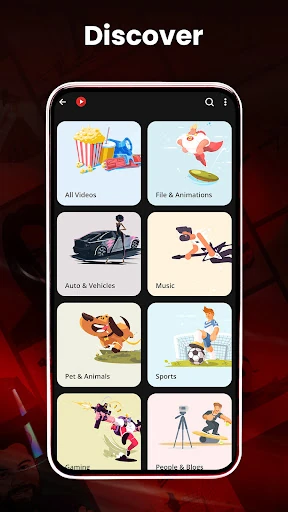
It is still a playback and media-management app, not a video editor or a service for discovering a full streaming catalog. The description includes online trending video playback and downloading tools, but its central job is playing and organizing supported media. If I only need to watch an occasional clip, a simpler player may feel less busy; if I want editing tools, this is not the right category.
Small habits that help
I get more from a player like this by making the library do the routine work. After new files land on the device, I can let the app identify media, search for a title, and sort things into playlists. The recently played area is useful when I return to a video later, with options to resume or start over. Those small conveniences matter more than a long feature list during everyday use.
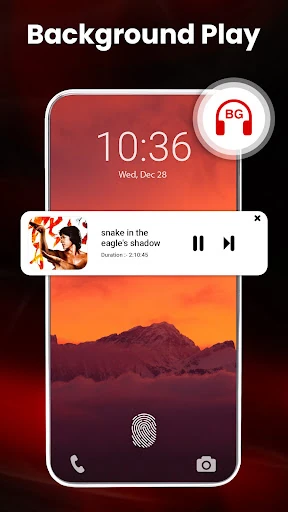
For longer listening sessions, I would set a sleep timer and consider background playback; for watching while using another app, I would try the floating player or split-screen option. Subtitles, playback speed, aspect ratio, screen lock, and quick mute are the sort of controls I would adjust as needed rather than configure all at once. A little experimentation helps keep the screen manageable.
More From Our News Desk

Zoom Meetings, Google Meet, or Teams: Which Is Easiest to Join?

How I Build a Free Streaming Lineup With Tubi

Why Crunchyroll Is the Default Anime App for So Many Fans

YouTube TV: A Practical Guide to Cutting Cable

Rummikub and the Small Comfort of Phone Games

TeamViewer Remote Control or AnyDesk for Helping Family?
Who may enjoy it
I would recommend HD Video Player All Formats to people who keep a mix of videos and music on an Android phone or SD card and want one app to browse and play them. The wide format list, subtitle support, playlists, playback controls, and floating-window option give it flexibility beyond a bare-bones player. It is also a reasonable fit for someone who regularly returns to local files and wants a library rather than a collection of isolated launches.
It may not suit someone who wants a minimal interface or an app focused only on streaming, editing, or watching a single occasional clip. There are ads, and the app offers in-app purchases, so anyone who prefers an entirely uncluttered or strictly no-purchase experience should weigh that. I would also keep expectations centered on media playback and management, not on the promise of a complete entertainment platform.
HD Video Player All Formats is developed by ASD Dev Video Player for All Format and is in the Video Players & Editors category. On Google Play it has over 100 million installs and a 4.3-star rating from about 369,000 ratings. The app is free to download, contains ads, and offers in-app purchases, with listed items ranging from $0.49 to $35.99.
Google Play gives the app an Everyone content rating. Its current version is v12.1.471, and the recorded release date is August 1, 2016. The last update date provided is October 28, 2026. The Android version requirement is not included among the available app facts, so check the Google Play details for the requirement that applies to a particular device.
Everyday playback with extra controls
Opening the library
My first impression is of an app trying to cover several practical jobs at once: video playback, music playback, and browsing local media. The automatic identification of files on the device and SD card is a sensible starting point. It gives the library a chance to feel useful quickly, especially when I have saved clips in more than one place.
I would begin by opening a familiar video and testing the controls I use most. The app describes gesture controls for volume, brightness, and seeking, alongside pinch-to-zoom, rotation, aspect ratio, and screen lock. Trying those on a short clip is a low-effort way to learn the interface before relying on them during a longer watch.
The daily playback loop
The basic routine is straightforward: find a file, play it, and make adjustments from the player. Support for common formats such as MP4, MKV, MOV, and WMV makes the app useful for a varied collection. It also handles music files, so I can move between watching a saved video and listening to audio without needing a separate media player for each.
Playback details make the experience more adaptable. I can change speed, adjust the aspect ratio, lock the screen, or use a quick mute option. For subtitles, the app describes support and subtitle downloading. These are practical controls rather than necessities for every clip, but having them close at hand can save a pause and a trip to another app.
More than one way to watch
The floating player is one of the more distinctive options. It lets a video sit in a pop-up window while I use another app, and the description also mentions split-screen playback. That can work well for a casual watch while checking a message or looking something up. Background playback offers another mode when I care more about the audio than keeping the video visible.
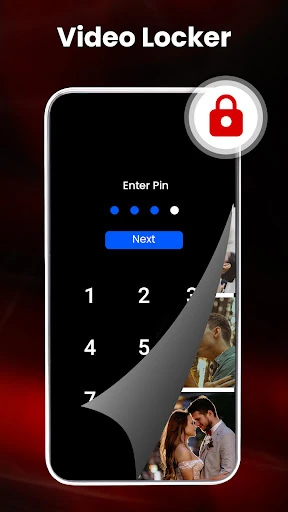
The library and file tools add a different kind of convenience. Playlists help group media, while recently played entries provide a route back to a video or song. The app also describes a file manager with PIN access for selected files and a filter for duplicate media. These features make it more than a screen for pressing play, though not everyone will need the extra organization.
A practical evening routine
For a relaxed evening, I would search the library for a saved film or clip, turn on subtitles if needed, and adjust the speed or display ratio until it looks comfortable. If I need to step away from full-screen viewing, I would try the floating window. When I switch to listening rather than watching, background playback and the sleep timer are the more relevant options.
For music, the app describes playlists, artist and album searching, and an equalizer with bass boost and virtualizer. I would use those when choosing a sequence for a commute or a quiet stretch of work, rather than rebuilding a queue each time. The point is not to use every tool; it is to settle on a few controls that match the way I actually use local media.
Keep the trade-offs in view
This is a feature-dense app, and that can be a drawback if I only want a clean player with no decisions to make. The range of playback, library, file, and download options may take a little exploration. Ads are another practical consideration, and in-app purchases are available. I would judge the experience by whether the extra controls earn their place in my routine.
The description includes video downloading and online trending videos, but the app also states that it is not affiliated with third-party content platforms. I would treat it primarily as a player for supported media and use sensible judgment about the sources of any content. Its strongest everyday case is organized local playback, not replacing every media service or creative tool on a phone.
Device requirements can affect whether a particular phone supports the app, so I would check the Google Play details before installing. That matters especially if I plan to use high-resolution playback or an SD card library. The app supports up to 4K playback in its description, but the practical result will depend on the media and device.
HD Video Player All Formats earns its place through breadth: it combines local video and music playback with library browsing, subtitles, playlists, and multitasking options. I like that it can adapt to both a quick clip and a longer listening session. The main compromises are a busy feature set, ads, and optional in-app purchases.
I would try it if I regularly play files stored on my Android device and want more control than a basic player provides. If my needs are occasional or I strongly prefer a minimal experience, I would look for something simpler. For the right routine, this is a capable all-in-one media player.
HD Video Player All Formats Frequently Asked Questions
What is HD Video Player All Formats used for?
HD Video Player All Formats is used to play video and music files and browse media on a device or SD card. It supports a range of formats, offers subtitle and playback controls, and includes tools such as playlists, a floating player, and file management. Its described focus is media playback and organization.
Which devices can run HD Video Player All Formats?
The app is for Android. The available app details do not give a minimum Android version, so check its Google Play page for the requirement that applies to your device. Playback of higher-resolution files can also depend on the device and the media being played.
Does HD Video Player All Formats cost money?
The app is free to download and contains ads. It also offers in-app purchases, with listed items ranging from $0.49 to $35.99. The available details do not describe what each purchase includes, so check Google Play for current purchase information and pricing.
Does HD Video Player All Formats support subtitles and 4K?
The app describes subtitle support, including subtitle downloading, and playback for HD, Full HD, and 4K video. Actual playback can depend on the file and device. For device requirements and current compatibility information, check the app details on Google Play.
Who should try HD Video Player All Formats?
It may suit Android users who keep videos or music on their device or SD card and want playback, browsing, and extra controls in one app. People who prefer a very simple player may find its broad tool set less appealing. Ads and optional purchases are also worth considering.
Pros
- Plays a broad range of video and music formats, including common local files.
- Includes subtitles, playlists, playback gestures, and recently played media.
- Floating and background playback offer useful ways to multitask.
- Scans device storage and SD cards for media files.
Cons
- Ads and in-app purchases may not suit users seeking a minimal experience.
- Its many playback and file-management tools can feel like more than occasional viewers need.
- High-resolution playback depends on the device and media file.
- Category
- Video Players & Editors
- Version
- v12.1.471











