GoHenry by Acorns Kids Banking
- 31.67K
- 4.6
- Installs
- 1.00M
- Price
- Free

Screenshots
Analysis by Reviewed APKs
GoHenry by Acorns Kids Banking pairs a money-management app with a debit card for children and teens. Parents can arrange allowance, chores, and spending controls, while young people can track money, save toward goals, and learn through short lessons. I see it as a practical way for families to make everyday money decisions more hands-on, though it works best when parents and kids use it together.
Allowance Meets Real Life
Picture a Saturday trip to the shops: your child has money on their card, and you have agreed beforehand how much they can spend. GoHenry gives that kind of ordinary outing a useful teaching angle. Parents can set a scheduled allowance and spending preferences, while kids can see their cash flow in the app and make choices with their own card. It turns a conversation about money into a small, real decision.
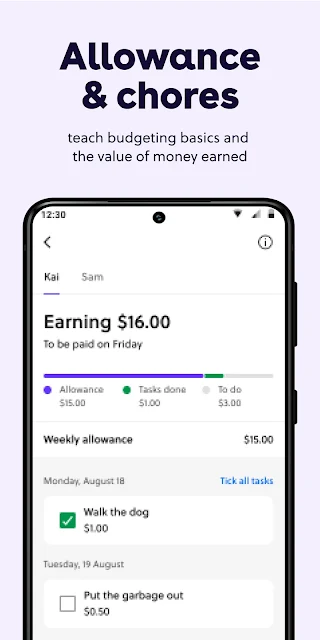
At home, chores can connect effort with earning. A parent can add tasks to a list and send a reward when a job is done, while a child can set a savings goal for something they want. I like that the app can put those pieces side by side: allowance, earned rewards, spending, and saving. The point is not to make every household task a transaction, but to give families a concrete way to discuss trade-offs.
A Family Tool, Not a Bank Replacement
Compared with handing over cash, GoHenry adds a card and an app where parents can monitor activity and set controls. Compared with a general-purpose banking app, its focus is family use: allowance, chore rewards, savings goals, and bite-sized Money Missions are central to the experience. A parent can guide spending while a child gradually handles more decisions. That combination is the main reason to consider it rather than simply giving a child cash.
It is not a budgeting suite for adults, an investment app, or a substitute for a family conversation about money. The card is a prepaid card, and the app is designed around young people aged 6 to 18, with a parent or guardian involved in signup. Teens also get features such as sending or requesting money from other GoHenry users. If your priority is an account solely for an adult, this is aimed at the wrong audience.
Make It Part of the Routine
A little consistency can make the app more useful than a one-time setup. A parent might choose a regular allowance schedule, agree on a few chores, and let a child pick one savings goal. Then the family can revisit the goal when money comes in or a purchase is being considered. This gives kids a chance to connect what they see on screen with decisions they make outside the app.
I would also make the check-in conversational rather than turning it into a daily audit. Parents can use spending notifications and visibility to stay aware, then ask a child what they are saving for or how a purchase fits their plan. Money Missions offer another short learning activity to bring into that routine. For teens, features such as cash-flow tracking and direct deposit for ages 14 and up may become more relevant as their financial independence grows.
More From Our News Desk

Zoom Meetings, Google Meet, or Teams: Which Is Easiest to Join?

How I Build a Free Streaming Lineup With Tubi

Why Crunchyroll Is the Default Anime App for So Many Fans

YouTube TV: A Practical Guide to Cutting Cable

Rummikub and the Small Comfort of Phone Games

TeamViewer Remote Control or AnyDesk for Helping Family?
Who Gets the Most From It
I would recommend GoHenry to parents or guardians who want a structured way to introduce allowance, saving, and card spending to a child. It may suit families who already talk about chores and goals, but would like those ideas reflected in a child-friendly app. Kids and teens aged 6 to 18 are the intended users, and the parent controls make the shared role clear rather than leaving a young person to manage everything alone.
It may be less appealing to families who prefer cash-only learning, do not want to involve a card, or are looking for a standalone adult banking tool. Parents should also be comfortable reviewing the service's fees and card terms before signing up, since fees apply. For younger children especially, the app is best treated as one part of a parent-guided routine, not as a replacement for explaining choices and limits.
GoHenry by Acorns Kids Banking is made by gohenry Ltd. On Google Play, it has over 1 million installs and a 4.6-star rating from 31,672 ratings. The app is listed as free to download, with no in-app purchases or ads. Its content rating is Everyone. The service description says fees apply, so families should review the terms and fee information before getting started.
The current version is 9.13.0. The app was released on February 6, 2018, and its most recent update is dated October 20, 2026. Google Play does not provide an Android minimum version in the supplied app details, so device compatibility is best checked on the store page before installing.
Making Money Lessons Feel Practical
A Clear Family Setup
When I first opened the idea of GoHenry, what stood out was how directly it links the parent's role with the child's. A parent signs up and can set allowance, chores, and add money; a child then uses the app and their own card to practice. The setup described also includes Money Missions for learning, followed by activating the card when it arrives.
That sequence makes sense for a tool meant to move from discussion to practice. It is not just a screen full of lessons: the card gives children a way to apply what they are learning in ordinary spending situations. The parent remains part of the process through controls and visibility, which seems important when a child is still getting comfortable with money.
Everyday Money Tracking
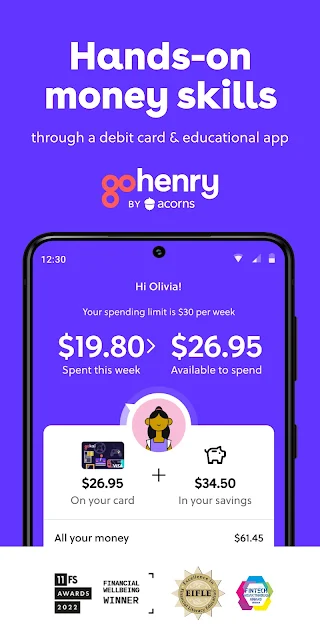
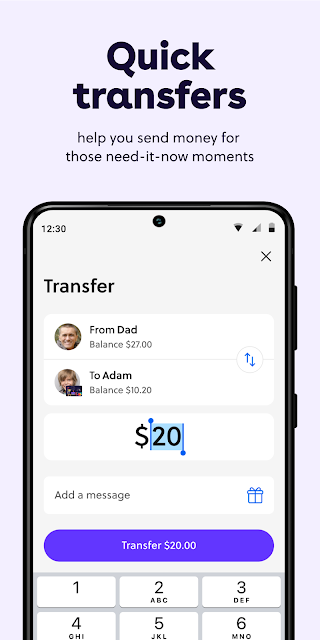
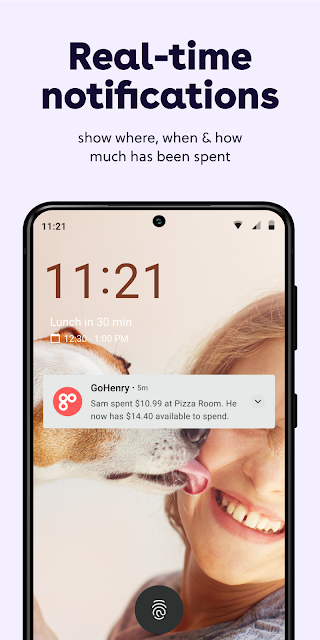
The day-to-day appeal is the connection between money coming in and money going out. Children can track their cash flow, while parents can receive real-time notifications and see spending activity. A scheduled allowance gives the routine a predictable rhythm, and instant transfers are available when a parent needs to send money outside that schedule.
I can imagine the practical value after a child asks for something at a store. Instead of simply answering yes or no, a parent can talk through the balance, the purchase, and a savings goal. That does not guarantee a child will make the choice an adult would make, but it creates a visible starting point for learning how spending affects what remains.
Lessons, Goals, and Controls
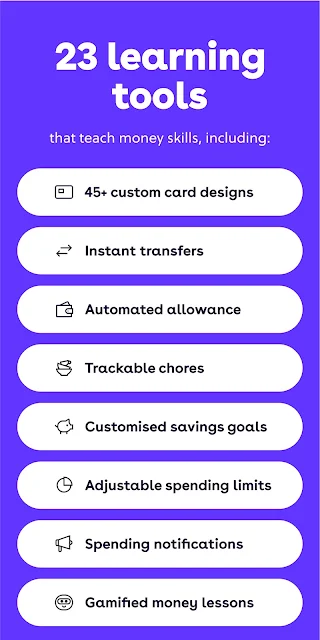
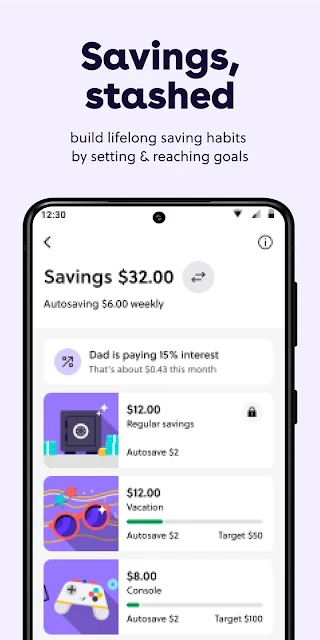
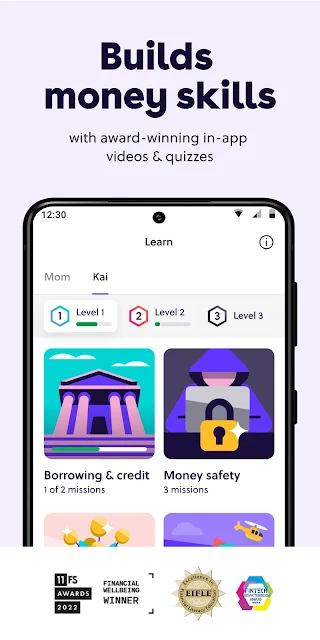
Money Missions are the educational feature that gives the app more to do than track a card. The description presents them as short lessons, quizzes, and videos about money skills. Children can also set savings goals, and parents can lock or unlock those goals. Together, the learning content and goal setting offer a way to make saving more tangible than a general instruction to put money aside.
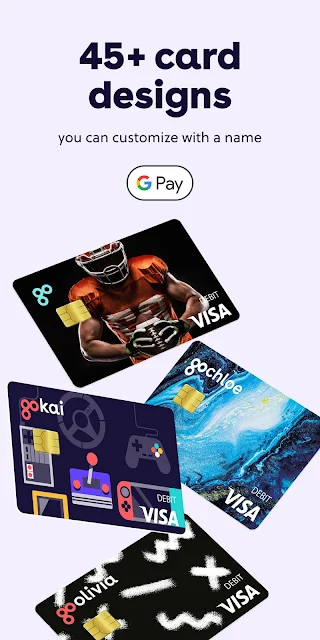
Parents also get flexible spending controls and can change preferences in the app. The child-facing side includes a prepaid card, with more than 45 designs described, and ATM withdrawals are supported. For older users, the teen features include requesting or sending money with friends on GoHenry and receiving wages by direct deposit from age 14. These options make the app more relevant as children get older.
A Simple Weekly Check-In
One useful routine would be to set the allowance once, then check in together at a consistent time each week. A child could review spending, decide whether to move toward a savings goal, and talk through any chore rewards. The parent can use the app's visibility to stay informed without having to turn every small purchase into a separate lesson.
On a family trip, the card and controls can also support a specific plan: agree on spending expectations before leaving, then let the child make appropriate choices. The description says transactions overseas are fee-free, and ATM withdrawals are available when cash is needed. I would still check the applicable card terms and limits before relying on any card feature while traveling.
Keep the Scope in Mind
GoHenry is built around a child or teen and a parent or guardian, so it asks for some family coordination. That can be a strength, but it may not suit a household that wants a completely hands-off arrangement. Younger children will likely need more explanation and supervision than older teens, even though the app gives them a way to see and use their money.
The service also involves a card and fees apply, so the free app download should not be mistaken for a fee-free account. Cardholder terms and limits apply, and families should review those details before deciding whether the product fits. The app's features are specifically about spending, saving, chores, and money education; it is not presented as a broad financial planning tool.
GoHenry makes the most sense as a shared learning tool: parents set the framework, and children get room to practice with allowance, goals, and a card. Its strongest idea is connecting everyday choices with visible money habits rather than keeping financial education abstract.
I would suggest it to families ready to discuss spending and saving regularly, especially when a child is asking for more independence. Before signing up, check the fees and card terms, and consider whether parent-guided app use fits your household.
GoHenry Frequently Asked Questions
What is GoHenry by Acorns Kids Banking used for?
GoHenry is a money-management app and prepaid card for children and teens aged 6 to 18. Families can use it for allowance, chore rewards, savings goals, spending visibility, and short Money Missions lessons. Parents or guardians can set spending controls and send money, while young people can track their cash flow and practice making everyday money choices.
Which devices can I use GoHenry on?
GoHenry by Acorns Kids Banking is listed on Google Play for Android. The supplied app details do not specify a minimum Android version, so check the Google Play page on the device you plan to use for current compatibility information. The service also describes a debit card used alongside the app.
Does GoHenry cost money?
The Android app is listed as free to download, with no in-app purchases or ads. However, the service description says fees apply, and cardholder terms and limits apply. Families should review the current fee information and terms before signing up, since the cost of using the service is separate from downloading the app.
What Android version does GoHenry require?
A minimum Android version is not provided in the app details here. Requirements can vary as the app is updated, so check the Google Play store page for the latest compatibility information before installing GoHenry on a particular phone or tablet.
Is GoHenry suitable for my child?
GoHenry is intended for young people aged 6 to 18, with a parent or guardian involved in signup and able to guide spending. It may suit families looking to teach allowance, saving, and card use through everyday practice. Whether it fits depends on your child's age and your family's preferences; review the fees and card terms before deciding.
Pros
- Links allowance, chore rewards, savings goals, and card spending in one family-focused app.
- Parent controls and real-time notifications support guided use.
- Money Missions add short financial education activities for young users.
- Teen features include peer payments and direct deposit for ages 14 and up.
Cons
- Fees apply, so families should check terms before signing up.
- The setup depends on parent or guardian involvement.
- A minimum Android version is not provided in the available app details.
- Category
- Finance
- Version
- 9.13.0











