GO2bank: Mobile banking
- 105.22K
- 4.4
- Installs
- 5.00M
- Price
- Free

Screenshots
Analysis by Reviewed APKs
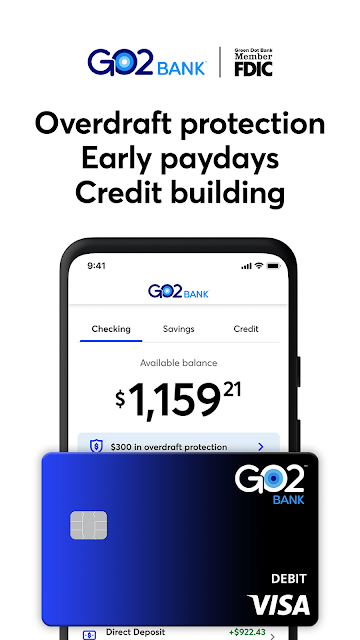
GO2bank: Mobile banking is a finance app from Green Dot for managing a GO2bank account from an Android phone. It brings together everyday banking, savings, early direct deposit when eligible, and tools for finding cash services nearby. I see it as a practical fit for people who want their account close at hand, especially if they use direct deposit, though the account terms deserve a careful read.
A Payday-to-Savings Routine
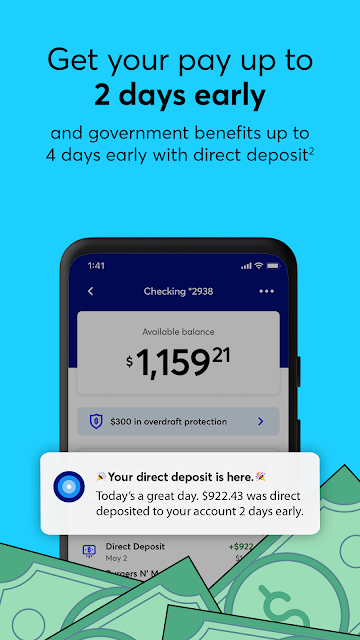
Picture payday arriving while you are out running errands. With GO2bank, the app gives you a mobile view of your account, and eligible direct deposits may arrive up to two days early for a paycheck or up to four days early for government benefits. I would check the balance before setting the week’s spending, then move attention to the savings account if I had money left over. Early arrival depends on the payor and other factors, so I would not plan around it as a fixed date.
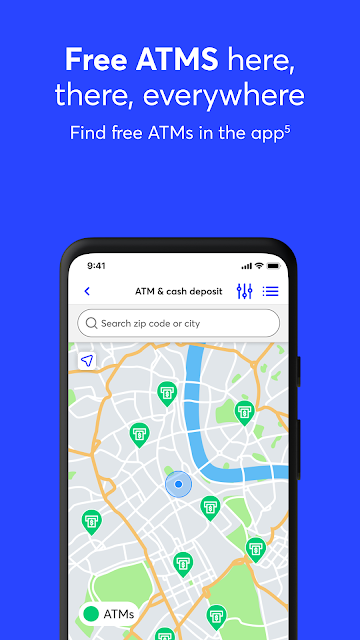
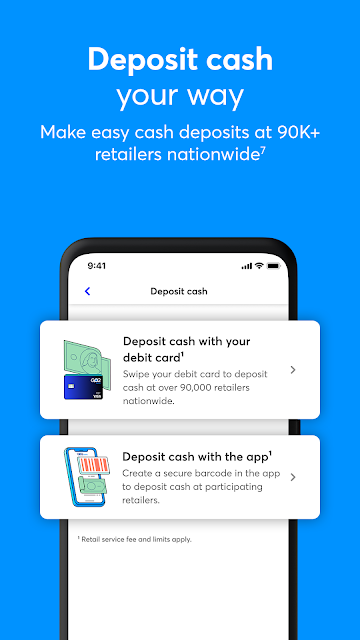
The app’s other everyday conveniences become more useful when they are part of the same routine. If I needed cash, I could use its locator to look for in-network ATMs; if I wanted to add cash, the service is available at participating major retailers. There can be fees and limits, so I would check the details before making a trip. The point is that the account is designed to connect phone-based banking with cash access, not just show a balance.
A Bank Account, Not a Budget Coach
Compared with a traditional bank’s mobile app, GO2bank puts its own deposit account and related services front and center. Its listed tools include savings, overdraft protection for eligible customers who opt in, a secured Visa credit card for eligible accountholders, and card controls such as locking the card. That is a more specific package than a general-purpose money tracker. I would consider it when I want an account with mobile access and cash-service options, rather than simply a place to categorize spending.
It is also worth separating what the app describes from what it does not establish. The supplied details do not describe budgeting tools, bill payment, or general-purpose transfers, so I would not choose GO2bank on the assumption those are its strengths. Nor is a mobile banking app a substitute for comparing account terms. Monthly fees, cash-service charges, eligibility rules, and variable deposit timing all matter, so I would review the current terms before making it my primary account.
Small Habits That Help
I would start with a simple habit: check the account around payday, but treat early deposit timing as a possibility rather than a schedule. That keeps the convenience in perspective. When money does arrive, reviewing the balance before spending and setting aside an amount for savings can make the savings feature easier to use consistently. The app describes interest paid quarterly on eligible savings balances up to $5,000, with the stated APY subject to change.
A second useful habit is to keep the card controls and location tools in mind before I need them. Locking a card is an available control, and the locator can help when I am planning a cash withdrawal or deposit. I would also read the fee details when choosing an ATM or retailer, rather than assuming every location works on the same terms. Those small checks make a mobile account more useful without treating it as automatic financial planning.
More From Our News Desk

Zoom Meetings, Google Meet, or Teams: Which Is Easiest to Join?

How I Build a Free Streaming Lineup With Tubi

Why Crunchyroll Is the Default Anime App for So Many Fans

YouTube TV: A Practical Guide to Cutting Cable

Rummikub and the Small Comfort of Phone Games

TeamViewer Remote Control or AnyDesk for Helping Family?
Who Might Find It Useful
I would recommend taking a closer look at GO2bank if you want to manage a deposit account on your phone and expect to use direct deposit. The combination of a savings account, cash access options, card locking, and possible early deposit timing suits someone who values having routine banking tools in one app. The app may also appeal to people who want to explore a secured credit card, provided they meet the stated eligibility requirements.
It may be less suitable if you want a dedicated budgeting app, need a particular banking feature that is not described here, or prefer a branch-centered relationship. I would also be cautious about relying on early deposits or overdraft protection as fixed resources: availability and terms apply. Before opening an account, check whether its fees, eligibility rules, and cash-service arrangements fit your routine. The app is most compelling when those practical details line up with how you already handle money.
GO2bank: Mobile banking is published by Green Dot and is listed for Android. Google Play shows over 5 million installs and a 4.4-star rating from about 105,000 ratings. The app is free to download, with no in-app purchases or ads indicated in the supplied app facts. Its content rating is Everyone.
The listed app version is 3.2.2. It was released on November 10, 2020, and the recorded last update is September 14, 2026. The supplied facts do not give a minimum Android version, so check Google Play for device compatibility. App download cost and account fees are separate matters: the description says a $5 monthly fee applies unless qualifying direct deposit waives it, and other service fees may apply.
How GO2bank Fits Everyday Banking
Opening the App
My first impression is that GO2bank is built around an account relationship, not a collection of unrelated financial tools. The description says customers can open an account through the app, while also making clear that online access, mobile-number verification, and identity verification are required. I would expect to have those details ready rather than treating setup as a casual browse. The app also requires email and mobile verification for access to all features.
That account-first approach is useful if I already know I want to explore GO2bank, but it makes the initial decision more consequential than downloading a calculator or spending tracker. I would read the account agreement and fee information before starting, especially if I expect to use cash deposits or withdrawals. The app can put the service within reach; it does not remove the need to understand the account conditions.
Daily Account Checks
In day-to-day use, the main appeal is having mobile access to the account and its associated services. I can imagine checking where things stand before errands, then using the app’s location tool if cash is part of the plan. The description also calls out real-time fraud alerts and the ability to lock a card. Those are practical controls to have in mind, although message and data rates may apply to alerts.
The overall routine is straightforward in concept: use the account for deposits, keep an eye on the balance, and turn to savings or cash access when appropriate. I would avoid assuming that every deposit arrives early or that every ATM is free. The terms distinguish in-network withdrawals from out-of-network ones, and the timing of direct deposits can vary. Those caveats are part of using the account sensibly, not minor footnotes to ignore.
Savings and Card Tools
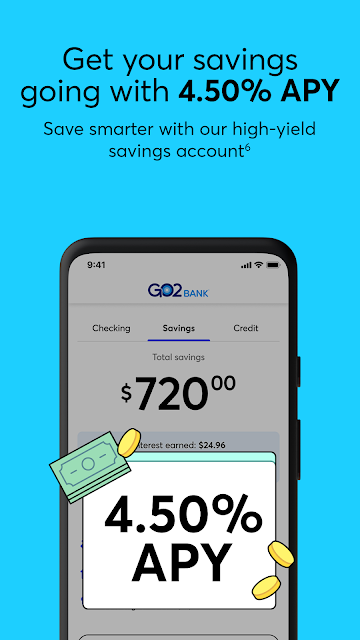
The savings account is one of the more distinctive parts of the package. The description gives a 4.50% APY as of August 2025, with interest paid quarterly on the average daily balance up to $5,000, if the account is in good standing. The APY may change, and fees on the primary deposit account may reduce savings earnings. I would treat those conditions as central to judging the feature, rather than focusing on the headline rate alone.
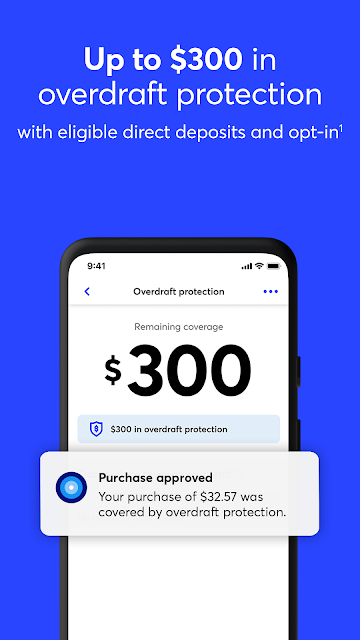
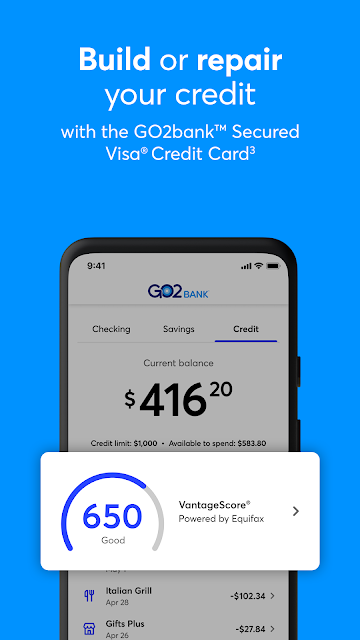
GO2bank also describes overdraft protection of up to $300 after eligible direct deposits and opt-in, subject to fees and terms. A secured Visa credit card is another option for eligible accountholders with at least $100 in direct deposits over the past 30 days, alongside other criteria. These are meaningful account features, but eligibility and costs matter. I would check the detailed terms before relying on any of them.
A Practical Weekly Check-In
A sensible routine might be to check the account when a deposit is expected, review what is available, and decide whether any amount can go toward savings. I would not build a bill schedule around the possibility of early arrival, since the description says timing depends on the payor, payment instructions, and bank fraud-prevention measures. Treating it as a possible head start rather than a promise keeps the routine realistic.
If I needed cash that week, I would search for a nearby in-network ATM before leaving home. If adding cash, I would check the retailer options and service fee first; the description notes that fees and limits apply. I would also keep the card lock feature in mind if I wanted to restrict card use. None of these steps is elaborate, but together they make the app’s account and location features easier to fit into normal errands.
Terms Still Matter
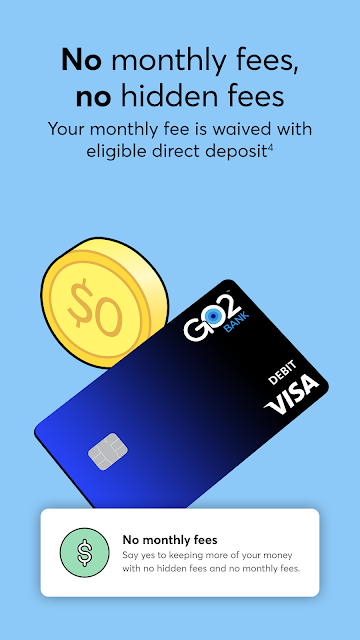
The biggest limitation is that the useful-sounding features come with conditions. A monthly fee is waived when qualifying payroll or government-benefit direct deposit arrives in the previous statement period; otherwise, the description says the fee is $5. Out-of-network ATM withdrawals cost $3, with possible additional fees from the ATM owner or bank. Retail cash deposits can also carry a service fee, and limits apply.
The savings rate is not permanent, and the stated APY applies only under the described balance and account conditions. Overdraft protection has its own eligibility, opt-in, fees, and terms. The app’s security tools are helpful controls, but they do not make every transaction reversible: the description notes that previously authorized transactions can still function when a card is locked. I would read the deposit agreement and fee chart before choosing the account.
GO2bank is a focused mobile banking option with a useful mix of account access, savings, cash-location support, card controls, and possible early direct deposit. I like that its everyday use cases are easy to picture, but the conditions around fees, eligibility, and timing are just as important as the conveniences.
I would consider it if the account terms suit my deposit and cash habits, especially if I value managing banking from a phone. I would look elsewhere if I needed a dedicated budgeting tool or a feature the description does not cover. Before signing up, I would check the current store information and account terms.
GO2bank Frequently Asked Questions
What is GO2bank: Mobile banking used for?
GO2bank is a mobile banking app for accessing a GO2bank account and related services. Its described features include savings, eligible early direct deposit, overdraft protection for qualifying customers who opt in, card locking, fraud alerts, and a locator for cash-service locations. Account terms, fees, and eligibility apply, so I would read the current details before relying on a particular feature.
Which devices can run GO2bank: Mobile banking?
The supplied app facts identify GO2bank as an Android app, available through Google Play. A minimum Android version is not provided in those facts, so check the Google Play page for current device requirements and compatibility. The app description also says that mobile-number verification and email verification are required to access all features.
What Android version does GO2bank: Mobile banking require?
The minimum Android version is not included in the supplied app information. I would check the Google Play page on the device you plan to use, since compatibility requirements can vary as an app is updated. The listed version is 3.2.2, but that does not establish which Android versions it supports.
Does GO2bank: Mobile banking cost money?
The app is free to download, and the supplied facts indicate no in-app purchases or ads. That is separate from the banking account’s charges: the description says a $5 monthly fee applies unless qualifying direct deposit waives it, and ATM or retail cash services may have fees. Check the current fee chart and account terms in the store or with GO2bank.
Who is GO2bank: Mobile banking best suited for?
I would consider GO2bank if I want mobile access to a deposit account and expect to use features such as savings, direct deposit, or cash-location tools. It may be less suited to someone seeking a dedicated budget planner or relying on a fixed early-pay date. Eligibility, deposit timing, fees, and account conditions can vary, so review the current store information and terms.
Pros
- Combines mobile account access with savings and cash-location tools.
- Includes card locking and real-time fraud alerts in its described features.
- Eligible direct deposits may arrive early, depending on timing and payor.
- Google Play lists over 5 million installs and a 4.4-star rating.
Cons
- A $5 monthly fee applies unless qualifying direct deposit waives it.
- Early deposit timing and overdraft protection both depend on eligibility and terms.
- Out-of-network ATM withdrawals and some cash deposits may incur fees.
- Category
- Finance
- Version
- 3.2.2











