CEFCU Mobile Banking
- 4.85K
- 4.3
- Installs
- 100.00K
- Price
- Free

Screenshots
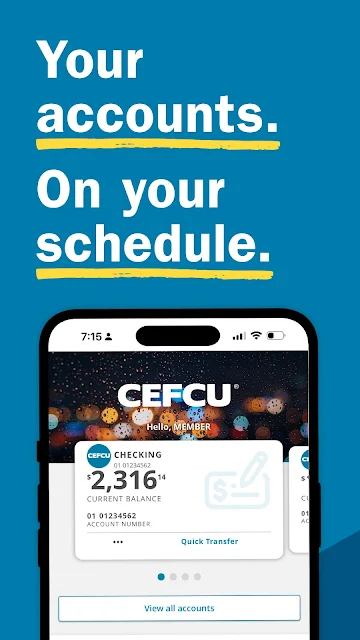
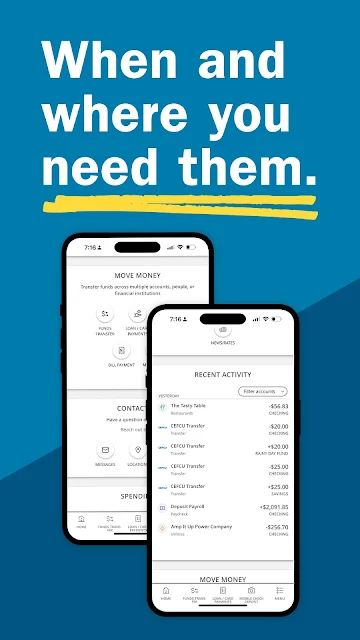
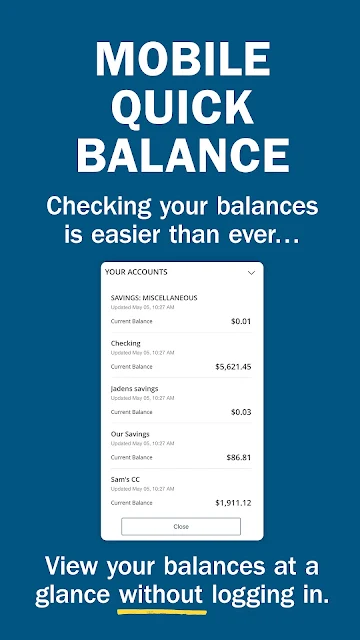
Analysis by Reviewed APKs
CEFCU Mobile Banking gives CEFCU members a way to handle everyday account tasks from an Android phone, from checking balances to paying bills and depositing checks. I see it as a practical companion to the credit union’s online banking rather than a replacement for every banking conversation or service. Its strongest appeal is having common transactions, account information, and tools like alerts in one place.
A Quick Banking Check-In
Picture checking your account before picking up groceries, then realizing a bill is due and moving money between accounts while you still have a moment to spare. CEFCU Mobile Banking is built for that kind of routine: members can check balances and account history, transfer funds among CEFCU accounts or from external accounts, and pay bills through CEFCU Bill Pay. The point is less about a dramatic new way to bank and more about handling ordinary tasks without a trip to a Member Center.
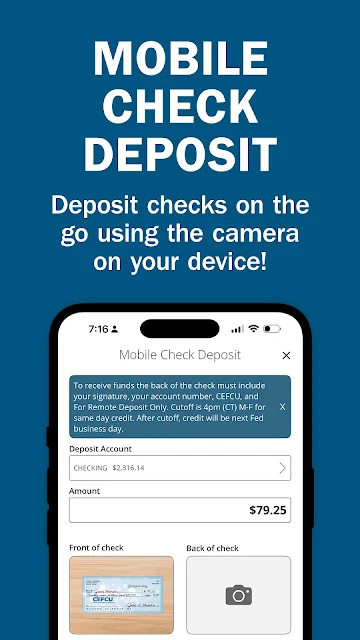
A check in the mail is another straightforward example. Rather than making a separate stop, eligible members can use Mobile Check Deposit to deposit a check into a Checking Account. Later, if I wanted to review what had cleared, the account history gives me another reason to open the app. These are useful, familiar jobs, and the app’s focus stays on managing CEFCU accounts rather than trying to become an all-purpose personal finance service.
A Credit Union Companion
The obvious comparison is CEFCU’s On-Line Banking, since members use the same Login ID and password for the mobile app. I’d treat the app as a more convenient way to reach account tasks when I’m away from a computer, while the broader online banking experience remains an alternative for people who prefer a desktop. The app’s value is especially clear for quick balance checks, transfers, bill payments, and check deposits during an ordinary day.
This is not a general-purpose banking app for people without CEFCU accounts, nor is it a place to compare financial products from different providers. Its tools are tied to CEFCU membership and accounts. Members who want a broad view of spending can use the included Online Budgeting Tools, but the app is still centered on credit union banking. If you mainly need in-person guidance, it can help locate Member Centers and shared branches rather than replace them.
Small Habits That Help
I’d get more from the app by making account checks part of a regular routine instead of opening it only when something feels urgent. A quick look at balances and history can help me notice what has posted, while Alerts offer a way to stay informed without repeatedly checking every account. The description also includes online budgeting tools for tracking expenses and developing a working budget, making the app useful for periodic review as well as one-off transactions.
A practical rhythm might be to check activity after payday, review bills before their due dates, and use transfers when money needs to move between accounts. If I receive a check, Mobile Check Deposit is there for the deposit task; if I need help from a representative, secure messaging provides another route. I’d also take time to enroll in eStatements if that fits my preferences. The app brings these separate habits together without requiring an elaborate financial system.
More From Our News Desk

Zoom Meetings, Google Meet, or Teams: Which Is Easiest to Join?

How I Build a Free Streaming Lineup With Tubi

Why Crunchyroll Is the Default Anime App for So Many Fans

YouTube TV: A Practical Guide to Cutting Cable

Rummikub and the Small Comfort of Phone Games

TeamViewer Remote Control or AnyDesk for Helping Family?
Who Will Find It Useful
I’d recommend CEFCU Mobile Banking to CEFCU members who want routine account access on their phone. It covers a useful spread of practical jobs: checking balances and history, transferring funds, making loan, mortgage, or credit card payments, paying bills, depositing checks, and finding nearby CEFCU services. Members who like having account alerts, eStatements, budgeting tools, or secure messages available alongside transactions may appreciate the breadth of the package.
It may be a poor fit if you are not a CEFCU member, want one app to manage accounts at many unrelated banks, or rarely use a phone for banking. The setup process also calls for the primary account holder’s account number, date of birth, and last four digits of their Social Security number, so that requirement is worth knowing before enrollment. People who prefer speaking in person can use the location tools, but the app itself is designed around self-service.
CEFCU Mobile Banking is developed by CEFCU and is available on Google Play. It has more than 100,000 installs and a 4.3-star rating from 4,849 ratings. The app is free to download, with no in-app purchases and no ads. Its content rating is Everyone. The current version is 26.3.0, and the app was released on October 17, 2016.
The most recent update date provided is May 15, 2026. CEFCU Mobile Banking is intended for CEFCU Members and CEFCU Business Members, who can sign in with the same Login ID and password used for CEFCU On-Line Banking. New enrollment requires the primary account number, date of birth, and last four digits of the primary account holder’s Social Security number.
Everyday Banking, Kept Close
Starting With Your Accounts
When I first opened a banking app like this, the useful question would be whether it connects to the accounts I already use or makes me learn a separate system. CEFCU Mobile Banking is designed around existing CEFCU access: members use the same Login ID and password as for CEFCU On-Line Banking. That continuity makes the app feel like an extension of a familiar banking relationship, rather than a separate account to maintain.
Enrollment has a few specific prerequisites. The primary account holder needs an account number of seven digits or fewer, a date of birth, and the last four digits of their Social Security number. I’d have those details ready before starting, especially if setting things up during a short break. The app is for members and business members, so its usefulness begins with an existing CEFCU relationship.
The Daily Account Routine
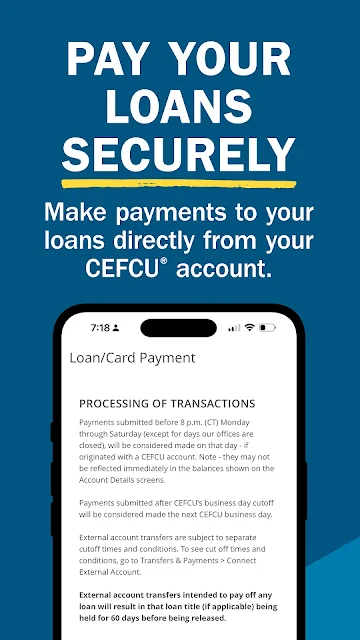
The everyday experience revolves around checking information and taking action on it. I can use the app to review balances and history, transfer money between CEFCU accounts or from external accounts, and pay bills. It also supports payments on CEFCU loans, mortgages, and credit cards. That combination covers many of the small banking errands that otherwise tend to collect until I have time to sit down at a computer.
Mobile Check Deposit gives the app a useful role beyond viewing accounts. A member can deposit a check directly to a Checking Account, which can save a separate trip for that task. The app also includes check reordering and eStatements, so it reaches into some less frequent account chores too. I like that these practical options sit alongside basic account access, rather than making the app only a place to glance at a balance.
Useful Extras Beyond Transfers
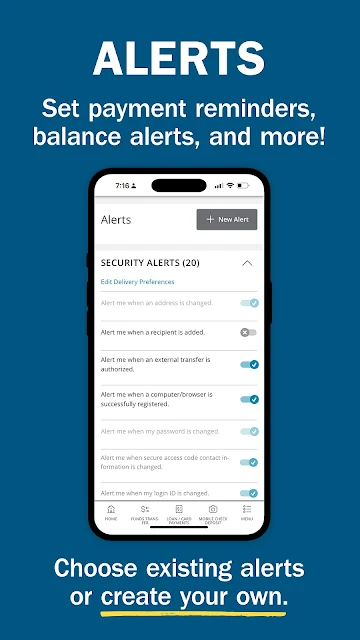
Several features broaden the app’s usefulness without changing its central job. Members can set up Alerts, use CEFCU Bill Pay, and send secure messages to CEFCU representatives. The app can also locate CEFCU Money Center 24 and CO-OP ATMs, along with Member Centers and shared branches. Those location tools are particularly relevant when a quick search is more useful than opening a separate map and trying to identify which nearby locations serve CEFCU members.
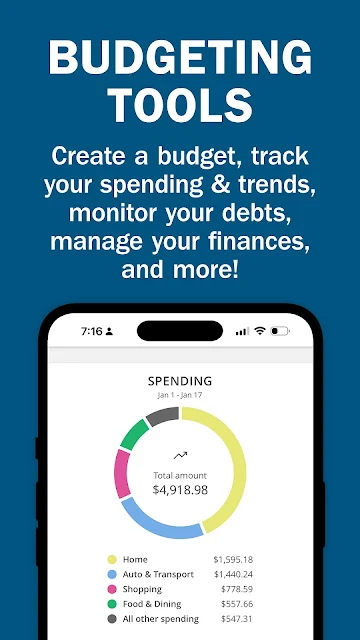
Online Budgeting Tools add a different kind of value: they are intended to help members track expenses and develop a working budget. That is a useful complement to transaction history because it supports a more deliberate review of spending, not just a check of what is currently in an account. I would think of it as a practical feature for periodic money check-ins, rather than assume it replaces a dedicated budgeting workflow.
A Simple Weekly Check
A manageable routine could start with a short account review once or twice a week. I’d look over balances and recent history, check whether expected activity has appeared, and handle any bill payments that are ready. If money needs to move between accounts, the transfer feature is close at hand. Alerts can also support this routine by providing another way to keep track of account activity.
Then I’d set aside a longer moment for the less frequent jobs: reviewing expenses with the budgeting tools, checking eStatements, or reordering checks if needed. A check deposit can be handled when one arrives, while the locator is handy when I need an ATM, Member Center, or shared branch. The benefit is not that every task must happen in one session; it’s that the app gives these different chores a common starting point.
What to Keep in Mind
The main limitation is also the app’s defining focus: it serves CEFCU members and business members, not people looking for a universal banking dashboard. Its account tasks and payment features are centered on CEFCU relationships. If you need to discuss a complicated question or prefer face-to-face service, the app can help find a location, but it does not turn those services into an in-app conversation.
Enrollment depends on information from the primary account holder, so someone else on an account may need that person to complete the process. The app’s convenience also depends on having a reason to manage CEFCU accounts from a phone; people who already prefer desktop banking may not need it often. For Android requirements, I’d check Google Play before installing, since that detail can vary.
CEFCU Mobile Banking is a focused, useful option for members who want everyday credit union tasks close at hand. Account checks, transfers, payments, check deposits, alerts, and location tools make it more than a balance viewer, while the budgeting and statement features give it value between transactions.
I’d recommend it to CEFCU members who regularly manage money on a phone and want a convenient companion to online banking. It is less compelling for nonmembers or anyone seeking a bank-independent finance hub. For the audience it serves, the range of routine tools makes it a sensible app to try.
CEFCU Mobile Banking Frequently Asked Questions
What is CEFCU Mobile Banking used for?
CEFCU Mobile Banking lets CEFCU Members and Business Members check balances and history, transfer funds, pay bills, and make CEFCU loan, mortgage, or credit card payments. Members can also deposit checks to a Checking Account, set up alerts, view eStatements, use budgeting tools, and locate ATMs or branches.
Which phones and devices support CEFCU Mobile Banking?
CEFCU Mobile Banking is available on Android through Google Play. The minimum Android version can vary, so check the Google Play store page for the current requirement before installing. The app is intended for CEFCU members and business members who want to access their accounts from a mobile device.
What Android version does CEFCU Mobile Banking require?
The Android version requirement may vary as the app is updated. Check the current Google Play store page on your device to see whether your Android version is supported before downloading. The provided app information identifies version 26.3.0 as the current app version.
Does CEFCU Mobile Banking cost money?
The app is free to download on Google Play. It has no in-app purchases and does not contain ads. If you want to check for any changes to the app’s store details, including cost, the Google Play page is the best place to verify them.
Is CEFCU Mobile Banking suitable for nonmembers?
The app is designed for CEFCU Members and CEFCU Business Members to access their accounts, using the same Login ID and password as CEFCU On-Line Banking. Enrollment requires information from the primary account holder. If you are not a CEFCU member, its account features are unlikely to suit your needs.
Pros
- Combines balance checks, transfers, bill payments, and loan payments in one member-focused app.
- Mobile Check Deposit can handle checks without a separate trip.
- Includes alerts, eStatements, budgeting tools, and secure messages.
- Location tools cover CEFCU ATMs, Member Centers, and shared branches.
Cons
- Its account features are intended for CEFCU members and business members.
- Enrollment requires personal details from the primary account holder.
- Members who prefer desktop banking may have little reason to use it often.
- Category
- Finance
- Version
- 26.3.0











