VINELink
- 6.10K
- 3.4
- Installs
- 1.00M
- Price
- Free

Screenshots
Analysis by Reviewed APKs
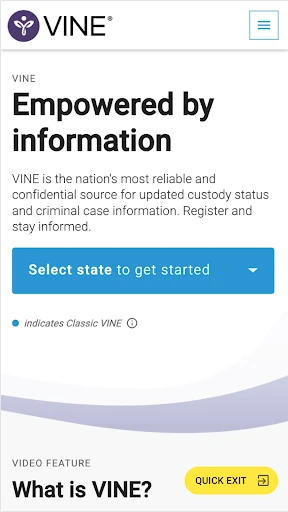
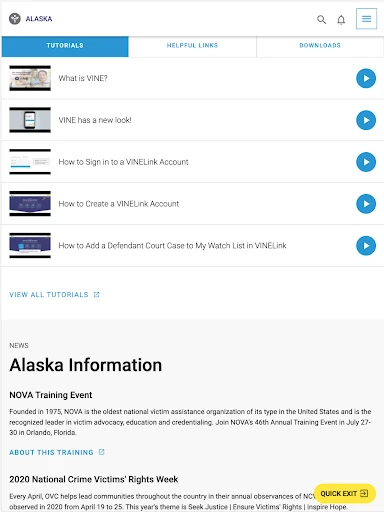
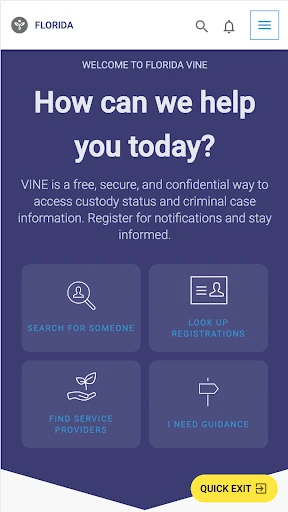
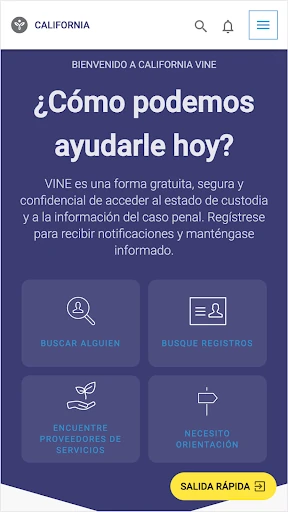
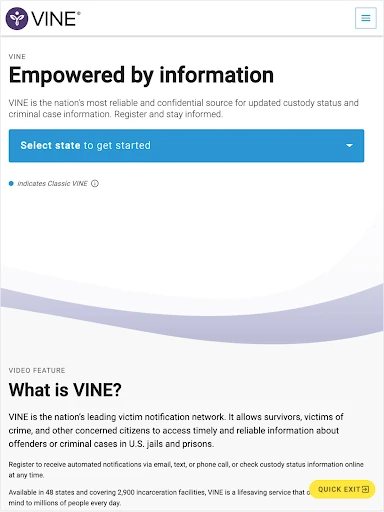
VINELink gives victims and concerned members of the public a mobile way to check offender custody information and register for custody-change notifications. I see its value in a specific, practical job: helping someone find information from participating agencies and choose how to receive updates. It is not a general-purpose safety app, but for people who need this information, having access from a phone can be useful.
Checking custody information
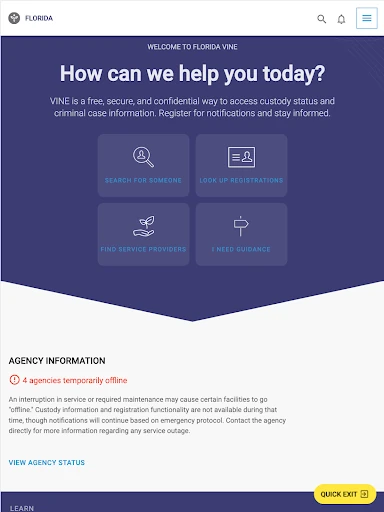
Imagine you have been told that an offender’s custody status may change and want to check the available information without sitting down at a computer. VINELink puts access to the VINE online portal on a mobile device, where you can look up custody status information from participating law enforcement agencies. I’d treat it as a focused reference tool: open it when you need to check a status, rather than something that demands attention throughout the day.
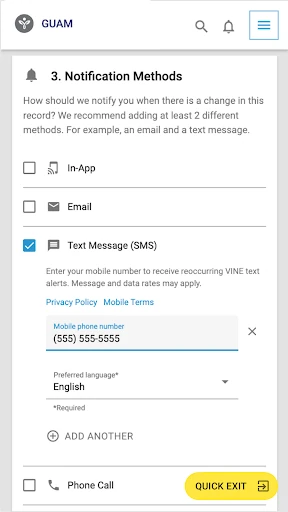
The service can also be used to register for notifications about custody changes. Depending on what is available, those can come by phone, email, text message, in-app notification, or TTY device. That gives people a choice of how to stay informed rather than requiring them to keep checking manually. I would first make sure the relevant agency’s information is available, since data coverage depends on the agency.
A focused alternative
Compared with searching through general web results or repeatedly contacting an agency, VINELink is built around access to the VINE network and custody status information. Its stated coverage spans more than 2,900 law enforcement agencies across 48 states, though the information available is determined by each agency. That makes it a useful starting point for a specific lookup, not a promise that every record or location will be covered.
I wouldn’t mistake VINELink for a broad criminal-justice guide, a general news app, or a source of support services. The description centers on custody information and custody-change notifications; it does not establish other tools or resources. It also isn’t a substitute for checking whether an agency participates or for understanding what a particular status means. Its value is narrower and more practical: getting access to the information the network makes available.
Make notifications useful
A sensible routine is to use the app when you need to find the relevant custody information, then register for a notification method that fits your day. Someone who checks email regularly may prefer that route; someone who needs a phone call or text can choose one where available. The app also supports in-app notifications, and TTY is included among the service’s options. The right choice depends on what works for the person receiving updates.
On Android, there is an important distinction: the app does not currently support push notifications or on-screen alerts. In-app notifications are still accessible through the application, and registration options also include SMS, phone, email, or TTY. I’d keep that in mind when choosing a method, especially if an alert needs to reach me without opening the app. Checking the app directly can be part of a routine, but it is not the same as a push alert.
More From Our News Desk

Zoom Meetings, Google Meet, or Teams: Which Is Easiest to Join?

How I Build a Free Streaming Lineup With Tubi

Why Crunchyroll Is the Default Anime App for So Many Fans

YouTube TV: A Practical Guide to Cutting Cable

Rummikub and the Small Comfort of Phone Games

TeamViewer Remote Control or AnyDesk for Helping Family?
Who may find it useful
I’d recommend VINELink to victims, their families, and concerned members of the public who need access to offender custody information from agencies in the network. It is especially relevant when someone wants to check information on a phone or register for updates about custody changes. The option to choose among several notification methods may suit people with different preferences, provided the relevant data and method are available.
It may be less useful to someone who wants a broad collection of crime-related information, or who expects complete coverage regardless of agency. People who rely on Android push alerts should also note that those alerts are not currently supported, though in-app notifications remain accessible through the app. I’d approach it as a practical information and notification service, and verify that the agency and notification options I need are available.
VINELink is developed by Equifax Incorporated and is available on Google Play. The app is free to download, and the VINE service is described as free; Google Play reports that VINELink has over 1 million installs. Its rating is 3.4 out of 5 from around 6,100 ratings. The store classifies it as Everyone. The app contains ads, and the supplied store facts say it does not offer in-app purchases.
The supplied version number is 2.37. VINELink was released on April 22, 2013, and its last update was November 20, 2025. Its Android version requirement is worth checking on Google Play for compatibility with a particular device. The service provides access to the VINE portal and custody information from participating agencies; availability depends on the agency.
A closer look at VINELink
Opening with a purpose
When I first opened VINELink, the clearest way to think about it was as a mobile route into the VINE service, rather than a general reference library. Its job is to provide access to the online portal and custody status information. That narrow purpose helps set expectations: I would come here with a particular information need, not browse it casually as I might a news feed.
Getting value from the app depends on the information being available for the agency involved. VINELink describes access across agencies in 48 states, but makes clear that data availability is determined by the agency. I’d start by checking whether the relevant information is covered before relying on the app as my only way to follow a situation.
Using it when needed
The day-to-day experience is best understood as a check-and-register workflow. I can use the mobile app to access the portal and view available custody status information, then register for a custody-change notification if that suits my needs. This is more purposeful than keeping an app open in the background. Its usefulness comes from access to the service and the ability to select an update channel.
The notification choices include in-app notifications, phone, email, text message where available, and TTY. That is a meaningful range for a service intended to keep people informed, although availability can depend on the option and situation. On Android, I would not expect push notifications or on-screen alerts; the app says in-app notifications are accessible by opening the application.
The notification options
The standout feature is not an elaborate suite of tools; it is the pairing of custody information with a way to register for changes. Rather than checking repeatedly, users can select a notification method supported by the service. That can make the app more useful as part of an ongoing routine, especially for someone who wants updates through a channel they already use.
The access itself is also notable in scope: the description says users can view custody status information from more than 2,900 law enforcement agencies across 48 states. That breadth should be read alongside the agency-level availability caveat. I would not assume that every agency or every piece of information is included simply because the network covers many agencies.
A simple checking routine
For a practical routine, I’d open VINELink when I need to review available custody information, then decide whether registering for a notification makes sense. I’d choose a channel I can actually check and remember the Android limitation if I use the app: in-app notifications are accessed through the application, rather than arriving as push alerts or on-screen notices.
This approach keeps the app in its proper role. It can provide access to the network and help users register for updates, while the selected method determines how those updates reach them. If agency coverage or a notification choice is important, I’d make that a first check rather than assuming every option is available in every case.
Limits to keep in mind
Coverage is the main practical limitation. VINELink’s information depends on the participating agency, so the app may not provide the details someone is looking for in every location. The description gives a substantial network footprint, but that does not remove the need to check whether a particular agency’s data is available.
The Android notification behavior is another consideration. Push notifications and on-screen alerts are not currently supported, although users can access in-app notifications through the app and may register for phone, email, text where available, or TTY. I’d make my choice based on those distinctions instead of assuming that every notification option works the same way.
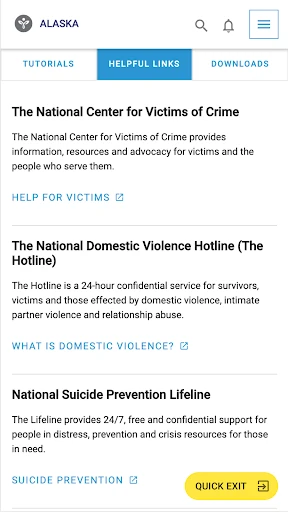
Finally, VINELink has a focused scope: custody information and custody-change notifications. That makes it easier to understand what to use it for, but it is not presented as a broad collection of victim services or legal guidance. I would use it for the information and registration features it describes, while keeping expectations tied to agency availability.
VINELink is a specialized app with a clear purpose: mobile access to VINE custody information and a way to register for custody-change notifications. Its network reach and range of notification methods are useful, while agency-dependent coverage and Android’s lack of push alerts are worth understanding before relying on it.
I’d recommend it to people who need this particular information and want a convenient way to check or register for updates. It is less compelling for anyone looking for a broad safety resource or expecting alerts to arrive automatically on Android. For its intended audience, it offers a practical mobile connection to the VINE service.
VINELink Frequently Asked Questions
What is VINELink used for?
VINELink provides mobile access to the VINE online portal, where users can view available offender custody status information and register for custody-change notifications. Information is available from participating agencies, and each agency determines what data is provided. Notification options include in-app, phone, email, text message where available, and TTY.
Which devices can run VINELink?
VINELink is an Android app available through Google Play. The supplied information does not specify a minimum Android version, so check the Google Play store page for the requirement that applies to your device. Android devices currently do not support push notifications or on-screen alerts in VINELink, though in-app notifications can be accessed in the application.
Does VINELink cost money?
VINELink is free to download, and the VINE service is described as free. The supplied store facts say the app contains ads and does not offer in-app purchases. Store details can change, so it is worth checking Google Play for current information before installing.
Does VINELink send custody alerts?
Users can register for custody-change notifications through options that include in-app notifications, phone, email, text message where available, or TTY. On Android, push notifications and on-screen alerts are not currently supported; in-app notifications remain accessible through the app. The notification methods available may depend on the situation.
Who should use VINELink?
VINELink may suit victims, their families, and concerned members of the public who need access to custody information or want to register for updates. It is a focused service, and the relevant agency must make data available. People who need Android push alerts should note that this function is not currently supported.
Pros
- Provides mobile access to VINE custody information from participating law enforcement agencies.
- Lets users register for updates through several notification methods, including phone and email.
- The VINE service is free, with no in-app purchases in the supplied store facts.
- Useful for people who need a focused way to check custody status information.
Cons
- Information availability depends on the participating agency and may vary by location.
- Android does not currently support push notifications or on-screen alerts.
- Its focused custody-information role may not suit users seeking broader resources.
- Category
- Books & Reference
- Version
- 2.37