Strava: Run, Bike, Hike
- 1.06M
- 4.5
- Installs
- 100.00M
- Price
- Free

Screenshots
Analysis by Reviewed APKs
Strava: Run, Bike, Hike is an activity tracker with a social side, built for recording outdoor workouts and following what friends are doing. I can see it fitting both a regular runner who likes comparing progress and someone easing into weekend walks. After looking at its mix of tracking, community features, and optional subscription tools, my take is that it works best when you want your activity log to feel shared, not just stored.
A Workout With a Record
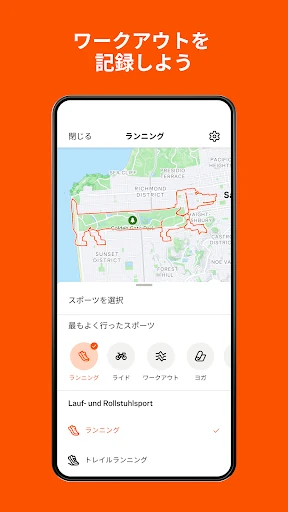
Picture heading out for a run before work, with just enough time to follow a familiar loop. Strava is made for that kind of outing: record an activity, then keep a record of what you did and how your effort changes over time. It supports running, cycling, walking, hiking, yoga, and many other activity types, so the same app can follow more than one part of an active week.
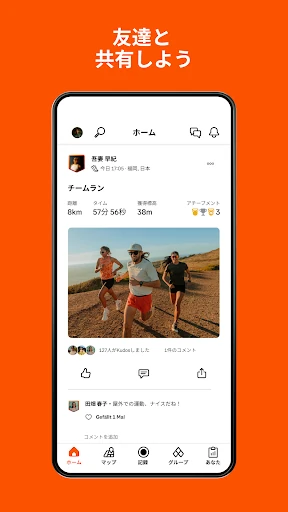
When I think about using it after a ride or walk, the social feed is part of the appeal. You can follow friends, share activities, and give kudos to other people’s efforts. That makes an ordinary loop feel like something you can revisit and celebrate, rather than a number that disappears after you close a tracking screen. Clubs and challenges add other ways to connect, whether you want a local group or a shared monthly target.
More Than a Stopwatch
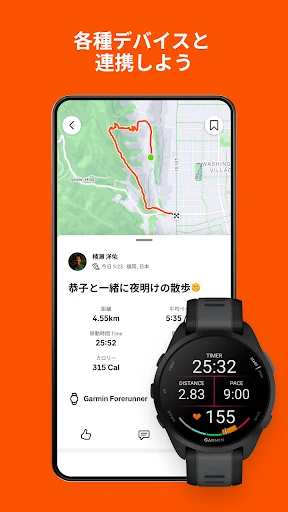
A basic timer or a phone’s built-in activity tracker may be enough if all you want is to note that you exercised. Strava goes further by combining activity records with a community feed, clubs, challenges, and segment comparisons. It also connects with a range of apps and devices, including Apple Watch, Garmin, Fitbit, and Peloton, which may suit people who already have a preferred way to track workouts.
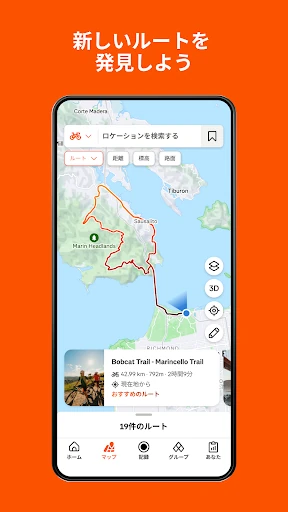
It is not simply a route-finding tool or a private training diary. Some route discovery and deeper analysis tools are part of the subscription, while the social features make activity sharing a central part of the experience. If you prefer to keep every workout entirely personal, or just need a very simple timer, Strava’s community and competition may be more than you need. Privacy controls are available, though, including settings for who can see activities and map visibility.
Small Habits That Help
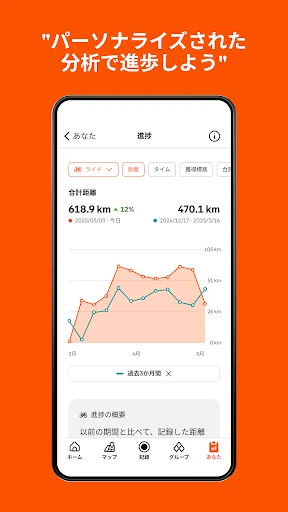
A useful habit is to record activities consistently, even when they are short or feel unremarkable. Over time, Strava’s progress insights can help put those outings in context. I would also make a point of reviewing privacy settings early, especially map visibility, and deciding who should be able to see shared activities. That small setup step can make it easier to use the social side without sharing more than you intend.
Challenges and clubs can give a routine a gentle nudge when motivation dips. Rather than treating every outing as a race, you can use a monthly challenge as a reason to get outside or join a club that reflects your interests. If you use a compatible connected device, syncing it with Strava can keep your activity tracking together. Subscribers can also use goals, training logs, and route tools to add more structure.
More From Our News Desk

Zoom Meetings, Google Meet, or Teams: Which Is Easiest to Join?

How I Build a Free Streaming Lineup With Tubi

Why Crunchyroll Is the Default Anime App for So Many Fans

YouTube TV: A Practical Guide to Cutting Cable

Rummikub and the Small Comfort of Phone Games

TeamViewer Remote Control or AnyDesk for Helping Family?
Who Will Get the Most From It
I would recommend Strava to people who already run, ride, walk, or hike and want a record that can also connect them with other active people. It has room for casual outings as well as more competitive habits: you can follow friends, join clubs, take on challenges, and compare efforts on segments. The range of supported activities also makes it practical for someone whose exercise routine changes from day to day.
It may be less appealing if you want nothing beyond a private stopwatch, or if the idea of a social feed and public comparisons puts you off. Some of the more detailed training and route features require a subscription, so the free version may not cover every goal. I’d also take time to understand the privacy controls before sharing activities. For anyone comfortable with that balance, Strava can make a personal routine feel more connected.
Strava: Run, Bike, Hike is a Health & Fitness app from Strava Inc. It is free to download on Google Play, with optional in-app purchases. Google Play shows a 4.5-star rating from about 1.1 million ratings and over 100 million installs. The app contains no ads and has a Teen content rating.
The app was released on June 9, 2011, and its latest listed update is February 3, 2026. In-app purchase prices range from $2.99 to $249.99 per item. Android version requirements and the current app version can vary by device and release, so check the Google Play entry on the device you plan to use.
How Strava Fits Into an Active Week
Starting With a Simple Record
When I first open an activity-tracking app, I want its purpose to be obvious. Strava’s focus is clear: record an activity, build a history, and connect that effort with other people if you choose. Its supported activities go well beyond running and cycling, which makes the idea of one shared log more useful than an app limited to a single sport.
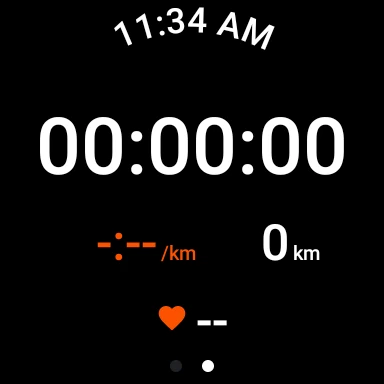
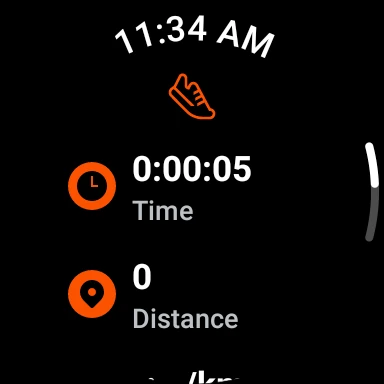
The first practical choice is how you want to track. Strava can connect with devices and apps such as Apple Watch, Garmin, Fitbit, and Peloton, and its Wear OS app includes a tile and complication for quickly launching activities. If you rely on GPS recording, device performance matters; the app notes that GPS can behave poorly on some devices.
The Everyday Tracking Loop
The everyday pattern is straightforward in concept: record a run, ride, walk, or other activity, then look back at the effort and decide whether to share it. I like that this gives a short weekday outing the same place in the record as a longer weekend session. Progress insights can help reveal changes over time without requiring every workout to be treated as a major event.
The social feed adds a second reason to return after recording. Following friends or athletes and sending kudos makes the log feel less isolated, while clubs give people a way to connect around shared interests. That can be motivating, but it also changes the feel of the app: Strava is not only a personal archive. The community is part of its everyday identity.
Segments and Shared Goals
Segments are one of Strava’s more distinctive ideas. They let people compare efforts on particular portions of a route and see leaderboard standings, adding a competitive layer to familiar roads or trails. I can imagine this appealing to someone who likes having a small benchmark to revisit. It is optional, though; a casual walk does not need to become a contest just because the feature exists.
Challenges offer a different kind of motivation. You can take part in monthly challenges, collect digital badges, and encourage other participants. Clubs can bring that shared effort closer to home, while users can also create a club. These features give people several levels of connection, from a quick acknowledgment in the feed to a group identity or a common goal.
A Practical Weekly Routine
A realistic routine might be to record a few weekday walks or runs, then take a moment at the end of the week to review the activity history. If a friend is also active, following their efforts and sending kudos can add a little accountability without requiring a formal training plan. A monthly challenge can give the next week a simple target, while a club can make local activity easier to share.
For someone who wants more structure, subscription features include goals for distance, time, or segments, along with a training log and best-effort information. Subscribers can also use route recommendations or create routes, and group challenges offer another way to work toward something with friends. Those tools are most useful when they support an existing habit; they need not turn every outing into a project.
Limits to Keep in Mind
The main trade-off is that Strava combines tracking with social sharing and competition. That combination is a strength for people who enjoy seeing others’ activities, but it may feel unnecessary if all you want is a quiet, private record. Privacy settings let you control who sees activities and personal data, and map visibility can hide the beginning or end points of activities. It is worth reviewing those controls before settling into a sharing routine.
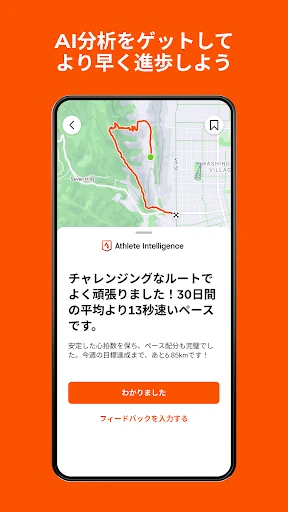
Some features described as part of the subscription include route discovery, live segment updates, deeper training logs, custom goals, and AI-driven workout insights. That means the free app is not the whole feature set. GPS recording also depends on the device working well, and the app notes that performance can vary across devices. These are practical limits, not reasons to avoid it, but they matter when choosing a tracker.
Strava makes the most sense when you want activity tracking to connect with a community. Its wide range of activity types, clubs, challenges, and friend feed give it more character than a simple workout log, while optional subscription tools offer added structure for people who want it.
I’d try it if you enjoy keeping a history of outdoor exercise and sharing the occasional win. If you want a private, bare-bones tracker, it may feel busier than necessary. Either way, review the privacy controls and check which subscription features match your routine before relying on them.
Strava Frequently Asked Questions
What is Strava: Run, Bike, Hike used for?
Strava is used to record activities such as running, cycling, walking, hiking, and yoga, among many others. It also lets people follow friends, share efforts, join clubs and challenges, and compare performances on segments. Some tools, including route discovery and deeper training features, are part of the subscription.
Which devices and platforms support Strava?
Strava is available on Android through Google Play and can connect with devices and apps including Apple Watch, Garmin, Fitbit, and Peloton. It also offers a Wear OS app with a tile and complication for launching activities. Compatibility and recording performance can depend on the device, so check the store details for your model.
What Android version does Strava require?
The Android requirement can vary by device and app release. Check the current Google Play entry from the Android device you plan to use for the requirement that applies to it. Strava relies on GPS for recording activities, and GPS performance may differ between devices.
Does Strava cost money to use?
Strava is free to download and has a free version, with an optional subscription that adds features. Google Play lists in-app purchase prices from $2.99 to $249.99 per item. The available options and prices may vary, so check the current store entry before purchasing.
Is Strava suitable for casual exercisers?
Yes. Strava supports casual activities as well as more competitive workouts, and users can follow friends, join clubs, or take part in challenges at their own pace. People who want only a private, minimal tracker may prefer something simpler. Privacy controls let you adjust who can see activities and personal data.
Pros
- Tracks a wide range of activities, from running and cycling to walking, hiking, and yoga.
- Combines activity records with friends, clubs, kudos, and monthly challenges.
- Offers privacy controls, including options to hide activity start and end points.
- Connects with several popular fitness apps and devices.
Cons
- Some route, training, and goal features require a subscription.
- Social feeds and segment leaderboards may not suit people seeking a private, minimal tracker.
- GPS recording quality can depend on the device.
- Category
- Health & Fitness
- Version
- VARY