Collabora Office
- 17.88K
- 3.7
- Installs
- 1.00M
- Price
- Free

Screenshots
Analysis by Reviewed APKs
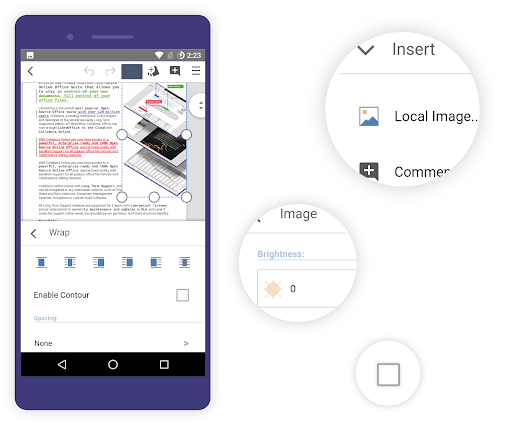
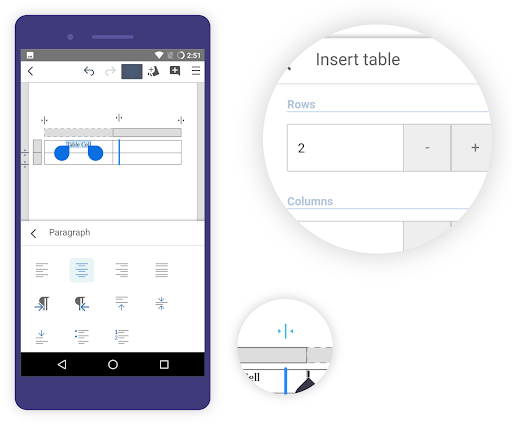
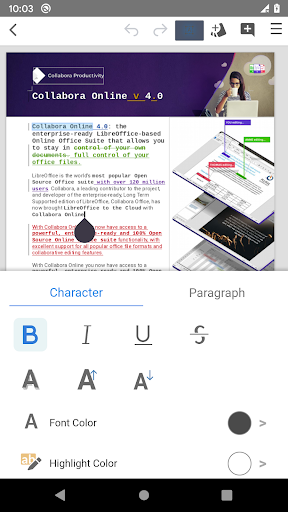
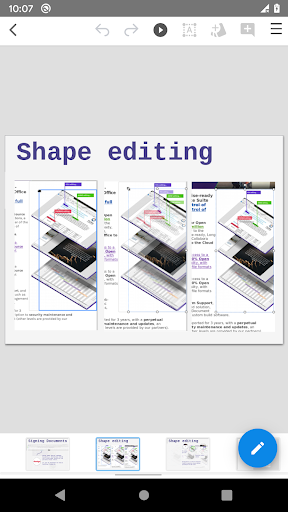
Collabora Office brings document, spreadsheet, and presentation editing to Android, with support for common Microsoft Office and OpenDocument formats. I see it as a practical option for people who want to open and work on office files without switching to a desktop suite. Its LibreOffice roots make it especially appealing for existing LibreOffice users, though a phone screen naturally makes longer, detailed editing less comfortable.
A document on the go
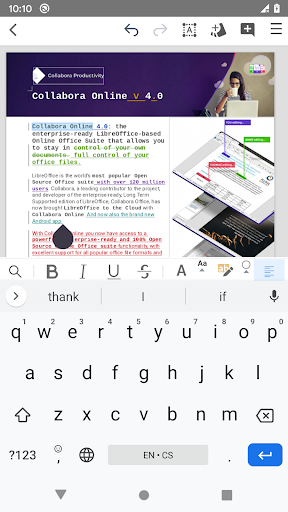
When I first opened Collabora Office, I thought about the ordinary moment it is built for: a colleague sends a .docx file while I am away from my computer, and I need to read it or make a quick change. The app brings text documents, spreadsheets, and presentations into one place, so I would not need a separate mobile editor for each kind of office file.
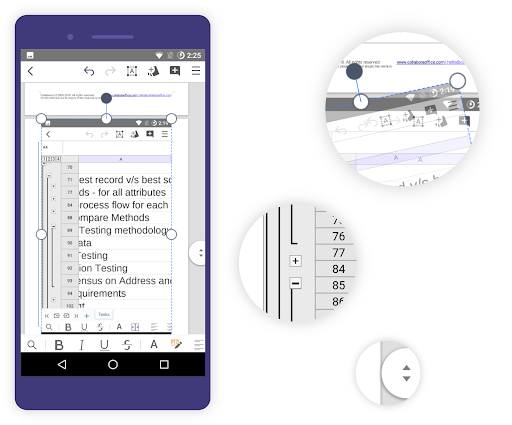
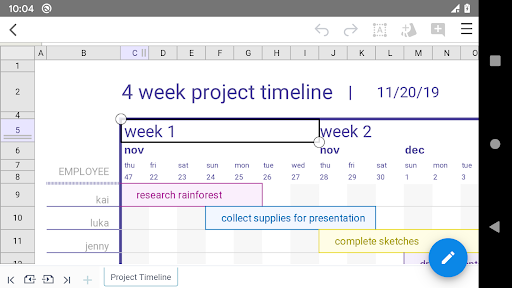
The format support is useful when a document has passed between different tools. Collabora Office handles OpenDocument files such as .odt and .ods, along with Microsoft Office formats including .docx, .xlsx, and .pptx, as well as older .doc, .xls, and .ppt files. That makes it a sensible companion for checking a work document, touching up a table, or reviewing slides during a commute or between appointments.
A mobile office, not a desktop
Compared with a lightweight viewer, Collabora Office is aimed at people who want an editor rather than just a way to glance at attachments. Its LibreOffice-based engine and broad file support give it a natural place alongside desktop LibreOffice, particularly if that is already part of your routine. I would also consider it when I want one Android app for documents, sheets, and presentations.
It is not a replacement for a full-size screen when a job involves extensive formatting, dense spreadsheets, or a long presentation. The app brings office-suite work to mobile, but the device still sets practical limits on how much content is comfortable to inspect at once. For casual reading or a quick adjustment, that tradeoff makes sense; for a lengthy editing session, I would rather use a computer.
Make small edits easier
I would get the most from Collabora Office by treating it as a focused tool for specific tasks. For example, I might open a document to check a paragraph, make a small correction, and save it before moving on. Keeping the work session narrow helps the mobile format feel useful instead of trying to recreate every part of a desk-based office routine.
It also helps to know which file type is coming before I start, especially when someone shares an older Office document or an OpenDocument file. Since the app supports both families and their listed extensions, I can use it across a mixed set of documents. If a file behaves unexpectedly, the developer invites users to report issues and attach problem files through its bug tracker.
More From Our News Desk

Zoom Meetings, Google Meet, or Teams: Which Is Easiest to Join?

How I Build a Free Streaming Lineup With Tubi

Why Crunchyroll Is the Default Anime App for So Many Fans

YouTube TV: A Practical Guide to Cutting Cable

Rummikub and the Small Comfort of Phone Games

TeamViewer Remote Control or AnyDesk for Helping Family?
Who may find it useful
I would recommend Collabora Office to Android users who regularly receive office files and want more than a basic viewer. It is a particularly natural fit for people who already use LibreOffice or exchange OpenDocument and Microsoft Office files with others. Having text, spreadsheet, and presentation editing together makes it handy for occasional work away from a computer.
It may be less appealing to someone whose main need is comfortable, prolonged editing on a large screen, or a person who only wants to read documents and does not need an editor. The app is also in active development, so users who run into a problem can send feedback, but anyone depending on a particular file workflow should try their own documents and see how it fits.
Collabora Office is a productivity app from Collabora Productivity Limited. On Google Play it has over 1 million installs and a 3.7-star rating from about 17,900 ratings. It is free to download, with no in-app purchases and no ads. Its content rating is Everyone.
The current version is 26.04.4.2. The app was released on January 21, 2015, and was last updated on October 15, 2026. The supplied app details do not give a minimum Android version, so check Google Play for device compatibility before installing.
How Collabora Office Works on Mobile
A familiar office starting point
My first impression is that Collabora Office is built around familiar office work rather than a single narrow task. It covers writing, spreadsheets, and presentations, and its LibreOffice basis gives it a clear connection to a desktop suite many people already know. That makes its role easy to understand: open a supported file, work on it in the app, and keep moving.
The setup story is straightforward in concept, even if the screen size takes a little getting used to. I would start by opening a document I already need to use rather than creating a test project just to explore. A real file quickly shows whether the app fits my routine and whether I am comfortable doing that kind of work on my phone.
Useful for everyday file work
Day to day, the main appeal is being able to reach different kinds of office documents from one Android app. A spreadsheet someone sends does not call for a separate product from a presentation or a text file. That is a practical advantage for anyone whose inbox or shared folders mix formats and whose needs change from one day to the next.
I would use it most for short, purposeful sessions: check a document before a meeting, make a small edit while away from my desk, or look over slides before sharing feedback. Those are the situations where mobile access matters more than having a roomy editing workspace. The app’s range of supported formats makes it a useful option for that kind of flexible work.
Broad format support
The supported formats are one of the app’s strongest practical points. For OpenDocument, the list includes text, presentation, and spreadsheet formats such as .odt, .odp, and .ods, along with templates. On the Microsoft Office side, it covers newer .docx, .pptx, and .xlsx files as well as older .doc, .ppt, and .xls documents.
That spread is valuable when files come from people using different office software. Collabora Office is based on LibreOffice and uses the same engine as LibreOffice for Windows, Mac, and Linux, with a front end based on Collabora Online. The developer says it reads and saves documents similarly to LibreOffice desktop, which gives existing users a useful point of reference.
A simple workday routine
A realistic routine might start with a document arriving while I am away from my laptop. I would open it in Collabora Office, check the relevant section, and make the small change I need on the spot. If the file is a spreadsheet or presentation instead, the same app can handle that kind of office task too.
For regular use, I would keep the app in reserve for moments when being able to act now matters more than editing in ideal conditions. It can help bridge the gap between receiving a file and getting back to a computer. I would still save longer revisions or more involved formatting for a larger screen, where it is easier to review the whole page or slide.
Keep mobile limits in view
The main limitation is the form factor, not a lack of ambition in the file list. Dense spreadsheets, long documents, and slide layouts can be harder to assess on a phone than on a desktop display. Collabora Office makes office work available on Android, but it cannot make a small screen feel like a full workstation.
The app is in active development, and the developer welcomes feedback and bug reports. If a particular file causes trouble, users are asked to attach it when reporting the issue, with the reminder that bug tracker submissions are public. I would avoid sharing anything sensitive there and check the reporting details before sending a file.
Collabora Office is a capable mobile option for people who need to work with a mix of LibreOffice, OpenDocument, and Microsoft Office files. I like its practical range: documents, spreadsheets, and presentations all have a place, and the app is free without ads or in-app purchases.
I would recommend it to Android users who want a flexible office editor for occasional work away from a computer, especially those already familiar with LibreOffice. If most of your work involves lengthy or precision-heavy editing, a desktop remains the more comfortable choice.
Collabora Office Frequently Asked Questions
What is Collabora Office used for?
Collabora Office is an Android text editor, spreadsheet, and presentation app based on LibreOffice. It supports OpenDocument formats and a range of newer and older Microsoft Office file types, so it can be used to open and work with many common office documents.
What devices can run Collabora Office?
Collabora Office is available for Android. The supplied app details do not specify a minimum Android version, so check Google Play for the current compatibility information for your device before installing.
Does Collabora Office cost money?
Collabora Office is free to download on Google Play. The supplied details say it has no in-app purchases and contains no ads. Store information can change, so it is worth checking the current Google Play page before installing.
Which file types does Collabora Office support?
It supports OpenDocument files such as .odt, .odp, and .ods, plus Microsoft Office formats including .docx, .pptx, and .xlsx. It also supports older .doc, .ppt, and .xls formats, among other listed templates and file types.
Is Collabora Office a good fit for me?
It may suit Android users who need to open or edit office files away from a computer, especially people who already use LibreOffice or handle mixed file formats. If you mainly do long, detailed editing, a desktop setup may be more comfortable. Collabora Office has an Everyone content rating.
Pros
- Handles text documents, spreadsheets, and presentations in one Android app.
- Supports a broad selection of OpenDocument and Microsoft Office file formats.
- Free to download, with no ads or in-app purchases.
- Based on the LibreOffice engine used by its desktop versions.
Cons
- Detailed editing can feel less comfortable on a phone than on a desktop.
- The supplied app details do not specify a minimum Android version.
- The developer notes that the app is still in active development.
- Category
- Productivity
- Version
- 26.04.4.2











