Hudl
- 19.81K
- 3.2
- Installs
- 1.00M
- Price
- Free

Screenshots
Analysis by Reviewed APKs
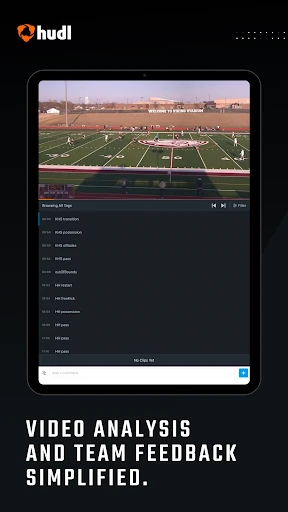
Hudl is a sports video app for coaches, athletes, parents, and fans who want to watch games and get closer to the action. Coaches can review team and opponent footage, while athletes can study clips and make highlight reels. I see its main strength as bringing several different game-day needs into one place, though the experience is most useful when your team already uses Hudl.
After the Final Whistle
Picture getting home after a Saturday game and wanting to revisit one play that felt important in the moment. With Hudl, an athlete can go back to game video, study clips with the available data and notes, and put standout plays into a highlight reel. That makes the app useful beyond the field: it gives players a way to review what happened when there is time to focus.
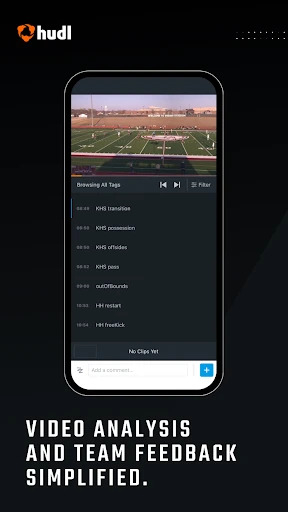
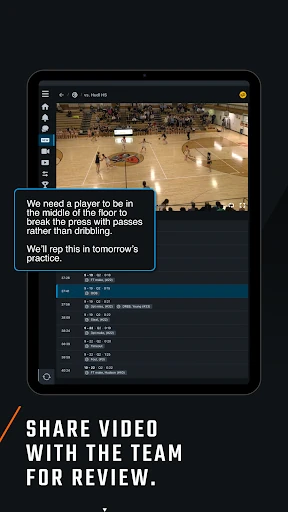
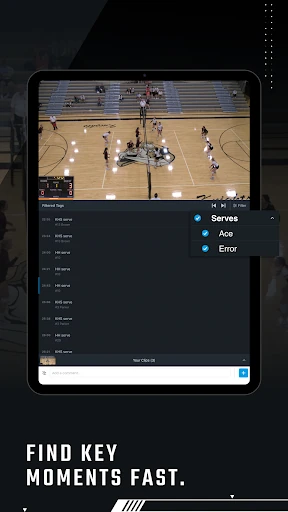
For a coach, the same evening might mean checking practice footage or looking ahead at an opponent’s video. Hudl brings those kinds of recordings together with breakdown data and notes on clips. I like that this setup serves both immediate review and preparation. Instead of treating video as something you watch once and forget, the app gives teams a reason to return to it.
Video, Not a General Sports Feed
Hudl’s clearest role is helping a team work with its own game, practice, and opponent video. That sets it apart from a general sports news or scores app: the focus here is on footage tied to a team and its athletes, plus highlights, replays, and livestreams for people following along. Parents and fans can also find event tickets and season passes in the app.
It is not a broad substitute for every kind of sports app, and I would not open it expecting a general-purpose training library or an all-sports news feed. The most compelling parts depend on having team or athlete content to watch. If you are simply looking for scores or casual entertainment, Hudl’s video-centered approach may feel more specific than you need.
Make Review a Small Habit
I’d get more from Hudl by making review a short, repeatable part of the week rather than saving every clip for a long catch-up session. An athlete could revisit a few notable plays after a game, use the notes and data available on each clip, and choose which moments belong in a highlight reel. Keeping the focus narrow makes video review easier to fit around school, work, and practice.
Coaches can use a similar rhythm: watch a few team clips after practice, then turn to opponent footage when preparation calls for it. Parents and fans may prefer a simpler routine of following a team and checking for livestreams, highlights, or replays. Hudl serves these different habits, but it helps to know which role matters most before opening the app.
More From Our News Desk

Zoom Meetings, Google Meet, or Teams: Which Is Easiest to Join?

How I Build a Free Streaming Lineup With Tubi

Why Crunchyroll Is the Default Anime App for So Many Fans

YouTube TV: A Practical Guide to Cutting Cable

Rummikub and the Small Comfort of Phone Games

TeamViewer Remote Control or AnyDesk for Helping Family?
Who Gets the Most from Hudl
I’d recommend Hudl to athletes who want to revisit their team’s video and collect standout plays, and to coaches who regularly use footage to review games, practices, or opponents. It also makes sense for parents and fans who want a more personalized way to follow an athlete or team, including livestreams and replays. The app’s appeal comes from keeping those sports-video activities close together.
It may be less useful if you do not have a connection to a team or athlete whose content you want to watch. The app’s different audiences also mean that not every feature will matter to every person. A coach looking for video review has a different reason to use Hudl than a parent following a season, so expectations should match the role you have around the team.
Hudl is a sports app developed by Hudl, Inc. On Google Play, it has over one million installs and a 3.2-star rating from around 19,800 ratings. It is free to download, and the provided store facts say it contains ads. The content rating is Everyone. These figures give a quick sense of its broad audience, though the modest rating suggests individual experiences can differ.
The listed Android app version is 8.50.0. Hudl was released on July 20, 2011, and the recorded last update is October 26, 2026. A minimum Android version is not provided in the available facts, so check Google Play for the requirement on your device. The listed price is zero, with no in-app purchases indicated in the provided store facts.
A Closer Look at Hudl’s Video Workflow
Getting Oriented
When I first opened Hudl, what stood out was how many different people it is meant to serve. A coach may be looking for team footage, an athlete may want to study a clip, and a parent may be there to follow a player. That range gives the app a broad purpose, but it also means your own role shapes what feels relevant.
The practical starting point is deciding what you want from it: review video, create a highlight reel, or follow a team’s coverage. The description supports those uses, but does not spell out every setup step, so I would not assume the same onboarding flow for every account or team. Once you know your goal, it is easier to judge whether Hudl fits your routine.
The Everyday Video Experience
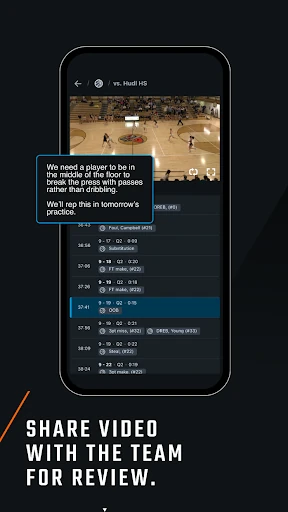
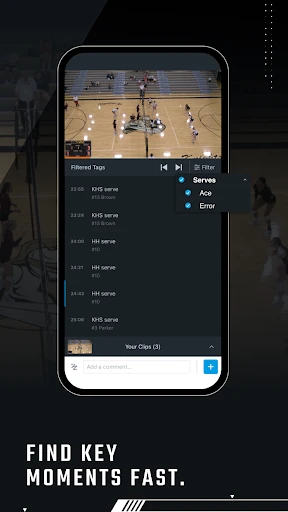
Hudl’s day-to-day appeal rests on returning to game, practice, and opponent footage. Coaches can watch those videos and review breakdown data and notes attached to clips. Athletes can use their video in much the same spirit, studying plays and looking back at moments that might otherwise blur together after a busy game.
I appreciate that this is more purposeful than simply keeping a recording on a phone. The footage is presented as something to review and learn from, with notes and data available on clips. That makes Hudl suited to a team’s ongoing video habits, although the value naturally depends on there being relevant footage and material to explore.
Highlights and Live Coverage
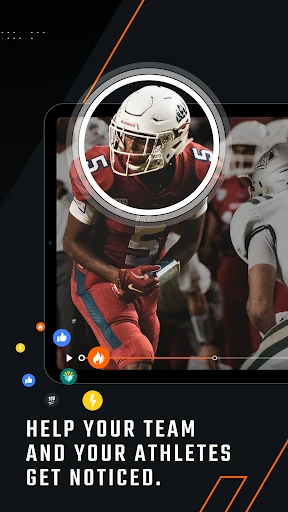
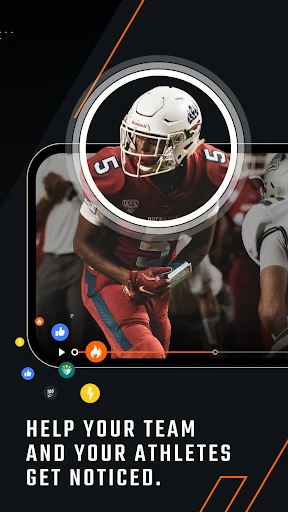
For athletes, highlight reels offer a way to gather top plays and share them with friends and family. That gives a player a different reason to open Hudl than a coach has: one is revisiting footage for personal highlights, while the other may be studying a broader set of team clips. Both uses grow out of the same video-centered foundation.
Parents and fans have another path into the app. They can follow a team and watch livestreams, highlights, and game replays, or look for top plays from favorite athletes. The description also includes purchasing event tickets and season passes. That mix makes Hudl useful around the game itself, not just during later review, without turning it into a general sports portal.
A Useful Weekly Rhythm
A realistic routine might start with a player checking a game replay after the weekend, then revisiting a handful of clips with their notes and data. Later, they could select standout moments for a highlight reel. I would keep that session focused rather than trying to watch everything at once; a small amount of deliberate review is easier to maintain than an ambitious plan that gets postponed.
For a coach, the rhythm can shift with the schedule: review practice footage during the week and turn to opponent video when preparing for a matchup. A parent might simply follow a team and check for coverage when a game is on. Hudl’s different audiences make these routines possible, but each person can keep to the parts that serve them.
Know the Boundaries
Hudl is at its best when you have a team or athlete whose video you want to use or follow. Without that connection, its core activities may feel less compelling than a broad sports app. Coaches, athletes, parents, and fans also come for different reasons, so an interface that supports one role may include material another person rarely needs.
The Google Play rating is 3.2 stars from around 19,800 ratings, a useful reminder that the experience is not universally loved. I would weigh that alongside the app’s specific video features and your own team’s use of Hudl. Ads are present according to the store facts, and the minimum Android requirement is worth checking on Google Play before installing.
Hudl makes the most sense as a shared home for sports video: coaches can review team and opponent footage, athletes can study clips and shape highlights, and families can follow games. I like that one app can serve those connected needs without pretending to be a general sports destination.
I’d recommend it if your team or favorite athlete already has content to follow, especially if video review is part of your routine. If you want broad sports coverage or have no team connection, Hudl may be more specialized than you need.
Hudl Frequently Asked Questions
What is the Hudl app used for?
Hudl is used by coaches to watch team, practice, and opponent video, and to review breakdown data and notes on clips. Athletes can study footage and make highlight reels. Parents and fans can follow teams, watch livestreams, highlights, and replays, and purchase event tickets and season passes.
Which devices can run Hudl?
The facts provided describe Hudl as an Android app available through Google Play. They do not give a minimum Android version, so check the Google Play store page for the requirement that applies to your device. The description also covers different audiences, including coaches, athletes, parents, and fans.
Does Hudl cost money or include purchases?
Hudl is listed as free to download, and the provided facts indicate no in-app purchases. They also say the app contains ads. The description mentions purchasing event tickets and season passes, so those event-related costs may vary; check the store or event details for current information.
Is Hudl useful if I am not a player?
Yes. The app is also intended for coaches, parents, and fans. Coaches can work with team and opponent video, while parents and fans can follow teams and watch livestreams, highlights, or replays. It is most useful when you have a team or athlete whose content you want to follow.
Will Hudl suit someone looking for general sports news?
Hudl is centered on team and athlete video, including game footage, highlights, livestreams, and replays. It is not described as a general sports news app. If your main interest is broad sports coverage rather than following a particular team or reviewing footage, another kind of app may suit you better.
Pros
- Brings team, practice, and opponent video together for review.
- Athletes can study clips and create shareable highlight reels.
- Parents and fans can follow teams through livestreams and replays.
- Serves coaches, athletes, and families with distinct video uses.
Cons
- Most useful when you already have a team or athlete to follow.
- Ads are present, according to the provided Google Play facts.
- The 3.2-star rating suggests user experiences can vary.
- Category
- Sports
- Version
- 8.50.0