Flight Simulator Airplane Game
- 35.01K
- 4.2
- Installs
- 10.00M
- Price
- Free
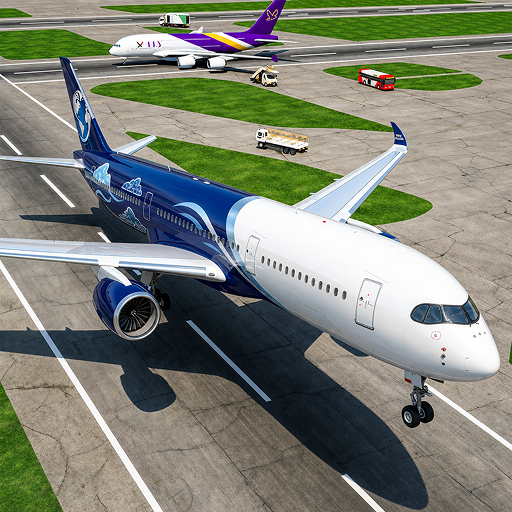
Screenshots
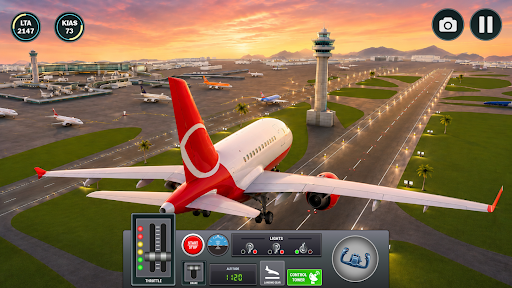
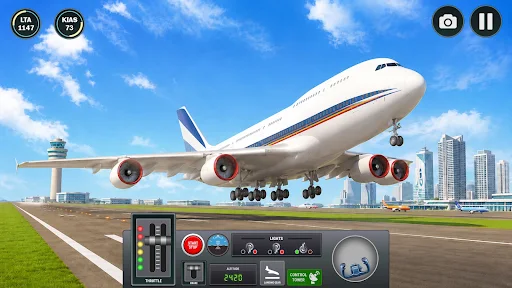
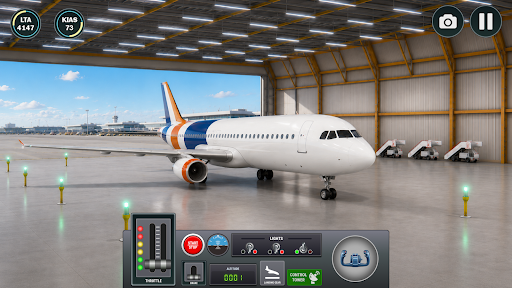
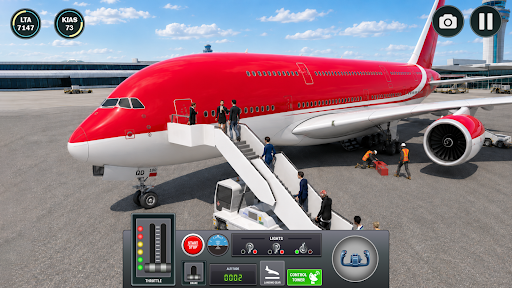
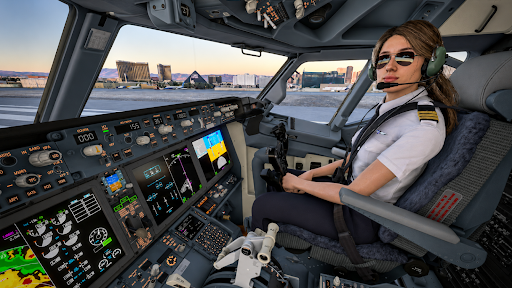
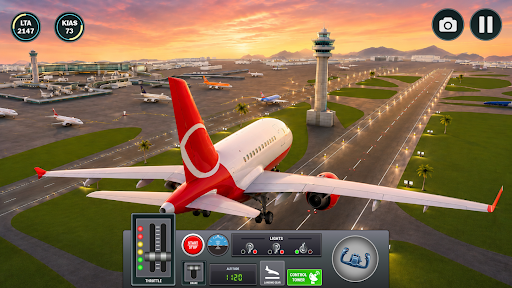
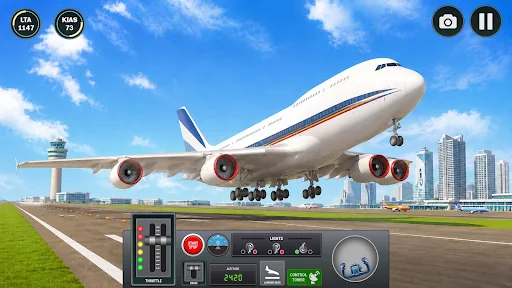
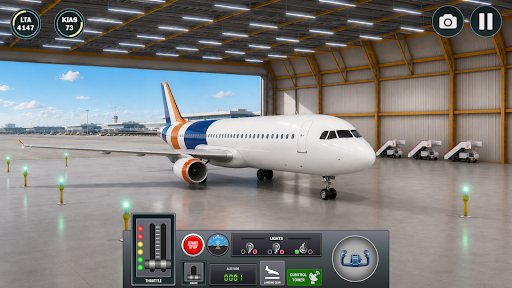
Analysis by Reviewed APKs
Flight Simulator Airplane Game is a mobile flight simulation built around timed missions, changing landscapes and the challenge of landing safely. I’d point casual players toward it if they want short, goal-focused flying sessions rather than a deep aviation sandbox. Its straightforward controls and gentle early levels make it approachable, while later challenges promise more pressure. The result sounds best for people who enjoy improving through repeated attempts.
A Mission, Then a Landing
A typical session revolves around choosing a level, finding the target on the map and reaching it before the timer runs out. Flying is only part of the job: tight turns and landings are where the game asks for care. Complete a level in time and you earn coins, which can go toward another plane. That gives each flight a clear objective and a small reward to carry into the next one.
The early levels are presented as a way to learn, so I’d expect the opening stretch to leave room to get comfortable with the mobile controls. Later missions raise the stakes, and the description warns that a mistake can end in a crash. That shift gives the loop a useful rhythm: learn a route, try to fly it cleanly, then adjust when a more demanding landing or time limit gets in the way.
For Focused Flying Sessions
Compared with flight games that emphasize open-ended exploration, this one is more mission-led. The map target, countdown, coin reward and increasingly challenging levels give each attempt a defined purpose. That structure should suit players who like a quick task they can retry and improve, rather than a long, unstructured flight. Different landscapes add variety to the setting, while aircraft colors offer a little visual personalization.
I wouldn’t approach it as a detailed pilot-training tool or a sprawling aviation sandbox. The material highlights easy mobile controls, 3D planes, level challenges and landings; it doesn’t describe cockpit procedures or complex systems. That simpler scope is a plus for newcomers who want to get moving without a steep learning curve. Players looking for highly detailed aircraft operations may want a game with a different focus.
Make the First Flights Count
In the first hours, I’d treat the opening levels as practice rather than rush straight toward the later challenges. Get used to steering and judging turns before worrying about shaving time off a route. The game specifically frames its early missions as easier training for harder ones, so there’s a good reason to build a feel for the controls first. A controlled approach should also help you learn how landings respond.
Once the map target is clear, keep it in view as you plan the route and watch the time limit. The description ties coins to finishing within the allotted time, so completing a level promptly is useful for progression. When a later mission ends in a crash, I’d focus on the turn or landing that caused trouble and adjust on the next attempt, rather than making the same rushed approach again.
More From Our News Desk

Zoom Meetings, Google Meet, or Teams: Which Is Easiest to Join?

How I Build a Free Streaming Lineup With Tubi

Why Crunchyroll Is the Default Anime App for So Many Fans

YouTube TV: A Practical Guide to Cutting Cable

Rummikub and the Small Comfort of Phone Games

TeamViewer Remote Control or AnyDesk for Helping Family?
Who Will Enjoy the Flight
I’d recommend Flight Simulator Airplane Game to casual players who like short missions, visible goals and a gradual rise in difficulty. Newcomers should find the opening levels and mobile-focused controls less intimidating than a complex simulator. It also has a simple progression hook: earn coins from successful timed flights and put them toward another plane. If you enjoy having a clear reason to replay a level, that loop has appeal.
Players who mainly want realistic cockpit procedures, long-distance free flights or a highly technical simulation may bounce off. The available description centers on target-finding, time limits, landings and accessible controls, not detailed aviation systems. The increasing challenge may also frustrate someone who prefers a relaxed, consequence-free flight. I’d choose it for bite-sized flying tasks and skill-building, not as a substitute for a comprehensive desktop simulator.
Flight Simulator Airplane Game is a free Android simulation game from HiveMind Games Inc. Google Play shows over 10 million installs and a 4.2-star rating from about 35,000 ratings. It contains ads and offers in-app purchases, with listed item prices ranging from $1.49 to $99.99. The content rating is Everyone, making it broadly suitable by its store rating, though families should still consider the game’s ads and purchases.
The current version is 1.8.3, and the release date is May 29, 2024. The supplied store facts do not give a minimum Android version, so check Google Play on the device you plan to use for compatibility. As with any game that includes optional purchases and ads, I’d review the available store details and device settings before handing it to a younger player.
Learning the Routes and Landing Well
An Easy First Takeoff
The opening looks designed to get a new player into the air without asking for prior flight-game experience. Easy controls and less demanding first levels are the stated entry point, and that is a sensible choice for a touchscreen game. I like when the first task is simply learning how the plane responds, rather than juggling several complicated systems before the fun starts.
There is a practical distinction between knowing where to go and actually getting there smoothly. The map provides a target, but the player still has to steer through the route and manage the landing. I’d use the early missions to learn how much space a turn needs and how carefully to approach the final part of a flight. Those habits should matter more as the levels become tougher.
Difficulty Builds with Purpose
The progression is straightforward: begin with easier levels, earn coins by finishing within the time limit, then take on missions that demand more skill and strategy. That gives the game a clear learning curve rather than dropping every challenge on the player at once. It also makes success feel tied to execution, since a clean, timely flight contributes both to clearing the level and to earning its reward.
The tougher stages are where the balance will matter most. A timer can add welcome urgency, but it can also encourage hasty turns or landings, and the game warns that one wrong move can crash the plane. I’d expect some trial and error as the challenge rises. Players who enjoy refining an attempt should find that motivating; anyone who dislikes restarting after a mistake may find the pressure less inviting.
Planes, Places and Challenges
The game’s core content is built around levels and flight challenges, with different environments providing a change of scenery. The described missions include locating a target on a map, navigating tight turns and handling demanding landings. Those elements give each flight more shape than simply staying airborne, while still keeping the objective easy to understand before setting off.
There is also a modest customization and collection layer. Players can change airplane colors, and coins earned through timed level completions can be used to buy planes. The description says a new plane can boost speed and help it stay airborne longer, giving rewards a gameplay purpose as well as a cosmetic one. I’d see this as a light progression system, not an elaborate aircraft-management feature.
Purchases and Advertising
The game is free to download, but it contains ads and offers in-app purchases. Google Play lists purchase prices from $1.49 to $99.99 per item, a wide range that is worth noticing before playing. Coins can be earned by completing timed levels, so the described progression includes a play-based route to rewards rather than relying only on spending.
I’d approach the purchase options as optional and check what is offered in the store before buying anything. The supplied details don’t explain the exact items or how ads appear during play, so I can’t judge how often they interrupt a flight. For families, the Everyone rating is useful context, but it doesn’t replace checking purchase settings and discussing spending expectations.
A Few Things to Weigh
Time pressure is part of the design, not a side detail: levels must be finished within a limit to earn coins, and later stages become more demanding. That should make flights feel purposeful, but it may not suit someone who wants to take in the scenery at an entirely relaxed pace. The possibility of crashing after a mistake also means patience is helpful when learning a difficult approach.
The available information doesn’t specify whether the game can be played offline, so I’d check Google Play for current connectivity details if that matters for travel or commuting. It also doesn’t provide a minimum Android version in the supplied facts; compatibility can depend on the device and current store requirements. Those are practical checks to make before planning to play on a particular phone or tablet.
Flight Simulator Airplane Game has a clear identity: approachable controls, level-based flying and a growing emphasis on precise turns and landings. I like the combination of map targets and coin rewards, because it gives each attempt a concrete goal. Its most appealing quality is also its limit: it favors compact challenges over a deep, technical simulation.
I’d recommend giving it a try if you want accessible mobile flying and don’t mind a timer or occasional failed attempt. Players seeking detailed cockpit systems or completely relaxed exploration should look elsewhere. With ads and a broad range of optional purchase prices, it’s worth checking the store details and settings before settling in.
Flight Simulator Frequently Asked Questions
Is Flight Simulator Airplane Game free to play?
Yes. Flight Simulator Airplane Game is free to download on Google Play. It contains ads and offers in-app purchases, with listed prices ranging from $1.49 to $99.99 per item. The game description also says players can earn coins by completing levels within the time limit, then use coins toward planes.
What in-app purchases does Flight Simulator Airplane Game have?
Google Play lists in-app purchases priced from $1.49 to $99.99 per item. The supplied details don’t spell out every item or what each purchase provides. The game does describe earning coins through timed level completions and using them to buy planes, so check the current store page for the available purchase options.
Can I play Flight Simulator Airplane Game offline?
The available game information does not say whether Flight Simulator Airplane Game works offline. If you need it for a trip or another situation without reliable internet, check the current Google Play details or try it on your device before relying on offline access. Connectivity requirements can vary with the app and its updates.
What devices support Flight Simulator Airplane Game?
Flight Simulator Airplane Game is an Android game. The supplied facts don’t specify a minimum Android version, so compatibility may depend on your device and the current Google Play requirements. Check the game’s store page from the phone or tablet you plan to use to see whether it can be installed.
Is Flight Simulator Airplane Game suitable for children?
Google Play rates Flight Simulator Airplane Game Everyone. The game focuses on flying, timed missions and landings, but it also contains ads and offers in-app purchases. I’d consider those details when deciding whether it suits a child, and check the current store page and device purchase settings for family-specific information.
Pros
- Accessible mobile controls and easier opening levels give newcomers room to learn.
- Map targets, timed missions and landings make each flight objective clear.
- Earned coins can support progression toward additional planes.
- Changing environments and airplane colors add visual variety.
Cons
- Timers and crash penalties may frustrate players looking for relaxed flying.
- Ads and in-app purchases may interrupt or complicate the experience.
- The described feature set is lighter than a technical flight simulator.
- Category
- Simulation
- Version
- 1.8.3