Chess - Play and Learn Online
- 3.48M
- 4.7
- Installs
- 100.00M
- Price
- Free
Screenshots
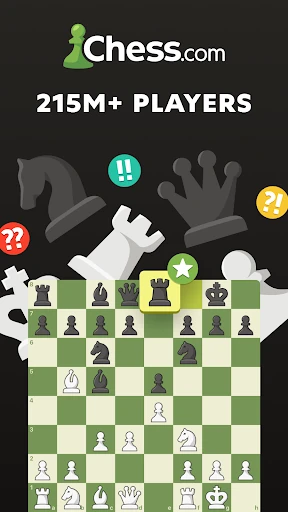
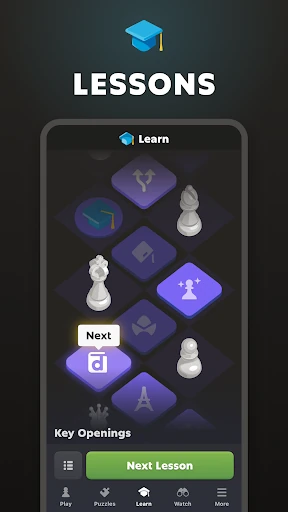
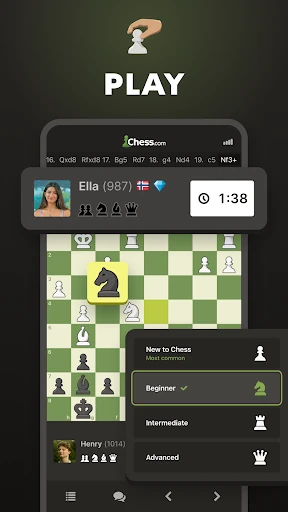
Analysis by Reviewed APKs
Chess - Play and Learn Online is a chess game that pairs matches against other people with puzzles, lessons, computer opponents and game analysis. I like how it gives a curious beginner somewhere to start while still offering plenty for someone who already knows the rules. It is a broad, useful chess companion, though its many choices can feel like a lot if you only want a quick, simple board.
A session built around chess
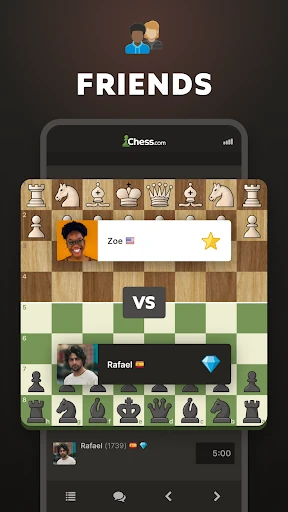
A typical visit can be as focused or as casual as I want. I might tackle a few puzzles while waiting for coffee, then start a timed game when I have a longer break. The app supports online games with friends and other players, including time controls from one minute to 30 minutes or longer. That range makes it easier to choose a match that fits the time I actually have.
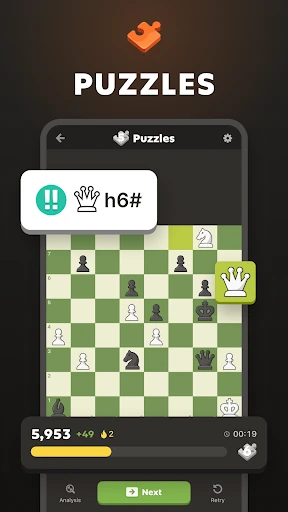
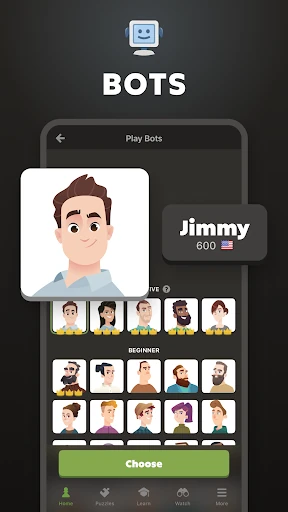
When I want a quieter session, I can play against a computer opponent and choose its level, or work through a lesson instead of facing another player. The puzzle collection offers a different kind of short exercise, with themes such as forks, endgames and checkmates. I appreciate having these options together: a losing game does not have to end the session when I can switch to practice and think through a specific position.
More than a chessboard
Compared with a basic chess app, this one is better suited to players who want several ways to practice and play in one place. There are online matches, computer games, puzzles, lessons, game reviews and chess variants. I can see it appealing to someone who enjoys learning a little after a match, rather than treating every game as a standalone result.
It is not the best fit if all you want is a bare board for occasional moves. The app has a large range of activities and online competition, which may feel busy when your only goal is a straightforward game against the computer. It is also not a substitute for sitting across a physical board with someone. Its strength is combining digital play and study, not recreating every part of an in-person chess club.
Start small, then explore
In my first hours, I would resist the urge to sample every mode at once. Start with a computer game or a lesson that covers the rules, then try a short set of puzzles to get used to spotting tactics. That gives you a gentle introduction before you add a clock or play against another person. If you already know the basics, a few online games can help you find a comfortable pace.
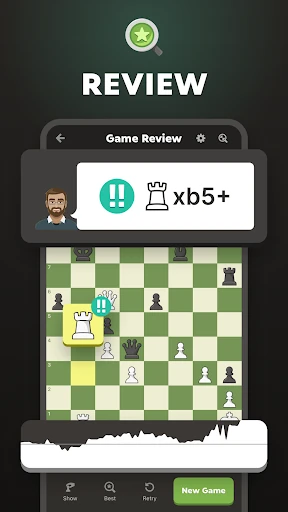
After a match, take time to review it rather than immediately starting another. The app describes game analysis and coach feedback that can point out decisions and offer guidance, so a review can turn a frustrating loss into a useful study session. I would also choose a time control deliberately: a fast game is convenient, but a longer one leaves more room to consider each move. There is no need to rush into tournaments.
More From Our News Desk

Zoom Meetings, Google Meet, or Teams: Which Is Easiest to Join?

How I Build a Free Streaming Lineup With Tubi

Why Crunchyroll Is the Default Anime App for So Many Fans

YouTube TV: A Practical Guide to Cutting Cable

Rummikub and the Small Comfort of Phone Games

TeamViewer Remote Control or AnyDesk for Helping Family?
Who will enjoy the variety
I would recommend Chess - Play and Learn Online to anyone who wants chess to be both a game and a continuing hobby. New players have lessons and puzzles to build familiarity, while experienced players can take on online opponents, explore variants or review their games. Friends can play online together, and a computer opponent offers a way to practice without arranging a match.
Players who prefer a quiet, minimal app may bounce off the range of activities and the emphasis on online competition. Someone who dislikes clocks may also want to stick to untimed practice or longer games rather than bullet and blitz. The app makes most sense when you are happy to spend time learning from positions, not just tapping through a quick distraction with no interest in improving.
Chess - Play and Learn Online is developed by Chess.com. On Google Play, it is free to install and has over 100 million installs, with a 4.7-star rating from around 3.5 million ratings. The game contains ads and offers in-app purchases. Google Play lists those purchases at $1.00 to $229.99 per item, so the free download is not the only spending option.
Google Play gives the content rating as Everyone. The current version varies with device, and the release date is February 1, 2010. The store figures provide a quick sense of its reach and long history, but they do not determine whether its mix of lessons, puzzles and matches suits your own routine.
Finding a rhythm with chess
A gentle route in
When I first opened a chess app, I wanted to know whether I could get into a game without first learning a new system. Here, the central idea is familiar: choose a way to play or practice, then spend your attention on the board. Beginners can turn to step-by-step lessons covering rules and strategy, while interactive tutorials and visual coaching provide another way to approach a tricky concept.
That range can make the first visit feel fuller than expected. Rather than treating every feature as essential, I would pick one starting point: learn the rules, try a computer opponent, or solve a small batch of puzzles. The game also describes coach hints during play, which may help a learner understand a position as it develops. A gradual start makes the available tools feel more like options than homework.
Progress without a sprint
Chess improvement rarely arrives in one satisfying leap, and the app gives practice several shapes. Puzzles are designed to adjust to a player's skill in rated mode, while themed sets let you focus on particular patterns. Lessons cover openings and endgames, and the game review feature can help you revisit decisions after a match. I like that this creates ways to work on a weakness without needing to play endlessly.
The pacing depends partly on the mode I choose. A one-minute game is a very different experience from a match lasting 30 minutes or more, and the timed puzzle challenge adds its own pressure. When I want to think carefully, I would choose a longer game or a lesson. When I only have a few minutes, a puzzle or quick match is easier to fit into the day.
Many ways to play
The most noticeable feature is the range: online games, friend challenges, tournaments, computer opponents, puzzles, lessons and analysis all sit within the same chess-focused experience. The game also includes variants such as Chess960, bullet, blitz, blindfold and puzzle battle. I would not expect to use every option regularly, but the variety helps keep the app useful after the novelty of a standard match wears off.
For solo practice, the description includes offline games against the computer and offline analysis. That is a helpful alternative when I want to work through a position without starting an online match. Online play, by contrast, includes real-time games and daily correspondence. The app also offers board themes and 3D pieces, giving players some visual choice without changing the basic appeal: the board and the decisions on it.
Free play and spending
The game is free to install, and its description says that playing online with friends is free. Google Play also identifies ads and in-app purchases, with listed purchase prices ranging from $1.00 to $229.99 per item. I would keep that range in mind before browsing purchase options, especially if you are installing it for a younger player or simply want to stick with the free experience.
The presence of purchases does not tell me how often a particular player will encounter them or what every purchase includes, so I would not assume that every activity requires spending. The core attraction is chess itself, supported by play and practice options. If you want to avoid unexpected costs, check the store details and device purchase settings before handing over a phone or tablet.
A few limits to consider
Online matches and tournaments are naturally different from solo computer games: they involve other players and the pace of a live game. If I have only a short window, I would choose a quick time control or a puzzle rather than begin a long match. A clock can make chess exciting, but it can also make a relaxing practice session feel more pressured than I intended.
The game describes offline computer play and analysis, but online matches, friend challenges and tournaments are online activities. I would plan around that distinction rather than assume every feature works without a connection. The Android version requirement varies with device, so checking Google Play on the device you plan to use is the practical way to confirm compatibility. The breadth of the app also means a little exploration may be needed to find a preferred routine.
Chess - Play and Learn Online works best as an all-in-one place to play, practice and reflect. I especially value the choice between an opponent, a puzzle and a lesson, since it gives a chess habit room to fit different moods and spare moments. Its range is a strength, even if players looking for a simple board may find it more than they need.
I recommend it to beginners who want guidance and to regular players who enjoy online matches and structured practice. Start with one or two activities, then branch out when you feel ready. If your ideal chess game is quiet, minimal and entirely focused on a single board, a simpler option may suit you better.
Chess Frequently Asked Questions
Is Chess - Play and Learn Online free?
Yes. Chess - Play and Learn Online is free to install on Google Play, and its description says online games with friends are free to enjoy. The game also contains ads and offers in-app purchases, so free installation does not mean that every purchase option is free.
Does Chess - Play and Learn Online have in-app purchases?
Yes. Google Play reports in-app purchases priced from $1.00 to $229.99 per item, as well as ads. The price range does not describe what each purchase includes, so check the current Google Play details in the app or before installing if you want more information.
Can I play Chess - Play and Learn Online offline?
The game describes offline chess games against the computer and offline game analysis. Online matches, tournaments and friend games are online activities. If you need a particular feature to work without a connection, check its current details in the game and Google Play before relying on it.
Which devices can run Chess - Play and Learn Online?
Chess - Play and Learn Online is an Android game on Google Play. Its listed version varies with device, and an Android minimum version is not provided in the available store facts. Check Google Play from the Android device you plan to use for its current compatibility information.
Is Chess - Play and Learn Online suitable for children?
Google Play rates Chess - Play and Learn Online Everyone. It includes chess lessons, puzzles and games, but also contains ads and in-app purchases. Parents may want to review the current store information and purchase settings to decide whether the experience is appropriate for their child.
Pros
- Combines online matches, computer games, puzzles, lessons and analysis in one chess-focused app.
- Offers offline play against the computer and offline analysis for solo practice.
- Time controls and puzzle themes give sessions useful variety.
Cons
- The number of activities may feel busy to players who only want a basic board.
- Timed modes can add pressure when you would rather study a position slowly.
- Ads and a wide in-app purchase price range are worth considering.
- Category
- Board