Click to download now, finish the installation quickly, and directly unlock the all-round experience
Screenshots
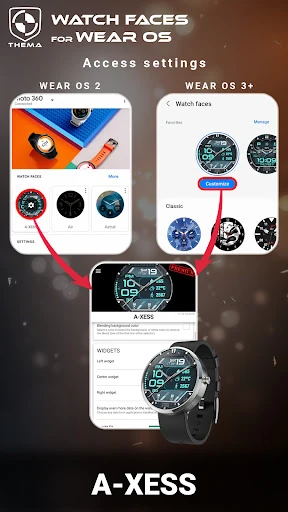
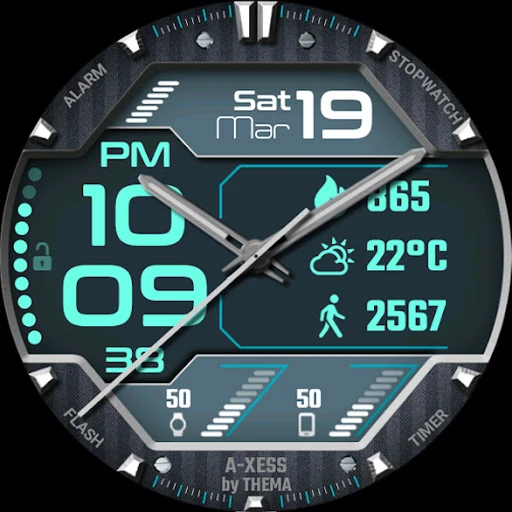
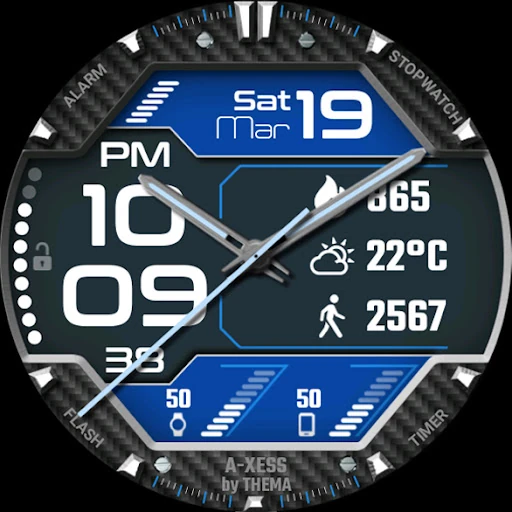
Click to download now, finish the installation quickly, and directly unlock the all-round experience
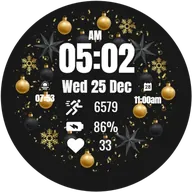
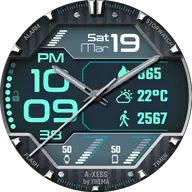
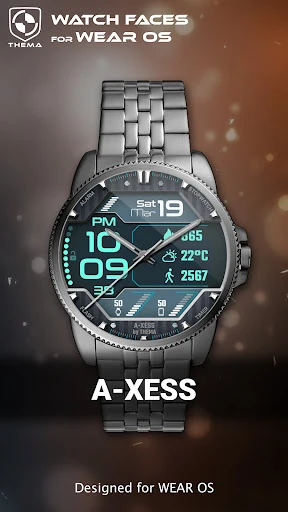
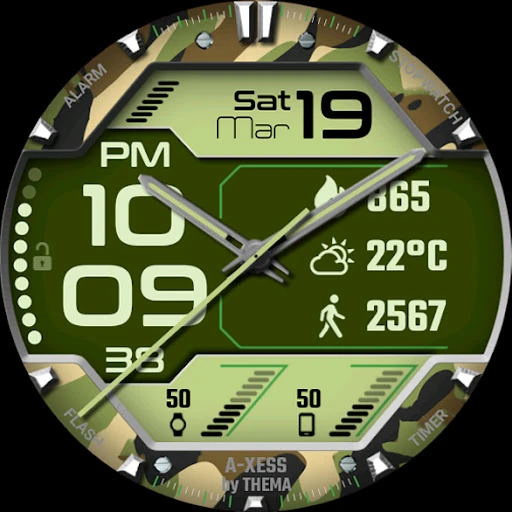
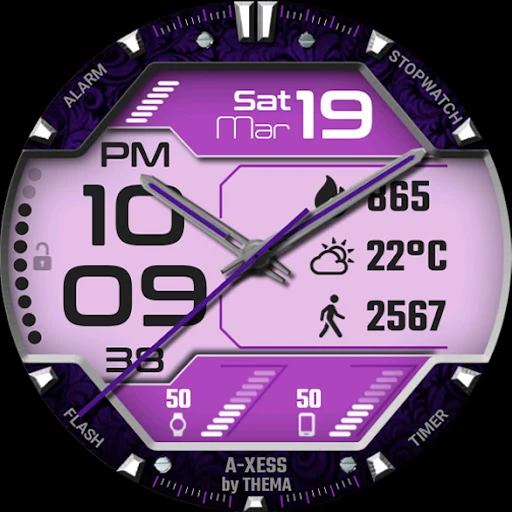
A-Xess Watch Face is a customizable Wear OS watch face from thema, built around a clean digital layout with time, date, battery information and optional data widgets. It suits people who want more than a fixed clock face but do not need a full watch app on the screen. With a 4.45 rating from 3,288 reviews and 100,000+ installs, it has a substantial user base in the Personalization category.
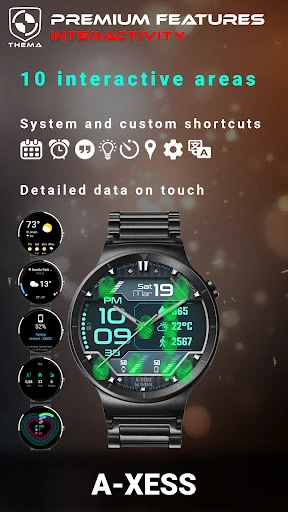
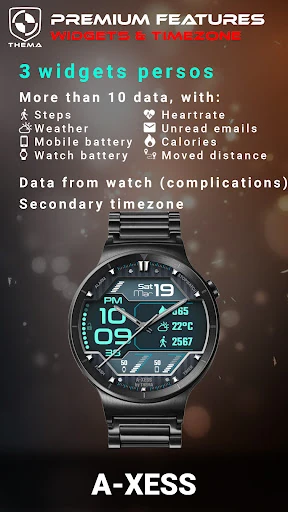
The face can show the day and month, your watch battery and, with the phone companion available, your phone battery and weather. Depending on the Wear OS version and selected settings, additional indicators can include step count, heart rate and unread Gmail messages. Some widgets can be tapped to open more detailed information or launch an app.
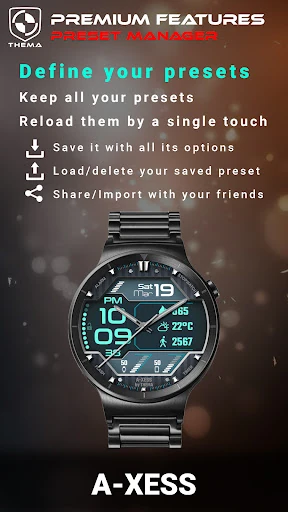
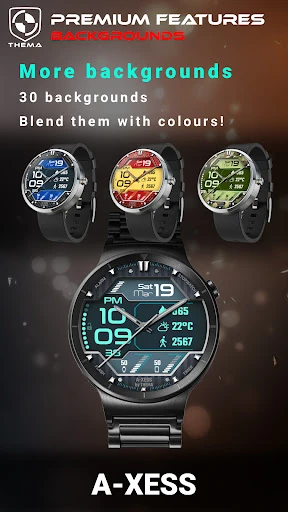
The free settings cover the main appearance and display choices, including ambient mode, seconds dots, leading zeros and visible battery indicators. Premium options go further with custom titles, more background control, configurable data positions and deeper widget interaction. This makes A-Xess more flexible than a basic themed face, although the number of choices may take time to configure.
Some of the most useful information is dependent on the phone companion, particularly weather and mobile battery data. Settings are handled through the Wear OS app rather than entirely on the watch, which adds an extra step when changing the design. Features also vary by Wear OS generation, so the available controls are not identical across devices. It is a good fit for users who value configurable information, but less so if you want a completely hands-off watch face.