Muviz Edge: AOD & Edge Lights
Sparkine Labs
Downloads
10,000,000+
Version
Latest
Click to download now, finish the installation quickly, and directly unlock the all-round experience
Screenshots
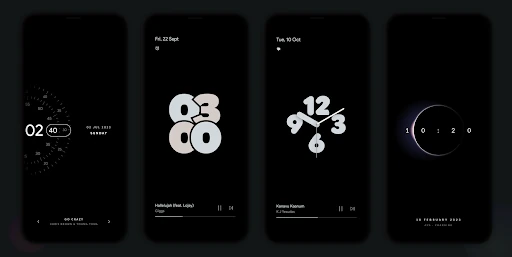
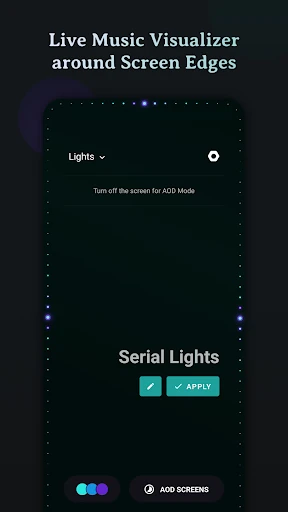
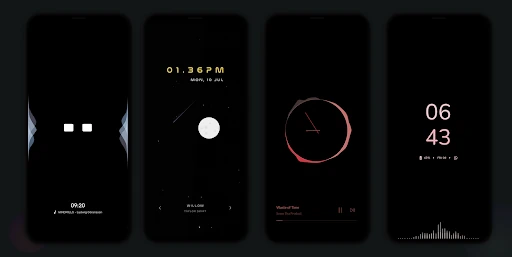
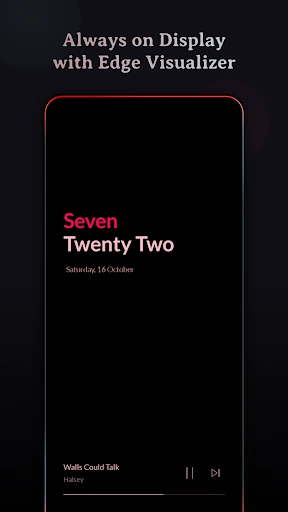
Click to download now, finish the installation quickly, and directly unlock the all-round experience
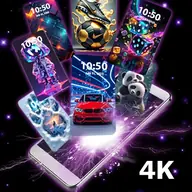
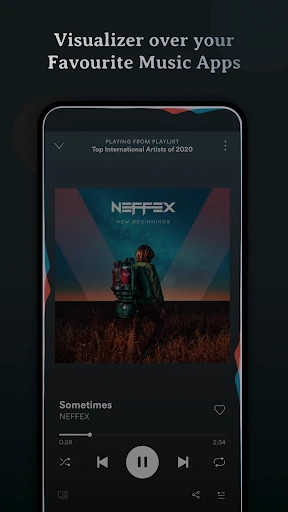
Muviz Edge: AOD & Edge Lights turns the border of your phone’s display into a live music visualizer. The lighting responds while music plays through supported streaming or offline music apps, making it a personalization tool aimed at people who want their screen to react to what they are listening to.
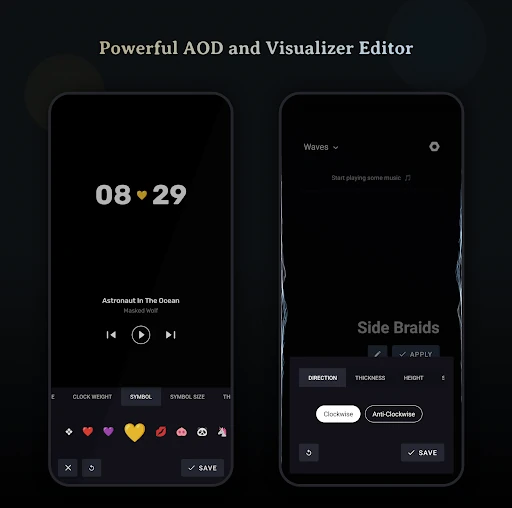
It also combines the edge effects with always-on display screens. You can use clock and information layouts on their own, or pair them with the visualizer for a more noticeable lock-screen effect. Sparkine Labs lists the app in the Personalization category, and its 10,000,000+ installs and 4.69 rating from 147,859 ratings suggest it has found a substantial audience.
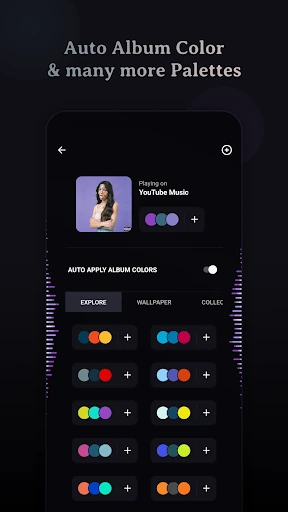
The app is more configurable than a single animated border. You can choose visualizer designs made for curved or edge-to-edge screens, adjust their colours, and build palettes of your own. Colours can come from preset options, custom selections, or the artwork of the currently playing track.
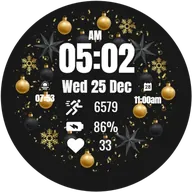
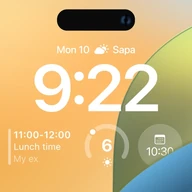
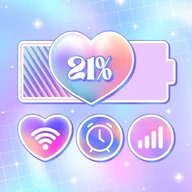
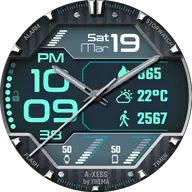
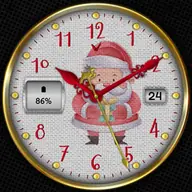
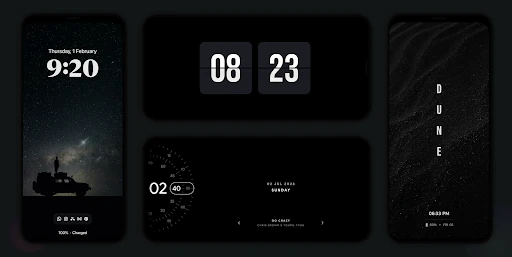
The always-on display collection is a significant part of the experience rather than a small extra. Available styles cover clocks, text displays, retro designs, star and space themes, and layouts inspired by several Android and phone interfaces. That gives users who mainly want a replacement AOD reason to use the app even when music visualisation is not a priority.
Muviz Edge is a good fit for users who enjoy visible, decorative feedback from their music and are willing to spend time tuning the look. It is less suited to anyone seeking a quiet, minimal lock screen: animated borders and bright AOD layouts can become distracting, and the number of controls may feel excessive if you only want a basic clock. The results will also depend on how well the chosen music app and phone display handle visualizer and always-on features.