Click to download now, finish the installation quickly, and directly unlock the all-round experience
Screenshots



Click to download now, finish the installation quickly, and directly unlock the all-round experience
Docusign - Upload & Sign Docs is a mobile document-signing app for people who need to review, complete, send, or track agreements without relying on a desktop. It suits individuals signing occasional forms as well as teams handling repeatable business paperwork. The app is developed by Docusign and sits in the Productivity category, with a 4.54 rating from 155,290 ratings and more than 10,000,000 installs.
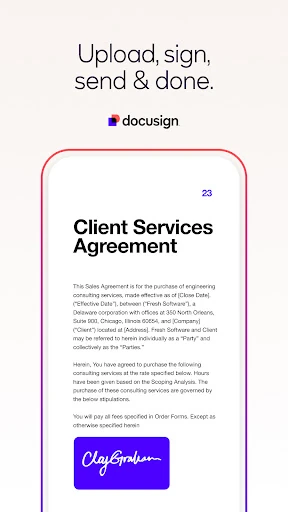
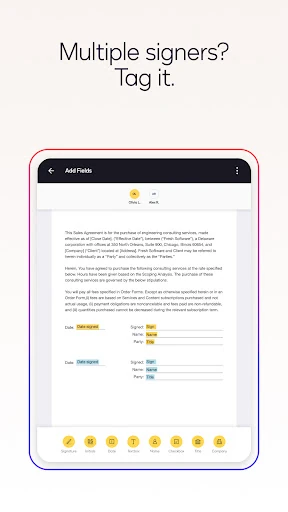
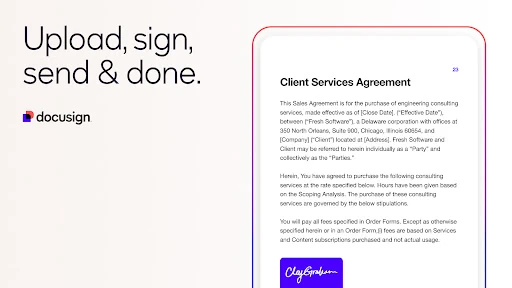
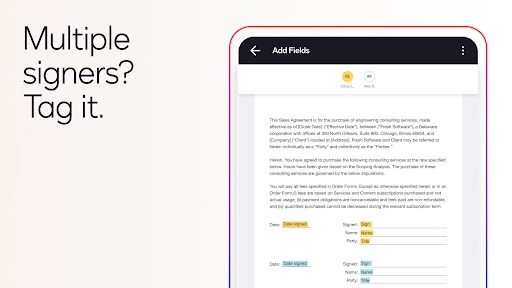
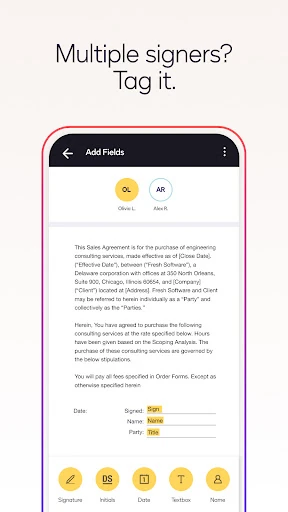
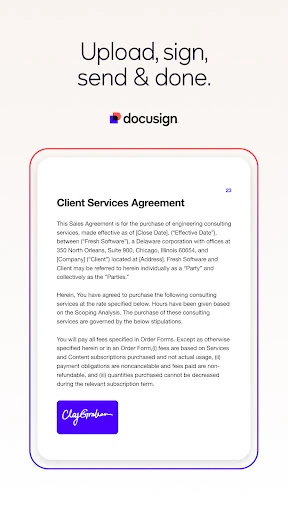
The main workflow is clear: open a document, follow the marked fields, add signatures or initials, and submit it. Sign Here prompts help show where action is required, while the guided process reduces the chance of skipping a date, signature, or other required entry. Incoming documents can be signed without a subscription, which makes the app useful even if you only receive agreements now and then.
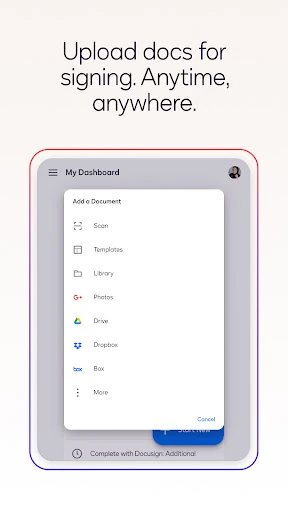
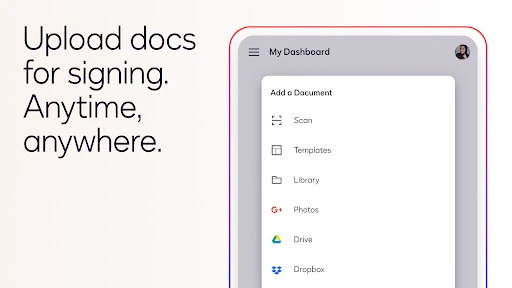
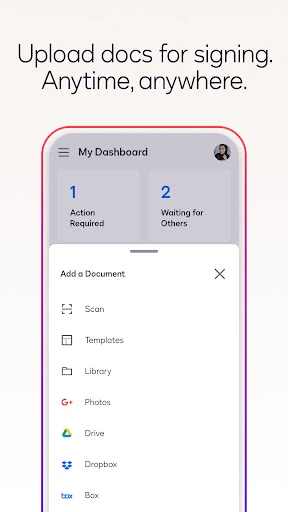
For documents stored elsewhere, Docusign supports connections with services including Google Drive, Dropbox, Box, and Salesforce. Its mobile layout is designed to keep forms usable on a small screen, although lengthy or complicated documents can still demand careful scrolling and review.
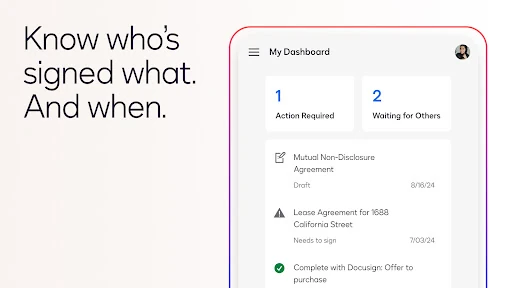
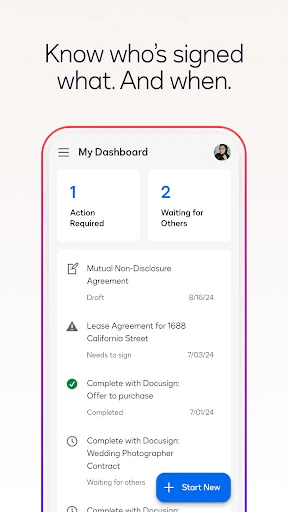
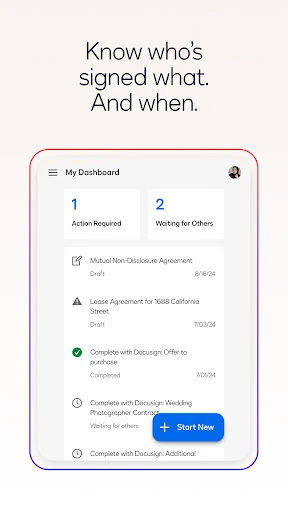
Docusign is more than a place to tap a signature. Status notifications can show when an agreement has moved forward, and audit trails record actions with timestamps and location information. That record matters when several people are involved or when you need a clear history of how an agreement was handled. The app also carries the security and compliance focus associated with Docusign’s broader service, which is more relevant to business users than to someone signing a single simple form.
The app is strongest when the other party already uses Docusign or when a document needs a formal, trackable signing process. It may feel heavier than necessary for a quick informal approval, and mobile editing is naturally less comfortable than working on a larger screen. Still, for legally significant documents and recurring agreement workflows, its structured process is the point rather than an obstacle.